
iHeylinkit X9
iHeylinkit 2-in-1 Wireless CarPlay & Android Auto Adapter
Model: X9
Produk verbyview
The iHeylinkit 2-in-1 Wireless CarPlay & Android Auto Adapter is designed to convert your vehicle's existing wired CarPlay or Android Auto system into a wireless experience. This device eliminates the need for physical cable connections, providing a cleaner and more convenient in-car environment. It supports seamless integration of navigation, music, calls, and messaging functions from your smartphone directly to your car's infotainment display.

Image: The iHeylinkit 2-in-1 Wireless CarPlay & Android Auto Adapter, showcasing its compact design and dual USB-A and USB-C connectivity.
Opstelgids
Wat is in die boks
- 1 x iHeylinkit 2-in-1 Wireless CarPlay & Android Auto Adapter
- 1 x USB-A to USB-C Converter
- 1 x Gebruikershandleiding
Aanvanklike opstelling
The adapter features a plug-and-play design, requiring no additional apps or drivers for installation. Follow these steps for a quick setup:
- Ensure your vehicle supports wired Apple CarPlay or Android Auto.
- Connect the iHeylinkit adapter to your car's USB port. Use the provided USB-A to USB-C converter if your car has a USB-C port.
- On your iPhone (iOS 10+) or Android phone (Android 11+), enable Wi-Fi and Bluetooth.
- Open your phone's Bluetooth settings and search for the device named "Carsmart Adapter" (or similar, followed by asterisks).
- Select the adapter to pair. Follow any on-screen prompts on your phone and car display to confirm the connection.
- Once paired, your car's display should automatically switch to the wireless CarPlay or Android Auto interface.

Image: Visual guide demonstrating the simple plug-and-play setup process for both Apple CarPlay and Android Auto, including Bluetooth pairing steps.
Video: An official demonstration of the Wireless CarPlay Adapter, showing the physical connection and initial setup process within a vehicle. This video highlights the ease of installation and the immediate functionality upon connection.
Bedryfsinstruksies
Outomatiese herverbinding
After the initial pairing, the adapter will automatically reconnect to your smartphone each time you start your car, typically within 10-15 seconds. This ensures a seamless and consistent wireless experience without requiring manual intervention.
Voice Assistant and Controls
The adapter supports all standard CarPlay and Android Auto features, including voice commands (Siri, Google Assistant), touch screen input, steering wheel controls, and knob control. This allows for safe and convenient operation of your smartphone's functions while driving.
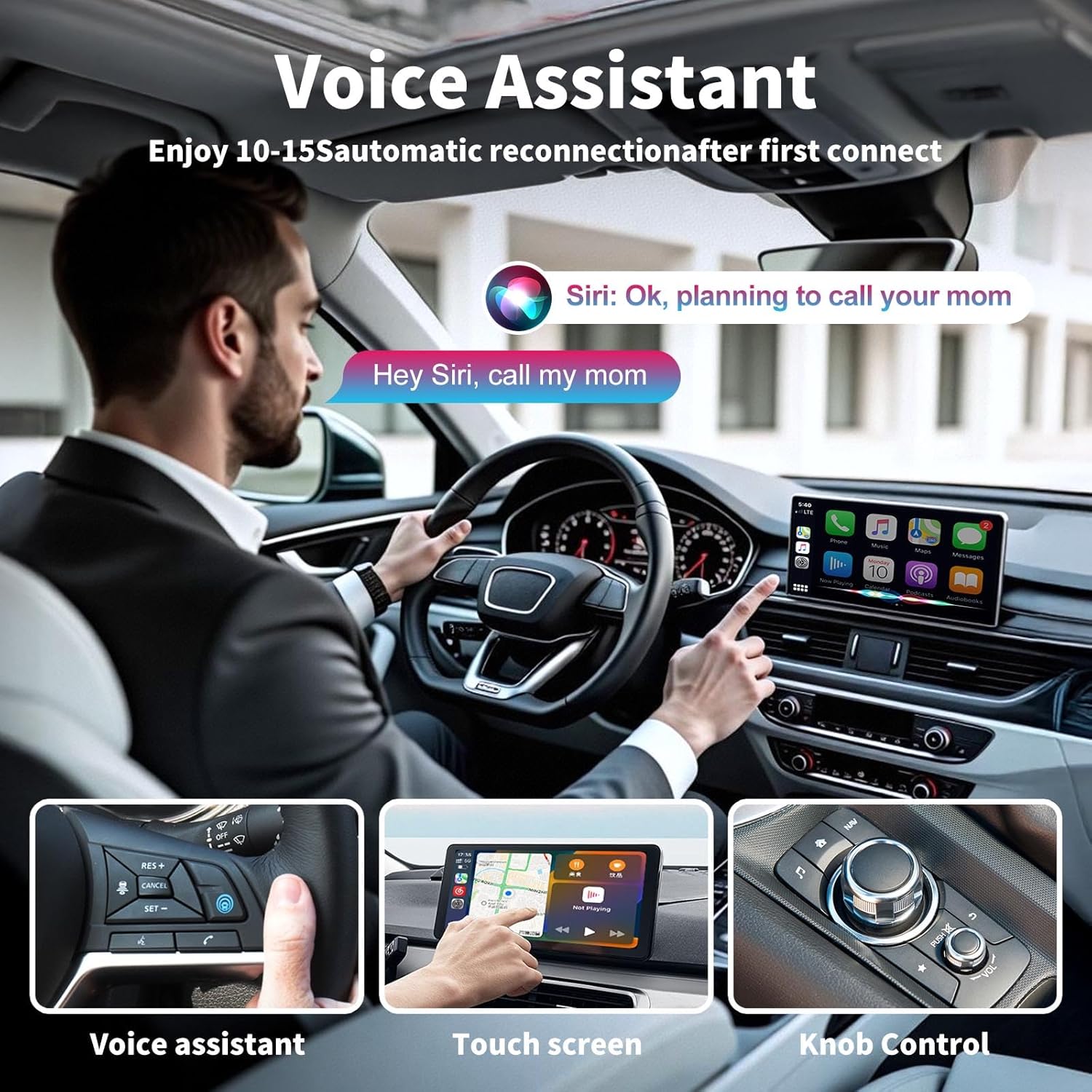
Image: A driver interacting with the car's infotainment system using voice commands, touch screen, and steering wheel controls, demonstrating the various methods of control supported by the adapter.

Image: An in-car display showing a stable connection to the wireless adapter, indicating readiness for CarPlay or Android Auto functionality.
Verenigbaarheid
Toestelversoenbaarheid
- iPhone: iOS 10 and above (iPhone 6 and newer series).
- Android: Android 11 en hoër.
Voertuigversoenbaarheid
This adapter is designed for vehicles with factory-installed wired Apple CarPlay or Android Auto from model years 2016 to 2025. It is compatible with approximately 98% of car models that meet this criterion.
- Nie versoenbaar nie: Tesla and BMW models.
- Vereiste: Your vehicle must have built-in wired CarPlay or Android Auto functionality. This product does not add CarPlay/Android Auto to vehicles that do not already possess it.
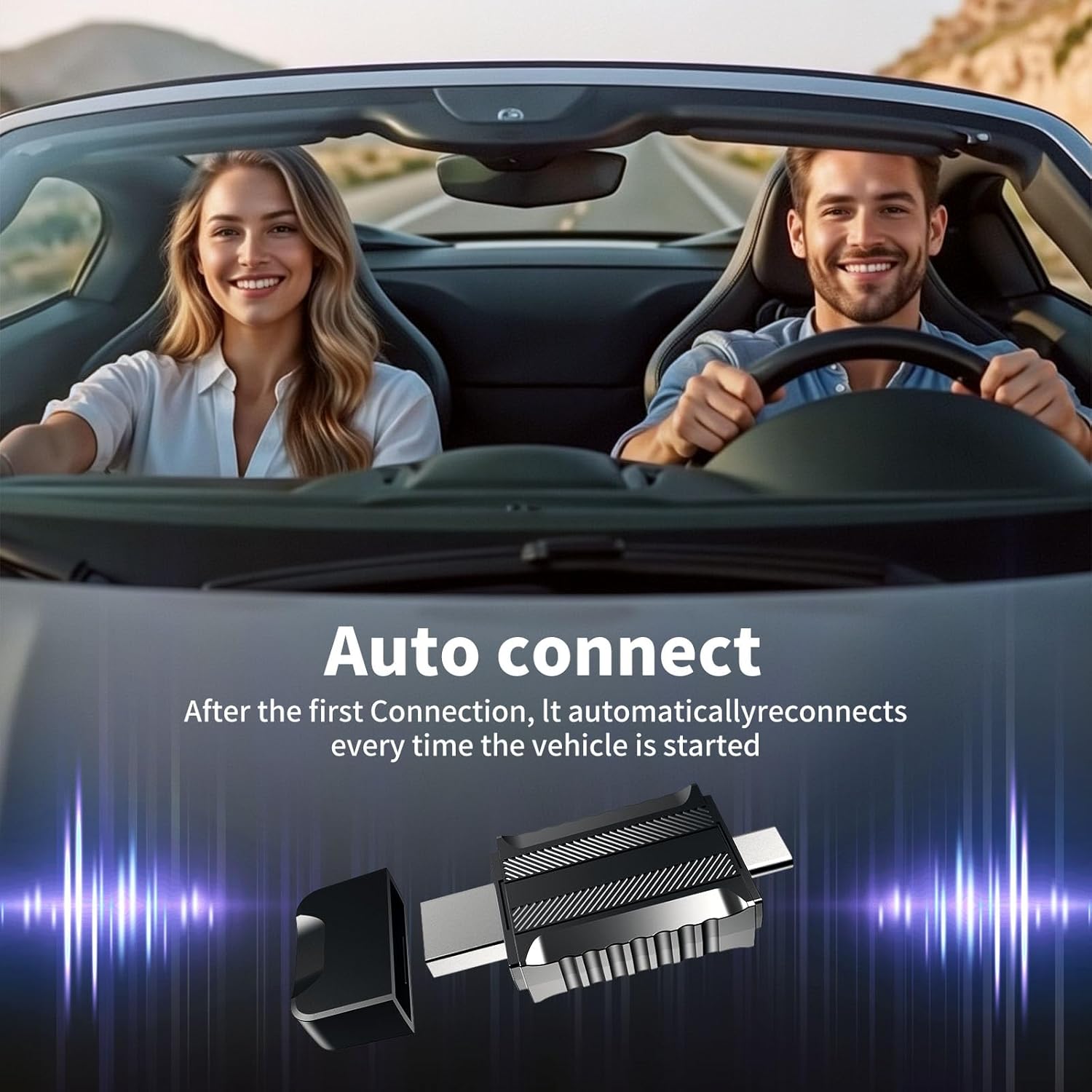
Image: A visual representation of compatible car brands and models, highlighting the exclusion of BMW and Tesla vehicles, and emphasizing the requirement for existing wired CarPlay/Android Auto.
For detailed compatibility lists, please refer to the official resources:
Onderhoud
Sagteware-opdaterings
To ensure optimal performance and access to the latest features, it is recommended to keep your adapter's firmware updated. Updates can be performed online:
- Connect your mobile phone to the car box with the Wireless CarPlay/Android Auto.
- Voer in 192.168.8.1 in your mobile phone's browser.
- Navigate to the 'Upgrade' section and follow the on-screen instructions to update the software.

Image: A visual guide illustrating the steps for performing an online software upgrade for the wireless adapter via a web blaaier koppelvlak.
Probleemoplossing
Algemene kwessies en oplossings
| Kwessie | Oplossing |
|---|---|
| Adapter does not respond when plugged in. | First, confirm your vehicle has wired CarPlay or Android Auto. If your car only has Android Auto, you may need to turn on your Android phone's Bluetooth and search for the device to connect directly. |
| Cannot connect to the adapter. | Check if your phone's Bluetooth is occupied. If not, restart your phone and try pairing again. Ensure all relevant permissions are enabled in your phone settings. |
| Unstable connection or frequent disconnections. | Check that the USB port connection is firm. Update your iOS/Android to the latest version and restart your phone. Verify all relevant permissions are enabled in phone settings. |
| Geen geluid van die foon af nie. | Ensure you have selected the correct sound channel (e.g., "Carsmart Adapter") during your call or media playback. |
| Sound delay or navigation delay. | Troubleshoot network issues on your phone and restart it. The adapter uses ultra-fast WiFi + Bluetooth dual-channel technology for minimal delay. |
| Can this product be paired with more than one cell phone? | Yes, but if you want to use a different phone, ensure the Bluetooth and Wi-Fi of the previously connected phone are turned off. |
Video Playback Limitations
Apple CarPlay and Android Auto platforms do not natively support video playback from streaming services like YouTube, Netflix, Disney+, Prime Video, Apple TV, or Hulu directly on the car's display. This is primarily for driving safety. While the adapter enables wireless connectivity for these platforms, it does not bypass these inherent limitations. Audio from video streaming on your phone can still be played through the car stereo, though sound may not always sync perfectly due to wireless limitations.

Image: An informational graphic explaining that video playback from popular streaming services is not supported directly on CarPlay or Android Auto for safety reasons.
Spesifikasies
| Kenmerk | Detail |
|---|---|
| Modelnommer | X9 |
| Produkafmetings (L x B x H) | 1.45 x 0.9 x 0.39 duim (37 x 23 x 10 mm) |
| Item gewig | 1.13 onse |
| Kleur | Swart |
| Connector Tipe | USB Type C (with USB-A converter) |
| Versoenbare toestelle | iPhone iOS 10+, Android 11+ |
| Spesifieke gebruike | Car Audio & Video Integration |
| Vervaardiger | iHeylinkit |
| Land van oorsprong | China |

Beeld: 'n Gedetailleerde view of the adapter's compact and portable design, including precise measurements in millimeters.
Waarborg en Ondersteuning
iHeylinkit provides comprehensive support for its products:
- Waarborg: 2 years replacement warranty (no repair required).
- Tegniese ondersteuning: North American local technical team provides 7x24 hours online support for compatibility issues and other inquiries.
- Terugsendings: 30-day free returns.
Ask a question about this manual
Ask about setup, troubleshooting, compatibility, parts, safety, or missing instructions. Manuals+ will review the question and use this page’s manual context to help answer it.