
Inleiding
This manual provides essential information for the setup, operation, maintenance, and troubleshooting of your LG 55-Inch Class OLED evo AI 4K C6 Series Smart TV. Please read this manual thoroughly before using your television to ensure proper and safe operation.
Wat is in die boks
Verifieer dat alle komponente in die verpakking teenwoordig is:
- LG 55-duim Klas OLED evo AI 4K C6-reeks slim-TV
- Staan
- Kragkabel
- Afstandbeheer
- Remote Control Battery (2 AAA batteries)
- Gebruikershandleiding (hierdie dokument)

Beeld: Oorview of TV dimensions and included accessories.
Opstelling
Uitpak en plasing
Carefully remove the TV from its packaging. Place the TV on a stable, level surface or mount it on a wall using a compatible VESA 400 x 400 mm mount. Ensure adequate ventilation around the TV.
- Produkafmetings (B x H x D): 48.1 cm x 29.8 cm x 9.1 cm (met staander)
- Produkafmetings (B x H x D): 48.1" x 27.7" x 1.8" (sonder staander)
- Staanvoetspoor: 18.5"
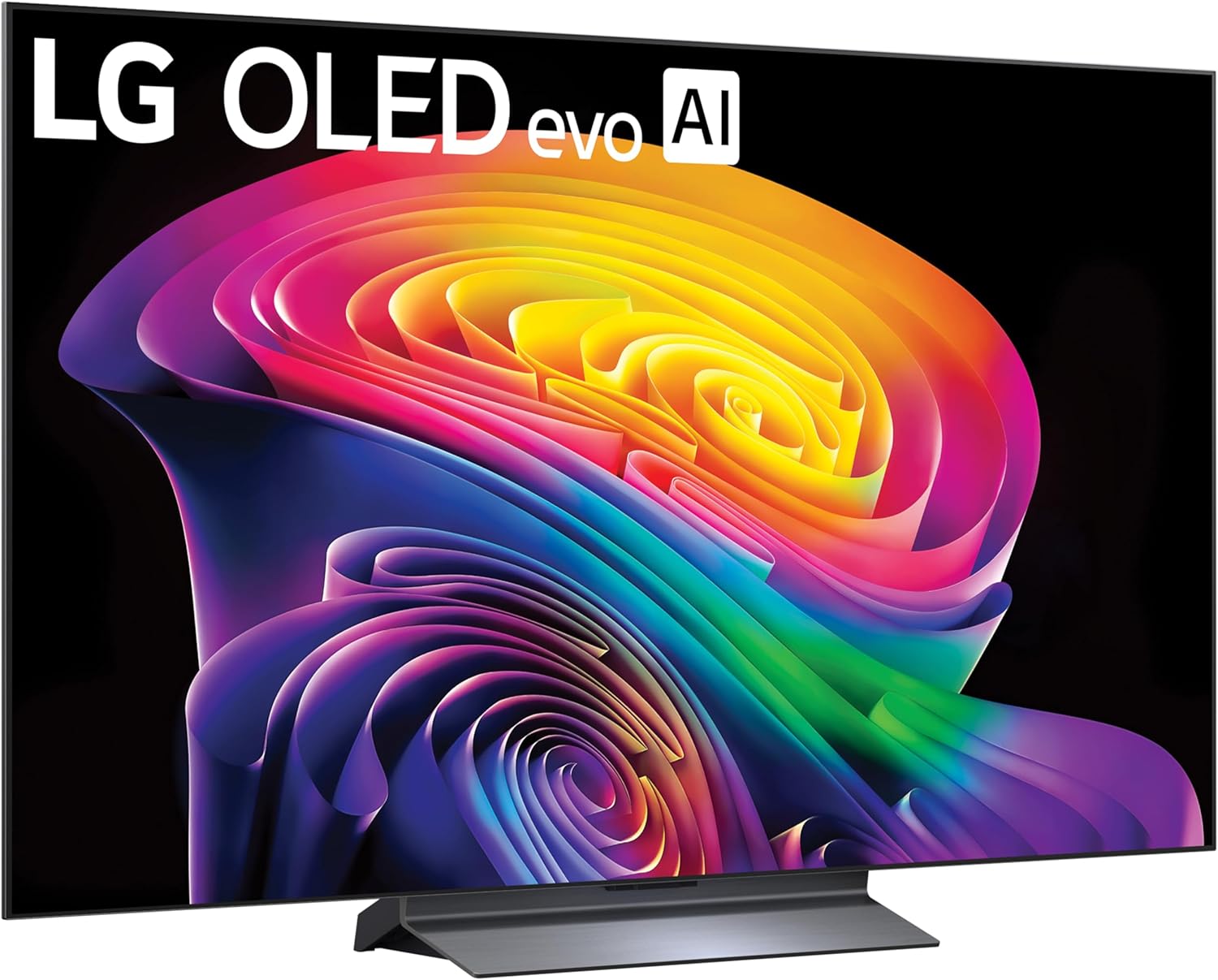
Beeld: Voorkant view of the LG OLED TV with its stand.
Stand Installasie
If using the included stand, attach it securely to the TV following the instructions provided in the quick start guide. Ensure all screws are tightened to prevent instability.

Image: Detail of the TV stand.
Verbind randapparatuur
Connect your external devices such as gaming consoles, soundbars, or media players to the TV's ports. The TV features multiple connectivity options:
- HDMI: 4 poorte vir hoëdefinisie-klank en -video.
- USB: 2 USB 2.0 ports, 1 USB 3.0 port for media playback or connecting accessories.
- Ethernet (LAN): Vir bedrade internetverbinding.
- Optiese oudio-uitvoer: Vir die koppeling aan eksterne klankstelsels.
- Wi-Fi en Bluetooth: Vir draadlose konnektiwiteit.
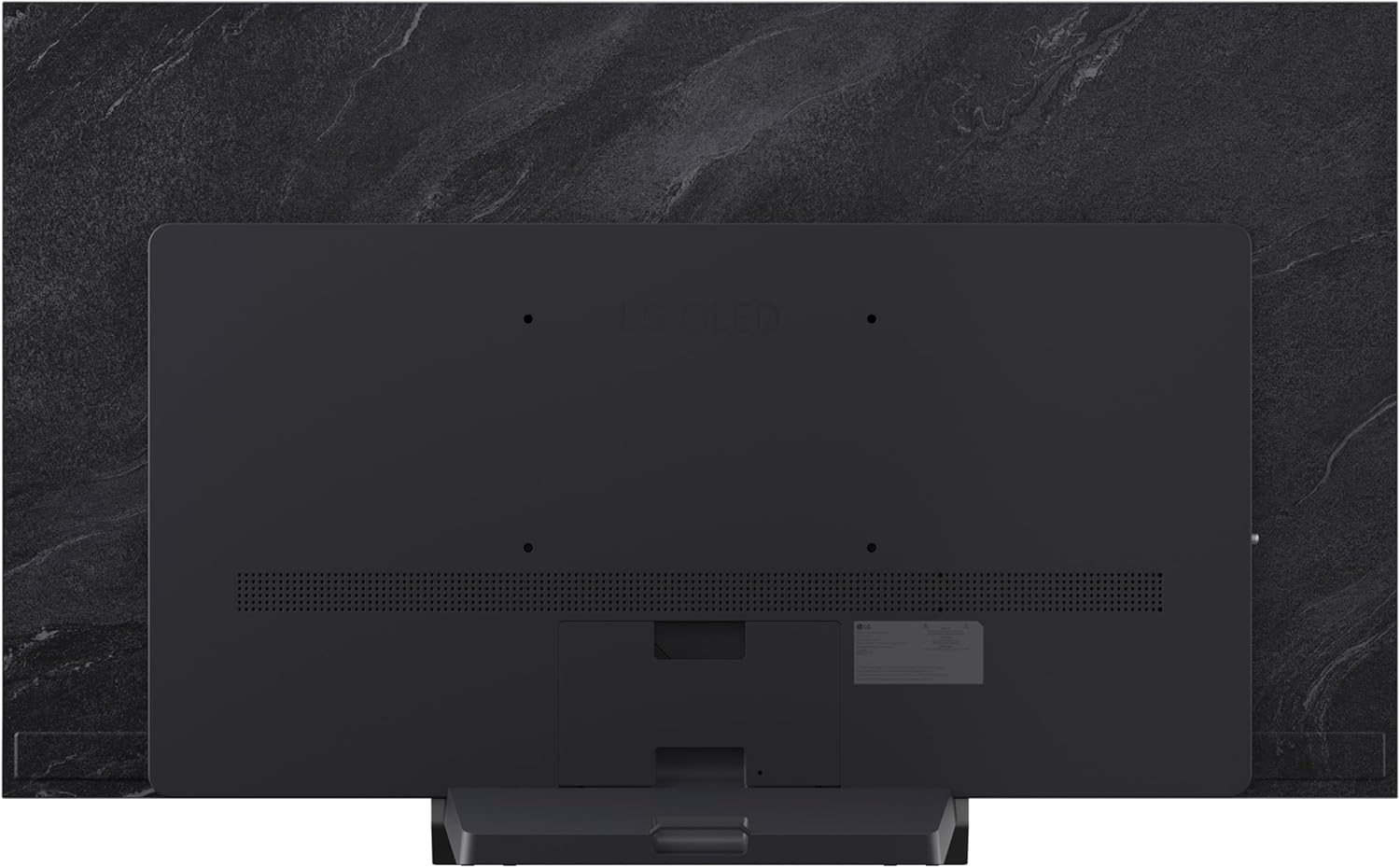
Beeld: Agter view van die TV wat konnektiwiteitspoorte wys.

Image: Close-up of the TV's HDMI and USB ports.
Kragverbinding
Connect the power cable to the TV and then to a wall outlet. Ensure the power outlet is easily accessible.
Afstandbeheeropstelling
Insert the two AAA batteries into the Magic Remote control, observing the correct polarity. The remote is designed for intuitive navigation and voice control.
Aanvanklike Aanskakel- en Opstellingsassistent
Press the power button on the remote or TV. Follow the on-screen instructions to complete the initial setup, including language selection, network connection, and channel tuning.
Bediening van jou TV
Basiese kontroles
Use the Magic Remote to navigate menus, adjust volume, change channels, and select input sources. The pointer function allows for quick selection of on-screen elements.
webOS Slim TV-platform
Jou LG TV loop op die webOS 2026 platform, providing access to a wide range of streaming services and applications. Explore LG Channels for over 400 free channels and thousands of on-demand movies and shows.

Image: LG webOS Smart TV platform interface.
AI Features (Alpha 11 AI Processor Gen3)
The Alpha 11 AI Processor Gen3 enhances picture and sound quality through deep learning. It analyzes content to optimize settings for a personalized viewing experience, including AI Picture and AI Sound features.

Image: Alpha 11 AI Processor Gen3 with Dual AI Engine.
Beeld- en klankverbeterings
- Helderheid Booster: Delivers brighter visuals and vivid detail.
- Perfekte Swart en Perfekte Kleur: Over 8.3 million self-lit pixels provide infinite contrast and accurate colors, even in bright rooms.
- Dolby Vision en HDR10: Supports advanced HDR formats for extraordinary color, contrast, and brightness.
- Dolby Atmos: Bied immersiewe, multidimensionele klank.
- Filmmaker-modus: Bewaar die regisseur se oorspronklike visie deur bewegingsgladdering en ander naverwerkingseffekte te deaktiveer.

Image: Demonstration of Perfect Black and Perfect Color technology.
Speleienskappe
The C6 Series TV is optimized for gaming with features designed for a smooth and responsive experience:
- 165Hz opdateringsfrekwensie: For ultra-smooth motion.
- 0.1ms Reaksietyd: Minimizes input lag.
- NVIDIA G-Sync en AMD FreeSync Premium: Verminder skermskeuring en hakkeling.
- Four HDMI 2.1 Inputs: Ondersteun gevorderde spelfunksies.

Image: Gaming features highlighting 165Hz, G-Sync, and FreeSync Premium.
AI Hub and Voice Control
The AI Hub provides a personalized AI experience with features like Multi AI Search (powered by Google Gemini and Microsoft Copilot), AI Concierge, AI Voice ID, AI Picture Wizard, and AI Sound Wizard. Simply press the AI button on your remote to access these functions.
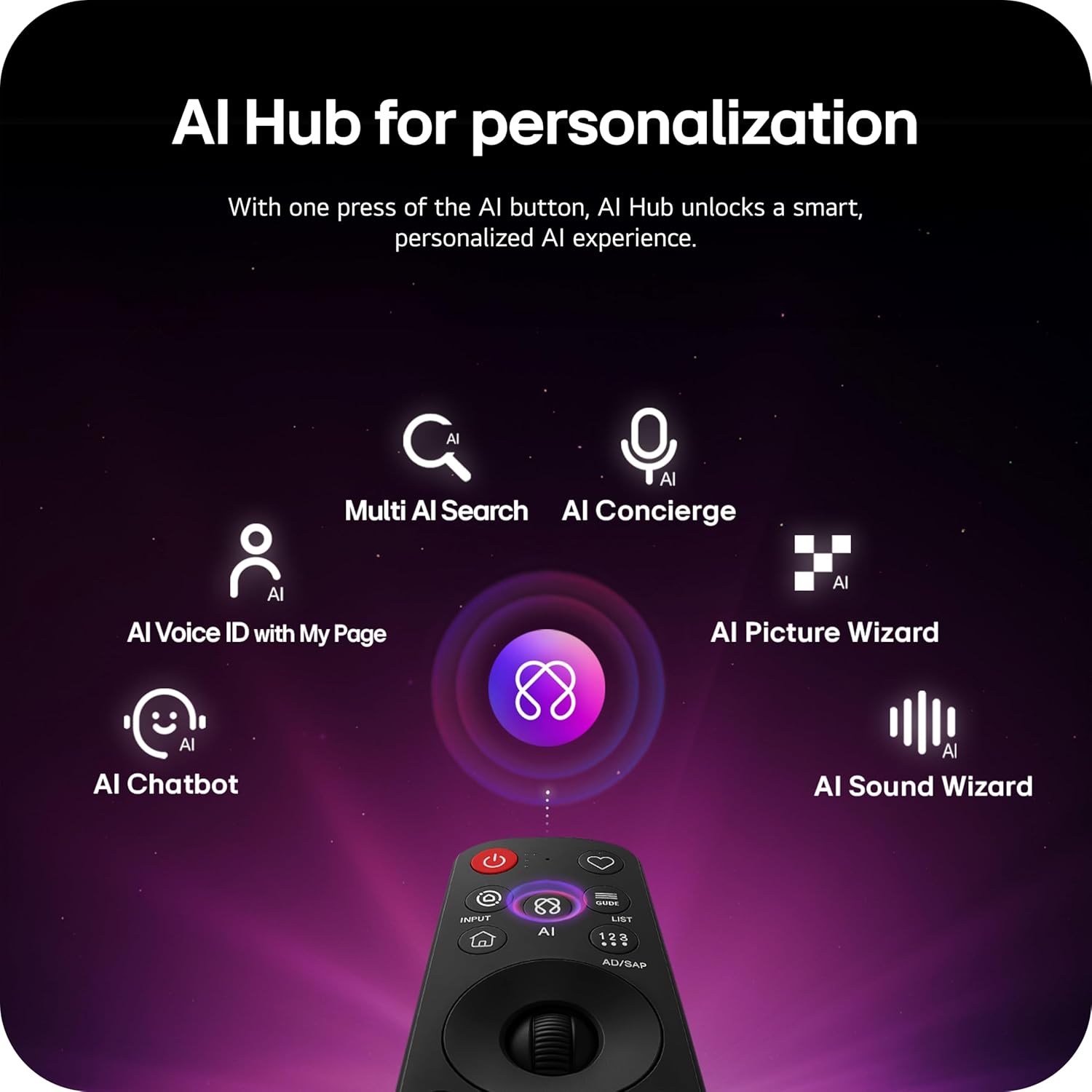
Image: AI Hub features accessible via the Magic Remote.
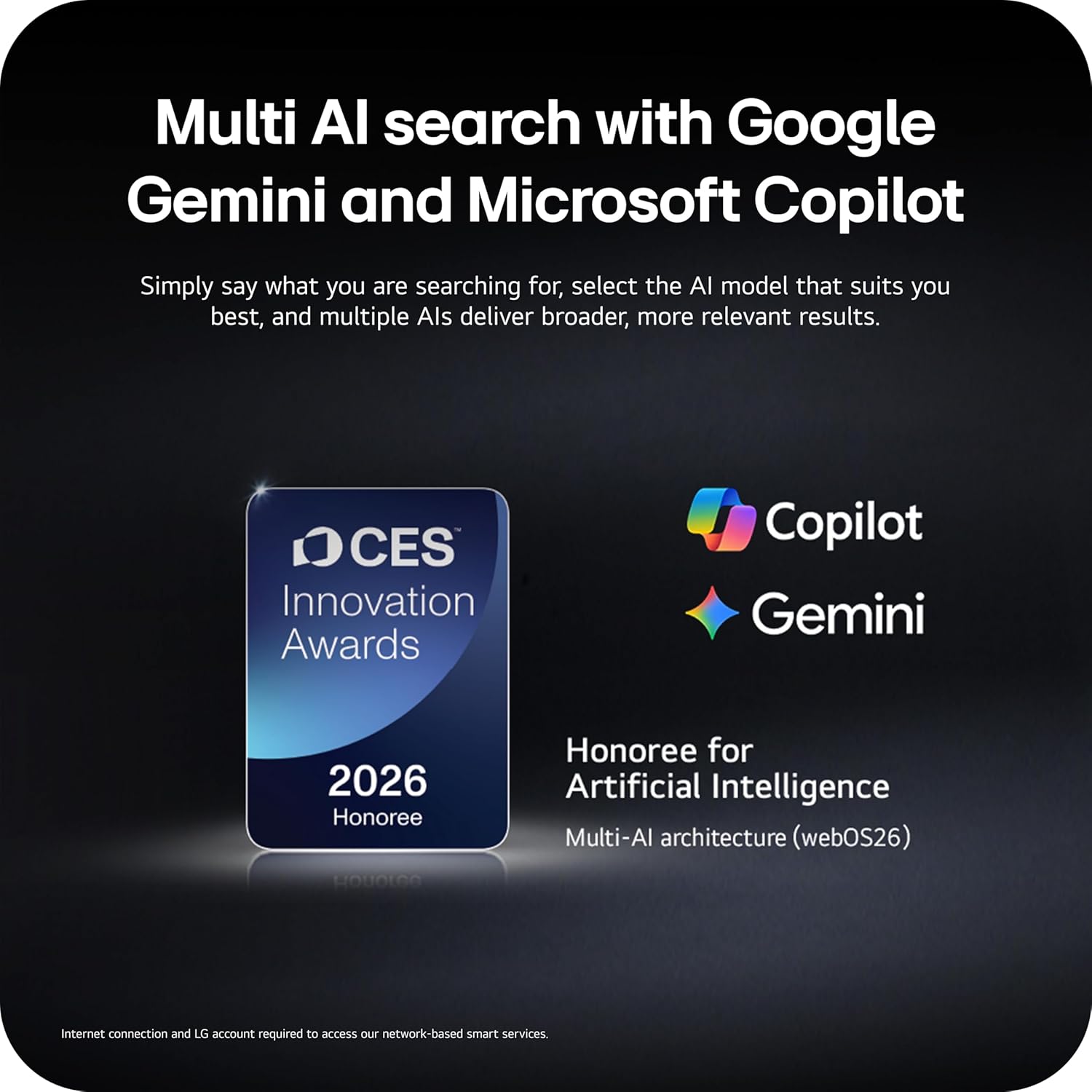
Image: Multi AI search with Google Gemini and Microsoft Copilot integration.
Dinamiese sport
Dynamic Sports is an exclusive feature built into webOS Smart TVs, offering a tailored sports experience. It provides real-time updates, scores, and highlights, ensuring you don't miss any action.
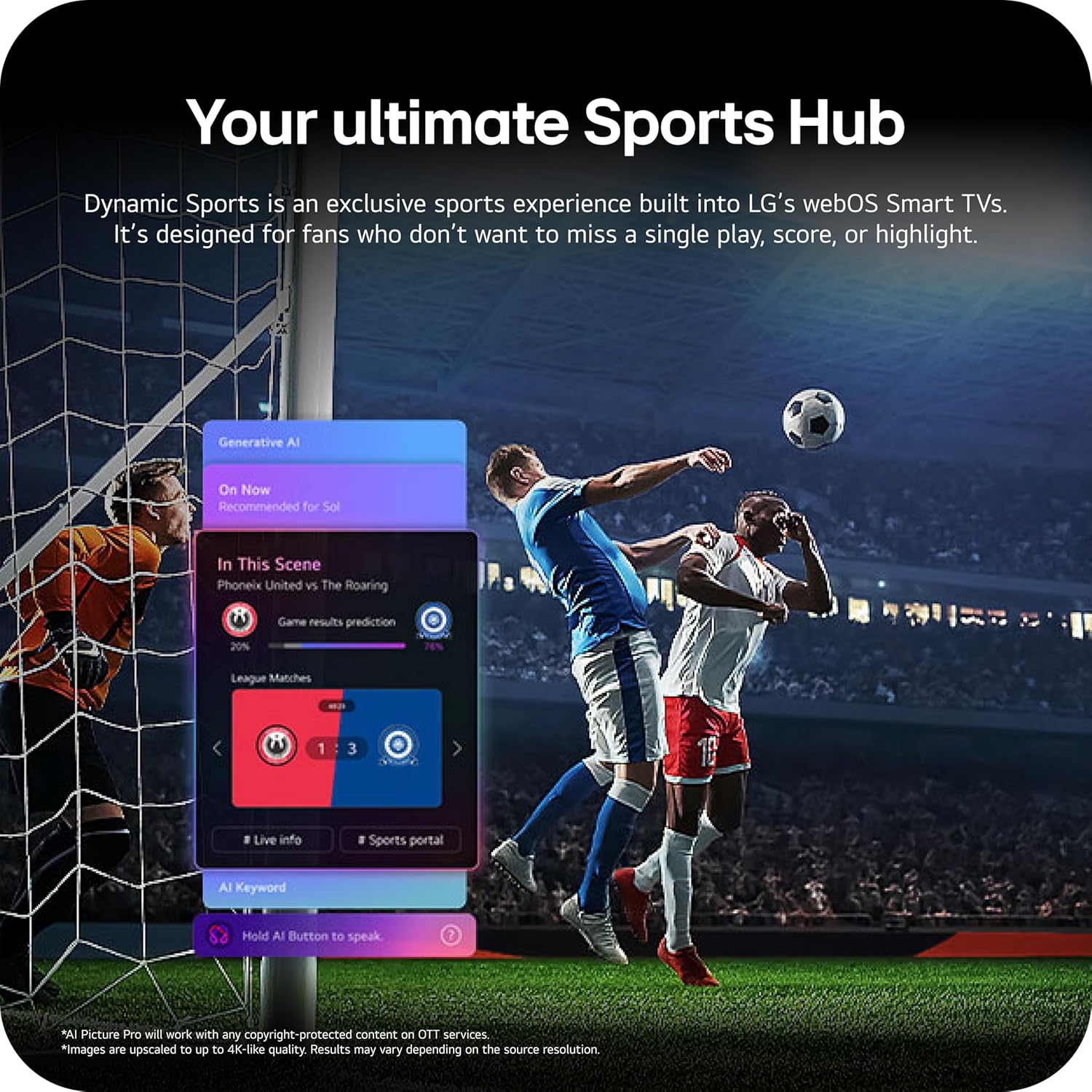
Image: Dynamic Sports Hub interface during a soccer match.
Onderhoud
OLED sorg
Your LG OLED TV includes OLED Care features to help protect the display and maintain picture quality over time. These features manage pixel refresh cycles and screen shift to prevent image retention.

Image: OLED Care feature for display protection.
Algemene skoonmaak
Om die skerm skoon te maak, vee dit liggies af met 'n sagte, droë, pluisvrye lap. Vir hardnekkige merke, vee dit effens af.ampen the cloth with water or a specialized screen cleaner. Avoid using harsh chemicals or abrasive materials. Clean the TV's exterior with a soft, dry cloth.
Sagteware-opdaterings
The TV's software will automatically download updates for up to 5 years. Ensure your TV is connected to the internet to receive the latest features and security enhancements. If auto-update is disabled, you will receive notifications to accept or deny updates.
Probleemoplossing
As jy probleme met jou TV ondervind, raadpleeg die volgende algemene oplossings:
- Geen krag: Check the power cable connection and the wall outlet. Try plugging another device into the outlet to confirm it is working.
- Geen Beeld/Klank: Verifieer dat die korrekte invoerbron gekies is. Kontroleer kabelverbindings na eksterne toestelle. Herbegin die TV en gekoppelde toestelle.
- Afstandbeheer werk nie: Ensure batteries are correctly inserted and not depleted. Point the remote directly at the TV.
- Netwerkverbindingsprobleme: Kontroleer jou Wi-Fi-router of Ethernet-kabelverbinding. Herbegin jou router en TV.
LG Shield
LG Shield provides real-time scanning and automatic updates to protect your TV against malware, viruses, and other cyber threats, ensuring your digital security.

Image: LG Shield security features.
Spesifikasies
| Kenmerk | Detail |
|---|---|
| Handelsmerk | LG |
| Model Naam | C6 |
| Modelnommer | OLED55C6PUA |
| Skerm grootte | 55 duim |
| Vertoon tegnologie | OLED |
| Resolusie | 4K |
| Herlaaitempo | 120 Hz (Native), up to 165Hz for PC gaming |
| Verwerker | Alpha 11 KI-verwerker Gen3 |
| HDR-formaat ondersteun | Dolby Vision, HDR10, HLG |
| Oudio | Dolby Atmos (2.2 Channels) |
| Bedryfstelsel | webOS 2026 |
| Verbindingstegnologie | Bluetooth, Ethernet, HDMI (4 ports), USB (2x 2.0, 1x 3.0), Wi-Fi |
| Spesiale kenmerke | AMD FreeSync, Built-In Speaker, Chromecast, Intelligent Voice Recognition, NVIDIA G-Sync |
| Montage tipe | Wall Mount (VESA 400 x 400 mm) |
| Produk Afmetings (met staander) | 9.1" D x 48.1" B x 29.8" H |
| Item gewig | 35.1 pond |
| UPC | 195174137123, 195174137130 |
Waarborg inligting
Your LG 55-Inch Class OLED evo AI 4K C6 Series Smart TV comes with a 1 Jaar Beperkte Waarborg vir Onderdele en Arbeid. Please retain your proof of purchase for warranty claims. For full terms and conditions, refer to the warranty card included with your product or visit the official LG webwebwerf.
Kliënte ondersteuning
Vir verdere hulp, tegniese ondersteuning of diensnavrae, besoek asseblief die amptelike LG website or contact LG customer service. You can find contact details and additional resources on the LG support page for your region.