
Inleiding
This user guide provides essential information for the HP OfficeJet Pro 8125e printer. It covers initial setup, connecting to networks, performing print, scan, and copy functions, routine maintenance, and troubleshooting common issues. Follow these instructions to ensure optimal performance and longevity of your device.
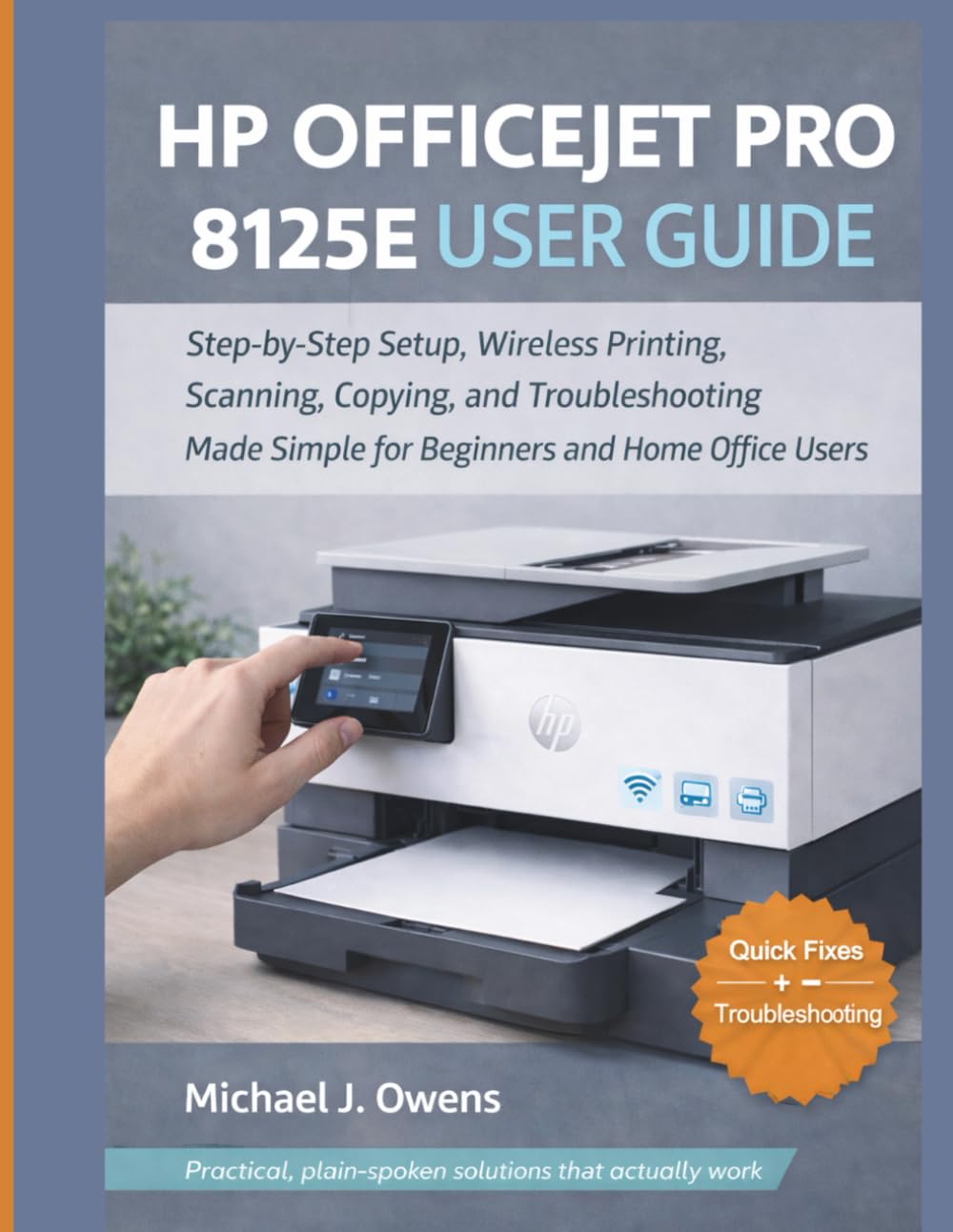
Image: Front cover of the HP OfficeJet Pro 8125e User Guide. This image represents the manual itself, designed to assist users with their printer.
1. Opstelling
1.1 Uitpak en Aanvanklike Aanskakeling
- Verwyder die drukker versigtig uit sy verpakking.
- Verwyder alle beskermende kleefband en verpakkingsmateriaal van die buitekant en binnekant van die drukker.
- Koppel die kragkabel aan die drukker en dan aan 'n muursok.
- Druk die kragknoppie om die drukker aan te skakel.
- Follow the on-screen prompts on the printer's control panel to select your language and region.
1.2 Installering van inkpatrone
- Maak die toegangsdeur van die inkpatroon oop.
- Wag totdat die drukkerwagen na die middelpunt beweeg.
- Pak die nuwe inkpatrone uit.
- Plaas elke patroon in die ooreenstemmende gleuf en maak seker dat dit in plek klik.
- Maak die toegangsdeur van die inkpatroon toe.
1.3 Laai papier
- Trek die invoerbak uit.
- Pas die papiergidse aan na die korrekte papiergrootte.
- Load a stack of plain white paper into the tray, print side down.
- Druk die invoerbak terug in die drukker.
- Bevestig die papiertipe en -grootte op die drukker se beheerpaneel indien gevra.
1.4 Koppel aan Wi-Fi
- Navigeer na die Draadlose Opstelling-assistent op die drukker se beheerpaneel.
- Kies jou Wi-Fi-netwerk uit die lys van beskikbare netwerke.
- Enter the Wi-Fi password (WPA key) when prompted.
- Confirm the connection. The wireless light on the printer should turn solid blue.
1.5 Bestuurderinstallasie
For Windows and Mac computers, download the latest drivers and HP Smart software from the official HP support webwebwerf. Volg die instruksies op die skerm tydens installasie.
2. Bediening van die drukker
2.1 Dokumente druk
- Van 'n rekenaar: Open the document, select "Print," choose your HP OfficeJet Pro 8125e, and adjust settings as needed before printing.
- From Mobile Devices (HP Smart App): Install the HP Smart app, add your printer, and use the app to print photos or documents directly from your smartphone or tablet.
- Email Print: If enabled, send documents to your printer's unique email address.
2.2 Skandeer van dokumente
- Plaas die dokument met die gesig na onder op die skandeerderglas of met die gesig na bo in die outomatiese dokumentinvoer (ADF).
- On the printer's control panel or via the HP Smart app/software on your computer, select "Scan."
- Choose scan settings (e.g., color, resolution, destination).
- Begin die skandering.
2.3 Dokumente Kopiëer
- Plaas die oorspronklike dokument op die skandeerderglas of in die ADF.
- On the printer's control panel, select "Copy."
- Adjust settings such as number of copies, color/black & white, and size.
- Druk die "Begin Kopieer"-knoppie.
3. Onderhoud
3.1 Cleaning the Print Heads
If print quality degrades (streaks, faded colors), perform a print head cleaning from the printer's control panel or the HP Smart software. This process uses ink, so only perform it when necessary.
3.2 Vervanging van inkpatrone
When an ink cartridge is low or empty, the printer will notify you. Follow the steps in Section 1.2 to replace cartridges. Use genuine HP ink cartridges for best results.
3.3 Algemene Skoonmaak
Vee die buitekant van die drukker af met 'n sagte, damp, lint-free cloth. Clean the scanner glass regularly with a glass cleaner applied to a cloth (not directly to the glass) to prevent smudges from affecting scan quality.
4. Probleemoplossing
| Probleem | Oplossing |
|---|---|
| Printer Offline Message |
|
| Papierstoppe |
|
| Swak drukkwaliteit |
|
| HP Smart App Issues |
|
5. Spesifikasies
Note: The following specifications are typical for the HP OfficeJet Pro 8125e printer. For precise details, refer to the official HP product page or documentation.
- Funksies: Print, Copy, Scan, Fax (optional, depending on region/model)
- Druktegnologie: HP termiese inkjet
- Drukspoed (Swart): Up to 22 ppm (ISO)
- Drukspoed (Kleur): Up to 18 ppm (ISO)
- Print Resolution (Best): Tot 4800 x 1200 geoptimaliseerde dpi kleur
- Scan Resolution (Optical): Tot 1200 dpi
- Verbinding: Wi-Fi 802.11a/b/g/n, Ethernet, USB 2.0
- Papierhantering: 250-sheet input tray, 60-sheet output tray, 35-sheet ADF
- Dupleks druk: Outomaties (standaard)
- Vertoon: Kleur raakskerm
6. Waarborg en Ondersteuning
For warranty information, please refer to the documentation included with your printer or visit the official HP support website. HP provides various support resources, including online FAQs, driver downloads, and contact options for technical assistance.
Image: Back cover of the HP OfficeJet Pro 8125e User Guide. This image provides additional information and ISBN details for the manual.