
MorePro AIR6
MorePro Fitness Tracker AIR6 Black User Manual
Model: AIR6 Black
1. Inleiding
Welcome to the MorePro Fitness Tracker AIR6 Black user manual. This guide provides detailed instructions on how to set up, operate, and maintain your new fitness tracker. The MorePro AIR6 is designed to help you monitor your health and fitness activities with features such as 24/7 heart rate, blood pressure, blood oxygen, and sleep tracking. It also includes multiple sports modes, smart notifications, and a durable, waterproof design.
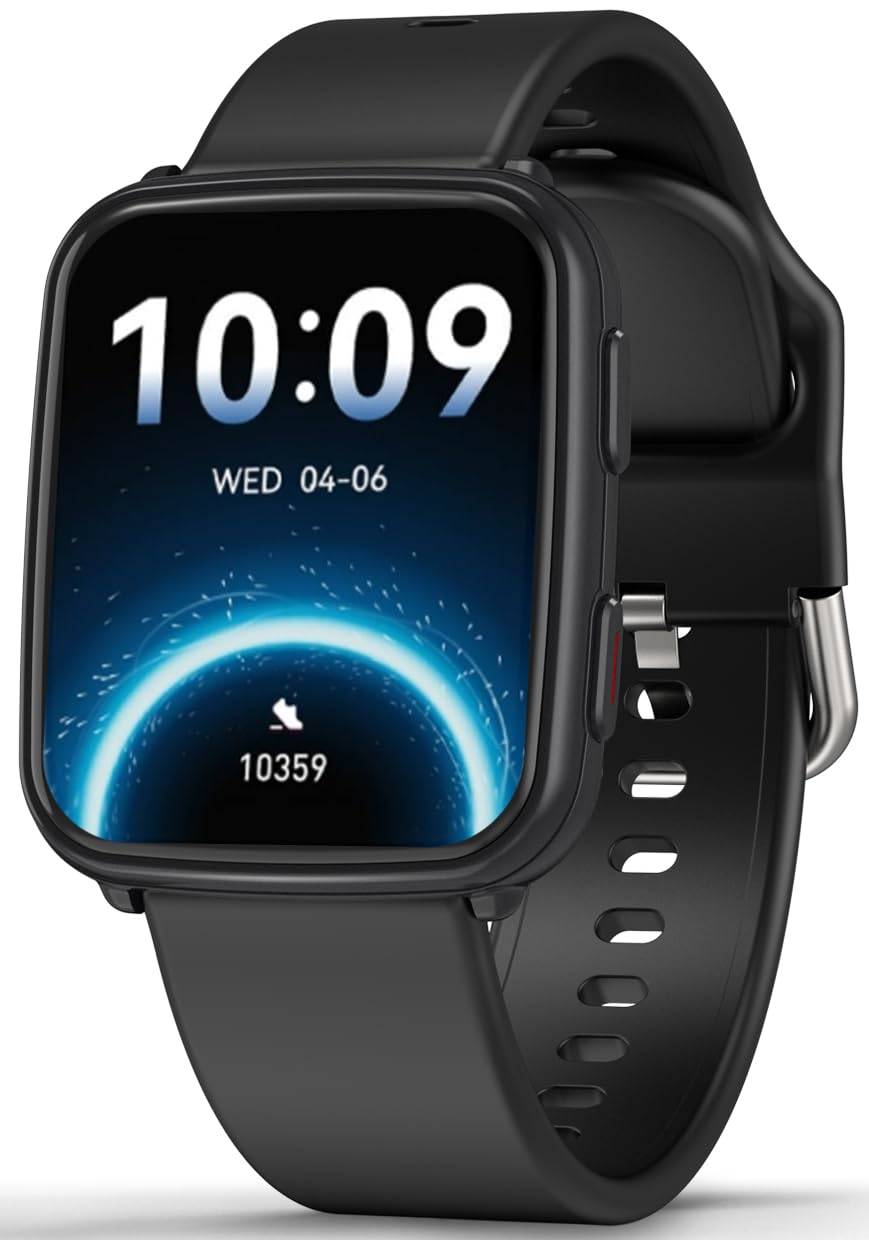
Image: MorePro Fitness Tracker AIR6 Black, showcasing sy slanke ontwerp.
2. Opstelgids
2.1. Uitpak en Aanvanklike Lading
Upon opening the package, you will find the MorePro Fitness Tracker, a charging cable, and this user manual. Before first use, ensure the device is fully charged.
- Koppel die magnetiese laaikabel aan die laaipunte aan die agterkant van die horlosie.
- Steek die USB-punt van die kabel in 'n standaard USB-kragadapter (nie ingesluit nie) of 'n rekenaar se USB-poort.
- Die horlosieskerm sal die laaistatus aandui. 'n Volle lading neem gewoonlik ongeveer 2 uur.
2.2. Powering On and App Pairing
- To power on the device, press and hold the side button until the screen lights up.
- Select your preferred language from the options displayed on the screen.
- Scan the QR code shown on the watch screen or in the manual using your smartphone to download the companion MorePro app. The app is compatible with Android 7.0+ and iOS 13.0+ devices.
- Open the MorePro app on your smartphone, create an account, and follow the on-screen instructions to pair your fitness tracker via Bluetooth. Ensure Bluetooth is enabled on your phone.
Video: Demonstrates unboxing, connecting the charger, powering on the watch, selecting language, and scanning the QR code for app download and pairing.
3. Bedryfsinstruksies
3.1. Basiese navigasie
The MorePro Fitness Tracker features a responsive touchscreen and a side button for navigation:
- Swiep op/af: Blaai deur spyskaarte en kennisgewings.
- Swiep links/regs: Access quick data screens (e.g., steps, heart rate, weather).
- Tik: Kies 'n item of bevestig 'n aksie.
- Syknoppie: Press to return to the previous screen or wake the display. Press and hold to access the main menu or power options.
3.2. Gesondheidsmonitering
The device continuously monitors various health metrics:
- Hartklop: Provides 24/7 heart rate tracking. Access detailed graphs in the app.
- Bloeddruk: Offers on-demand blood pressure measurements. (Note: Not for medical use.)
- Bloedsuurstof (SpO2): Check your blood oxygen levels at any time.
- Slaap dop: Automatically tracks deep sleep, light sleep, and wake-up times to provide comprehensive sleep insights.

Image: The watch screen showing real-time heart rate, blood pressure, and blood oxygen data.

Image: A close-up of the smart watch displaying heart rate monitoring.

Image: The smart watch screen showing blood pressure measurement.

Image: The smart watch displaying blood oxygen levels.
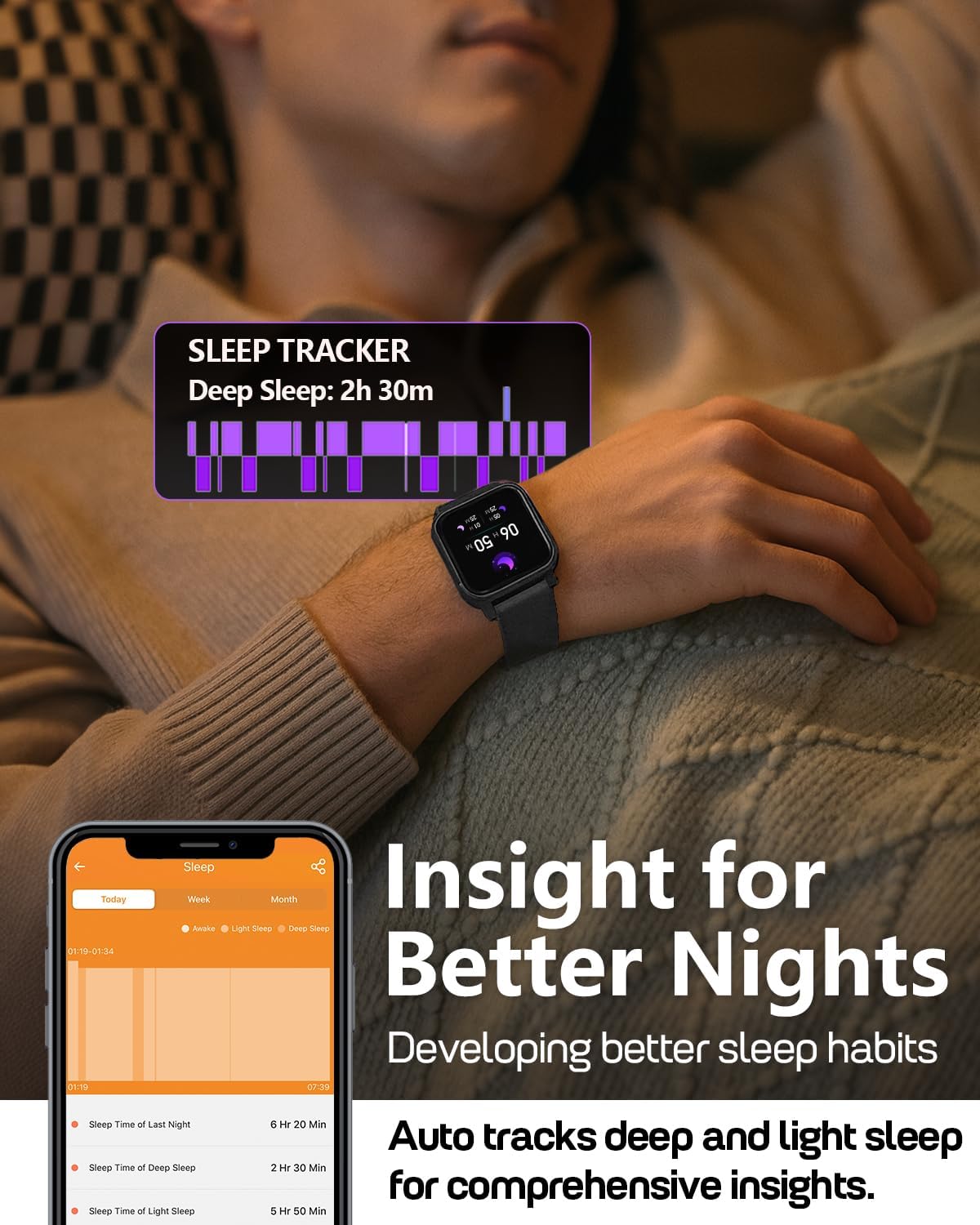
Image: A person wearing the MorePro Fitness Tracker while sleeping, with sleep data displayed on the screen.

Image: The smart watch displaying sleep tracking data.
3.3. Aktiwiteitsopsporing
The tracker supports over 20 sports modes and records daily activity:
- 20+ sportmodusse: Includes running, walking, cycling, yoga, elliptical, swimming, basketball, football, badminton, table tennis, skipping, tennis, baseball, rugby, hula hoop, golf, and more.
- Daaglikse aktiwiteit: Teken stappe, afstand en kalorieë verbrand aan.

Image: A person exercising while wearing the MorePro Fitness Tracker, displaying activity time, heart rate, steps, and calories burned.

Image: The fitness tracker displaying various sports modes like cycling, exercise bike, swimming, and yoga.
3.4. Women's Health Tracking
The tracker includes a dedicated feature for women's health, allowing you to log and track menstrual periods, safe days, ovulation windows, and ovulation days directly on your wrist. The app supports period mode, trying-to-conceive mode, and pregnancy mode.

Image: A woman using the smart watch to track her menstrual cycle.
3.5. Slim funksies
Stay connected and organized with these smart features:
- Kennisgewings: Receive real-time call, SMS, and app message notifications (e.g., Facebook, Instagram, TikTok) on your wrist.
- Weervoorspelling: Get on-wrist weather updates.
- Musiekbeheer: Beheer musiek speel op jou selfoon.
- Kamerabeheer: Gebruik die horlosie as 'n afstandbeheerder vir jou foon se kamera.
- Stophorlosie en timer: Ingeboude gereedskap vir tydsberekening van aktiwiteite.
- Wekker: Stel alarms direk vanaf jou pols.
- Soek foon: Vind jou verlore slimfoon.
- Sedentary & Hydration Reminders: Prompts to move and drink water throughout the day.
- Pasgemaakte horlosies: Choose from over 200 watch faces or create custom ones using your own photos.

Image: The smart watch showing notifications from various social media apps and a stress monitor.

Image: The 1.52-inch HD screen of the MorePro Fitness Tracker displaying various watch face options, including custom photo faces.
4. Onderhoud
4.1. Waterdigting
The MorePro Fitness Tracker is IP68 waterproof, meaning it is resistant to sweat, rain, and can be worn during hand-washing or swimming. However, it is not recommended for hot showers, saunas, or diving.

Image: Demonstrates the IP68 waterproof feature, showing the watch being exposed to sweat, poolside splashes, and hand-washing.
4.2. Skoonmaak
Om jou toestel te onderhou, maak die horlosie en bandjie gereeld skoon met 'n sagte, damp lap. Vermy die gebruik van harde chemikalieë of skuurmateriaal.
4.3. Batterylewe en laai
The device offers up to 7-10 days of battery life with normal use and 15 days on standby. Recharge using the provided magnetic charging cable when the battery is low.

Image: A person in a desert setting, highlighting the ultra-long battery life of 15 days standby and 7 days normal use, with a 2-hour magnetic charging time.
5. Probleemoplossing
If you encounter issues with your MorePro Fitness Tracker, try the following steps:
- Toestel skakel nie aan nie: Ensure the device is fully charged. Connect it to the charger and wait a few minutes before attempting to power it on again.
- Konnektiwiteitsprobleme: Make sure Bluetooth is enabled on your smartphone and the tracker is within range. Restart both your phone and the tracker. Check the app for pairing status.
- Onakkurate lesings: Maak seker dat die horlosie styf om jou pols gedra word, nie te styf of te los nie. Maak die sensors aan die agterkant van die horlosie skoon.
- Program sinkroniseer nie: Verify your phone has an active internet connection. Close and reopen the MorePro app.
- Kennisgewings verskyn nie: Check your phone's notification settings for the MorePro app and ensure all necessary permissions are granted.
For further assistance, refer to the in-app help section or contact customer support.
6. Spesifikasies
| Kenmerk | Detail |
|---|---|
| Handelsmerk | MorePro |
| Model | AIR6 Black |
| Skerm grootte | 1.52 duim |
| Tipe vertoon | LCD |
| Geheue berging kapasiteit | 128 MB |
| Bedryfstelsel | Android en iOS |
| Versoenbare toestelle | Slimfoon |
| Spesiale kenmerke | Activity Tracker, Cycle Tracking, Daily Workout Memory, Music Player, Sedentary Reminder, Heart Rate, Blood Pressure, Blood Oxygen, Sleep Monitor, Weather, Alarm Clock, Find Phone, Camera Control, Stopwatch, Timer, Hydration Reminder |
| Waterdigte gradering | IP68 |
| Battery kapasiteit | 230 miljoenamp Ure |
| Batterylewe (normale gebruik) | 7-10 dae |
| Batterylewe (standby) | 15 dae |
| Laai tyd | Ongeveer. 2 ure |
| Verbindingstegnologie | Bluetooth 5.3 |
| Materiaal tipe | Plastiek |
| Polsgrootte-versoenbaarheid | 6.3 - 8.6 duim |

Image: Details on watch dimensions, minimum and maximum wrist sizes, and compatibility with Android 7.0+ and iOS 13.0+ via Bluetooth 5.3.

Image: The smart watch highlighting its 1.52-inch HD screen and various watch face options.

Image: Detailed measurements of the watch strap, indicating its adjustable length for wrist sizes between 6.3 and 8.6 inches.
7. Waarborg en ondersteuning
MorePro offers comprehensive support for your fitness tracker:
- 2-Year Replacement: Enjoy a 2-year replacement policy for manufacturing defects.
- Lewenslange diens: Benefit from lifetime technical support and service.
- 12-Hour Quick Reply: Expect a prompt response to your inquiries within 12 hours.
For any questions or support needs, please contact MorePro customer service.

Image: Highlights MorePro's after-sales support, including a 2-year premium service and 12-hour quick support.