
Inleiding
This manual provides essential instructions for setting up, operating, and maintaining your LG 24-inch FHD IPS Monitor (Model: 24GM79G-B). Please read this manual thoroughly before using the product to ensure proper and safe operation. This monitor features a 1920x1080 resolution, 120Hz refresh rate, 1ms Motion Blur Reduction (MBR), AMD FreeSync Premium, and HDR10 support for an enhanced visual experience.
Veiligheidsinligting
- Gebruik altyd die kragkabel en adapter wat saam met die monitor voorsien word.
- Moenie ventilasie-openinge blokkeer nie. Maak seker dat daar voldoende spasie rondom die monitor is vir behoorlike lugvloei.
- Keep the monitor away from water, moisture, and direct sunlight.
- Handle the screen with care. Avoid touching the screen with sharp objects.
- Ontkoppel die kragkabel van die muursok as die monitor nie vir 'n lang tydperk gebruik gaan word nie.
Pakketinhoud
Verifieer dat alle komponente in die pakket teenwoordig is:
- LG 24-inch FHD IPS Monitor
- Monitorstaander (basis en nek)
- Kragkoord
- HDMI kabel
- Gebruikershandleiding (hierdie dokument)
- Ander dokumentasie (bv. waarborgkaart)
Opstelling
1. Fisiese Montering
Carefully remove the monitor and all components from the packaging. Follow these steps to assemble the stand or prepare for VESA mounting.

Image: The LG 24-inch monitor featuring a slim design and stand, displayed on a desk. This image illustrates the monitor's aesthetic and how it appears when fully assembled with its included stand.
Bevestiging van die staander:
- Heg die staandernek aan die monitorpaneel vas totdat dit in plek klik.
- Bevestig die staanderbasis aan die staandernek met die meegeleverde skroef.
- Plaas die gemonteerde monitor op 'n stabiele, plat oppervlak.
Adjusting the Monitor Tilt:
The monitor supports tilt adjustment from -5° to 20° for optimal viewing comfort. Gently hold both sides of the monitor and adjust it to your desired angle.
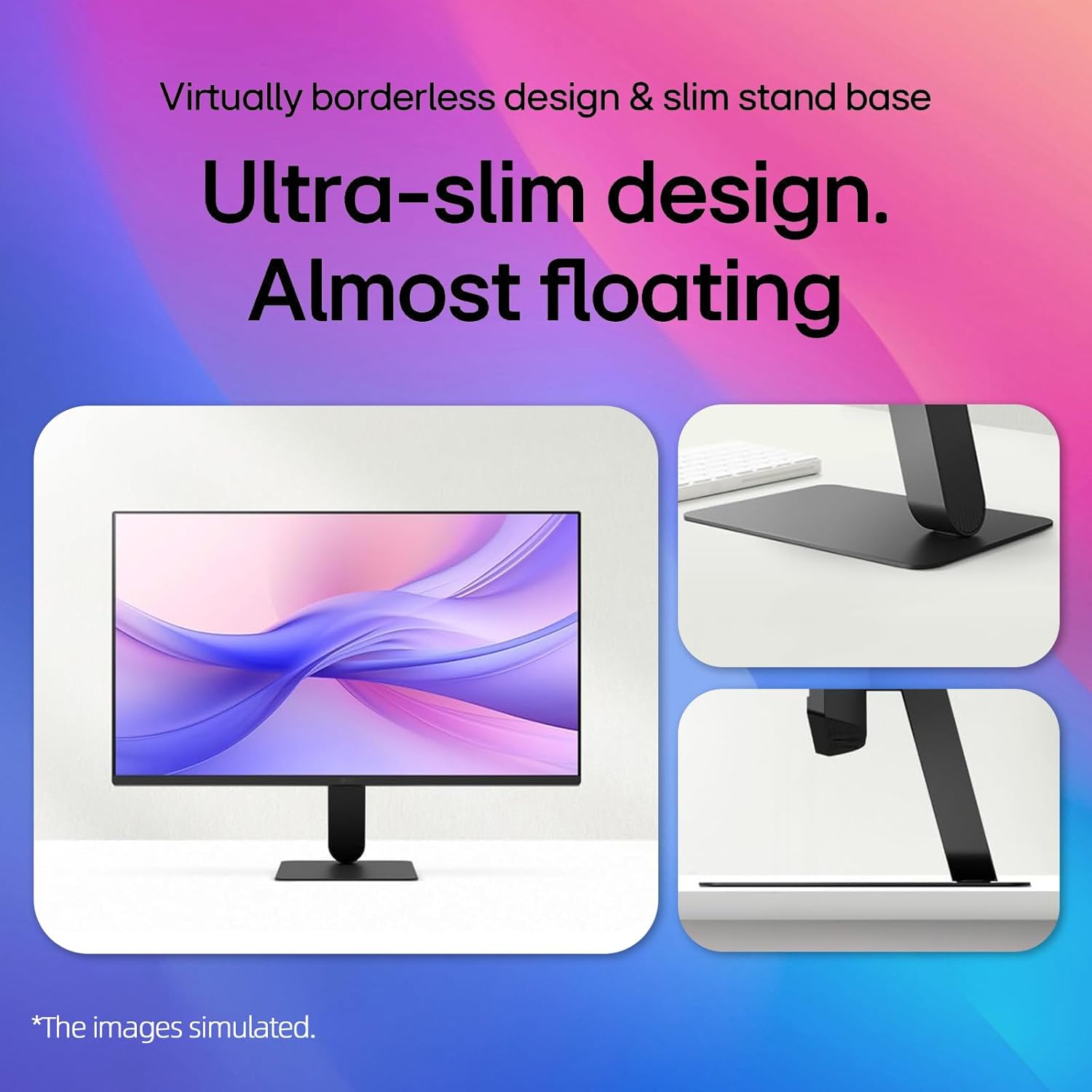
Image: A visual representation demonstrating the monitor's adjustable tilt feature, ranging from -5 degrees backward to 20 degrees forward, allowing users to customize their viewing hoek.
VESA Muurmontering:
This monitor is VESA mount compatible (100 x 100mm). If using a VESA mount, remove the stand and attach the monitor to a compatible VESA bracket (sold separately) according to the bracket's instructions.
2. Konnektiwiteit
Koppel die monitor aan jou rekenaar of ander toestelle met die toepaslike kabels.

Image: A close-up of the monitor's rear panel, highlighting the available input ports including HDMI, VGA, and an audio jack, for connecting various devices.
- HDMI-verbinding: Connect one end of the HDMI cable to the HDMI port on your computer and the other end to the HDMI IN port on the monitor.
- VGA-verbinding: Connect one end of the VGA cable to the VGA port on your computer and the other end to the VGA IN port on the monitor.
- Kragverbinding: Koppel die kragkabel aan die monitor se kragtoevoer en dan aan 'n muursok.
Video: This video demonstrates the key features and connectivity options of the LG 24-inch FHD IPS Monitor, including its 120Hz refresh rate, 1ms response time, AMD FreeSync, HDMI, and VGA ports.
Bedryfsinstruksies
1. Skakel aan/af
Druk die aan/af-knoppie wat onder in die middel van die monitor geleë is om dit aan of af te skakel. Die aan/af-liggie sal brand wanneer die monitor aan is.
2. On-Screen Display (OSD)-kieslys
Use the joystick button on the bottom center of the monitor to navigate the OSD menu. Press the joystick to open the menu, then move it up/down/left/right to select and adjust settings.
3. Vertooninstellings
Verversingstempo (120Hz):
The monitor supports a 120Hz refresh rate for smoother motion. Ensure your graphics card and operating system settings are configured to output at 120Hz for optimal performance.

Image: A visual demonstrating the smooth and fluid motion achieved with the monitor's 120Hz refresh rate, ideal for fast-paced content and gaming.
1ms Bewegingsvervaagde vermindering (MBR):
Activate 1ms MBR in the OSD menu to reduce motion blur in fast-moving scenes, providing clearer and sharper images. Note that some features like Adaptive Sync may be disabled when MBR is active.
Image: A dynamic scene from a racing game on the monitor, illustrating the effect of 1ms Motion Blur Reduction (MBR) in delivering sharp, clear visuals during high-speed action.
AMD FreeSync Premium:
This technology synchronizes the monitor's refresh rate with your AMD graphics card's frame rate to eliminate screen tearing and stuttering. Enable FreeSync Premium in your graphics card settings and the monitor's OSD menu.
HDR10 & 99% sRGB:
The monitor supports HDR10 for enhanced contrast and color depth, and covers 99% of the sRGB color gamut for accurate and vibrant colors. Ensure your content and system settings are configured for HDR to utilize this feature.
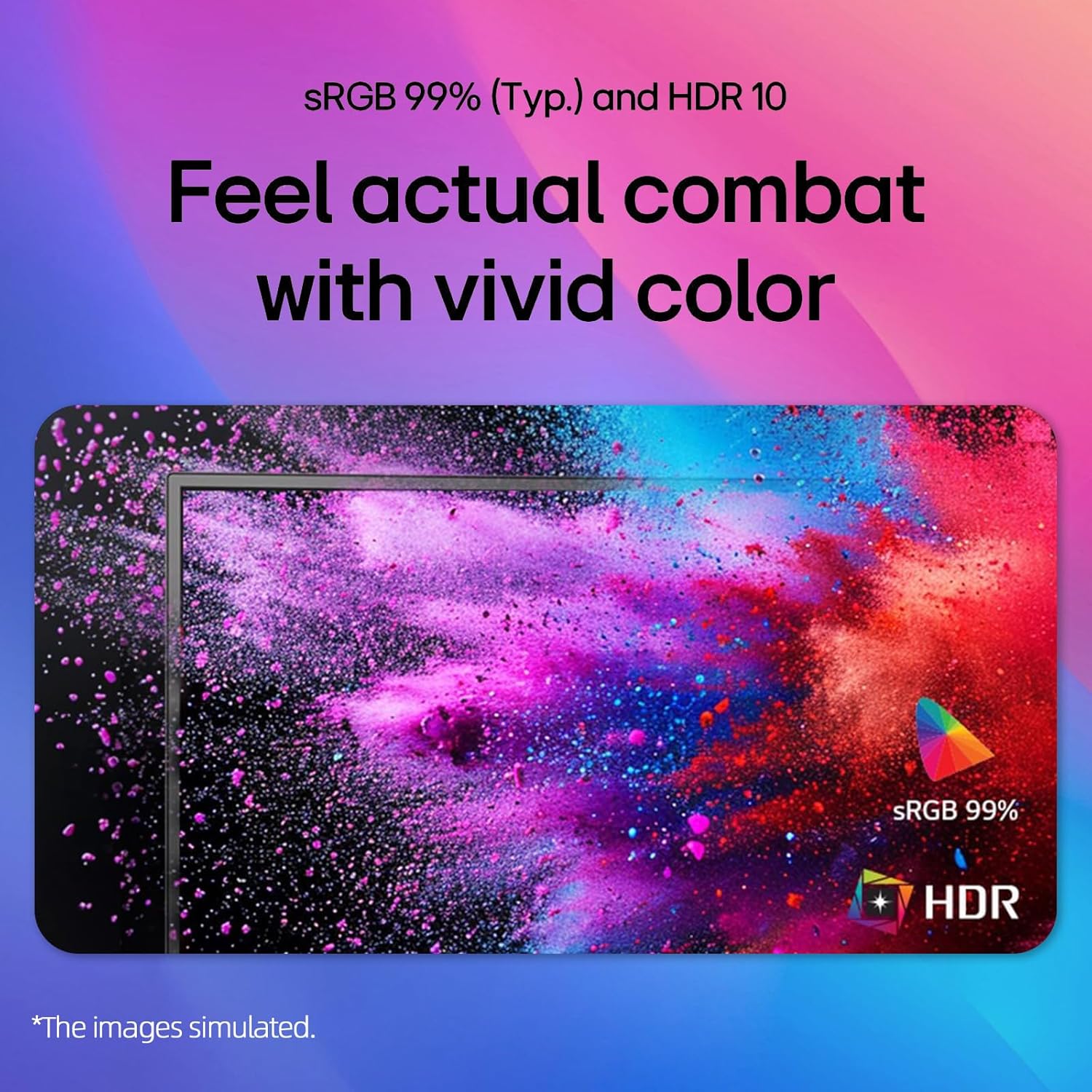
Image: A colorful abstract image displayed on the monitor, highlighting the rich and accurate color reproduction achieved with 99% sRGB coverage and HDR10 support.
Reader Mode & Flicker Safe:
To reduce eye strain during long viewing sessions, activate Reader Mode to adjust color temperature and brightness for a paper-like viewing experience. Flicker Safe technology minimizes screen flicker, further enhancing eye comfort.

Image: An illustration detailing the benefits of Reader Mode, which reduces blue light, and Flicker Safe technology, which minimizes screen flicker, both designed to enhance user eye comfort.
4. LG Switch-app
The LG Switch app (available for download from LG.com) provides additional functionalities such as virtual wallpaper, smart screen split, schedule management, and quick video call launching. Refer to the app's documentation for detailed usage instructions.

Image: Multiple screenshots showcasing the LG Switch app's interface and features, including virtual wallpaper customization, smart screen splitting for multitasking, and tools for managing schedules and launching video calls.
Onderhoud
- Skoonmaak van die skerm: Vee die skerm liggies af met 'n sagte, pluisvrye lap. Vir hardnekkige merke, dampMaak die lap skoon met 'n klein hoeveelheid water of 'n nie-skurende skermskoonmaker. Moenie die skoonmaker direk op die skerm spuit nie.
- Maak die C skoonasing: Gebruik 'n sagte, droë lap om die monitor af te veeasing. Vermy die gebruik van sterk skoonmaakmiddels of skuurmiddels.
- Ventilasie: Ensure the ventilation holes on the back of the monitor are not blocked by dust or debris.
Probleemoplossing
| Probleem | Moontlike Oplossing |
|---|---|
| Geen krag nie | Check if the power cord is securely connected to the monitor and the wall outlet. Ensure the power outlet is functioning. |
| Geen beeld op die skerm nie | Verify that the video cable (HDMI/VGA) is correctly connected to both the monitor and the computer. Select the correct input source using the OSD menu. Ensure the computer is powered on and not in sleep mode. |
| Beeld is vaag of verwring | Adjust the display resolution on your computer to the monitor's native resolution (1920x1080). Check the video cable for damage. |
| Skerm skeur of hakkel (speletjies) | Ensure AMD FreeSync Premium is enabled in both your graphics card settings and the monitor's OSD menu. Update your graphics card drivers. |
Spesifikasies
| Kenmerk | Detail |
|---|---|
| Handelsmerk | LG |
| Modelnommer | 24GM79G-B |
| Skerm grootte | 24 duim |
| Maksimum vertoonresolusie | 1920 x 1080 piksels (FHD 1080p) |
| Herlaaitempo | 120 Hz |
| Reaksie Tyd | 1 Millisecond (MBR) / 5 Milliseconds (GTG) |
| Paneel tipe | IPS |
| Aspekverhouding | 16:9 |
| Helderheid | 250 cd/m² |
| Kontrasverhouding | 3000:1 |
| Viewing Hoek | 178° (horisontaal) / 178° (vertikaal) |
| Kleur Omvang | sRGB 99% |
| Konnektiwiteit | 1x HDMI, 1x VGA |
| Adaptive Sync Tegnologie | AMD FreeSync Premium |
| HDR Ondersteuning | HDR10 |
| Spesiale kenmerke | 1ms MBR, Flicker Safe, Reader Mode, 3-Side Borderless Design, Tilt Adjustment, VESA Mount Compatible (100x100mm) |
| Afmetings (B x D x H) | 21.1 cm x 8.7 cm x 16.3 cm (met staander) |
Waarborg en Ondersteuning
For warranty information, please refer to the warranty card included in your product package or visit the official LG webwebwerf. Vir tegniese ondersteuning, produkregistrasie of diensnavrae, kontak asseblief LG-kliëntediens deur hul amptelike kanale.
Aanlyn ondersteuning: www.lg.com/us/support