
1. Inleiding
The Trolinktek TAB0E 2-in-1 Wireless CarPlay & Android Auto Adapter is designed to convert your vehicle's existing wired CarPlay or Android Auto system into a wireless connection. This device allows for seamless integration of your smartphone's features onto your car's infotainment display without the need for cables, enhancing convenience and reducing clutter.
2. Wat is in die boks
As u die pakkie oopmaak, moet u die volgende items vind:
- 1 x Wireless CarPlay & Android Auto Adapter (Trolinktek TAB0E)
- 1 x USB-A to USB-C Adapter Cable
- 1 x Gebruikershandleiding

Figure 1: Package Contents. This image displays the wireless adapter, a USB-C adapter cable, and the user manual, which are included in the product box.
3. Opstelling en installering
Follow these steps to connect your Trolinktek TAB0E adapter to your vehicle's infotainment system:
- Identify USB Port: Locate the data USB port in your car's infotainment system. This is typically the port used for wired CarPlay or Android Auto. Note: Do not use a charging-only USB port.
- Koppel die adapter:
- If your car has a standard USB-A port, plug the wireless adapter directly into it.
- If your car has a USB-C port, use the provided USB-A to USB-C adapter cable to connect the wireless adapter.
- Krag aan: Once plugged in, the adapter will power on, indicated by an LED light.
- Koppel via Bluetooth:
- Gaan op jou slimfoon na Instellings > Bluetooth.
- Soek vir available devices and select the adapter (e.g., "WirelessDongle-XXXX").
- Confirm the pairing request on both your phone and the car's display if prompted.
- Outomatiese verbinding: After successful Bluetooth pairing, your phone will automatically connect to the adapter via Wi-Fi, initiating either CarPlay or Android Auto on your car's display.

Figure 2: Adapter plugged into a car's USB port. The compact design ensures a secure and tidy connection.
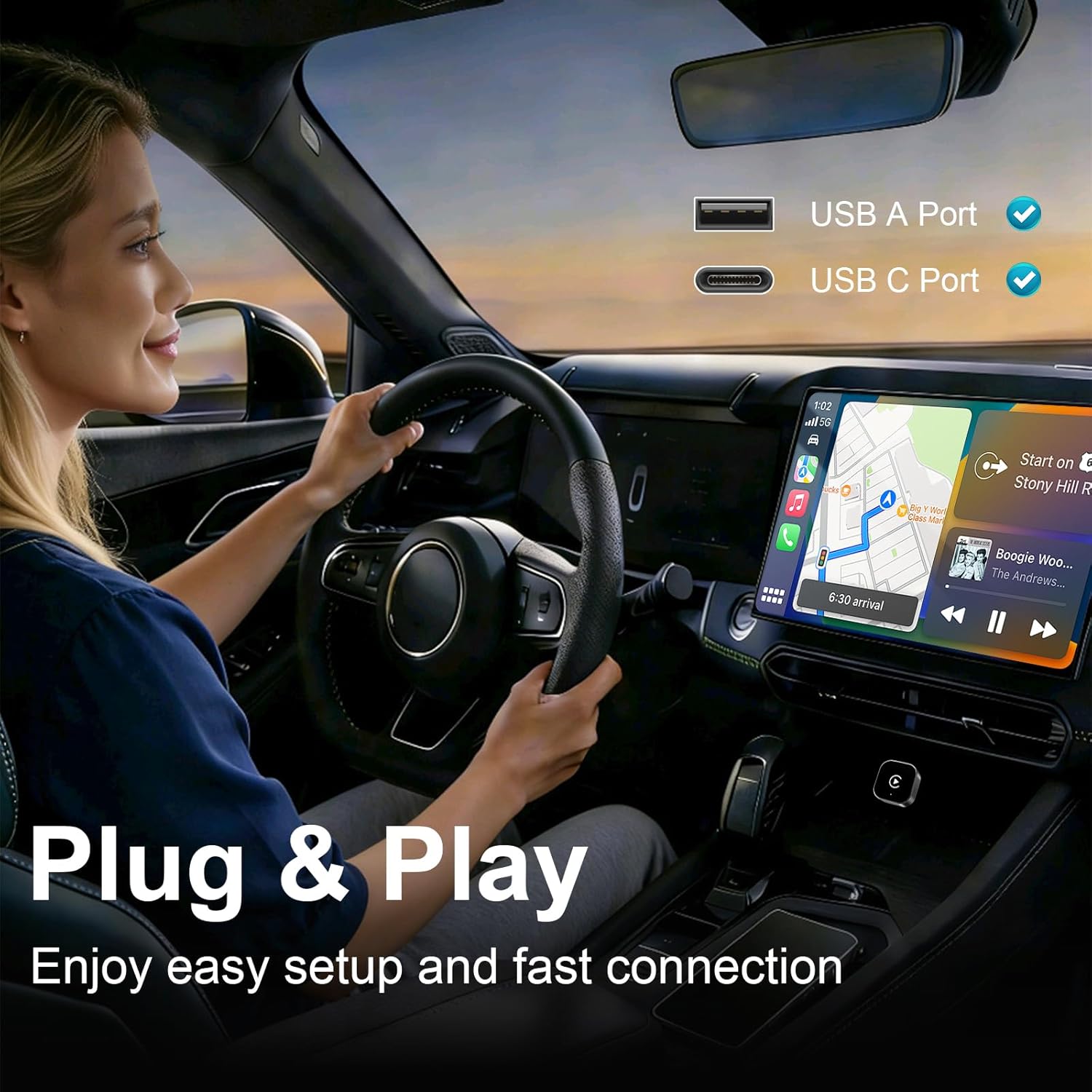
Figure 3: Plug & Play setup. The adapter supports both USB-A and USB-C ports for easy installation.

Figure 4: Wireless convenience. The adapter eliminates cable clutter for a cleaner car interior.
Video 1: Installation and Connection Guide. This video demonstrates the process of connecting the Trolinktek TAB0E adapter and pairing it with a smartphone for wireless CarPlay functionality.
4. Bedryfsinstruksies
Once connected, the adapter enables wireless access to your smartphone's features through your car's infotainment system. You can interact with CarPlay or Android Auto using your car's original controls.
- Outomatiese herverbinding: After the initial setup, the adapter will automatically reconnect to your phone within seconds each time you start your car.
- Dual Phone Support: The adapter can store pairing information for two phones and will automatically switch to the available phone if one is not present.
- Beheermetodes: Utilize your car's existing controls for navigation, music, and calls:
- Raakbeheer: Interact directly with the car's touchscreen display.
- Stuurwielkontroles: Use buttons on your steering wheel to manage audio, calls, and navigation.
- OEM Knob/Controller: Operate through your car's factory-installed rotary knob or central controller.
- Stemassistent: Activate Siri or Google Assistant for hands-free commands (e.g., "Hey Siri," "OK Google") to play music, get directions, or make calls.

Figure 5: Original Control Integration. The adapter supports touch, wheel, and OEM knob controls, as well as voice commands.

Figure 6: Intelligent Voice Assistant. Use voice commands for safe, hands-free operation of your car's infotainment system.
5. Verenigbaarheid
The Trolinktek TAB0E adapter offers broad compatibility:
- Voertuigversoenbaarheid: Compatible with over 1,000 vehicle models that have factory-installed wired CarPlay (800+ models) or wired Android Auto (500+ models) after 2015.
- Versoenbaarheid van slimfone:
- Apple CarPlay: Supports iPhone 6 or later, running iOS 10.0 or above.
- Android Auto: Supports Android 11.0 or above.
- Belangrike notas:
- Doen NIE support video applications like YouTube or Netflix.
- Doen NIE support BMW, Tesla, or Motorcycles.
- Doen NIE support cars without OEM wired CarPlay.
- Lexus models after 2020 are generally not supported.

Figure 7: Wide Compatibility. The adapter supports a broad range of iPhones and Android devices, and many car models. Scan the QR codes to check specific car model compatibility for CarPlay en Android Auto.
6. Probleemoplossing
Indien u probleme ondervind, oorweeg die volgende:
- Geen verbinding:
- Ensure the adapter is plugged into a data USB port, not a charging-only port.
- Verify your car has factory-installed wired CarPlay or Android Auto.
- Check your phone's Bluetooth settings to ensure it's paired with the adapter.
- Herbegin jou foon en die motor se inligtingstelsel.
- Intermittent Connection/Lag:
- Ensure there are no other Bluetooth devices actively interfering with your phone's connection to the adapter.
- Check for firmware updates (see "Smart OTA Updates" in Specifications).
- Ensure your phone's Wi-Fi is enabled, as the adapter uses Wi-Fi for data transfer after Bluetooth pairing.
- Adapter oorverhit: While designed for efficient performance, if the adapter feels excessively hot, ensure it has adequate ventilation and is not obstructed.
- Onversoenbaarheid: Refer to the compatibility section. If your car or phone model is explicitly listed as unsupported, the adapter will not function.
7. Spesifikasies
| Kenmerk | Detail |
|---|---|
| Handelsmerk | Trolinktek |
| Modelnommer | TAB0E |
| Hardeware-koppelvlak | USB, USB Type C (via adapter) |
| Kleur | Silwer |
| Produkafmetings (L x B x H) | 1.1" x 0.98" x 1.1" |
| Item gewig | 2 ons |
| Draadlose konneksie | Bluetooth, Wi-Fi (2.4GHz & 5GHz for data transfer) |
| Ondersteuning van bedryfstelsels | iOS 10+ (iPhone 6 or later), Android 11+ |
| Kenmerke | Plug and Play, Auto-Connect, OTA Updates, Dual Phone Memory |
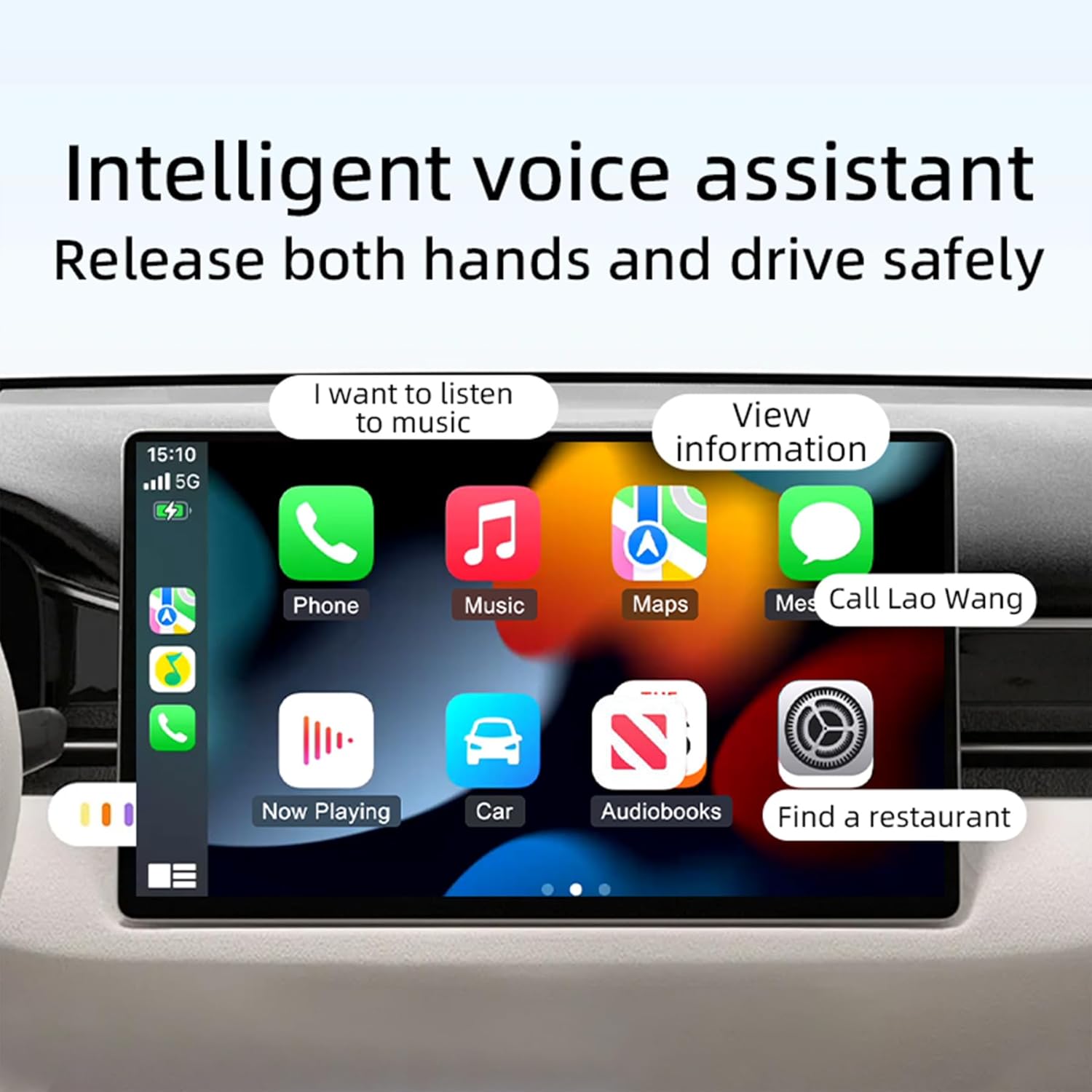
Figure 8: Efficient Performance. The upgraded chipset ensures faster connection speeds, stronger signals, and enhanced stability.
8. Waarborg en Ondersteuning
Trolinktek is committed to providing reliable products and excellent customer service.
- Produkbeskerming: The adapter comes with a 12-month product protection plan.
- Tegniese ondersteuning: Lifetime technical support is available 24/7 from our expert support team.
- Firmware -opdaterings: Free remote firmware updates (OTA) are provided to ensure compatibility with future iOS/Android updates and to improve performance.
- Return and Exchange: A 1-year return and exchange warranty service is included, supporting returns if the product is incompatible with your vehicle.
For assistance, please contact Trolinktek customer support.