
Inleiding
Thank you for choosing the Salange 2026 Mini Projector. This portable smart projector is designed to deliver a high-quality visual experience with its 4K support, Android 14 operating system, and advanced connectivity features like WiFi 6 and Bluetooth 5.4. This manual provides essential information for safe and efficient use of your device. Please read it thoroughly before operation and retain it for future reference.
Veiligheidsinligting
- Moenie direk in die projektorlens kyk wanneer die lamp is aan.
- Verseker behoorlike ventilasie rondom die projektor om oorverhitting te voorkom.
- Gebruik slegs die kragadapter wat saam met die projektor voorsien word.
- Hou die projektor weg van water, vog en vlambare materiale.
- Vermy om die projektor op onstabiele oppervlaktes te plaas.
- Moenie probeer om die projektor self uitmekaar te haal of te herstel nie. Kontak gekwalifiseerde dienspersoneel.
Opstelling
1. Uitpak en Aanvanklike Plasing
Carefully remove the projector and all accessories from the packaging. Place the projector on a stable, flat surface. For optimal viewing, position the projector perpendicular to the projection surface. The projector features a 270° rotatable design for flexible placement.
2. Kragverbinding
Connect the power cord to the projector's power input port and then plug it into a power outlet. The projector will typically power on automatically or can be turned on using the power button on the device or remote control.

Beeld: Agter view of the Salange 2026 Mini Projector with power, HDMI, and USB ports.
3. Fokus- en Keystone-aanpassing
The Salange 2026 Mini Projector supports manual focus adjustment. Rotate the focus ring on the projector to achieve a sharp image. It also features automatic vertical keystone correction (±45°) to eliminate image distortion, ensuring a rectangular picture even when the projector is not perfectly aligned. For more precise adjustments, 4-point correction may be available in the settings.

Image: Automatic vertical keystone correction and manual focus adjustment.
4. Network Connection (WiFi 6)
Navigate to the settings menu on the projector. Select 'Network' or 'Wi-Fi' and choose your desired network from the list. Enter the password if prompted. The projector supports dual-band (2.4 GHz + 5 GHz) Wi-Fi 6 for stable and fast connections.
5. Bluetooth-koppeling
To connect Bluetooth audio devices, go to the settings menu and select 'Bluetooth'. Turn on Bluetooth and search for available devices. Select your device from the list to pair. This allows for wireless audio output to speakers or headphones.
Bedryfsinstruksies
1. Skakel aan/af
Press the power button on the projector or the remote control to turn the device on or off. A short press typically puts the projector into standby mode, while a long press performs a full shutdown.
2. Navigasie deur die Android 14-koppelvlak
The projector runs on Android 14.0, providing access to a wide range of applications. Use the remote control to navigate through the home screen, app drawer, and settings. The interface is similar to a smart TV, allowing for intuitive use.
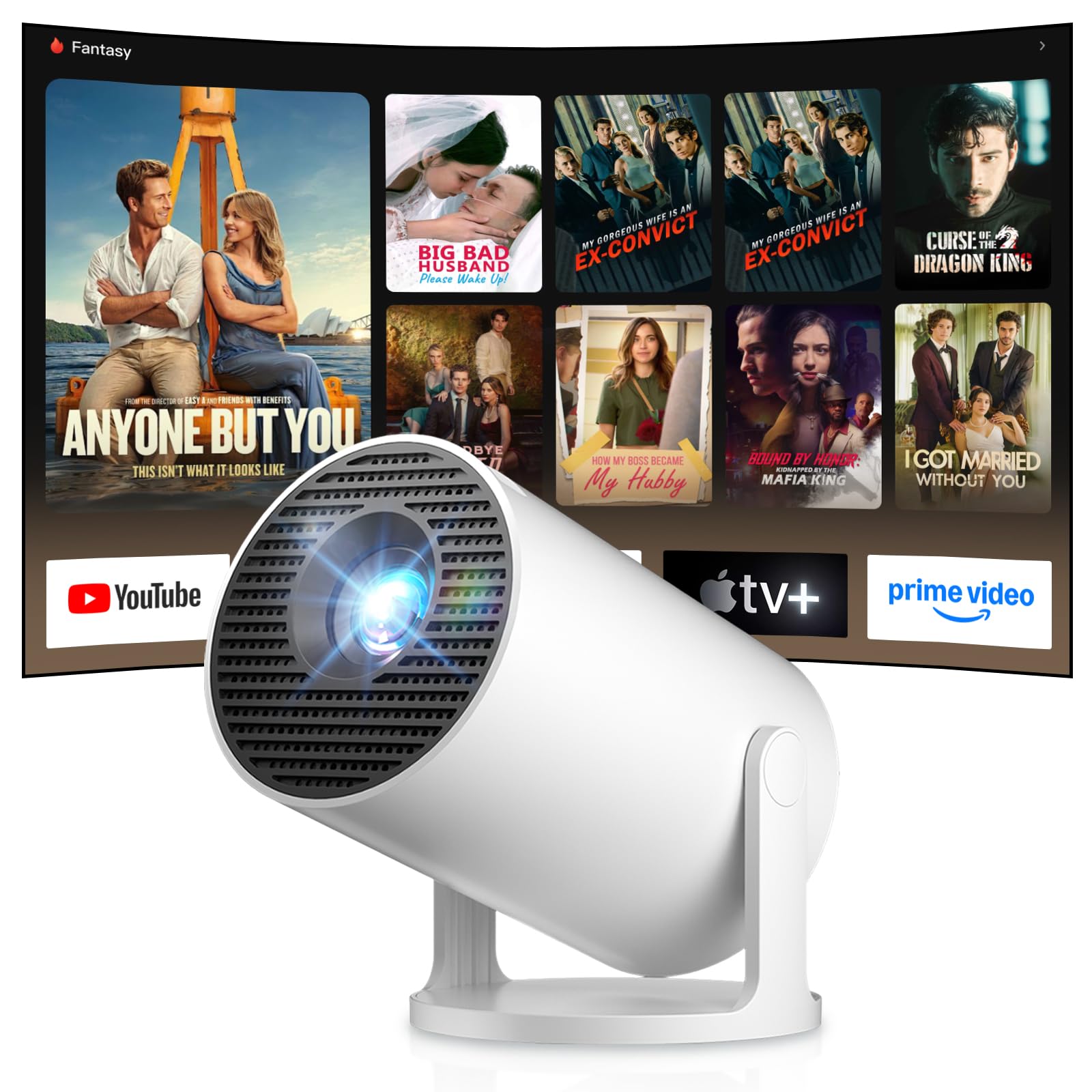
Image: Android TV 14.0 interface with streaming applications.
3. App Installasie
With Android 14, you can install over 8,000 applications directly onto the projector. Access the app store (e.g., Google Play Store) from the home screen, search for desired apps (video players, games, office software), and install them.
4. Screen Mirroring (iOS/Android)
The projector supports screen mirroring for both iOS and Android devices. Ensure your mobile device and the projector are connected to the same Wi-Fi network. On your mobile device, activate the screen mirroring function (e.g., AirPlay for iOS, Cast for Android) and select the projector from the list of available devices.

Image: Wireless casting from mobile devices to the projector.
5. Connecting External Devices (HDMI, USB)
Use the HDMI port to connect devices such as laptops, game consoles (PS5, Switch), or TV sticks. Use the USB port to connect USB drives for media playback or other peripherals. Select the appropriate input source from the projector's input menu.
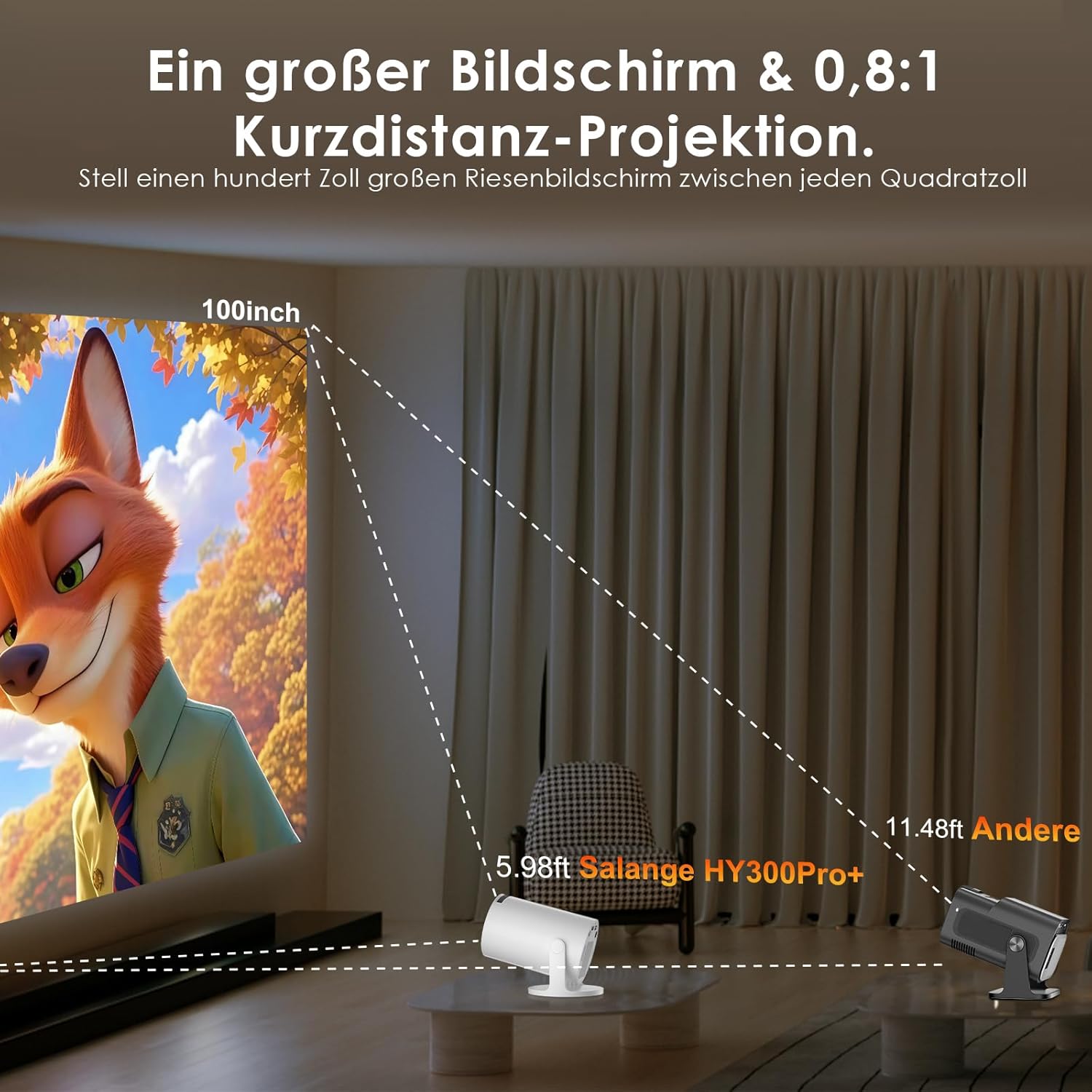
Image: Connectivity options for HDMI, Audio, and USB devices.
6. Klankuitset
The projector has built-in speakers. For enhanced audio, connect external speakers or headphones via Bluetooth or the 3.5mm audio jack.
Onderhoud
1. Skoonmaak van die lens
Use a soft, lint-free cloth specifically designed for optical lenses to gently wipe the projector lens. Avoid using abrasive cleaners or excessive pressure, which can scratch the lens.
2. Skoonmaak van die buitekant
Wipe the projector's exterior with a soft, dry cloth. For stubborn dirt, a slightly damp 'n Lap kan gebruik word, gevolg deur 'n droë lap. Moenie harde chemikalieë of oplosmiddels gebruik nie.
3. Berging
When not in use for extended periods, store the projector in a cool, dry, and dust-free environment. Use the original packaging or a protective case to prevent damage.
Probleemoplossing
- Geen krag: Maak seker dat die kragkabel stewig aan beide die projektor en die kragaansluiting gekoppel is. Probeer 'n ander aansluiting.
- Geen beeld: Check if the projector is powered on. Verify the input source is correctly selected (e.g., HDMI 1, USB). Ensure the lens cap is removed.
- Vervaagde prent: Adjust the manual focus ring until the image is sharp. Check if the projector is too close or too far from the screen.
- Image Distortion (Trapezoid): The projector has automatic keystone correction. If manual adjustment is needed, check the display settings for keystone correction options.
- Geen klank: Check the volume level on both the projector and the connected source device. Ensure external audio devices are correctly connected and selected as the output.
- Wi-Fi/Bluetooth-verbindingsprobleme: Ensure the projector is within range of your router or Bluetooth device. Restart the projector and your network devices. Re-pair Bluetooth devices.
- Afstandbeheer reageer nie: Kontroleer die batterye in die afstandbeheerder. Maak seker daar is geen obstruksies tussen die afstandbeheerder en die projektor se IR-ontvanger nie.
Produkspesifikasies
| Kenmerk | Spesifikasie |
|---|---|
| Vervaardiger | Salange |
| ASIN | B0G43FF84L |
| Land van oorsprong | China |
| Aanbevole gebruike | Business, Home Cinema, Gaming, Education |
| Spesiale kenmerke | Wi-Fi Compatible, Digital Keystone Correction, Lightweight, Portable |
| Verbindingstegnologie | Bluetooth, HDMI, USB, Wi-Fi |
| Inheemse vertoonresolusie | 1280 x 720 piksels |
| Maksimum skermresolusie | 3840 x 2160 pixels (4K supported) |
| Tipe vertoon | LCD |
| Produkafmetings (L x B x H) | 10.1 x 10.1 x 17 cm |
| Vormfaktor | Draagbaar |
| Montage tipe | Tafelberg |
| Helderheid | 8000 Lumen |
| Kleur | Wit |
| Versoenbare toestelle | Game Console, Speaker, Laptop, Smartphone, Television |
| Kontrasverhouding | 1500:1 |
| Maksimum beeldgrootte | 150 duim |
| Minimum beeldgrootte | 30 duim |
| Video-enkodering | H.265 |
| Beeldverbeteringstegnologie | HDR |
| Boksinhoud | 1 Projector, 1 Power Cord, 1 Remote Control, 1 User Manual |
Waarborg inligting
The Salange 2026 Mini Projector comes with a standard manufacturer's warranty. Please refer to the warranty card included in your product packaging for specific terms, conditions, and duration. Keep your proof of purchase for warranty claims.
Kliënte ondersteuning
For technical assistance, troubleshooting, or any questions regarding your Salange 2026 Mini Projector, please contact Salange customer support. Contact details can typically be found on the official Salange website or in the warranty information provided with your product.