
1. Produk verbyview
The SGIN Y101 is a 15.6-inch laptop designed for everyday computing tasks, featuring a Core i3 processor, 16GB RAM, and a 1024GB SSD. It operates on Windows 11 Home and includes a backlit keyboard, WiFi 6 connectivity, and a 180-degree hinge for flexible use.

Image: SGIN Y101 Laptop highlighting its Core i3 processor, Windows 11, 7000mAh battery, backlit keyboard, WiFi 6, 180-degree hinge, 16GB RAM, and 1024GB SSD.
2. Wat is in die boks
- 1 x SGIN Y101 Laptop
- 1 x Kragadapter/Laaier
- 1 x Gebruikershandleiding (hierdie dokument)
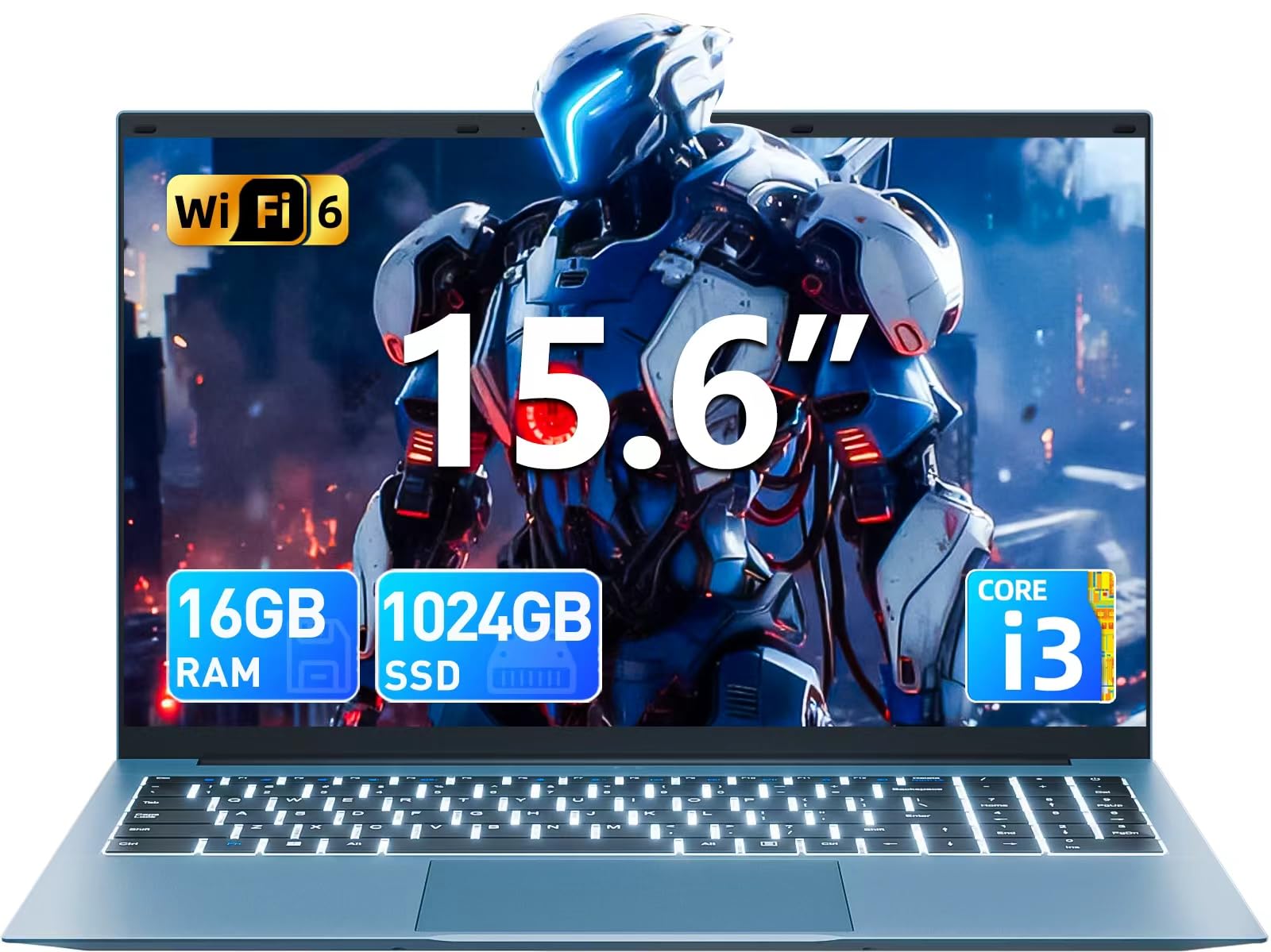
Image: The SGIN Y101 laptop, its power adapter, and the user manual as typically found in the product packaging.
3. Opstelling
3.1 Aanvanklike laai en aanskakeling
- Koppel die kragadapter: Plug the power adapter into the DC jack on the side of the laptop and then into a power outlet.
- Laai die battery: Laat die skootrekenaar vir ten minste 30 minute laai voor die eerste gebruik, of totdat die battery-aanwyser voldoende lading toon.
- Krag aan: Open the laptop lid and press the power button, usually located on the top right of the keyboard, to turn on the device.
3.2 Windows 11-opstelling
Follow the on-screen instructions to complete the initial Windows 11 Home setup. This typically includes:
- Kies jou streek en sleutelborduitleg.
- Connecting to a Wi-Fi network (WiFi 6 supported).
- Aanmeld met of skep 'n Microsoft-rekening.
- Die opstel van 'n PIN of wagwoord.
3.3 Aansluiting van randapparatuur
The SGIN Y101 laptop offers various ports for connecting external devices:
Beeld: Gedetailleerd view of the laptop's multiple interfaces, including DC jack, Type-C, HDMI, USB 3.2, Security lock, TF card slot, 3.5mm Headphone jack, and RJ45 Ethernet port.
- USB 3.0/3.2-poorte: For connecting USB devices like mice, keyboards, or external storage.
- HDMI-poort: Koppel aan 'n eksterne monitor of TV vir uitgebreide vertoon.
- Tipe C-poort: For data transfer and potentially charging compatible devices.
- Micro SD-gleuf: Insert a TF card for expanded storage up to 1TB.
- 3.5 mm koptelefoonaansluiting: Sluit koptelefoon of eksterne luidsprekers aan.
- RJ45 Ethernet-poort: Vir 'n bedrade internetverbinding.
- Kensington Slot Slot: Vir fisiese sekuriteit.
4. Bediening van die skootrekenaar
4.1 Sleutelbord en raakvlak
The laptop features a full-size keyboard with a numeric keypad and a large touchpad for navigation. The keyboard is backlit for use in low-light conditions.
- Verligte sleutelbord: Druk Fn + F5 to toggle the keyboard backlight on or off.
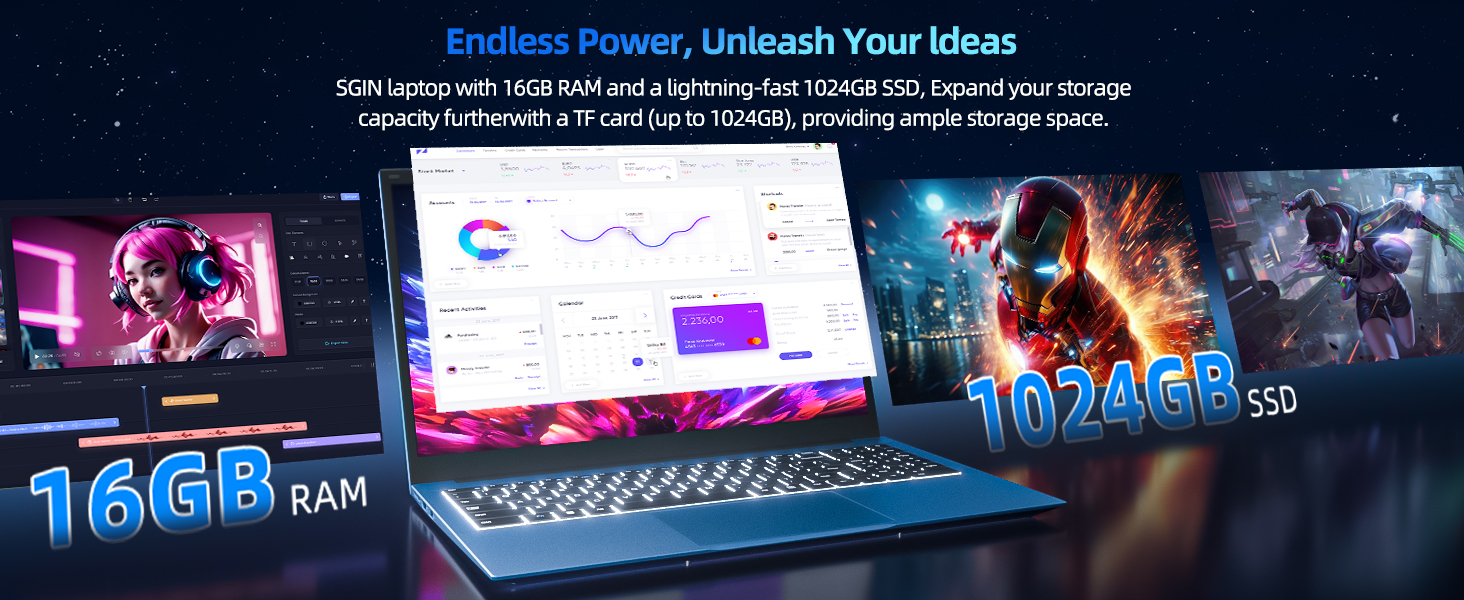
Image: Close-up of the SGIN Y101 laptop's backlit keyboard and numeric keypad, illustrating the Fn+F5 shortcut for backlight control.
4.2 Vertoonkenmerke
The 15.6-inch Full HD (1920x1080) IPS screen provides clear visuals and wide viewing angles. The laptop also features a 180-degree hinge, allowing the screen to lay flat for easy sharing and collaboration.
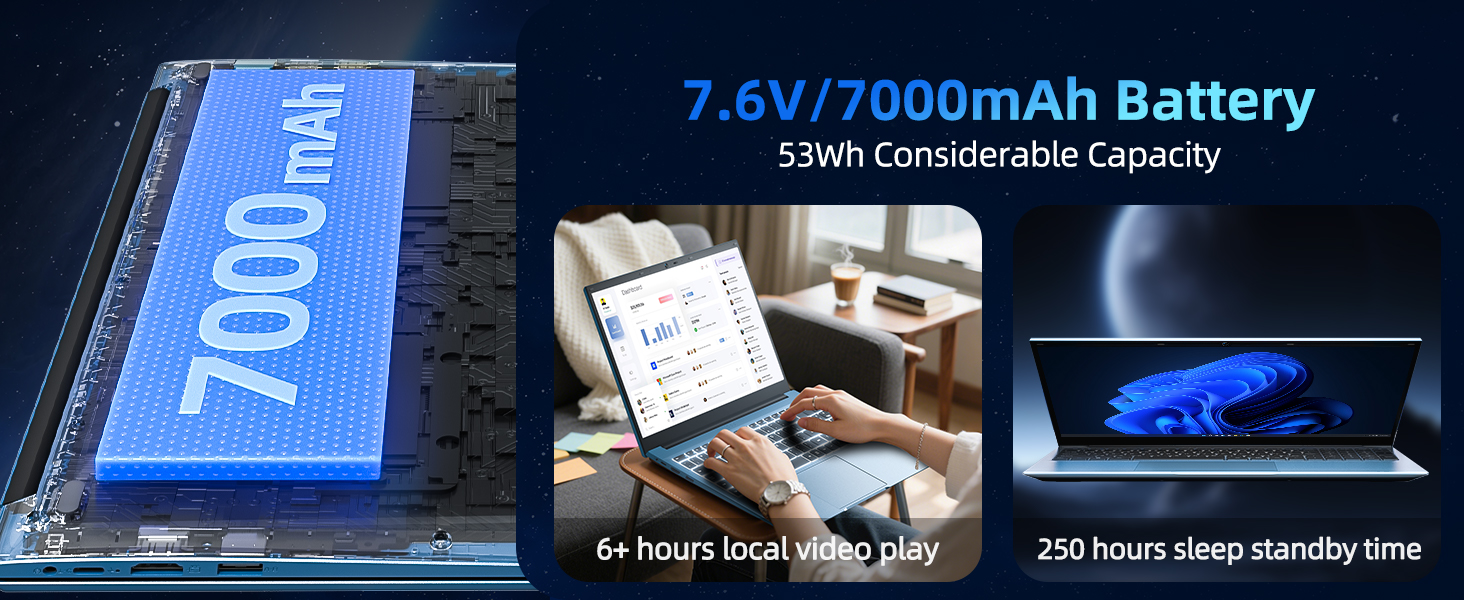
Image: The SGIN Y101 laptop displaying vibrant visuals on its 15.6-inch Full HD IPS screen.

Image: The SGIN Y101 laptop open, illustrating its 180-degree hinge design for flexible viewing en deel.
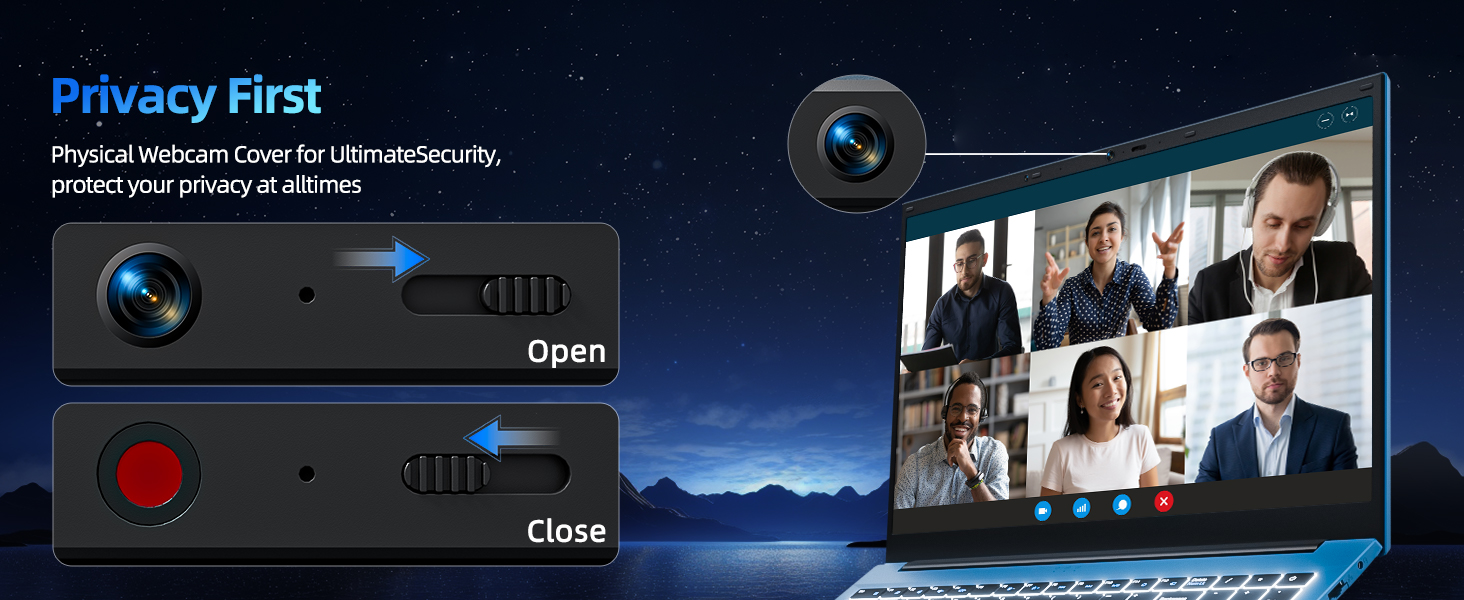
4.3 Privaatheid Webnok omslag
For enhanced privacy, the laptop includes a built-in physical webcam switch. Slide the cover to open or close the webkamera soos nodig.
5. Onderhoud
5.1 Algemene sorg
- Vermy die blootstelling van die skootrekenaar aan uiterste temperature, direkte sonlig of hoë humiditeit.
- Hou vloeistowwe weg van die toestel.
- Handle the laptop with care to prevent physical damage.
5.2 Skoonmaak
- Gebruik 'n sagte, pluisvrye lap om die skerm en die buitekant skoon te maak.
- Vir hardnekkige merke, effens dampMaak die lap skoon met water of 'n skermveilige skoonmaakmiddel.
- Do not spray cleaners directly onto the laptop.
5.3 Batterysorg
- Om die batterylewe te verleng, vermy om die battery gereeld heeltemal te ontlaai.
- Bêre die skootrekenaar op 'n koel, droë plek indien dit nie vir lang tye gebruik word nie.
- The 7000mAh/53.2Wh battery provides up to 8 hours of typical use.

Image: Visual representation of the SGIN Y101 laptop's 7000mAh/53.2Wh large capacity battery, indicating its suitability for extended use.
6. Probleemoplossing
This section addresses common issues you might encounter with your SGIN Y101 laptop.
6.1 Krag- en opstartprobleme
- Skootrekenaar skakel nie aan nie: Maak seker dat die kragadapter stewig gekoppel is en dat die battery voldoende gelaai is. Probeer 'n ander kragaansluiting.
- Laptop turns on but screen is black: Connect to an external monitor via HDMI to check if the display is the issue. Restart the laptop.
6.2 Vertoon en Grafika
- Screen flickering or unusual display: Update graphics drivers. If connecting to an external display, ensure the cable is secure.
- Screen appears dim or too bright: Adjust brightness settings in Windows or using keyboard function keys.
6.3 Konnektiwiteitsprobleme
- Wi-Fi verbind nie: Check if Wi-Fi is enabled in Windows settings. Restart your router and the laptop. Ensure correct password entry.
- USB-toestelle word nie herken nie: Try a different USB port. Ensure the device drivers are installed.
6.4 Sleutelbord en raakvlak
- Sleutelbord reageer nie: Restart the laptop. Ensure no foreign objects are under the keys.
- Aanraakpaneel werk nie: Check Windows settings to ensure the touchpad is enabled. Restart the laptop.
- Agterlig werk nie: Druk Fn + F5 to ensure it's toggled on.
If you encounter persistent issues not covered here, please refer to the support section for assistance.
7. Spesifikasies
| Kenmerk | Detail |
|---|---|
| Model Naam | SGIN-Y101 |
| Verwerker | Intel Core i3-10100 (2-core, 4-thread, 6MB cache, up to 3.9GHz) |
| RAM | 16 GB DDR3 SDRAM |
| Berging | 1024GB SSD (expandable with TF card up to 1TB) |
| Vertoon | 15.6-inch Full HD (1920x1080) IPS |
| Bedryfstelsel | Windows 11 Tuis |
| Battery | 7000mAh / 53.2Wh (up to 8 hours battery life) |
| Draadlose konneksie | WiFi 6 (802.11ax) |
| Hawens | USB 3.0, HDMI, Micro SD slot, Type-C, Kensington lock, 3.5mm Headphone jack, RJ45 Ethernet |
| Afmetings (LxBxH) | 15.6 x 9 x 0.6 duim |
| Gewig | 4.97 pond |
| Kleur | Grys |
8. Waarborg en Ondersteuning
Your SGIN Y101 laptop comes with comprehensive support and warranty:
- 1-jaar beskerming: Enjoy a 1-year protection plan covering manufacturing defects.
- 1-Year Repair Service: The product includes a 1-year repair service.
- 30-dae terugkeerbeleid: Eligible for returns within 30 days of purchase.
- 24/7 kliëntediens: Access instant customer help for any queries or issues.
For support, please contact SGIN customer service through the official channels provided at the time of purchase or on the SGIN webwebwerf.
9. Produkdemonstrasievideo
Watch this official video for a visual guide on the SGIN 15.6 Inch Laptop Computer's features and connectivity options.
Video: 'n Oorview and demonstration of the SGIN 15.6-inch laptop, showcasing its design, features, and available ports.