
Inleiding
Thank you for choosing the Generic M88 Wireless Sports Earbuds. These earbuds are designed to provide a high-quality audio experience with advanced features such as Bluetooth 5.4 connectivity, Hi-Fi stereo sound, Environmental Noise Cancellation (ENC), and a long-lasting charging case. This manual will guide you through the setup, operation, and maintenance of your new earbuds to ensure optimal performance and longevity.
Veiligheidsinligting
- Moenie die oordopjes of laaikas uitmekaar haal of wysig nie.
- Hou die toestel weg van uiterste temperature, humiditeit en vloeistowwe.
- Vermy langdurige blootstelling aan hoë volume vlakke om gehoorskade te voorkom.
- Maak die oordopjes en laaikas slegs met 'n sagte, droë lap skoon.
- Gooi die toestel verantwoordelik volgens plaaslike regulasies weg.
Pakketinhoud
Kontroleer asseblief die pakket vir die volgende items:
- Wireless Earbuds (2 units)
- Tipe-C-laaikabel (1 eenheid)
- Gebruikershandleiding (1 eenheid)
- Wireless Charging Case (1 unit)
Produk verbyview
Familiarize yourself with the components of your M88 Wireless Sports Earbuds.
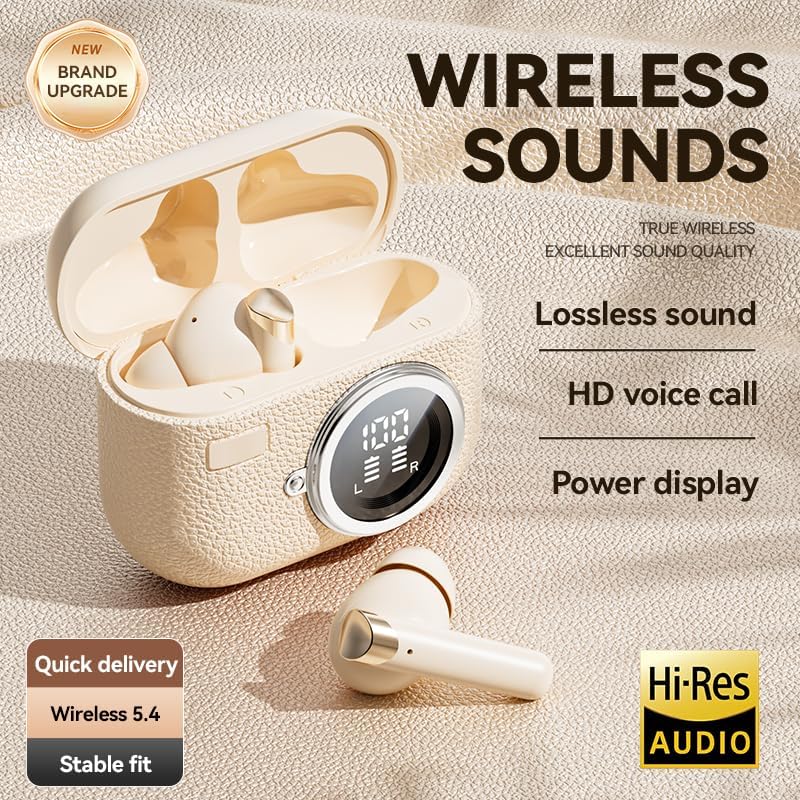
Image: The M88 Wireless Sports Earbuds shown with their charging case, highlighting the LED power display and compact design.
Oordop-kenmerke:
- Raakbeheerarea: For managing playback, calls, and volume.
- Mikrofoon: For calls and voice commands, with ENC noise reduction.
- Laai kontakte: Vir laai binne die kas.
Laaikaskenmerke:
- LED-kragskerm: Shows real-time battery levels for the case and individual earbuds.
- Tipe C-laaipoort: Vir die laai van die saak.
- Oordoplaaigleuwe: Hou die oordopjes veilig vas en laai dit.

Beeld: 'n Ontplofte view of an M88 earbud, illustrating the internal speaker and diaphragm components responsible for Hi-Fi sound.
Opstelling
1. Laai die oordopjes en houer
Laai beide die oordopjes en die laaikas volledig voor die eerste gebruik.
- Plaas die oorfone in die laaikas. Maak seker dat hulle korrek in hul onderskeie gleuwe geplaas is.
- Connect the Type-C charging cable to the charging port on the case and the other end to a USB power adapter (not included).
- The LED display on the charging case will show the charging status. A full charge typically takes about 1.5 hours.
- Once fully charged, the LED display will indicate 100% for the case and both earbuds.
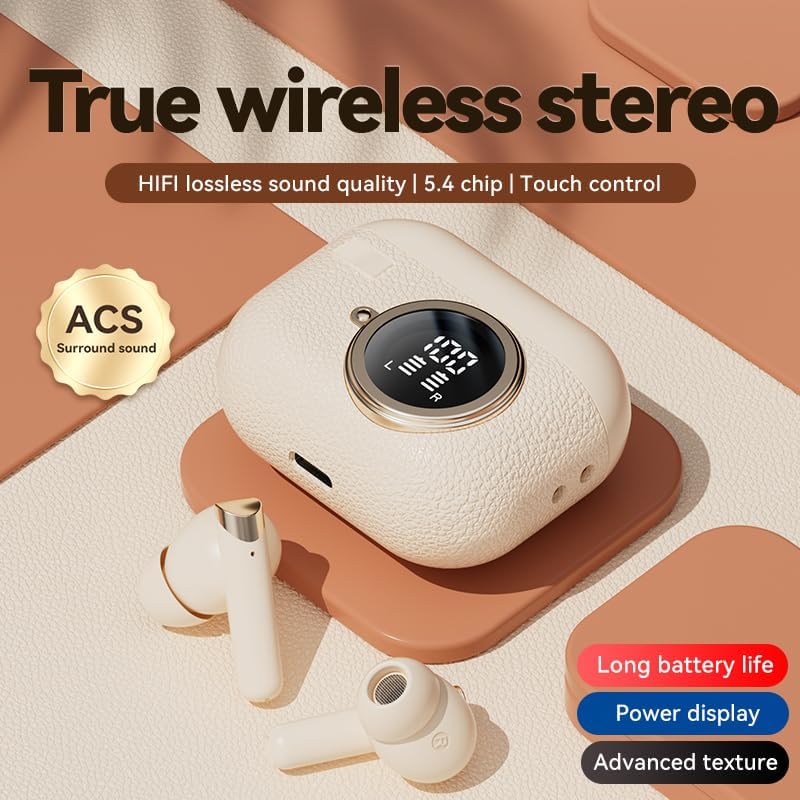
Image: The M88 charging case with earbuds inside, displaying battery percentages on its LED screen, indicating charging status.
2. Koppeling met jou toestel
Die oordopjes sal outomaties in paringsmodus gaan wanneer dit uit die laaikas gehaal word.
- Maak die laaikas oop en verwyder albei oorfone. Hulle sal outomaties aanskakel en probeer om met mekaar te koppel.
- Gaan na die Bluetooth-instellings op jou slimfoon of Bluetooth-geaktiveerde toestel.
- Soek vir available devices and select "M88" (or similar name) from the list.
- Sodra dit gekoppel is, sal jy 'n bevestigingstoon hoor, en die oorfone sal gereed wees vir gebruik.
- The earbuds support automatic reconnection to the last paired device when removed from the case.
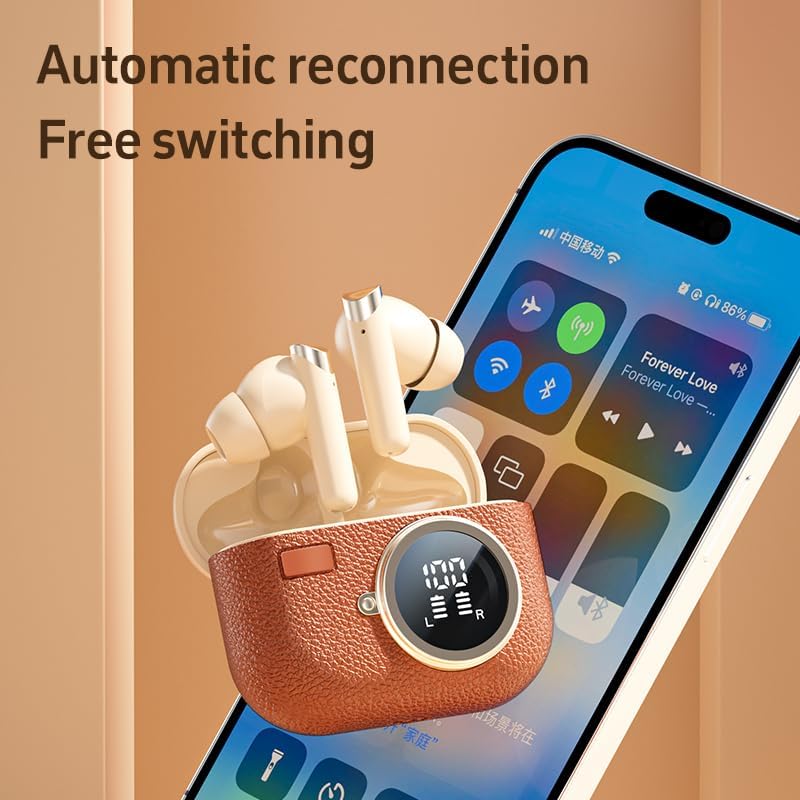
Image: M88 earbuds shown next to a smartphone screen, illustrating the automatic reconnection feature and seamless device switching.
Bedryfsinstruksies
Dra die oordopjes
For optimal sound quality and comfort, ensure the earbuds are properly seated in your ears. The M88 earbuds are designed for a secure fit, ideal for sports and active use.

Image: A person wearing the M88 earbuds, demonstrating their comfortable and secure fit for daily use.
Raak kontroles
The M88 earbuds feature intuitive touch controls on each earbud. The functions are as follows:
| Aksie | Funksie |
|---|---|
| Raak Een keer | Speel/pouse musiek, beantwoord/beëindig oproep |
| Raak twee keer aan | Next song (Right earbud), Previous song (Left earbud) |
| Touch and Hold (3 seconds) | Volume Up (Right earbud), Volume Down (Left earbud) |
| Touch and Hold (5 seconds) | Aan/Af (indien nie in geval nie) |
| Triple Touch | Aktiveer stemassistent (Siri, Google Assistent) |
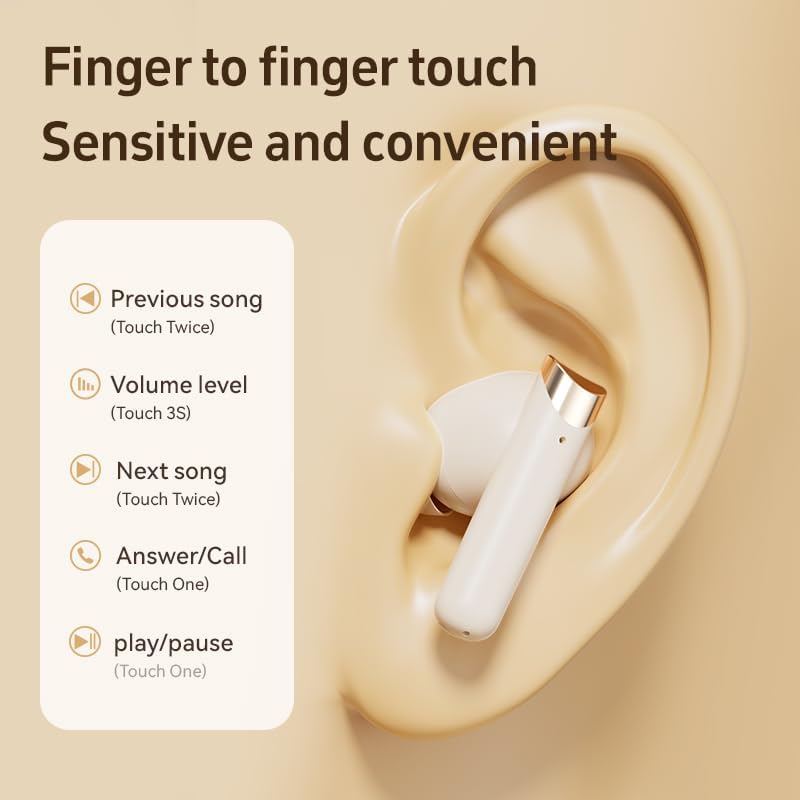
Image: A visual guide detailing the touch control functions on the M88 earbuds for music playback and call management.
Omgewingsgeruisonderdrukking (ENC)
The M88 earbuds feature ENC technology for clearer calls. This system reduces ambient noise during phone conversations, ensuring your voice is heard clearly by the other party, even in noisy environments.

Image: A person using the M88 earbuds, with visual cues indicating effective speech noise reduction for clearer communication.
Onderhoud
Skoonmaak
- Regularly clean the earbuds and charging case to maintain optimal performance.
- Use a soft, dry, lint-free cloth to wipe the surfaces.
- Vir hardnekkige vuiligheid, effens dampMaak die lap met water skoon en vee dit dan dadelik droog.
- Moenie skuurmiddels, alkohol of chemiese oplosmiddels gebruik nie.
- Maak seker dat die laaikontakte op beide die oordopjes en die houer skoon en droog is.
Berging
- Wanneer dit nie gebruik word nie, bêre die oordopjes in hul laaikassie om hulle te beskerm en gelaai te hou.
- Bêre die toestel op 'n koel, droë plek, weg van direkte sonlig en uiterste temperature.
Probleemoplossing
If you encounter any issues with your M88 Wireless Sports Earbuds, please refer to the following common solutions:
| Probleem | Moontlike Oplossing |
|---|---|
| Oorfone koppel nie met toestel nie |
|
| Slegs een koptelefoon werk |
|
| Lae volume of swak klankgehalte |
|
| Laaikas laai nie |
|
Spesifikasies
Detailed technical specifications for the Generic M88 Wireless Sports Earbuds:
| Kenmerk | Detail |
|---|---|
| Handelsmerk | Generies |
| Modelnommer | M88 |
| Verbindingstegnologie | Draadloos |
| Draadlose Tegnologie | Bluetooth 5.4 |
| Bluetooth-reeks | Tot 12 meter |
| Oudio-latensie | 35 millisekondes |
| Geraasbeheer | Omgewingsgeruisonderdrukking (ENC) |
| Tipe beheer | Raak Beheer |
| Oorplasing | In-Oor |
| Vormfaktor | Oordop |
| Waterweerstandvlak | Waterdig |
| Batterylewe (met omhulsel) | Tot 72 ure speeltyd |
| Bystandtyd | Tot 350 ure |
| Laai tyd | Approx. 1.5 Hours (Type-C fast charging) |
| Gewig van die laaikas | 39 gram |
| Dratas afmetings | 65 mm (lengte) x 65 mm (breedte) x 29 mm (hoogte) |
| Versoenbare toestelle | iPhone (various models), Samsung Galaxy (various models), Moto, SONY Xperia, Xiaomi, Huawei, OnePlus, LG (See product listing for full compatibility) |
Waarborg en Ondersteuning
The Generic M88 Wireless Sports Earbuds come with a 90-dae vervaardiger se waarborg. Hierdie waarborg dek defekte in materiaal en vakmanskap onder normale gebruik.
For warranty claims, technical support, or any questions regarding your product, please contact the seller or refer to the purchase platform for customer service contact information.
Bewaar asseblief u aankoopbewys vir waarborgdoeleindes.