
1. Inleiding
This manual provides detailed instructions for the installation, operation, maintenance, and troubleshooting of your Rimoody 4Core 4G+128G Android 15 Car Stereo. This unit is specifically designed for Honda Fit models manufactured between 2008 and 2013. Please read this manual thoroughly before installation and use to ensure proper functionality and safety.
2. Produkinhoud
Carefully unpack the box and ensure all items listed below are present. If any items are missing or damaged, please contact customer support.
- Car Radio Head Unit
- Rugsteun kamera
- Mikrofoon
- Wiring Harnesses (Power Cable, RCA Cable, Camera Input Cable)
- GPS-antenne
- USB-kabels
- Installasie Gereedskap
- Gebruikershandleiding (hierdie dokument)

3. Installasiehandleiding
Professional installation is recommended for this car stereo. Incorrect wiring can damage the unit or your vehicle's electrical system. Ensure the vehicle's battery is disconnected before beginning installation.
3.1 Voertuigversoenbaarheid
This car stereo is designed to fit Honda Fit models from 2008 to 2013. The included wiring harnesses are specific to these models.

3.2 Basic Installation Steps
- Remove the Factory Radio: Carefully remove the existing car radio and trim panels using appropriate tools.
- Verbind bedradingsharnasse: Connect the provided wiring harnesses to the vehicle's factory wiring. Ensure all connections are secure.
- Connect GPS Antenna: Monteer die GPS-antenna op 'n plek met 'n duidelike view van die lug, tipies op die paneelbord of onder die voorruit.
- Connect USB Cables: Route the USB cables to a convenient location, such as the glove compartment or center console.
- Koppel mikrofoon: Install the external microphone in a suitable position for clear voice pickup, such as near the rearview mirror or on the steering column.
- Install Backup Camera (Optional): If installing the backup camera, route its cable from the rear of the vehicle to the head unit and connect it to the designated video input port.
- Mount the Head Unit: Secure the new car stereo into the dashboard opening.
- Herkoppel battery: Reconnect the vehicle's battery and test the unit.
4. Basiese werking
4.1 Krag aan/af
Press the power button (usually located on the front panel or a soft button on the screen) to turn the unit on or off. The unit will automatically power on when the vehicle's ignition is turned on.
4.2 Aanraakskerm-koppelvlak
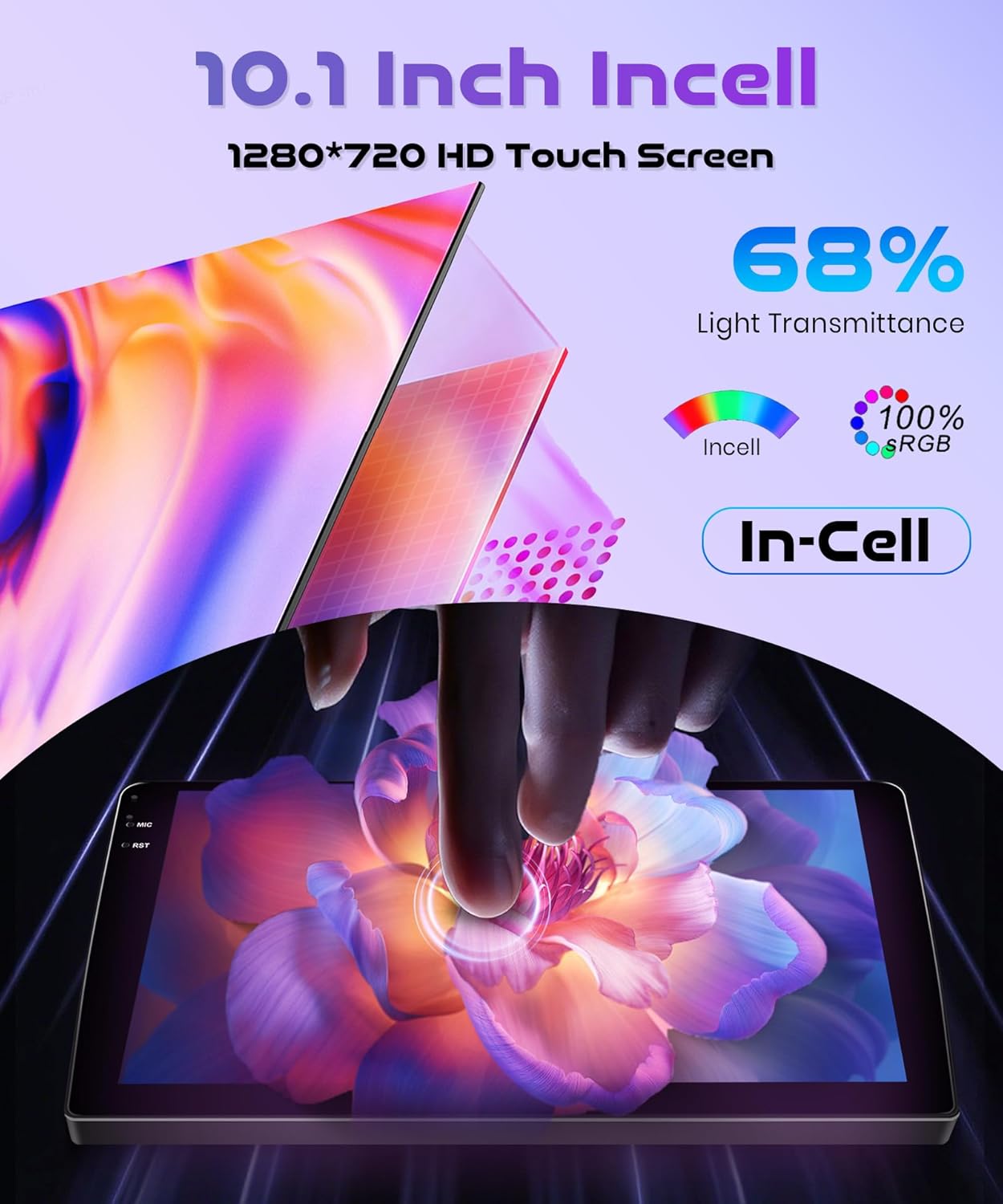
The 10.1-inch INCELL touchscreen provides a responsive and clear interface. Navigate through menus and applications by tapping, swiping, and dragging gestures, similar to a smartphone.
5. Gevorderde kenmerke
5.1 Wireless Carplay & Android Auto & Mirror Link
Connect your smartphone wirelessly to access navigation, music, messages, and calls directly from the car stereo display. The unit supports both Wireless Carplay for iOS devices and Wireless Android Auto for Android devices. Additionally, Mirror Link functionality allows you to mirror your phone's screen via USB cable or Wi-Fi.
- Draadlose verbinding: Enable Bluetooth and Wi-Fi on your smartphone. On the car stereo, navigate to the Carplay or Android Auto application and follow the on-screen instructions to pair your device.
- Spieëlskakel: For Mirror Link, connect your phone via a USB cable or establish a Wi-Fi connection, then select the Mirror Link option on the stereo.

5.2 GPS-navigasie
The built-in GPS module supports both online and offline maps. You can use pre-installed maps or download additional maps via Wi-Fi. Voice guidance and real-time traffic information are available with online map services.
- Online Maps: Connect the unit to a Wi-Fi hotspot (e.g., from your smartphone) to access real-time traffic and map updates.
- Vanlyn kaarte: Download map data for your region to use navigation without an internet connection.

5.3 Bluetooth 5.0
Pair your phone or other Bluetooth-enabled devices to the car stereo for hands-free calling, music streaming, and file oordra.
- Saambinding: Go to the Bluetooth settings on the car stereo and your device. Soek vir available devices and select the car stereo's name to pair.
- Musiekstroming: Once paired, you can play audio from your phone through the car stereo's speakers.
- Handvrye oproepe: Make and receive calls directly from the car stereo interface.
5.4 FM/RDS Radio and EQ-32
The unit features an FM/RDS radio tuner for receiving radio signals with clear sound quality. The 32-band equalizer (EQ-32) allows for detailed sound customization.
- FM/RDS: Scan for stations, save presets, and view RDS information (if available).
- Gelykmaker: Adjust audio frequencies to tailor the sound output to your preference.
5.5 Stuurwielbeheer (SWC)
The unit supports the original car's steering wheel button learning function. This allows you to map functions like volume control, track skipping, and mode selection to your steering wheel buttons for convenient operation.
- Opstelling: Access the SWC settings in the car stereo menu. Follow the on-screen prompts to assign functions to each steering wheel button.
5.6 Agter View Kamera
Connect the included reversing camera to the dedicated video input port. When you shift the vehicle into reverse gear, the car stereo screen will automatically display the rear view, assisting with safe parking and obstacle avoidance.

6. Onderhoud
- Skerm skoonmaak: Gebruik 'n sagte, pluisvrye lap om die raakskerm saggies af te vee. Vir hardnekkige vlekke, vee dit effens af.ampMaak die lap skoon met water of 'n skermveilige skoonmaakmiddel. Vermy skuurmiddels of harde chemikalieë.
- Sagteware-opdaterings: Periodically check for software updates through the system settings. Updates can improve performance, add new features, and fix bugs. Connect to Wi-Fi to download updates.
- Algemene sorg: Hou die eenheid vry van stof en puin. Vermy blootstelling aan uiterste temperature of direkte sonlig vir lang tye.
7. Probleemoplossing
Hierdie afdeling spreek algemene probleme aan wat u mag teëkom. Vir probleme wat nie hier gelys word nie, kontak asseblief kliëntediens.
| Probleem | Moontlike oorsaak | Oplossing |
|---|---|---|
| Eenheid skakel nie aan nie | Verkeerde bedrading; Deurgeblaasde sekering; Probleem met voertuigbattery | Check power connections and fuses. Ensure vehicle battery is charged. Consult a professional installer. |
| Geen klank nie | Speaker wiring issue; Volume too low; Mute function active | Check speaker connections. Increase volume. Disable mute. |
| Wireless Carplay/Android Auto fails to connect or disconnects | Bluetooth/Wi-Fi interference; Multiple devices connected; Software glitch | Ensure only one device is attempting to connect wirelessly. Restart phone and car stereo. Check for software updates. Avoid connecting multiple devices simultaneously. |
| GPS signal lost or inaccurate | GPS antenna obstruction; Antenna not properly connected | Maak seker dat die GPS-antenna 'n duidelike view van die lug. Kontroleer die antennaverbinding. |
| Truspieëlkamera wys nie | Camera wiring issue; Incorrect input selected | Check camera power and video signal connections. Ensure vehicle is in reverse. |
8. Spesifikasies
| Kenmerk | Spesifikasie |
|---|---|
| Handelsmerk | Rimoody |
| Model | 4Core 4G+128G Wireless Carplay |
| Bedryfstelsel | Android 15 |
| SVE | 4Kern |
| Geheue (RAM+ROM) | 4 GB RAM + 128 GB ROM |
| Skerm grootte | 10.1 duim |
| Skerm tipe | INCELL Touchscreen |
| Resolusie | 1280 x 720 |
| Konnektiwiteit | Wireless Carplay, Wireless Android Auto, Mirror Link, Built-in Wi-Fi, Bluetooth 5.0, USB |
| Navigasie | Built-in GPS Module (Online/Offline Maps) |
| Oudio-kenmerke | FM/RDS Radio, 32-band Equalizer (EQ-32) |
| Beheer | Steering Wheel Control (SWC) Support |
| Gewig | 1.8 kilogram |
| Versoenbare voertuie | Honda Fit 2008-2013 |
9. Waarborg en Ondersteuning
Rimoody is committed to providing quality products and excellent customer service.
9.1 Waarborginligting
Hierdie produk kom met 'n 2 jaar vervaardiger se waarborg covering defects in materials and workmanship from the date of purchase.
9.2 Kliëntediens
For any questions, installation assistance, or troubleshooting, please contact our support team. We offer:
- 24-Hour Quick Response: Our support team aims to respond to inquiries within 24 hours.
- Professional Installation Guide and Video: Access to detailed guides and videos for installation assistance.
- 90 Days Free Return: Enjoy a 90-day free return period for refunds or exchanges.
- Lewenslange tegniese ondersteuning: Receive technical support for the lifetime of your product.
