
1. Inleiding
This manual provides essential information for setting up, operating, and maintaining your XIAOMI 15T Pro smartphone. Please read it carefully to ensure optimal performance and longevity of your device.
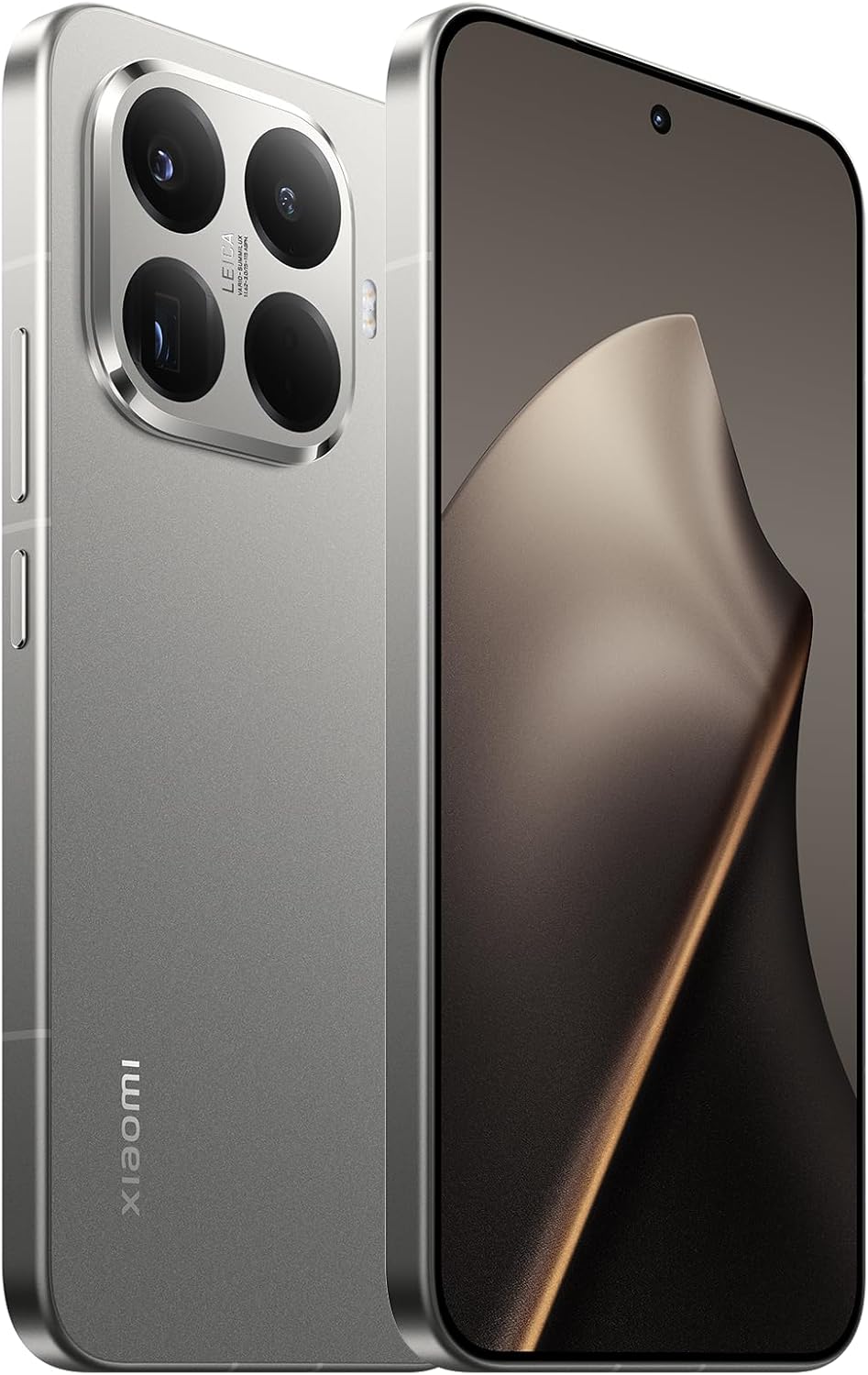
Beeld 1.1: Voor en agter view of the XIAOMI 15T Pro smartphone, showcasing sy slanke ontwerp en kameramodule.
2. Toestelopstelling
2.1. Wat is in die boks
Voordat jy begin, maak seker dat alle komponente teenwoordig is:
- XIAOMI 15T Pro Slimfoon
- USB kabel
- (Other accessories like charger, SIM ejector tool, protective case may vary by region)
2.2. Laai die toestel
Connect the provided USB cable to the smartphone's USB-C port and the other end to a compatible power adapter (sold separately) or a computer's USB port. Allow the device to charge fully before first use.

Beeld 2.1: Onderkant view of the XIAOMI 15T Pro, highlighting the USB-C charging port and speaker grille.
2.3. Plaas die SIM-kaart
Locate the SIM card tray on the side of the device. Use the SIM ejector tool (if included) to open the tray. Insert your Nano-SIM card(s) into the designated slots, ensuring proper orientation. Gently push the tray back into the device.

Beeld 2.2: Sykant view of the XIAOMI 15T Pro, showing the power button, volume rocker, and SIM card tray location.
2.4. Skakel aan/af
To power on, press and hold the Power button (located on the side) until the Xiaomi logo appears. To power off, press and hold the Power button, then select "Power off" from the options on the screen.
3. Bedien jou toestel
3.1. Vertoonkenmerke
The XIAOMI 15T Pro features an immersive 6.83-inch AMOLED display with a 1.5K resolution and a 144Hz refresh rate. This display is designed to protect your eyes while delivering vibrant colors and sharp details. The ultra-thin bezels, achieved with LIPO technology, provide an expansive viewing experience with a 94.5% screen-to-body ratio.
Video 3.1: 'n Kort oorsigview of the XIAOMI 15T Pro smartphone's design and display features.
3.2. Camera System with Leica Optics
Experience professional-level photography with the XIAOMI 15T Pro's advanced camera system, featuring Leica optics. The device includes a 5x Pro telephoto lens, allowing for optical zoom up to 5x, 10x optical-level zoom, and an impressive ultra-zoom up to 20x. This system ensures sharp, vivid details and allows you to capture moments with exceptional clarity and artistic depth, enhanced by the legendary Leica effect.
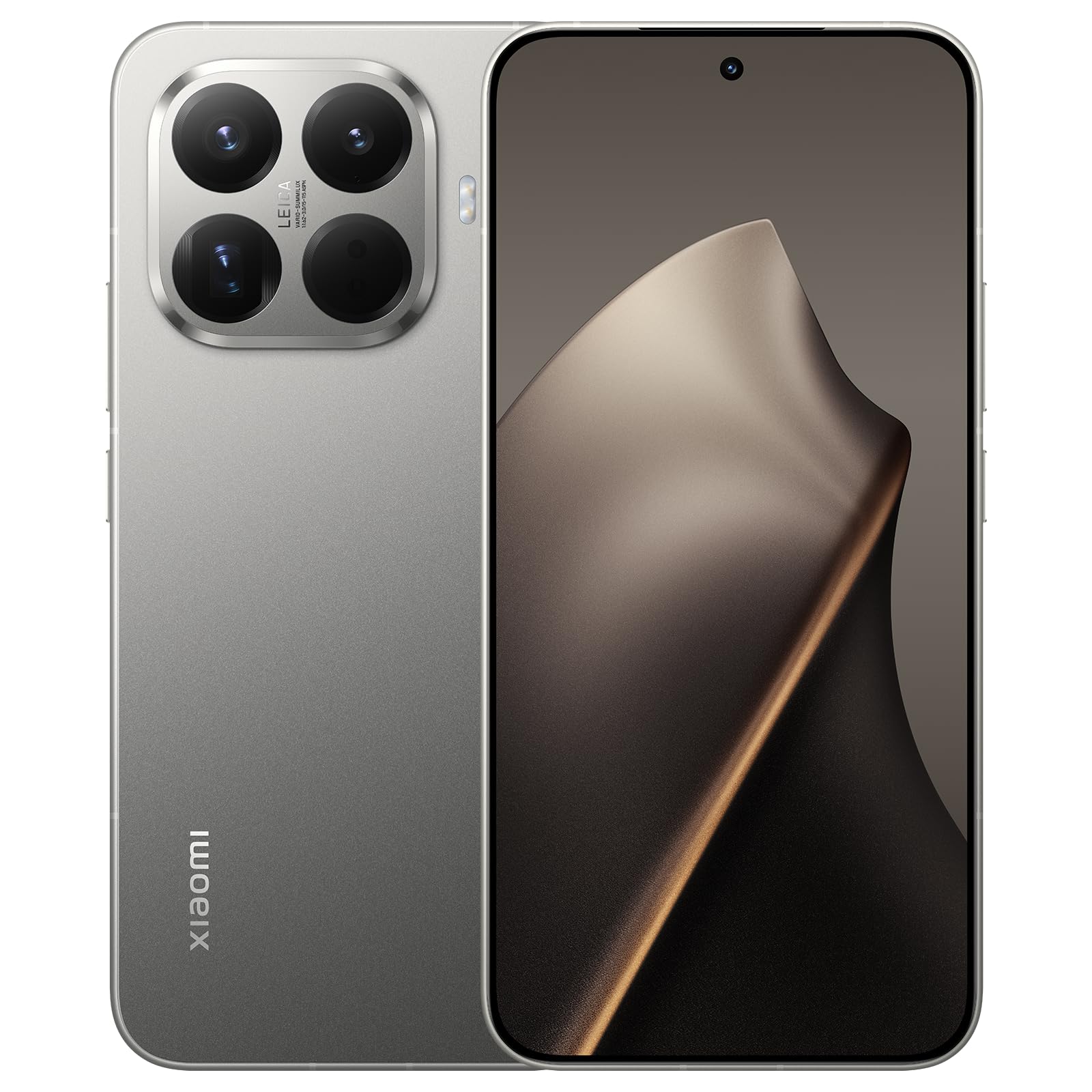
Image 3.1: Close-up of the XIAOMI 15T Pro's rear camera module, highlighting the Leica branding and multiple lenses.
3.3. Prestasie
Powered by the MediaTek Dimensity 9400+ processor, built on a 3nm flagship-level process, the XIAOMI 15T Pro delivers exceptional performance. This ensures smooth operation for demanding tasks such as gaming, professional video editing, and seamless multitasking, all while maintaining excellent power efficiency.
3.4. Batterylewe
The device is equipped with a powerful 5500 mAh battery, offering extended endurance for your daily activities. Supported by Xiaomi's intelligent Surge battery management system and 64 layers of security, it provides maximum durability and safety, ensuring reliable power from morning to night.
3.5. Bedryfstelsel
The XIAOMI 15T Pro runs on Android 15, providing a user-friendly interface and access to a vast ecosystem of applications and services.
Video 3.2: A brief visual demonstration of the XIAOMI 15T Pro smartphone's features.
4. Onderhoud
- Skoonmaak: Gebruik 'n sagte, pluisvrye lap om die skerm en liggaam skoon te maak. Vermy skuurmiddels of harde chemikalieë.
- Sagteware-opdaterings: Kontroleer gereeld vir sagteware-opdaterings en installeer dit om optimale werkverrigting, sekuriteit en toegang tot nuwe funksies te verseker.
- Omgewingstoestande: Vermy blootstelling van jou toestel aan uiterste temperature, direkte sonlig vir lang tye of oormatige vog.
- Berging: If storing the device for an extended period, ensure it is charged to about 50% to preserve battery health.
5. Probleemoplossing
5.1. Toestel skakel nie aan nie
Ensure the battery is sufficiently charged. Connect the device to a charger and wait a few minutes before attempting to power it on again. If the issue persists, perform a forced restart by holding the Power button for approximately 10-15 seconds.
5.2. Battery dreineer vinnig
Check for background apps consuming excessive power. Adjust screen brightness, disable unnecessary features like GPS or Bluetooth when not in use, and ensure your software is up to date. Extreme temperatures can also affect battery performance.
5.3. Programme wat vasval of vries
Try clearing the cache of the problematic app or reinstalling it. Ensure your device has enough free storage space. If multiple apps are affected, a factory reset might be necessary (back up your data first).
5.4. Netwerkverbindingsprobleme
Toggle Airplane Mode on and off. Restart your device. Check if your SIM card is properly inserted. Verify your mobile data or Wi-Fi settings. If issues persist, contact your network provider.
6. Spesifikasies
| Kenmerk | Detail |
|---|---|
| Handelsmerk | XIAOMI |
| Model | Xiaomi 15T Pro |
| Bedryfstelsel | Android 15 |
| Verwerker | MediaTek Dimensity 9400+ |
| RAM | 12 GB |
| Interne berging | 512 GB |
| Vertoon grootte | 6.83 duim |
| Tipe vertoon | AMOLED |
| Resolusie | 1536 x 864 |
| Herlaaitempo | 144 Hz |
| Battery kapasiteit | 5500 mAh |
| Kamera | Leica 50MP 5x Pro Telephoto, up to 20x Ultra Zoom |
| Konnektiwiteit | 5G |
| Ingesluit komponente | USB kabel |
7. Waarborg en Ondersteuning
Your XIAOMI 15T Pro smartphone comes with a standard manufacturer's warranty. For detailed information regarding warranty terms, conditions, and duration, please refer to the warranty card included with your product or visit the official Xiaomi support webwebwerf.
For technical assistance, troubleshooting, or service inquiries, please visit the official Xiaomi support portal: Xiaomi-ondersteuning