
1. Inleiding
This manual provides essential information for setting up, operating, and maintaining your realme 15T 5G smartphone. Please read it carefully to ensure optimal performance and longevity of your device.
2. Wat is in die boks
Upon opening your realme 15T 5G package, you should find the following items:
- realme 15T 5G Smartphone
- USB kabel
- Kragadapter (60W)
- Beskermende saak
Hierdie video bied 'n kort oorsigview of the realme 15T 5G smartphone and its key features.
3. Opstelling
3.1. SIM-kaart installasie
- Vind die SIM-kaartlaai aan die kant van jou toestel.
- Plaas die SIM-uitwerpgereedskap in die klein gaatjie langs die laai en druk stewig totdat die laai uitspring.
- Plaas jou Nano-SIM-kaarte in die aangewese gleuwe op die laai. Maak seker dat die goue kontakte na onder wys.
- Plaas die SIM-kaartlaai versigtig terug in die foon.
3.2. Skakel aan/af
- Om aan te skakel: Druk en hou die aan/af-knoppie in totdat die realme-logo verskyn.
- Om af te skakel: Druk en hou die aan/af-knoppie in, en kies dan 'Skakel af' uit die opsies op die skerm.
3.3. Aanvanklike laai
Before first use, it is recommended to fully charge your device. Use the provided 60W Power Adapter and USB Cable for fast charging. The 7000mAh battery can reach 50% charge in approximately 30 minutes.
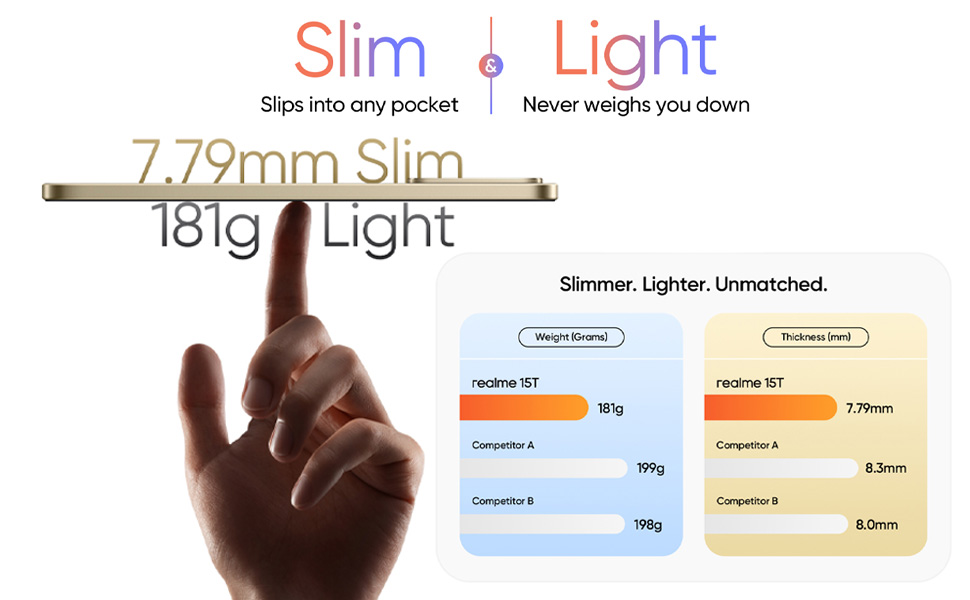
The realme 15T 5G is designed to be slim at 7.79mm and light at 181g for comfortable handling.
4. Bedien jou toestel
4.1. Vertoonkenmerke
The realme 15T 5G features a 6.57-inch 120Hz AMOLED display with a peak brightness of 4000 nits. This ensures clear visibility even under direct sunlight. The display also incorporates 4R Comfort+ technology to reduce harmful blue light and provide a smooth viewondervinding.
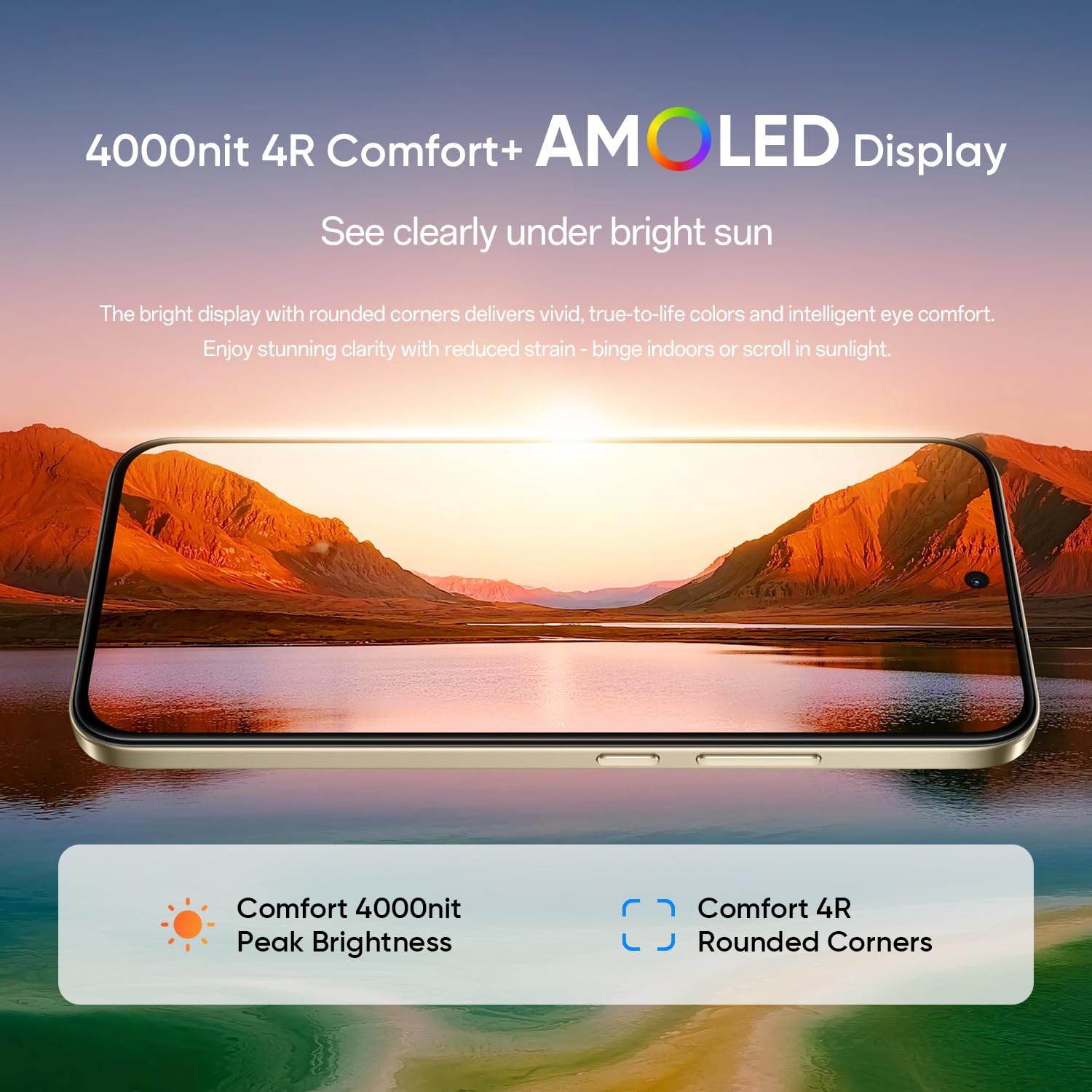
The 4000 nit AMOLED display ensures excellent visibility and eye comfort.
4.2. Battery en Laai
Equipped with a 7000mAh Titan battery, the realme 15T 5G offers extended usage, supporting over 20 hours of continuous video playback. The device supports 60W wired fast charging, allowing for rapid power replenishment.
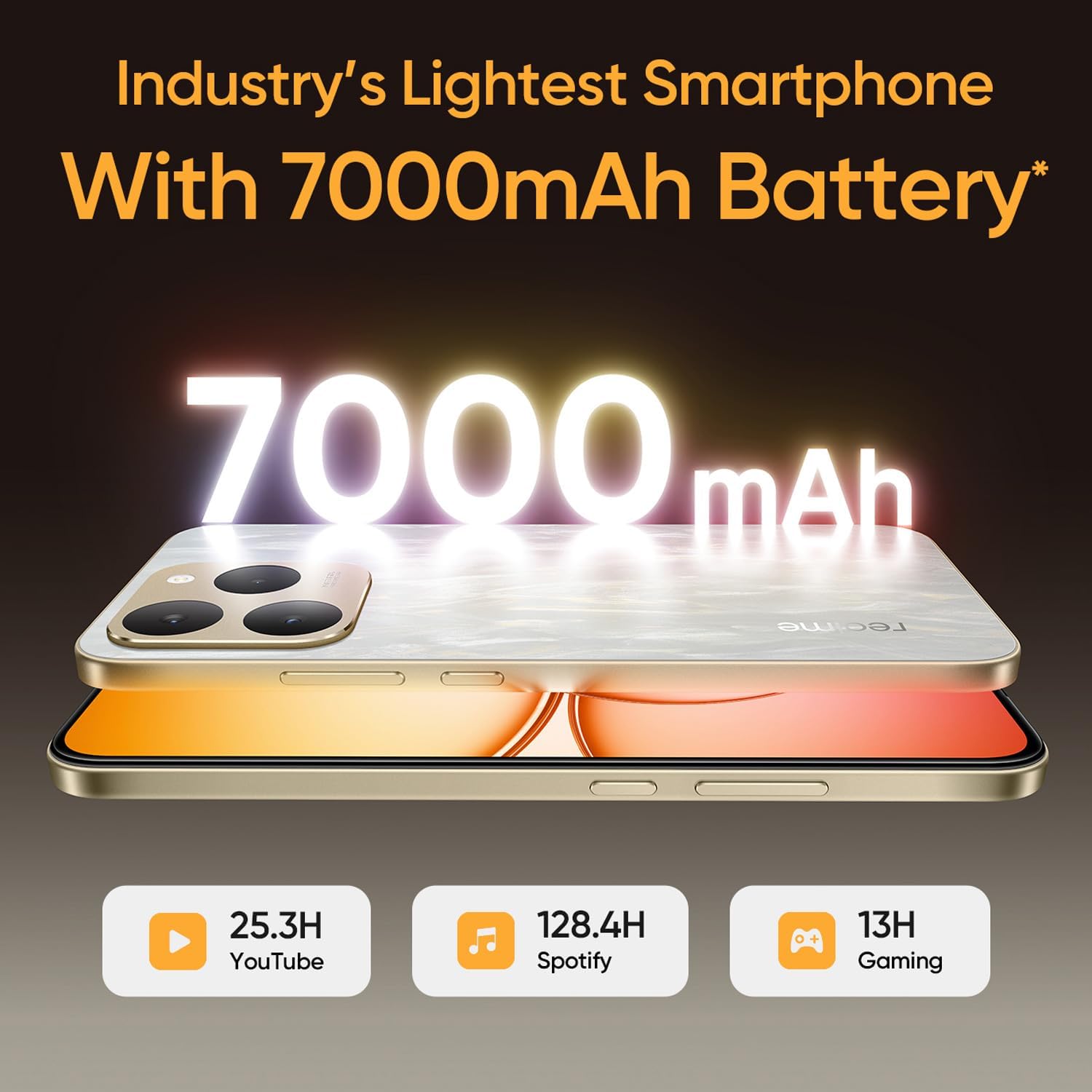
The 7000mAh battery provides long-lasting power for various activities.
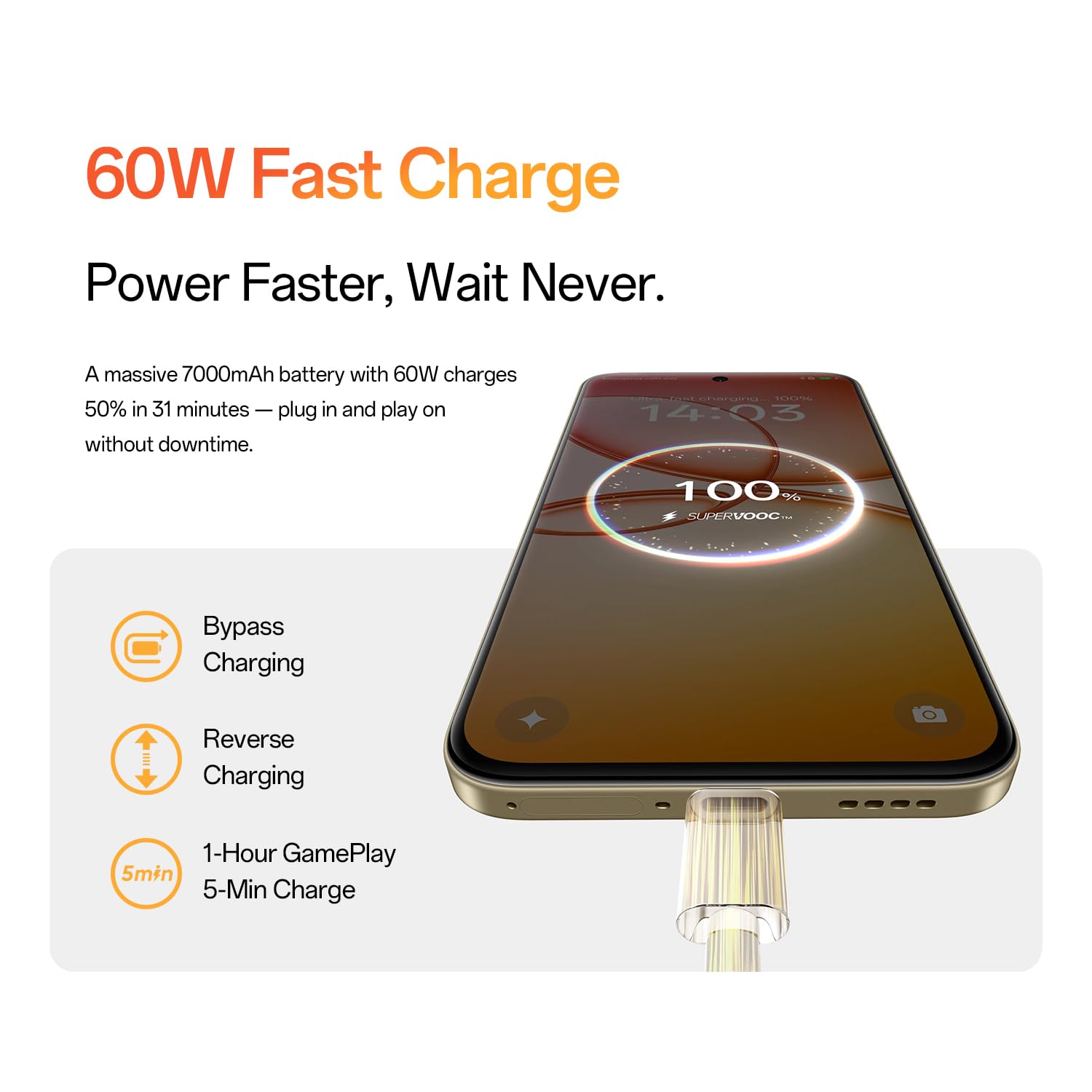
60W fast charging allows for quick power-ups, with features like bypass charging and reverse charging.
4.3. Prestasie
The realme 15T 5G is powered by a Mediatek Dimensity 8000 Octa-core 5G chipset, ensuring smooth performance. With 8GB of RAM and 128GB of internal storage, the device handles multitasking and stores a large volume of data efficiently. Memory expansion technology provides additional virtual RAM for enhanced performance.
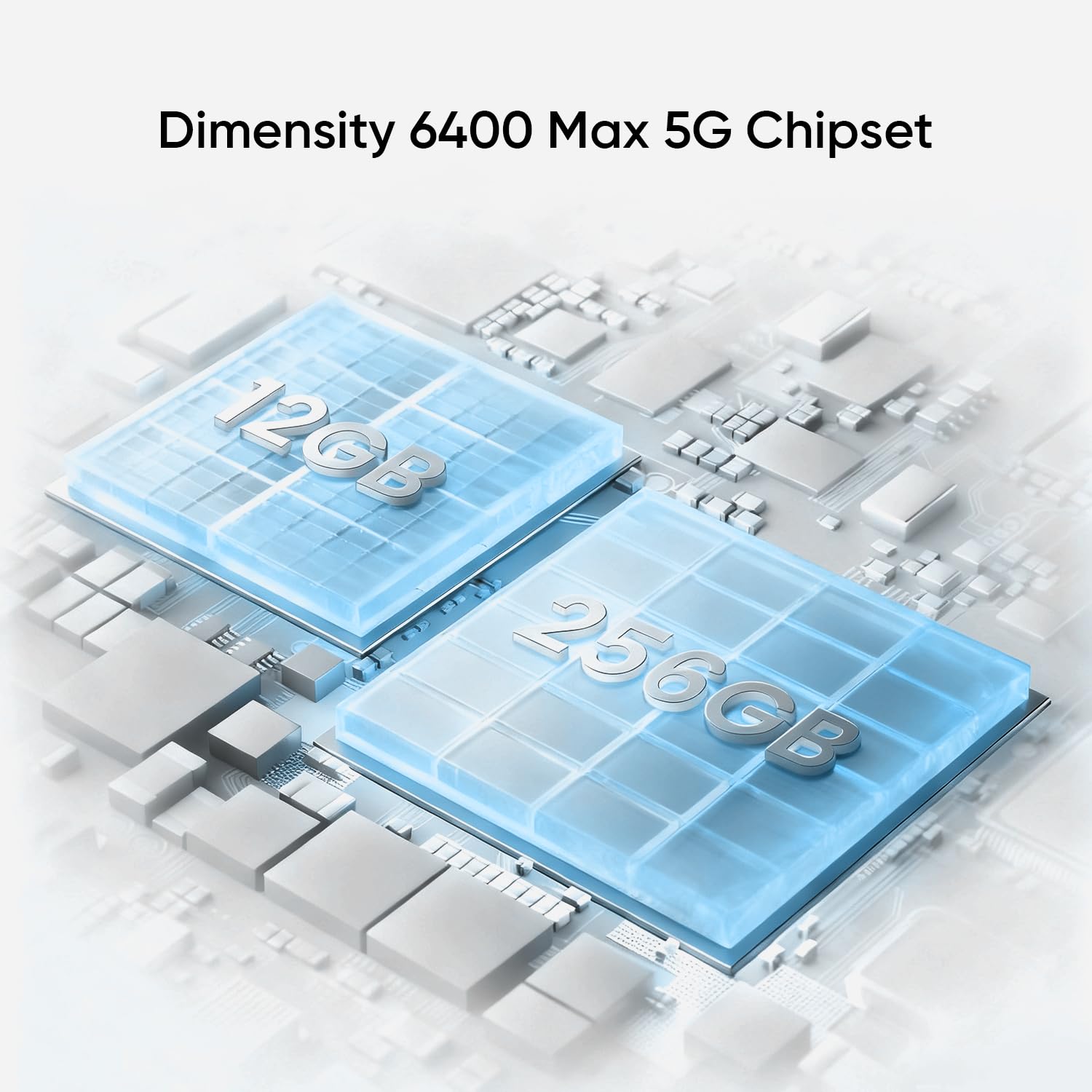
The device is powered by a high-performance 5G chipset for efficient operation.
4.4. Kamerastelsel
Capture high-quality photos with the 50MP front and 50MP rear AI cameras. These cameras are designed to deliver clear and detailed images.
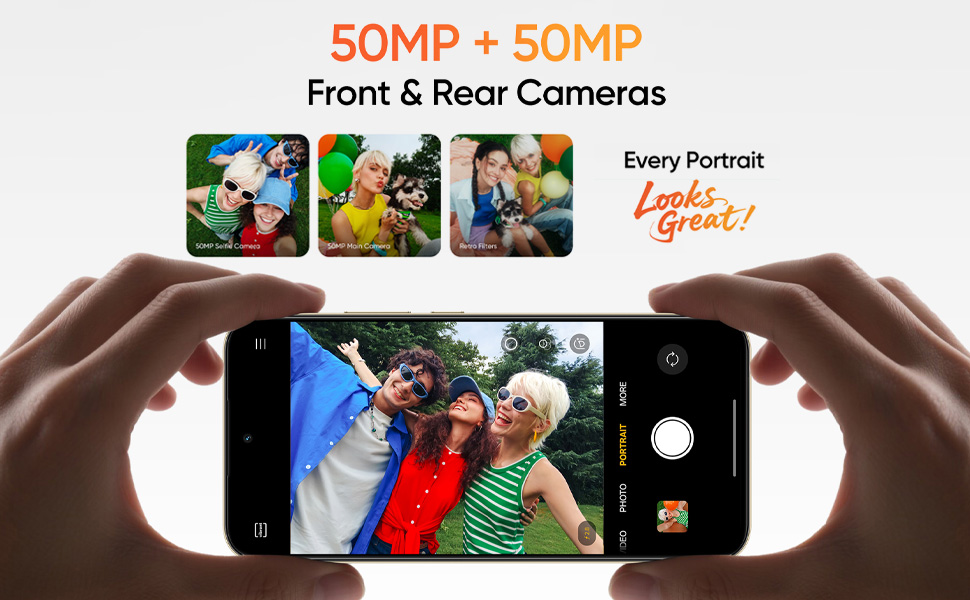
The realme 15T 5G features 50MP front and rear AI cameras for detailed photography.
4.5. Waterweerstand
The smartphone boasts an IP69 rating, providing robust protection against high-pressure, high-temperature water jets, dust, and spills. This enhances the device's durability in various demanding conditions.
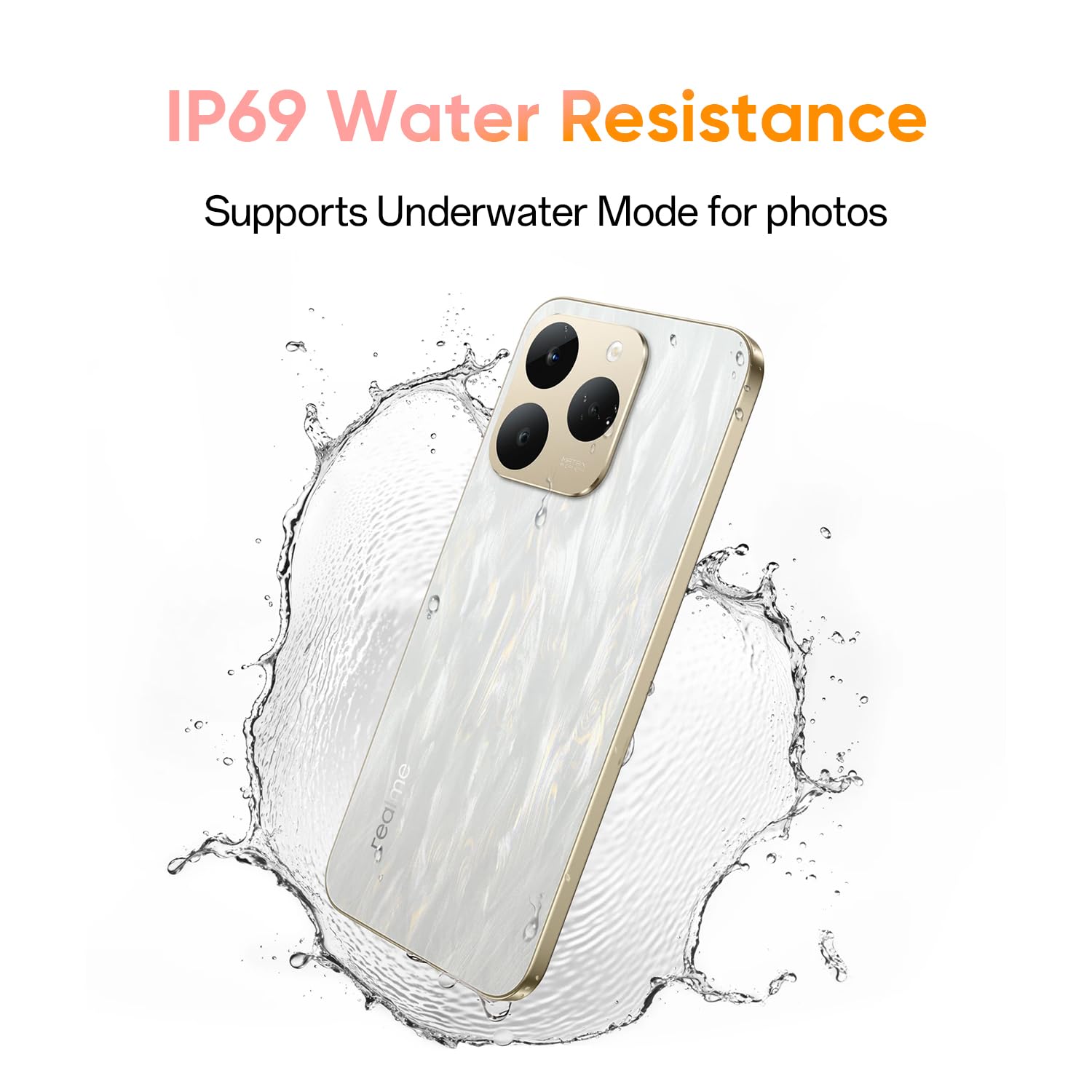
The IP69 rating ensures the device is protected against water and dust.
4.6. Verkoelingstelsel
To maintain optimal performance during intensive use, the realme 15T 5G incorporates a 6050mm² AirFlow VC (Vapor Chamber) cooling system. This system efficiently dissipates heat, preventing throttling during gaming or heavy multitasking.
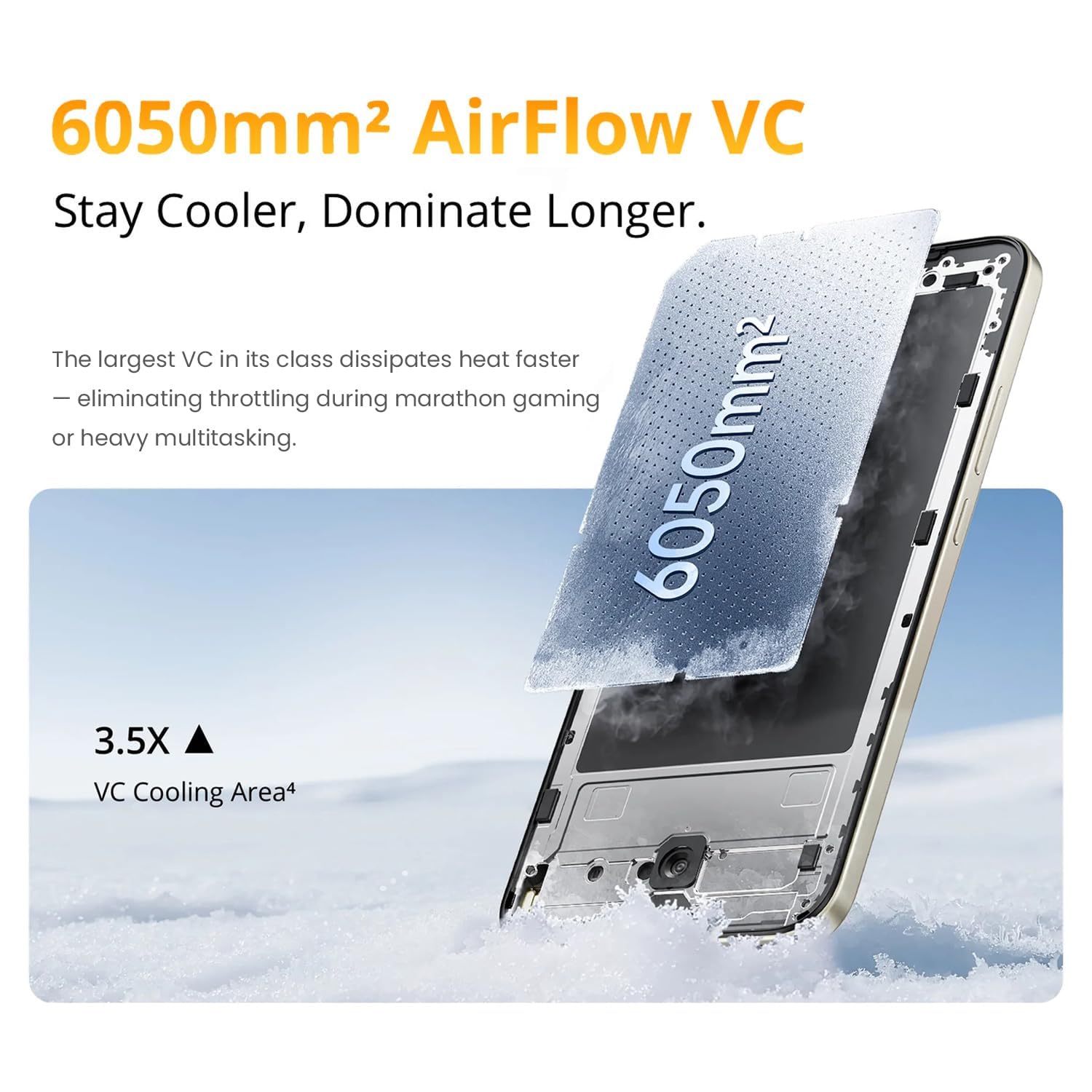
The AirFlow VC cooling system helps maintain device performance under load.
4.7. Mini Capsule
The Mini Capsule feature provides quick access to important notifications and information, such as weather updates, download progress, power saving mode status, and charging status, directly from the top of your screen.

The Mini Capsule provides convenient access to essential information.
5. Onderhoud
5.1. Algemene Sorg
- Vermy die blootstelling van die foon aan uiterste temperature of direkte sonlig vir lang tye.
- Use the provided protective case to guard against physical damage.
- Hou die toestel weg van sterk magnetiese velde.
5.2. Skoonmaak
- Vee die skerm en liggaam liggies af met 'n sagte, pluisvrye lap.
- Moenie harde chemikalieë of skuurmateriaal vir skoonmaak gebruik nie.
- Ensure all ports are dry before charging, especially after exposure to water.
5.3. Sagteware-opdaterings
Regularly check for and install software updates to ensure your device has the latest features, security patches, and performance improvements. You can usually find this option in your phone's Settings menu under 'System' or 'About phone'.
6. Probleemoplossing
If you encounter issues with your realme 15T 5G, try the following common troubleshooting steps:
- Toestel skakel nie aan nie: Ensure the battery is charged. Connect the phone to the charger for at least 10 minutes, then try powering it on.
- Laai kwessies: Check if the charging cable and adapter are securely connected. Try using a different outlet or charging accessory.
- Swak netwerkverbinding: Restart your device. Check your SIM card installation. Ensure you are within network coverage.
- Programme wat vasval/vries: Close and reopen the app. Clear the app's cache and data in Settings. Update the app to its latest version.
- Stadige prestasie: Maak onnodige agtergrondprogramme toe. Maak kasgeheue en tydelike programme skoon. files. Restart your device regularly.
- Probleme met vingerafdrukherkenning: Maak seker dat jou vinger skoon en droog is. Registreer jou vingerafdruk weer as die probleem voortduur.
For more complex issues, refer to the official realme support webwebwerf of kontak kliëntediens.
7. Spesifikasies
| Kenmerk | Detail |
|---|---|
| Handelsmerk | ryk |
| Model | 15T 5G |
| Bedryfstelsel | Android 15 |
| RAM geheue | 8 GB |
| Interne berging | 128 GB |
| SVE Model | Mediatek Dimensity 8000 |
| SVE-spoed | 2.5 GHz |
| Battery kapasiteit | 7000 mAh |
| Vinnige laai | 60 W |
| Vertoon grootte | 6.57 duim |
| Tipe vertoon | AMOLED |
| Herlaaitempo | 120 Hz |
| Piek helderheid | 4000 nits |
| Resolusie | 1080*2372 |
| Waterweerstand | IP69 |
| SIM-kaartgleuf | Dual SIM (Nano) |
| Biometriese sekuriteit | Vingerafdrukherkenning |
| Sellulêre Tegnologie | 5G |
| Connector Tipe | USB Tipe C |
| Item gewig | 181 gram |
| Item afmetings | 15.8 x 7.5 x 0.8 sentimeter |
8. Waarborg en Ondersteuning
8.1. Waarborginligting
The realme 15T 5G smartphone comes with a 1-year manufacturer's warranty from the date of purchase. This warranty covers manufacturing defects. Please retain your proof of purchase for warranty claims.
8.2. Kliëntediens
For further assistance, technical support, or warranty claims, please visit the official realme support website or contact their customer service. Contact details can typically be found on the realme webwebwerf of in die waarborgkaart wat by u produk ingesluit is.