
1. Inleiding
Welcome to the NIMO N15A 15.6" Laptop User Manual. This guide provides essential information for setting up, operating, maintaining, and troubleshooting your new laptop. Please read this manual thoroughly to ensure optimal performance and longevity of your device.

Figure 1: NIMO N15A 15.6" Laptop
2. Veiligheidsinligting
To prevent damage to your NIMO N15A laptop and ensure your safety, please observe the following guidelines:
- Use only original chargers and regularly inspect cables for any signs of damage.
- Handle the laptop by its base and consider using a protective case to prevent physical damage.
- Vermy die plasing van swaar voorwerpe op die skootrekenaar.
- Ensure the laptop is placed on a hard, flat surface to allow for proper ventilation and prevent overheating.
- Keep the device away from extreme temperatures and moisture.
- Do not overcharge the battery. Discontinue use immediately if the battery shows signs of swelling or damage.
- Set strong passwords, keep your software updated, use antivirus protection, and regularly back up your data.
- In case of liquid spills, immediately unplug the laptop and allow it to dry completely before attempting to power it on.
- For any issues, consult qualified professionals. Do not attempt to disassemble or repair the laptop yourself, as this may void the warranty and cause further damage.
3. Wat is in die boks
Your NIMO N15A laptop package includes the following items:
- 1 x NIMO N15A Laptop
- 1 x Type-C 100W PD Fast Charger
- 1 x Gebruikershandleiding (hierdie dokument)
- Windows 11 Home (pre-installed)
- Warranty Information (2 Years Warranty, 90 Days Return)
Video 1: Unboxing and Initial Setup of the NIMO 15.6" Laptop. This video demonstrates the contents of the package and the first steps to power on the device.
4. Produk verbyview
4.1. Fisiese kenmerke
The NIMO N15A laptop features a durable metal shell, combining a sleek aesthetic with robust protection. Its slim profile and lightweight design (3.75 lbs) make it highly portable.
4.2. Poorts en Konnektiwiteit
The laptop is equipped with a variety of ports for versatile connectivity:
- Mikro SD-kaartleser
- USB 2.0-poort
- USB 3.2 Ports (multiple)
- Koptelefoonaansluiting
- Kensington Lock Slot
- HDMI-poort
- Type-C (Multifunction) Ports (multiple, supporting 100W PD fast charging)

Figure 2: High-Speed Interfaces and Ports
Video 2: NIMO Laptop Overview. This video highlights the laptop's design, display, camera, keyboard, and various ports.
5. Opstelling
5.1. Aanvanklike aanskakeling
- Unpack your NIMO N15A laptop and all accessories from the box.
- Connect the 100W Type-C PD Fast Charger to the laptop's Type-C port and a power outlet.
- Maak die skootrekenaar se deksel oop. Die skootrekenaar mag dalk outomaties aanskakel, of jy moet dalk die aan/af-knoppie druk.
- Volg die instruksies op die skerm om die Windows 11 Home-opstelling te voltooi, insluitend taal, streek, netwerkverbinding en die skep van gebruikersrekeninge.
5.2. Koppel aan Wi-Fi
During the initial setup or at any time, you can connect to a Wi-Fi network:
- Click the Wi-Fi icon in the taskbar (bottom right corner of the screen).
- Kies jou verlangde Wi-Fi-netwerk uit die lys.
- Voer die netwerkwagwoord in indien gevra en klik op 'Verbind'.
6. Bediening van jou skootrekenaar
6.1. Vertoon
The NIMO N15A features a 15.6" Full HD (1920x1080) IPS anti-glare display with an 85% screen-to-body ratio, providing clear and vibrant visuals for work, entertainment, and light gaming.
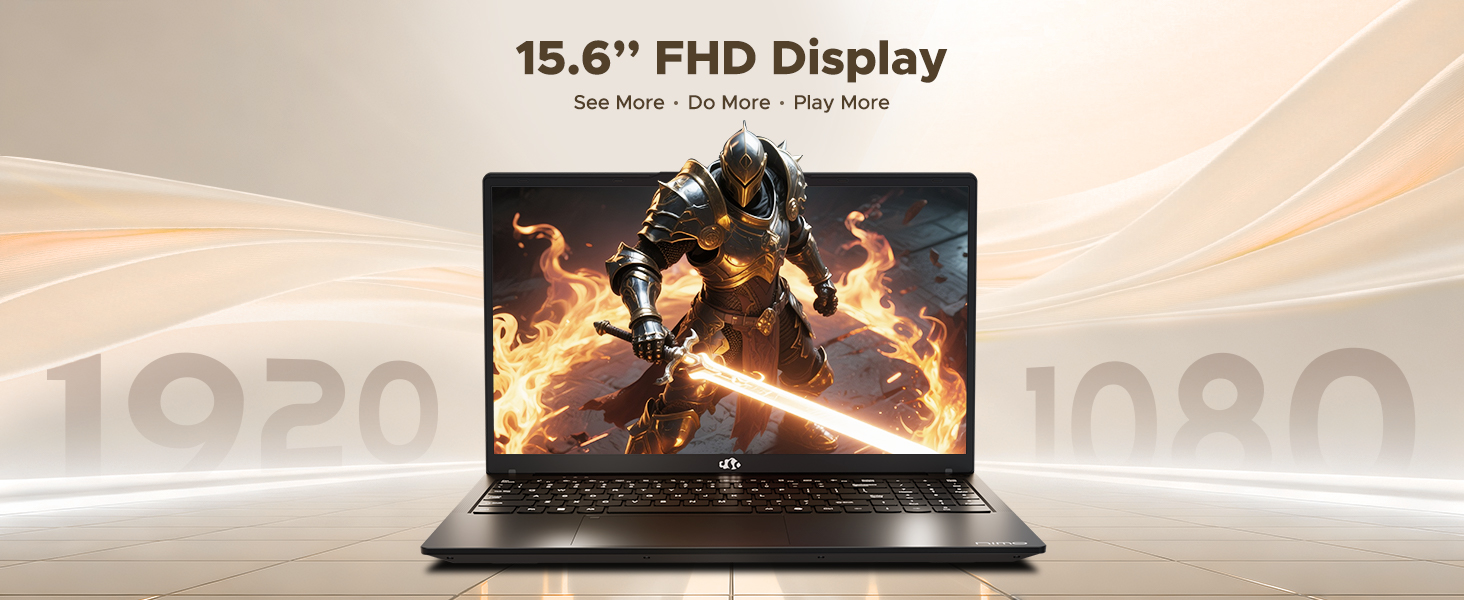
Figure 3: 15.6" FHD IPS Display
6.2. Sleutelbord en raakvlak
The laptop includes an ergonomic backlit keyboard for comfortable typing in various lighting conditions and a precision gesture touchpad for smooth navigation.
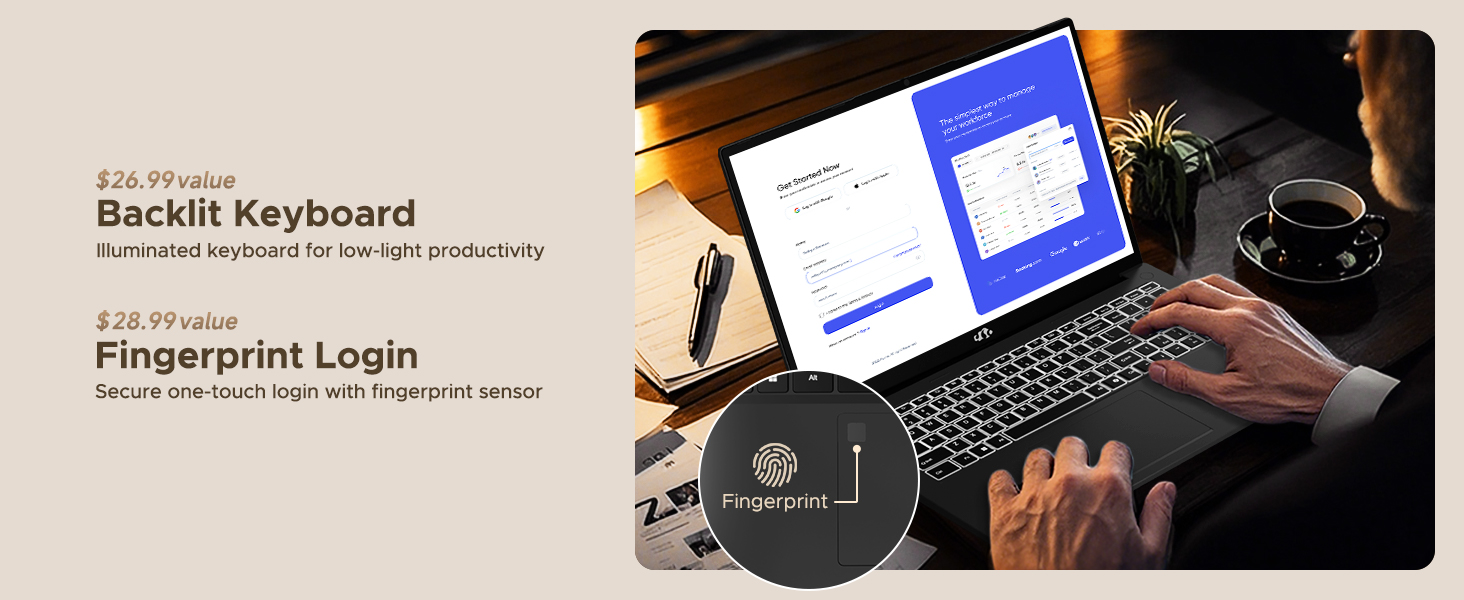
Figure 4: Backlit Keyboard and Fingerprint Sensor
6.3. Fingerprint Login
For enhanced security and convenience, the laptop features a fingerprint reader integrated into the touchpad. You can set up fingerprint login through Windows Settings for quick and secure access.
6.4. Kamera
The integrated 2MP front camera is suitable for video calls and online meetings. It includes a privacy shutter for when the camera is not in use.

Figure 5: Privacy-Focused Camera Convenience
6.5. Prestasie
Powered by the AMD Ryzen 7 Pro 6850U processor (8 cores, 16 threads, up to 4.7GHz) and AMD Radeon 680M GPU, the NIMO N15A delivers balanced performance for productivity, content creation, and light gaming.
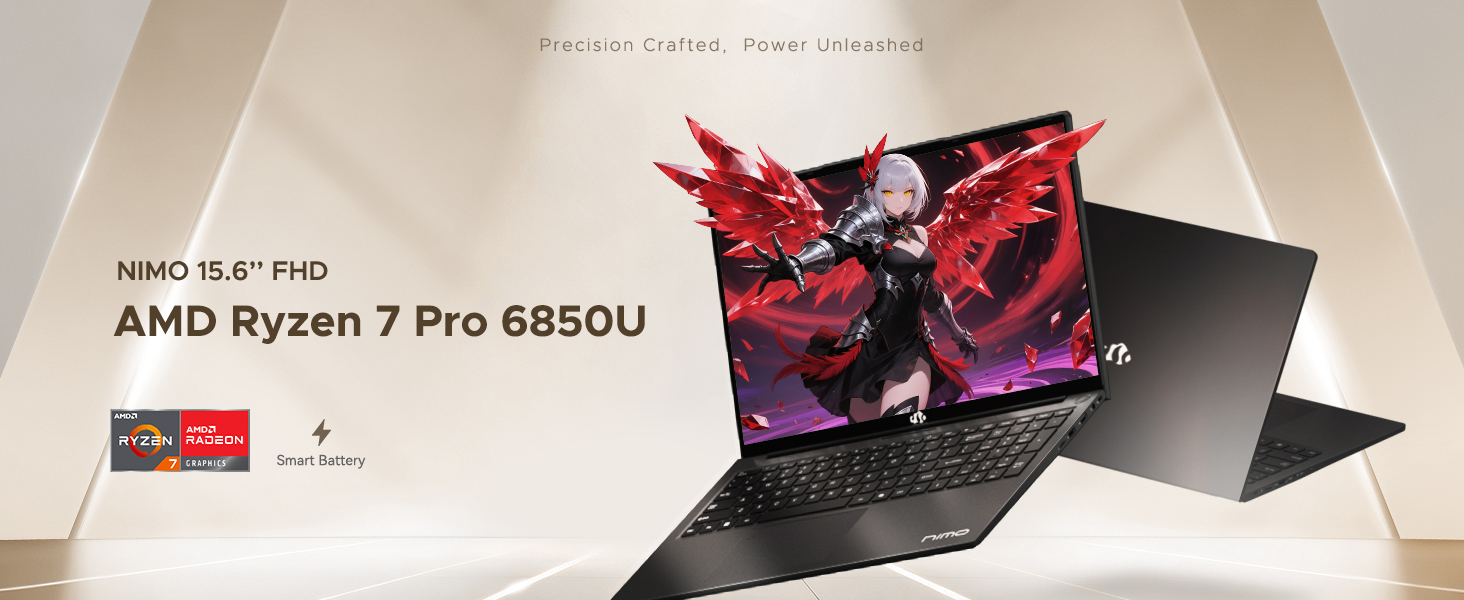
Figure 6: AMD Ryzen 7 Pro 6850U Processor Details
Video 3: NIMO Gaming Laptop Demonstration. This video showcases the laptop's performance in gaming and creative applications.
7. Laai en Battery
The NIMO N15A is equipped with a 53.58 Watt-Hour Lithium Polymer battery, offering up to 9 hours of typical use and 12.75 hours of standby time. It supports 100W USB-C PD fast charging, allowing for approximately 2 hours of use from just a 15-minute charge.
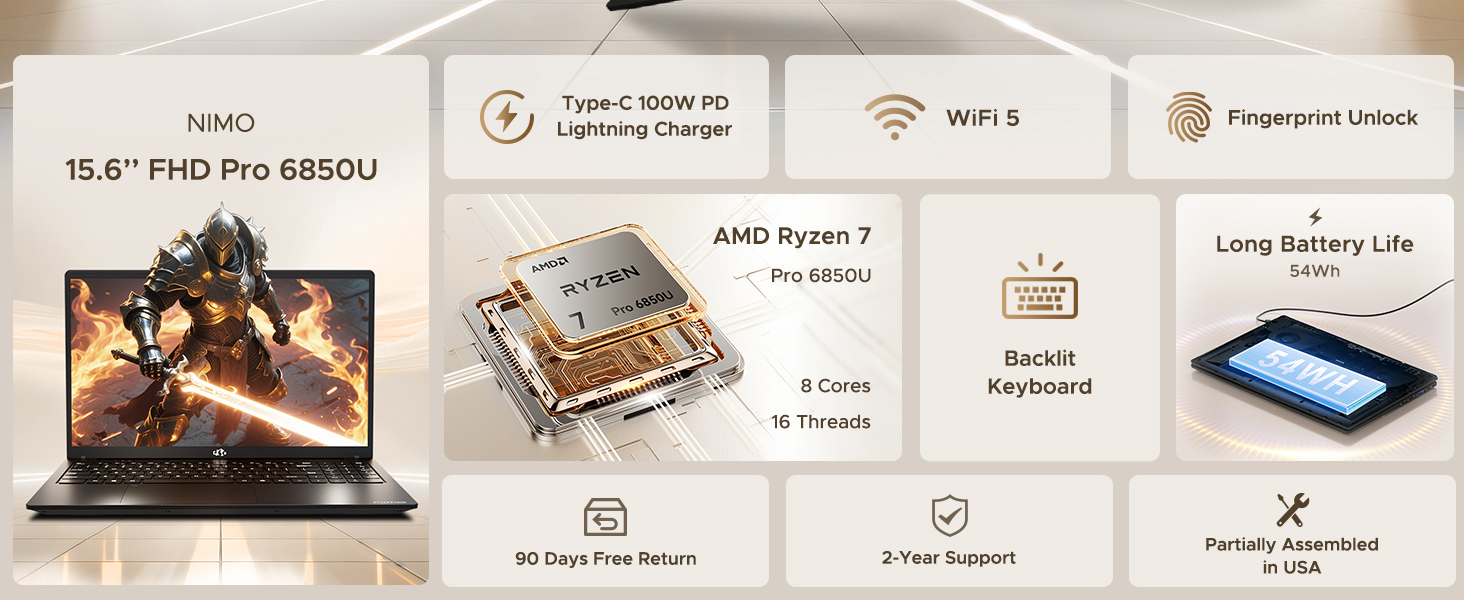
Figure 7: 100W USB-C Fast Charging
8. Stoorplek en geheue
The laptop features 16GB of lightning-fast LPDDR5 RAM (6400 MHz) for seamless multitasking and a pre-installed 1TB PCIe 4.0 SSD for rapid boot times and file oordragte.
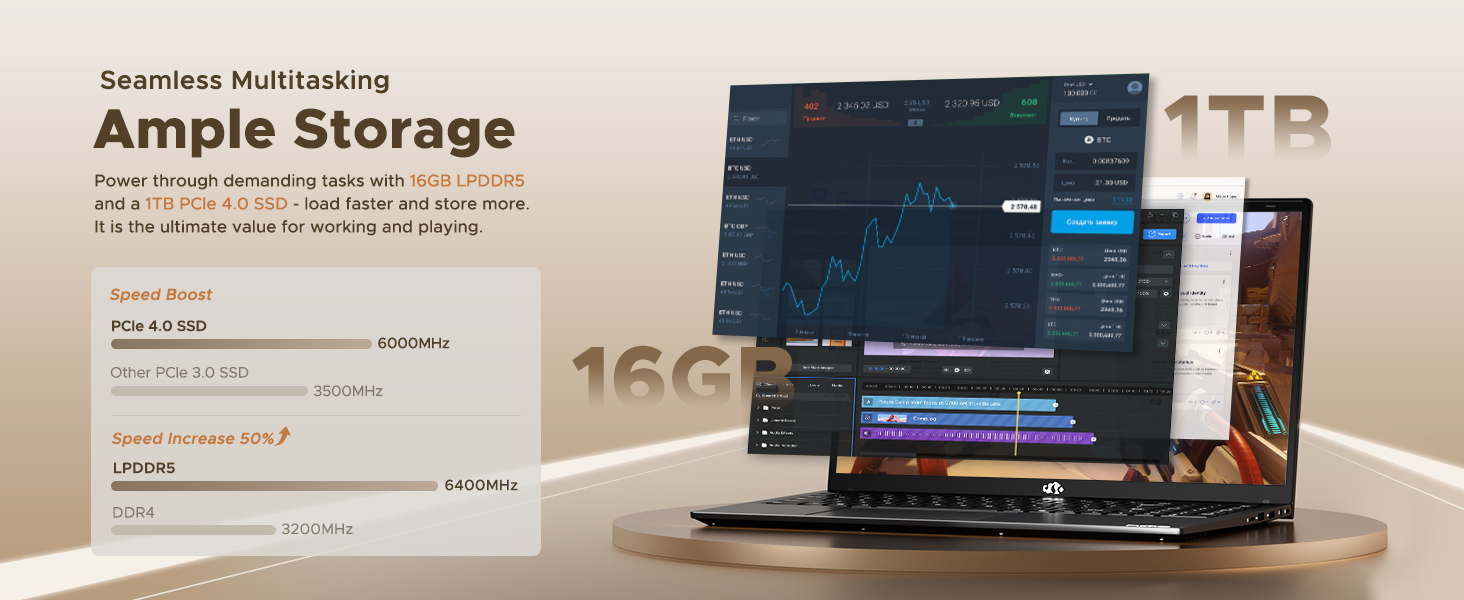
Figure 8: 16GB LPDDR5 RAM and 1TB PCIe 4.0 SSD
9. Onderhoud
Regular maintenance helps ensure the longevity and optimal performance of your NIMO N15A laptop:
- Skoonmaak: Gebruik 'n sagte, pluisvrye lap om die skerm en buitekant skoon te maak. Vir hardnekkige vlekke, vee dit effens af.ampMaak die lap skoon met water of 'n skermveilige skoonmaakmiddel. Vermy harde chemikalieë.
- Sagteware-opdaterings: Regularly install operating system and driver updates to ensure security and performance improvements.
- Ventilasie: Keep the ventilation openings clear of obstructions to prevent overheating. Avoid using the laptop on soft surfaces like beds or couches for extended periods.
- Batterysorg: To prolong battery life, avoid fully discharging the battery frequently. If storing the laptop for a long time, charge it to about 50-60%.
- Data-rugsteun: Periodically back up your important files na 'n eksterne skyf of wolkberging om dataverlies te voorkom.
10. Probleemoplossing
If you encounter issues with your NIMO N15A laptop, try the following basic troubleshooting steps:
- Skootrekenaar skakel nie aan nie: Ensure the charger is securely connected and the power outlet is functional. Try a different outlet or charger if available.
- Skerm is leeg: Connect an external monitor to check if the display is the issue. If the external monitor works, the laptop's screen may require service.
- Stadige werkverrigting: Maak onnodige toepassings toe, kontroleer vir wanware, maak seker dat daar genoeg vrye stoorplek is en dateer drywers op.
- Wi-Fi-konnektiwiteitsprobleme: Restart your router and modem. Ensure Wi-Fi is enabled on your laptop and try reconnecting to the network.
- Keyboard or touchpad not responding: Restart the laptop. If the issue persists, check for driver updates.
For more complex issues, please refer to the support section or contact NIMO customer service.
11. Spesifikasies
Below are the detailed specifications for the NIMO N15A laptop:
| Kenmerk | Spesifikasie |
|---|---|
| Handelsmerk | NIMO |
| Model Naam | NIMO N15A |
| Skerm grootte | 15.6 duim |
| Resolusie | 1920x1080 Pixels (FHD IPS) |
| Kleur | Swart |
| SVE Model | AMD Ryzen 7 Pro 6850U (8 Cores, 16 Threads, up to 4.7 GHz) |
| Grafiese medeverwerker | AMD Radeon 680M (Geïntegreerd) |
| RAM Geheue Geïnstalleerde Grootte | 16 GB LPDDR5 (6400 MHz) |
| Hardeskyfgrootte | 1024 GB (1TB PCIe 4.0 SSD) |
| Bedryfstelsel | Windows 11 Tuis |
| Spesiale kenmerke | Backlit Keyboard, Fingerprint Reader, HD Audio, Numeric Keypad |
| Verbindingstegnologie | Bluetooth, Wi-Fi (802.11a/b/g/n/ac) |
| Totale USB-poorte | 5 |
| Totale HDMI-poorte | 1 |
| Batterylewe | 9 Hours (typical use), 12.75 Hours (standby) |
| Battery Energie-inhoud | 53.58 Watt-ure |
| Webkameravermoë | Yes (2 MP Front Camera) |
| Item gewig | 3.75 pond |
| Item Dimensions L x W x Thickness | 14.07"L x 8.98"B x 0.76"D |
12. Waarborg en Ondersteuning
12.1. Waarborginligting
Your NIMO N15A laptop comes with a 2 jaar vervaardiger se waarborg from NIMO Direct Inc. This warranty covers manufacturing defects and ensures peace of mind for your purchase.
12.2. Retourbeleid
A 90-dae moeitevrye terugkeerbeleid is provided, allowing you to return the product if you are not completely satisfied.
12.3. Kliëntediens
For any technical assistance, warranty claims, or support inquiries, please contact NIMO customer service. Our dedicated support team is ready to provide quick and effective assistance.
Please visit the official NIMO website or refer to the contact information provided with your product for the most up-to-date support details.