
Inleiding
This manual provides essential instructions for setting up, operating, and maintaining your SGIN-T12S Android Tablet. Please read this guide thoroughly to ensure proper use and to maximize your tablet's performance and longevity.

Image: The SGIN-T12S Android Tablet, showcasing its 12-inch screen with the Android 13 operating system and a protective blue case.
Opstelling
1. Toestel oorview en Hawens

Image: A detailed diagram illustrating the various components and ports of the SGIN-T12S tablet, including cameras, power button, volume controls, speakers, Type-C port, and TF mount.
- Voorste kamera: Vir video-oproepe en selfies.
- Agterste kamera: Vir die neem van foto's en video's.
- Aan/uit -knoppie: Druk en hou om aan of af te skakel.
- Increase Volume Button: Pas die klankuitsetvlak aan.
- Reduce Volume Button: Pas die klankuitsetvlak aan.
- Stereo luidsprekers: Verskaf oudio-uitvoer.
- TF Mount: Slot for inserting a Micro TF (microSD) card.
- Tipe C-poort: Vir laai en data-oordrag.
2. Laai die tablet
Before first use, fully charge your tablet. Use the included Type-C fast charger.
- Connect the Type-C cable to the tablet's Type-C port.
- Steek die laaier in 'n kragaansluiting.
- Die battery-aanwyser op die skerm sal die laaistatus wys.
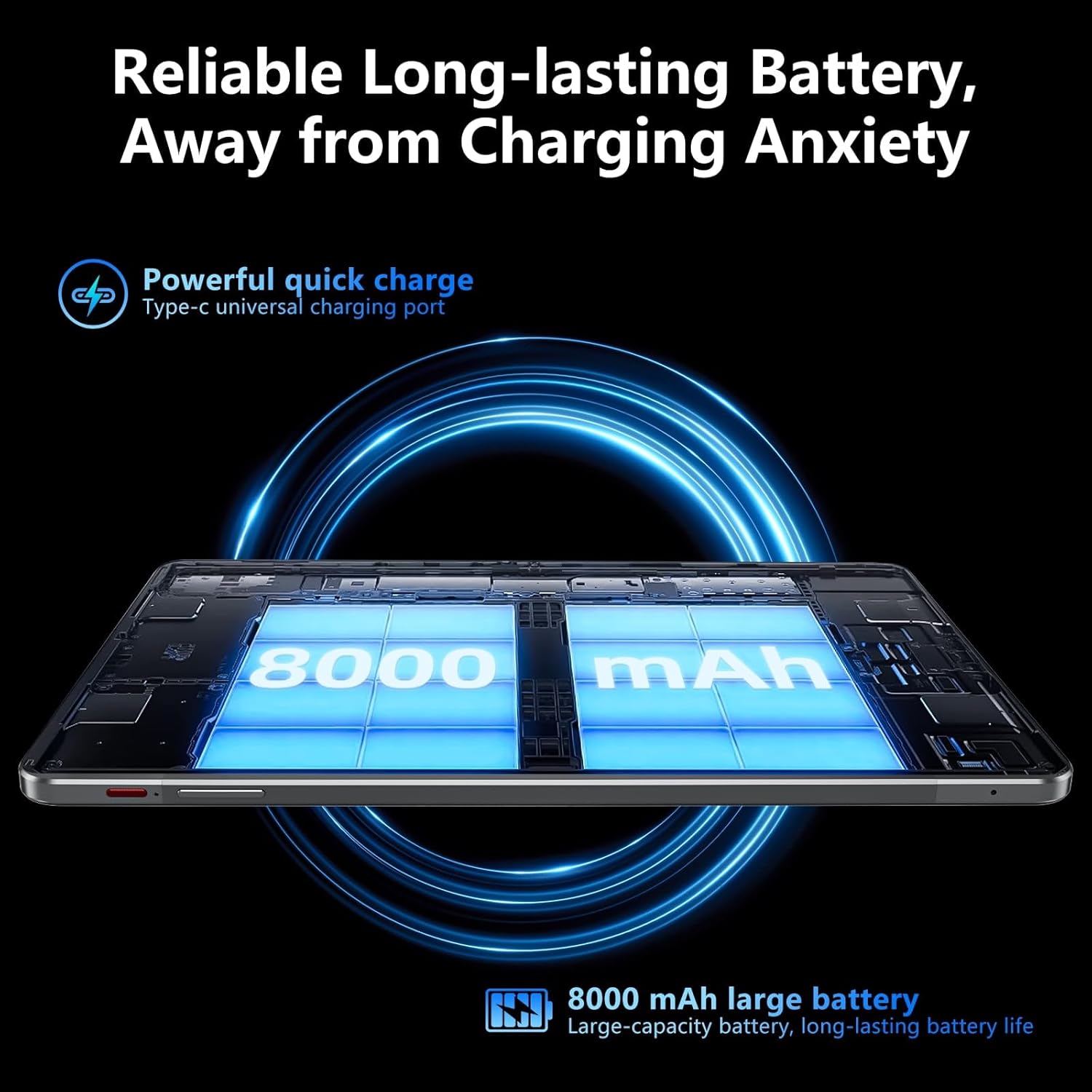
Image: Visual representation of the tablet's 8000mAh battery capacity and the Type-C universal charging port, emphasizing long battery life.
3. Skakel aan/af
- Om aan te skakel: Press and hold the Power ON/OFF button until the SGIN logo appears.
- Om af te skakel: Press and hold the Power ON/OFF button, then select 'Power off' from the options on the screen.
- Om weer te begin: Press and hold the Power ON/OFF button, then select 'Restart' from the options.
4. Aanvanklike Opstelling
Upon first power-on, the tablet will guide you through the initial setup process for Android 13. This includes:
- Kies jou taal.
- Koppel aan 'n Wi-Fi-netwerk.
- Setting up your Google account (required for Google Mobile Services and app downloads).
- Setting up screen lock (PIN, pattern, or password).
5. Inserting a Micro TF Card
To expand storage, insert a Micro TF (microSD) card into the TF mount.
- Locate the TF mount on the side of the tablet (refer to the Device Overview beeld).
- Steek die Mikro TF-kaart versigtig in die gleuf totdat dit vasklik.
- The tablet supports up to 256GB TF card expansion.
Bedryfsinstruksies
1. Display and Touch Screen
The tablet features an 11.97-inch Full HD IPS touch screen with a resolution of 1920x1200 pixels.
- Raakgebare: Use standard Android touch gestures such as tap, swipe, pinch-to-zoom, and long-press.
- Skermrotasie: The display automatically adjusts orientation based on how you hold the tablet. This can be locked or unlocked in the Quick Settings panel.
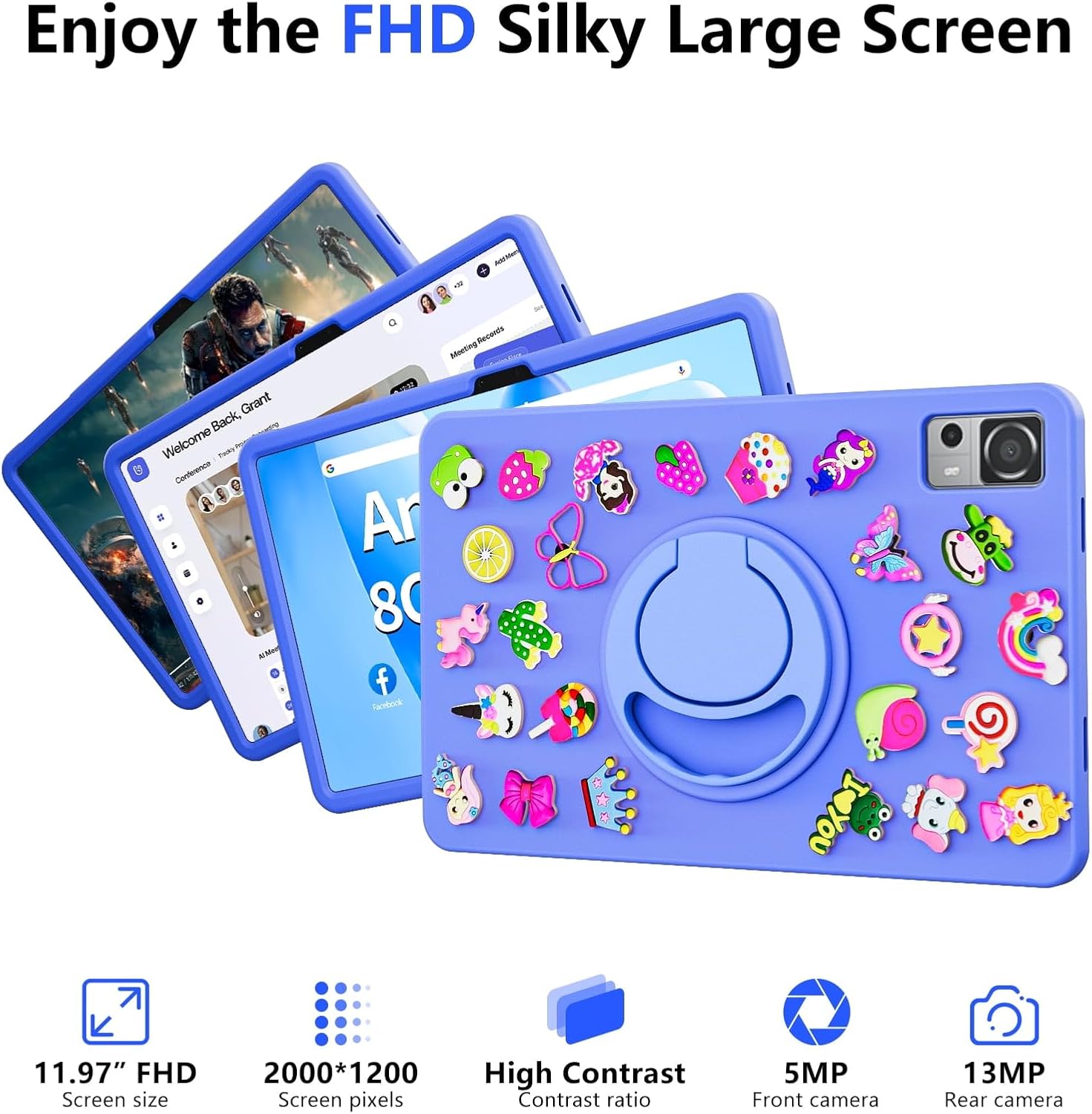
Image: The SGIN-T12S tablet highlighting its 11.97-inch FHD screen, 2000x1200 pixel resolution, 5MP front camera, and 13MP rear camera.
2. Kameras
The tablet is equipped with a 5MP front camera and a 13MP rear camera.
- Maak die Kamera-toepassing oop vanaf die tuisskerm of toepassinglaai.
- Switch between front and rear cameras using the icon on the screen.
- Tap to focus and press the shutter button to capture photos or start/stop video recording.
3. Klank
Experience immersive sound with the tablet's quad speakers and 3.5mm headphone jack.
- Quad Speakers: Located on the sides of the tablet, providing stereo sound.
- Koptelefoonaansluiting: Connect standard 3.5mm headphones for private listening.
- Adjust volume using the physical volume buttons or the on-screen controls.

Image: The SGIN-T12S tablet illustrating its surround four-speaker stereo system, designed for an immersive audio experience.
4. Konnektiwiteit
- Wi-Fi: Supports dual-band Wi-Fi (2.4G/5G). Go to Instellings > Netwerk en internet > Wi-Fi om aan beskikbare netwerke te koppel.
- Bluetooth 5.0: For connecting wireless accessories like headphones, keyboards, or mice. Go to Instellings> Gekoppelde toestelle> Verbindingsvoorkeure> Bluetooth to pair devices.
5. Berging en Werkverrigting
The tablet comes with 8GB RAM and 256GB internal storage, expandable via Micro TF card.
- RAM: 8GB LPDDR4 RAM ensures smooth multitasking and app performance.
- Interne berging: 256GB ROM for apps, photos, videos, and documents.
- Uitbreidbare berging: Supports Micro TF cards up to 256GB for additional storage.
- Verwerker: Powered by an ARM high-performance 8-core CPU with a frequency up to 2GHz for efficient operation.
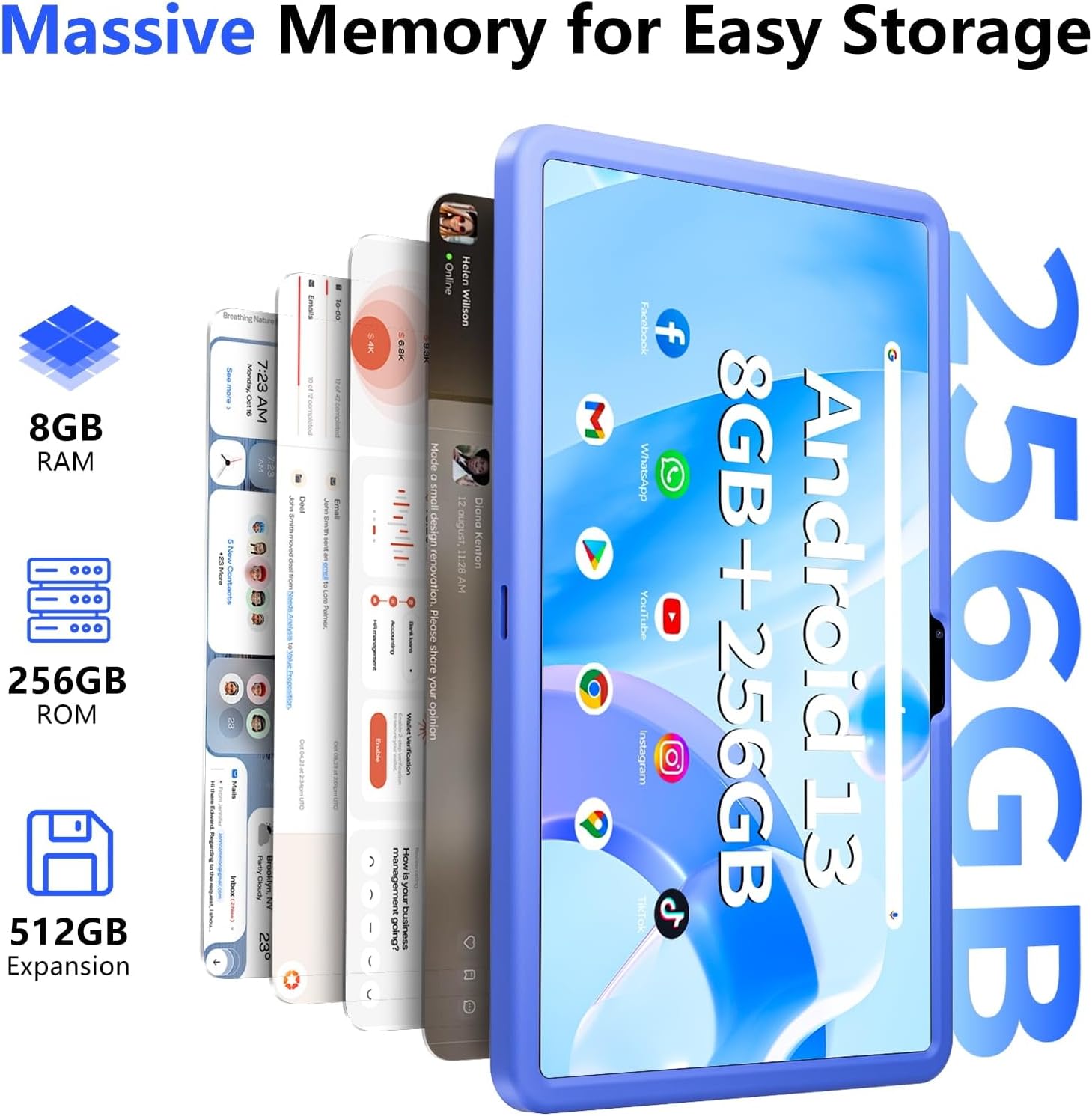
Image: The SGIN-T12S tablet emphasizing its large memory capacity, including 8GB RAM, 256GB ROM, and the potential for 512GB expansion.
6. Android 13-bedryfstelsel
The tablet runs on Android 13, offering enhanced security and personalization features.
- Sekuriteit: Android 13 provides improved privacy controls and system security.
- Personalisering: Customize your tablet's interface, themes, and widgets to suit your preferences.
- Google Mobile Services: Access to Google Play Store for apps, Gmail, Google Maps, and other Google services.

Image: The SGIN-T12S tablet highlighting the benefits of Android 13, such as enhanced security and personalization, alongside its matte metal body and silicone shell options.
Onderhoud
1. Skoonmaak
- Gebruik 'n sagte, pluisvrye lap om die skerm en liggaam van die tablet skoon te maak.
- Vir hardnekkige vlekke, effens dampMaak die lap skoon met water of 'n skermskoonmaakoplossing.
- Vermy die gebruik van harde chemikalieë, skuurmiddels of oormatige vog.
2. Batteryversorging
- Vermy uiterste temperature, aangesien dit die batterylewe kan verminder.
- For optimal battery health, avoid frequently discharging the battery completely or keeping it at 100% charge for extended periods.
- The 8000mAh battery provides approximately 7-9 hours of usage depending on activity.
3. Sagteware-opdaterings
- Kontroleer gereeld vir stelselopdaterings en installeer dit om te verseker dat jou tablet die nuutste kenmerke, sekuriteitsopdaterings en werkverrigtingverbeterings het.
- Gaan na Instellings > Stelsel > Stelselopdatering om te kyk vir opdaterings.
Probleemoplossing
- Tablet skakel nie aan nie: Ensure the tablet is charged. Connect it to the charger and wait a few minutes before attempting to power on again. If it still doesn't turn on, try holding the power button for 10-15 seconds.
- Skerm reageer nie: Try restarting the tablet. If the issue persists, ensure the screen is clean and free of debris.
- Wi-Fi-verbindingskwessies: Check if Wi-Fi is enabled in settings. Restart your router and the tablet. Ensure you are within range of the Wi-Fi signal and have entered the correct password.
- Programme wat vasval of vries: Close and reopen the app. Clear the app's cache (Settings > Apps > [App Name] > Storage & cache > Clear cache). If the problem continues, uninstall and reinstall the app.
- Stadige werkverrigting: Close unnecessary background apps. Clear cached data. Consider removing unused apps or large files om stoorplek vry te maak.
Spesifikasies
| Kenmerk | Spesifikasie |
|---|---|
| Model Naam | SGIN-T12S |
| Bedryfstelsel | Android 13 |
| Skerm grootte | 11.97 duim |
| Maksimum skermresolusie | 2000*1200 Pixels (FHD IPS) |
| Verwerker | ARM Octa-Core 2.0 GHz (ARM_Cortex_A5) |
| RAM | 8 GB DDR4 SDRAM |
| Hard Drive (ROM) | 256 GB |
| Uitbreidbare berging | Supports Micro TF card up to 256 GB |
| Voorste kamera | 5 MP |
| Agterste kamera | 13 MP |
| Draadlose tipe | 802.11bgn (Dual-band 2.4G/5G Wi-Fi) |
| Bluetooth | Bluetooth 5.0 |
| Battery | 8000 mAh Lithium Ion (Average 6-9 hours) |
| Hawens | Type-C, Micro TF slot, 3.5mm Headphone Jack |
| Oudio | Quad Speakers |
| Item gewig | 2.2 pond (ongeveer 500 gram) |
| Produk afmetings | 11.97 x 6.85 x 0.3 duim |
Waarborg en Ondersteuning
Information regarding specific warranty terms and direct support contact details for the SGIN-T12S tablet is not provided in the available product data. Please refer to the product packaging or the official SGIN website for the most current warranty information and customer support options.