
Inleiding
The AOC MS200 Wireless Optical Mouse is designed to provide freedom, precision, and comfort for your daily computing tasks. Featuring a stable 2.4 GHz wireless connection, an adjustable optical sensor, and an ergonomic, lightweight design, this mouse is suitable for various applications, from general browsing to tasks requiring higher precision.
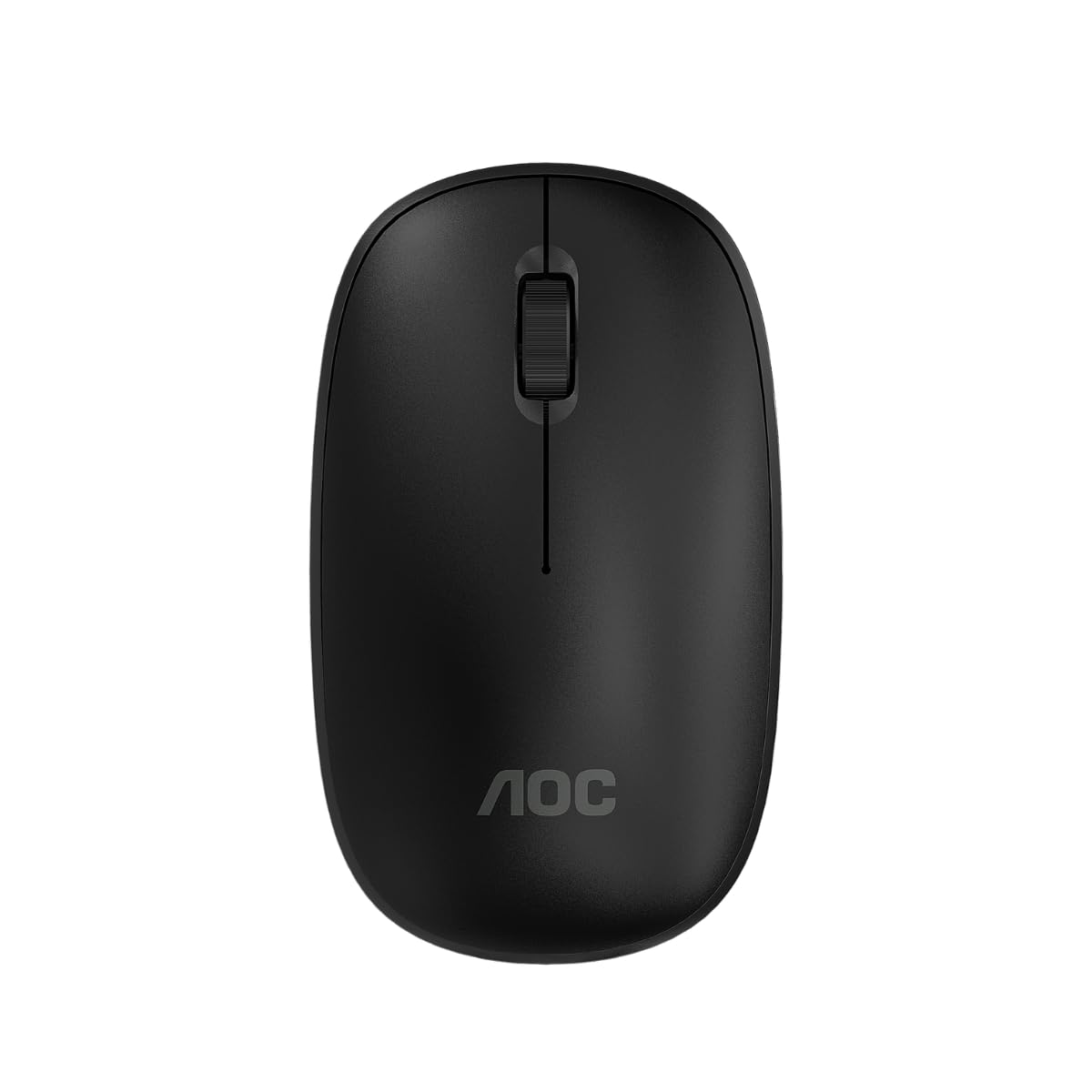
Image: The AOC MS200 Wireless Optical Mouse shown alongside its retail packaging.
Pakketinhoud
Kontroleer asseblief die inhoud van die pakket om seker te maak dat alle items teenwoordig is:
- AOC MS200 Wireless Optical Mouse
- USB 2.4 GHz Receiver
- Gebruikershandleiding (hierdie dokument)
Let wel: Batterye is nie ingesluit nie en moet afsonderlik aangekoop word.
Opstelling
- Plaas battery in: Open the battery compartment cover located on the underside of the mouse. Insert one AA battery (not included), ensuring correct polarity (+/-). Close the cover securely.
- Koppel USB-ontvanger: Locate the USB 2.4 GHz receiver, usually stored within the battery compartment or packaged separately. Plug the USB receiver into an available USB port on your computer.
- Skakel Muis Aan: Turn on the mouse using the power switch, typically located on the underside of the device. The mouse should automatically connect to your computer.
- Bestuurder installasie: Jou bedryfstelsel behoort outomaties die nodige drywers op te spoor en te installeer. Geen handmatige drywerinstallasie is gewoonlik nodig nie.

Image: The underside of the AOC MS200 mouse, illustrating the optical sensor and the battery compartment.
Bedryfsinstruksies
The AOC MS200 mouse features a standard three-button layout with a scroll wheel for intuitive navigation.
- Linker knoppie: Primary click function for selecting items, opening links, etc.
- Regter knoppie: Sekondêre klikfunksie, maak tipies kontekskieslyste oop.
- Rolwiel: Blaai op of af deur dokumente en web pages. The scroll wheel also functions as a middle button when pressed.
DPI aanpassing
The MS200 mouse features an adjustable DPI (Dots Per Inch) setting, allowing you to change cursor sensitivity. The mouse supports 800 and 1200 DPI settings. To switch between DPI modes, press the DPI button located on the top of the mouse, usually below the scroll wheel. Each press cycles through the available DPI settings.

Beeld: Bo view of the AOC MS200 mouse, highlighting the left and right click buttons, scroll wheel, and DPI adjustment button.
Onderhoud
Skoonmaak
Om optimale werkverrigting en higiëne te handhaaf, maak jou muis gereeld skoon:
- Gebruik 'n sagte, pluisvrye lap effens dampeindig met water of 'n ligte skoonmaakoplossing.
- Vermy die gebruik van harde chemikalieë, skuurmiddels of oplosmiddels.
- Do not allow liquids to enter the mouse casing.
- Clean the optical sensor on the underside of the mouse with a dry cotton swab to prevent tracking issues.
Battery vervanging
When the mouse performance degrades or it stops responding, it is likely time to replace the battery:
- Maak die batterykompartement aan die onderkant van die muis oop.
- Verwyder die ou AA-battery.
- Plaas 'n nuwe AA-battery in en maak seker dat die polariteit korrek is.
- Maak die batterykompartement se deksel toe.
Probleemoplossing
If you encounter issues with your AOC MS200 mouse, refer to the following common solutions:
- Muis reageer nie:
- Kyk of die muis aangeskakel is.
- Maak seker dat die battery korrek geplaas is en voldoende gelaai is. Vervang indien nodig.
- Verifieer dat die USB-ontvanger stewig in 'n werkende USB-poort op jou rekenaar ingeprop is. Probeer 'n ander USB-poort.
- Ensure the mouse is within the 10-meter wireless range of the receiver.
- Herbegin jou rekenaar.
- Erratic cursor movement or no tracking:
- Maak die optiese sensor aan die onderkant van die muis skoon.
- Ensure you are using the mouse on a suitable surface. Highly reflective, transparent, or uneven surfaces may affect tracking.
- Lag or delayed response:
- Verminder die afstand tussen die muis en die USB-ontvanger.
- Move the receiver to a front USB port if possible, to avoid interference from other devices.
- Maak seker dat daar geen groot metaalvoorwerpe of ander draadlose toestelle is wat steuring tussen die muis en ontvanger veroorsaak nie.
Spesifikasies
| Kenmerk | Spesifikasie |
|---|---|
| Modelnommer | AOCMS200B-LA |
| Verbindingstegnologie | Draadloos (2.4 GHz) |
| Wireless Range | Tot 10 meter |
| sensor Tegnologie | Opties |
| DPI-instellings | 800 / 1200 DPI (Adjustable) |
| Aantal knoppies | 3 (Left, Right, Scroll Wheel/Middle) |
| Kragbron | Battery-aangedrewe (1x AA, nie ingesluit nie) |
| Materiaal | Plastiek |
| Produk Gewig | 43 g |
| Produk afmetings | 10.4 x 6.1 x 0.1 cm (L x B x H) |
| Duursaamheid | Switches with up to 2 million clicks lifespan |
| Kleur | Swart |
Waarborg inligting
AOC products are manufactured to the highest quality standards. This product is covered by a manufacturer's warranty. Please refer to the warranty card included with your purchase or visit the official AOC webwebwerf vir gedetailleerde waarborgbepalings en -voorwaardes spesifiek vir u streek.
Ondersteuning
For further assistance, technical support, or to inquire about replacement parts, please contact AOC customer service. You can find contact information and additional resources on the official AOC webwebwerf:
When contacting support, please have your product model (MS200) and any relevant purchase information ready.