
XIAOMI L32MB-APIN
Xiaomi 32-inch G QLED Smart TV L32MB-APIN User Manual
Model: L32MB-APIN
1. Inleiding
Welcome to your new Xiaomi 32-inch G QLED Smart TV. This manual provides essential information for setting up, operating, and maintaining your television. Please read it thoroughly before use and retain it for future reference.
Veiligheidsinligting
- Verseker behoorlike ventilasie rondom die TV.
- Moenie die TV aan reën of vog blootstel nie.
- Vermy die plasing van die TV naby hittebronne of in direkte sonlig.
- Gebruik slegs die kragkabel wat saam met die TV voorsien word.
- Verwys alle diens na gekwalifiseerde dienspersoneel.

Figuur 1.1: Voorkant view of the Xiaomi 32-inch G QLED Smart TV.
2. Wat is in die boks
Verifieer dat alle komponente in die verpakking teenwoordig is:
- 1 x Xiaomi 32-inch G QLED Smart TV
- 1 x afstandbeheer
- 1 x Gebruikershandleiding (hierdie dokument)
- 2 x TV Stands
- 4 x Skroewe vir TV-staande
- 2 x AAA-batterye (vir afstandbeheer)
- 1 x netsnoer

Figure 2.1: Illustration of included items in the product packaging.
3. Opstelling
3.1 Bevestiging van die TV-staanders
- Plaas die TV versigtig met die gesig na onder op 'n sagte, plat oppervlak om skermskade te voorkom.
- Rig elke staander met die ooreenstemmende skroefgate aan die onderkant van die TV.
- Secure each stand using the provided screws.
- Lig die TV regop en plaas dit op 'n stabiele, gelyk oppervlak.
3.2 Muurbevestiging (Opsioneel)
If you choose to wall mount your TV, ensure you use a compatible VESA mount (not included) and follow the instructions provided with the wall mount kit. Professional installation is recommended.
3.3 Aansluiting van randapparatuur
Refer to the port diagram below for connecting external devices.
Figuur 3.1: Agter view van die TV wat verskeie invoer-/uitvoerpoorte wys.
- HDMI-poorte (x2): Connect Blu-ray players, gaming consoles, set-top boxes.
- USB-poorte (x2): Koppel USB-bergingstoestelle vir mediaweergawe.
- Netwerk (Ethernet): Connect to your home network via a wired connection.
- Antenna-invoer: Koppel 'n antenna vir oor-die-lug uitsendings.
- AV-invoer: Koppel ouer toestelle met behulp van saamgestelde video- en stereo-klankkabels.
- 3.5 mm oudio-aansluiting: Koppel eksterne oorfone of luidsprekers.
3.4 Kragverbinding
Koppel die kragkabel aan die TV se kragtoevoer en dan aan 'n muursok. Die TV sal in bystandmodus gaan.
4. Gebruik u TV
4.1 afstandbeheer
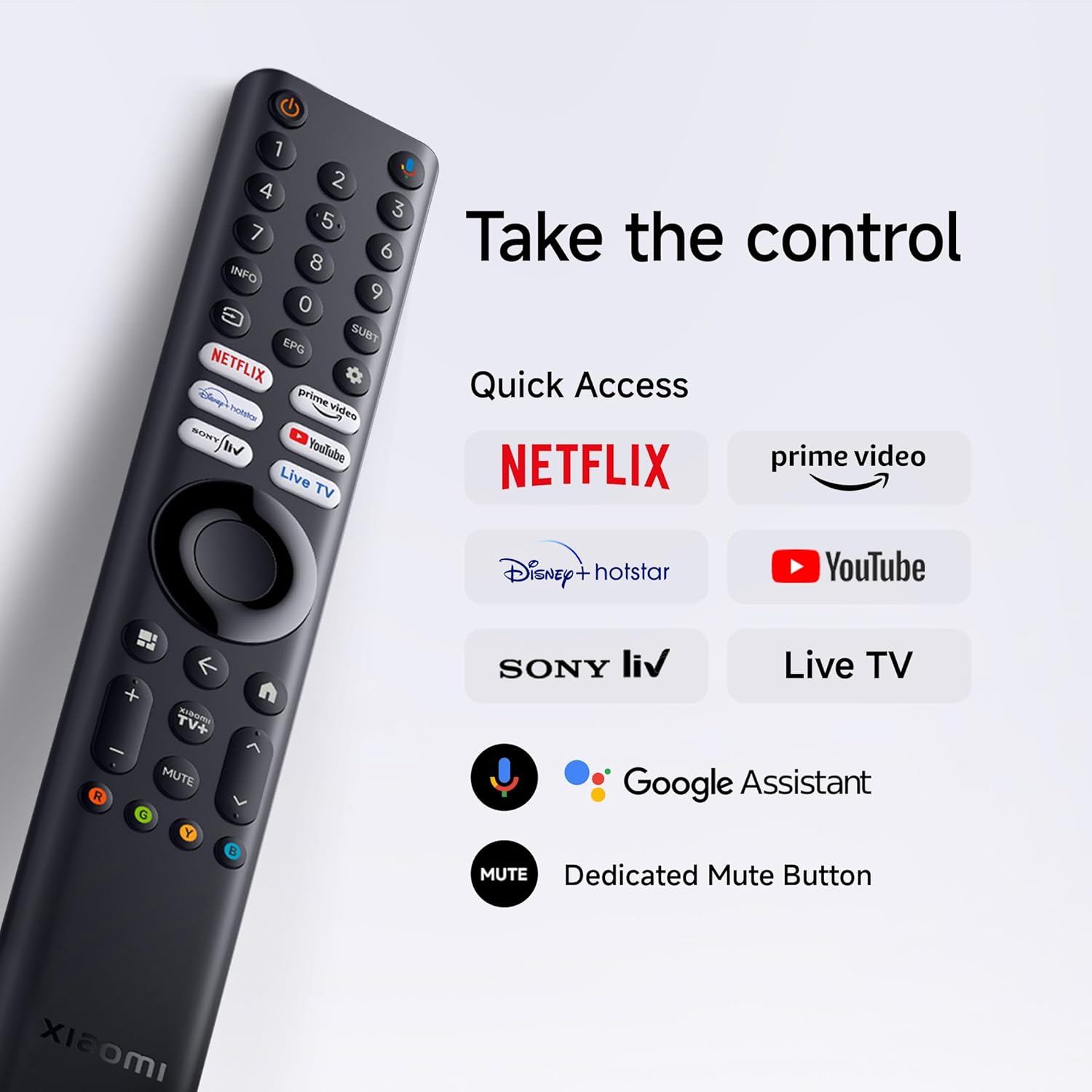
Insert the two AAA batteries into the remote control, observing polarity. The remote allows navigation, volume control, channel selection, and quick access to streaming services and Google Assistant.
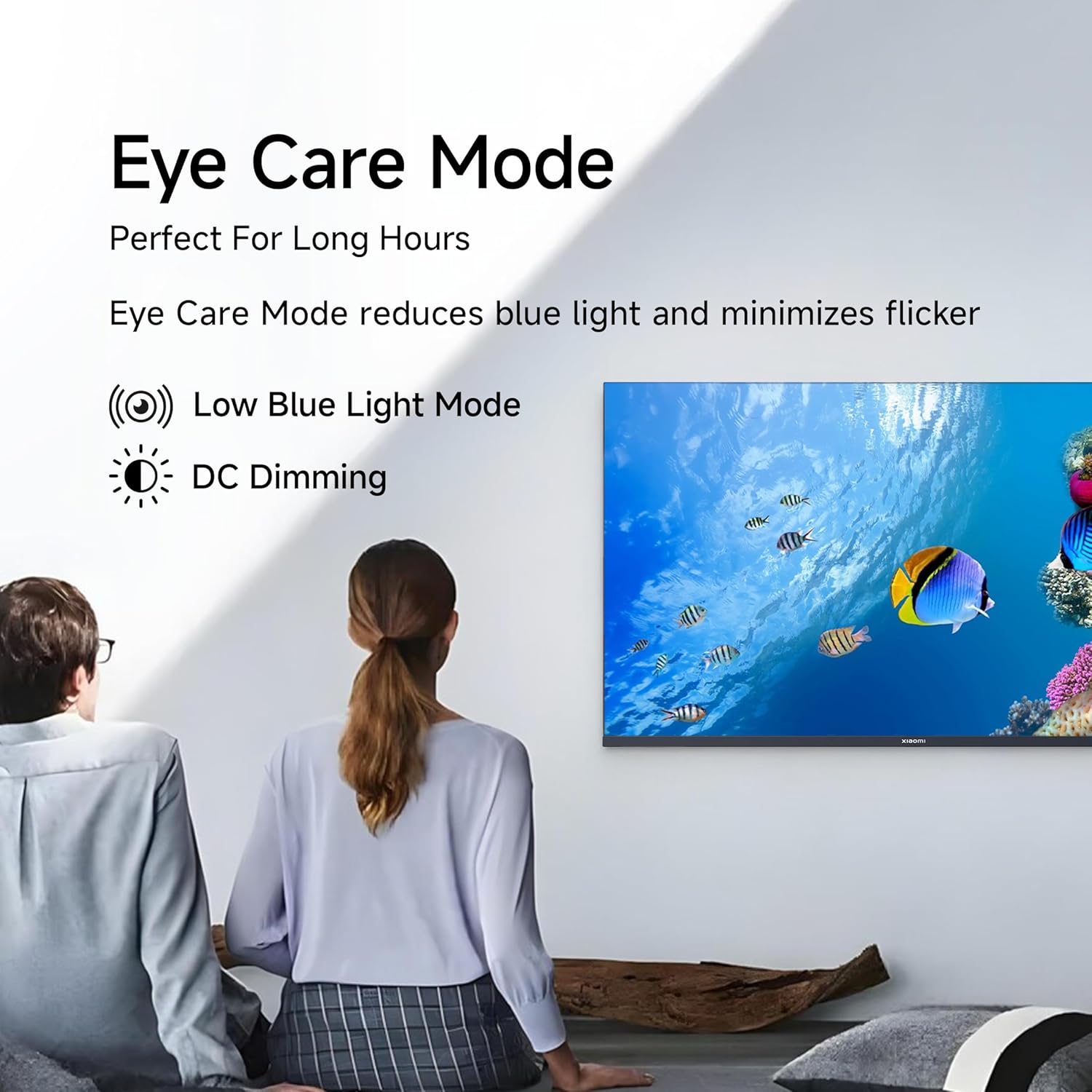
Figure 4.1: Xiaomi Smart TV remote control layout.
- Kragknoppie: Skakel die TV aan/af of skakel dit in bystandmodus.
- Navigasieblok: Vir menu-navigasie.
- OK knoppie: Bevestig keuses.
- Terug-knoppie: Keer terug na die vorige skerm.
- Tuisknoppie: Kry toegang tot die Google TV-tuisskerm.
- Volume +/-: Pas volume aan.
- Demp-knoppie: Demp/demp oudio.
- Google Assistent-knoppie: Aktiveer stembeheer.
- Vinnige Toegangknoppies: Dedicated buttons for Netflix, Prime Video, YouTube, and other streaming services.
4.2 Slim-TV-funksies (Google TV)
Your TV runs on Android 14 OS with Google TV, offering a personalized entertainment experience.

Figuur 4.2: oorview of Google TV features.
- Inhoud Eerste UI: Prioritizes content discovery.
- Persoonlike Profiles: Skep individuele profiles vir pasgemaakte aanbevelings.
- Google Assistent: Gebruik stemopdragte vir soek, beheer en inligting.
- Chromecast Ingeboude: Cast content from compatible mobile devices.
- Kyklys: Keep track of movies and shows you want to watch.
- Omgewingsmodus: Display photos or useful information when the TV is idle.
- Kids Profile: Curated content and parental controls for children.
- Aanbevelings: Gepersonaliseerde voorstelle gebaseer op jou viewing gewoontes.
4.3 Ondersteunde toepassings
The TV comes with pre-installed applications and supports downloads from the Google Play Store. Popular supported apps include Netflix, Prime Video, YouTube, JioCinema, JioHotstar, SonyLiv, and Zee5.

Figuur 4.3: Examples of supported streaming applications.
5. Vertoonkenmerke
Experience enhanced visuals with the following display technologies:
- QLED-skerm: Quantum Dot technology delivers vivid, vibrant, and sharp picture quality.
- HD Ready (1366 x 768) Resolution: Provides clear and detailed images.
- HDR 10 & HLG Support: Enhances contrast and color accuracy for compatible content.
- Lewendige Beeldmotor 2: Proprietary technology that fine-tunes every frame for improved clarity and realism.
- Wye kleurspektrum: Offers a broad spectrum of colors (up to 16.7 million) for rich and vivid visuals.
- Ooggeriefmodus: Reduces blue light and minimizes flicker for comfortable long-term viewing.
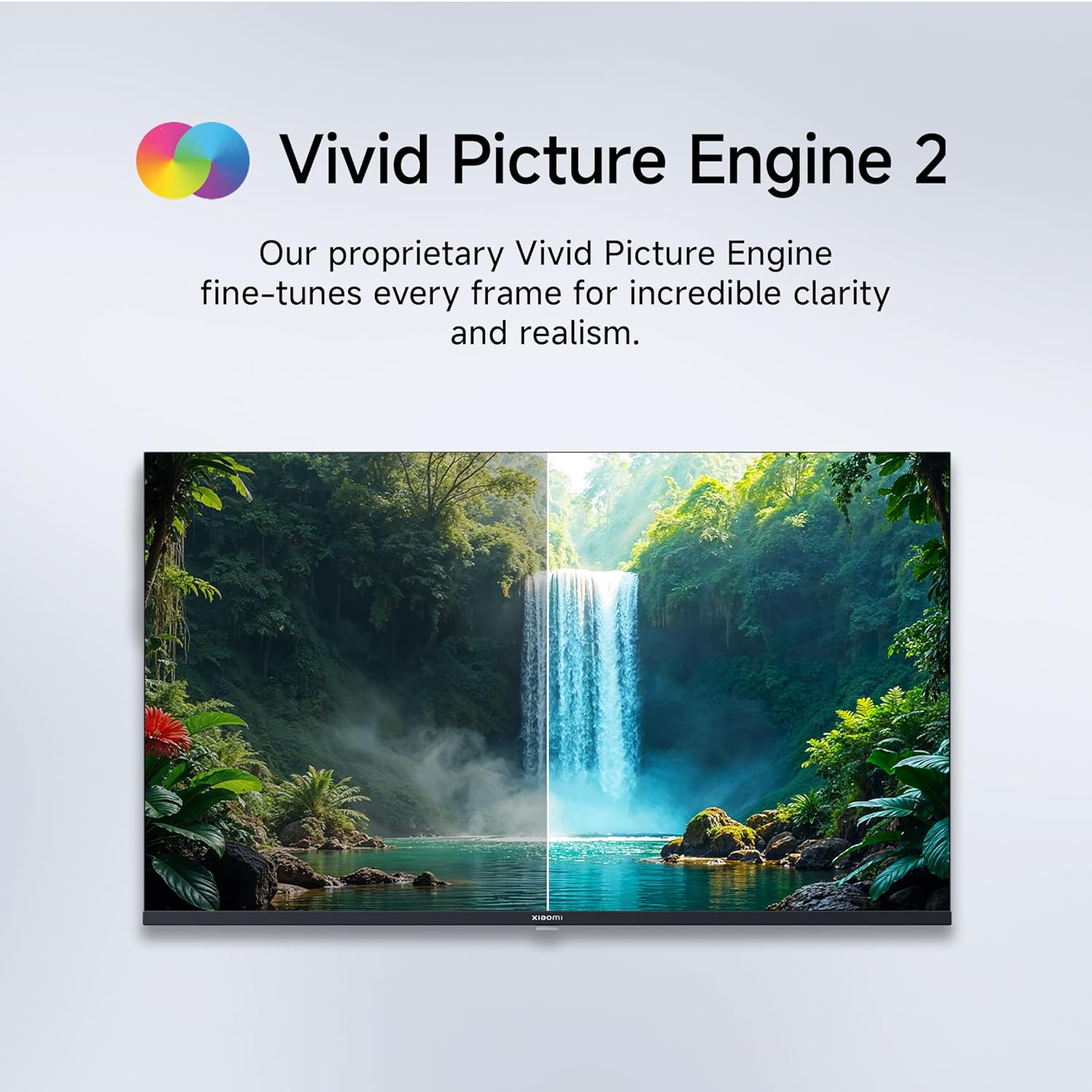
Figure 5.1: Quantum Clarity for exceptional contrast and color.
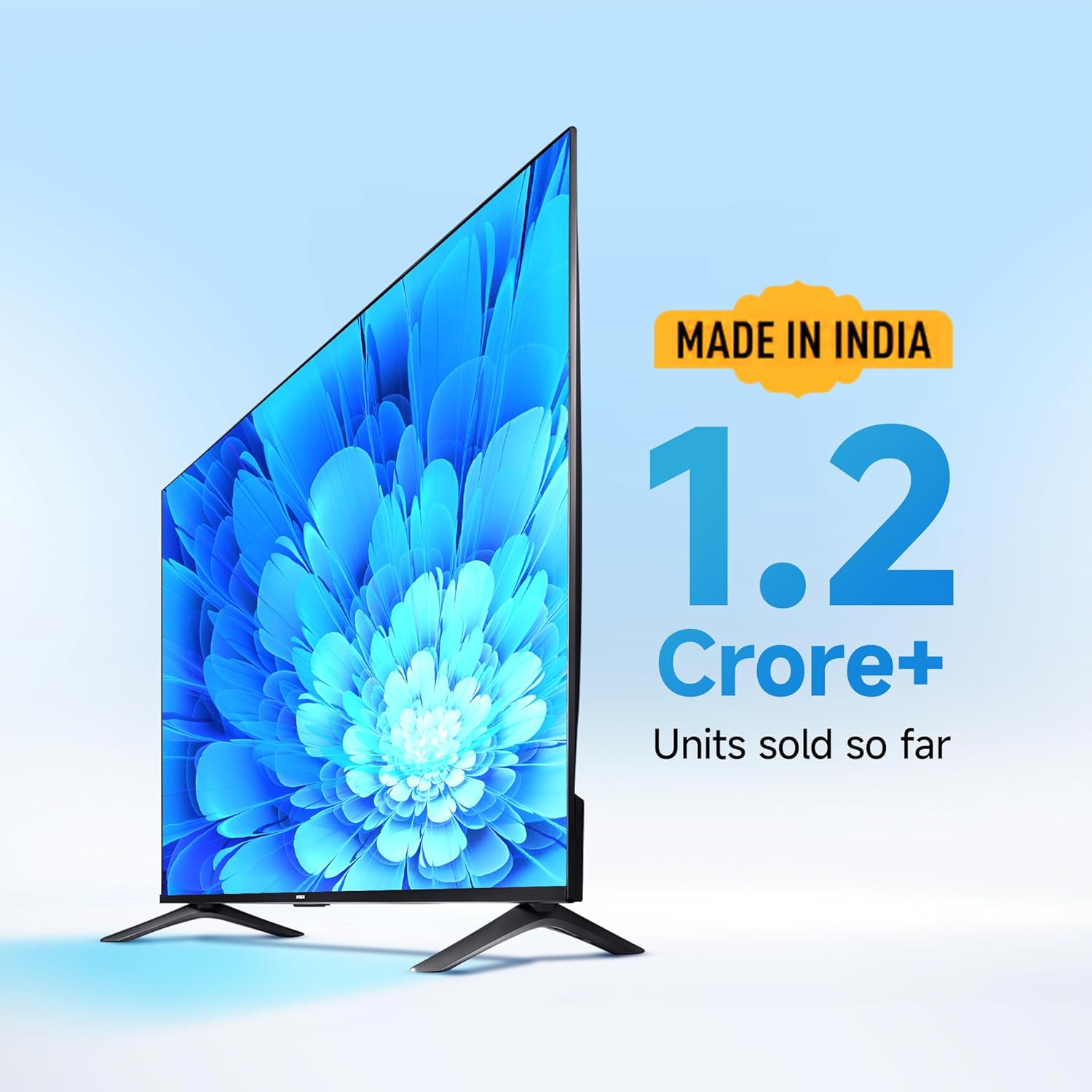
Figure 5.2: Vivid Picture Engine 2 for enhanced realism.
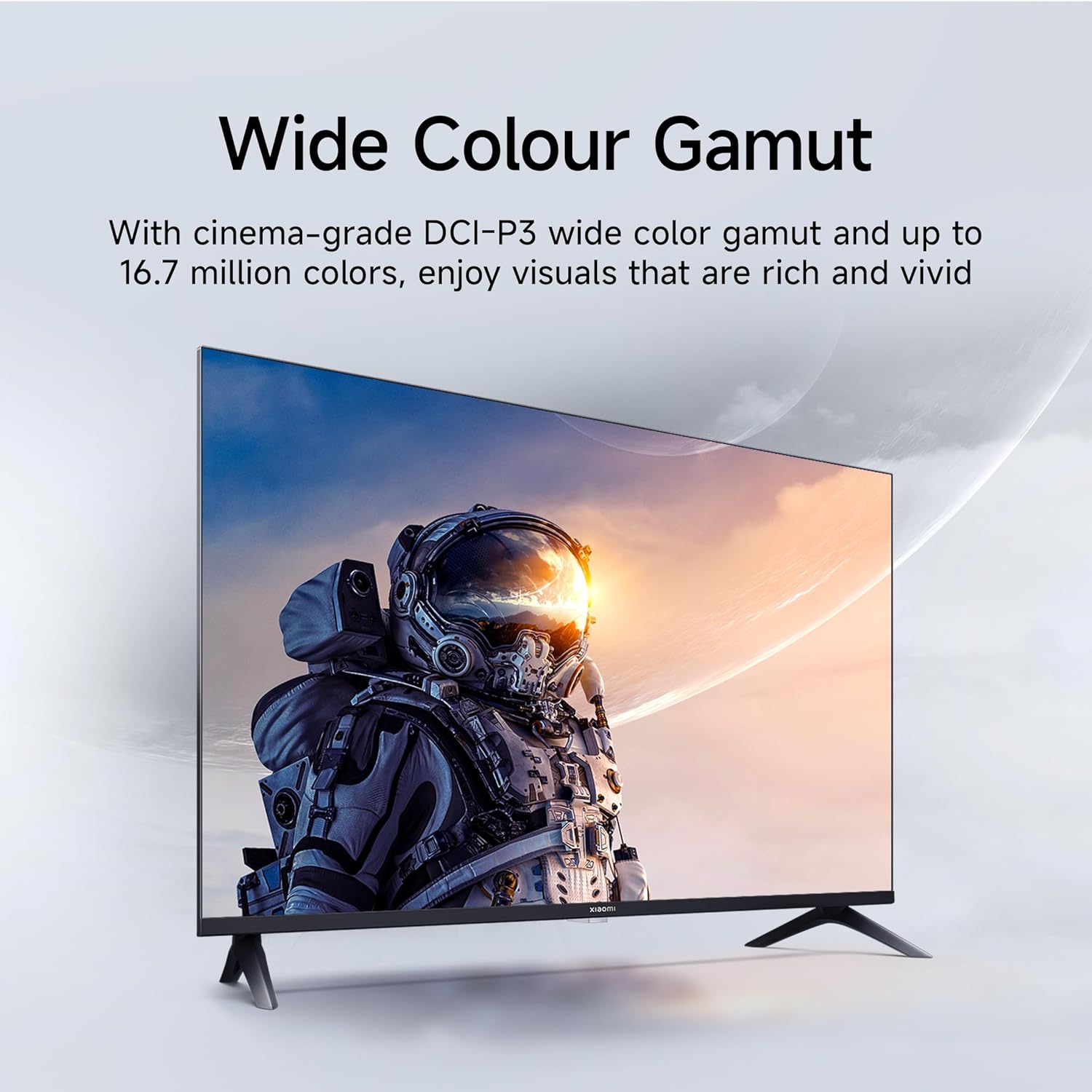
Figure 5.3: Eye Care Mode for reduced eye strain.
6. Oudio-kenmerke
Your TV is equipped with advanced audio technologies for an immersive sound experience:
- 20 Watt Uitset: Powerful stereo speakers deliver clear and dynamic sound.
- Dolby Audio: Provides rich, clear, and powerful sound for movies, shows, and games.
- DTS-X & DTS Virtueel:X: Creates a multi-dimensional audio experience, simulating surround sound without additional speakers.
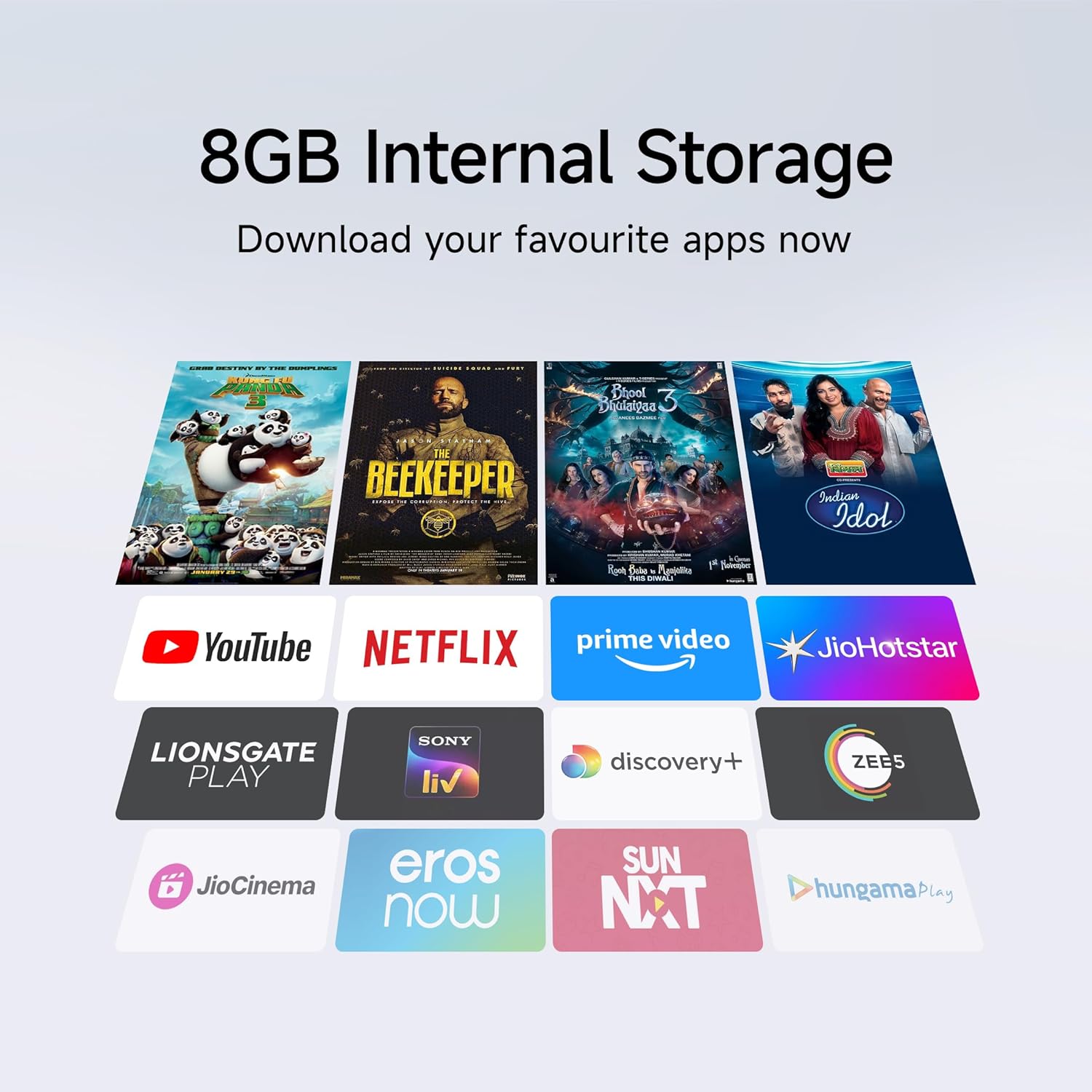
Figure 6.1: Enhanced audio experience with 20W speakers and Dolby/DTS technologies.
7. Konnektiwiteit
The TV offers various options for connecting to networks and other devices:
- Dubbelband Wi-Fi: Connect wirelessly to your home network (2.4GHz and 5GHz).
- Ethernet: Vir 'n stabiele bedrade internetverbinding.
- Bluetooth: Connect wireless headphones, speakers, or other Bluetooth-enabled accessories.
- HDMI (x2) with ARC: Audio Return Channel (ARC) allows audio to be sent from the TV to a compatible sound system via a single HDMI cable.
- USB (x2): For connecting external storage.
8. Onderhoud
8.1 Skoonmaak van die TV
- Ontkoppel altyd die TV voordat u skoonmaak.
- Gebruik 'n sagte, droë, pluisvrye lap om die skerm en kas af te vee.
- Vir hardnekkige merke, liggiesampMaak die lap skoon met water of 'n gespesialiseerde skermreiniger (vermy harde chemikalieë).
- Moenie vloeistof direk op die TV spuit nie.
8.2 Algemene sorg
- Vermy om swaar voorwerpe op die TV te plaas.
- Beskerm die TV teen uiterste temperature en humiditeit.
- Indien u die TV skuif, maak seker dat dit behoorlik ondersteun en hanteer word om skade te voorkom.
9. Probleemoplossing
Before contacting customer support, try these common solutions:
| Probleem | Moontlike oorsaak | Oplossing |
|---|---|---|
| Geen krag nie | Kragkabel ontkoppel; Probleem met die kragpunt | Kontroleer die kragkabelverbinding; Toets die aansluiting met 'n ander toestel. |
| Geen beeld nie, maar klank is teenwoordig | Verkeerde invoerbron; Los HDMI/AV-kabel | Press the "Input" button on the remote to select the correct source; Reconnect cables securely. |
| Geen klank nie, maar beeld is teenwoordig | Volume muted or too low; External audio device issue | Unmute or increase volume; Check connections to external audio systems. |
| Afstandbeheer werk nie | Pap batterye; Obstruksie tussen afstandbeheer en TV | Vervang batterye; Verwyder enige obstruksies. |
| Kan nie aan Wi-Fi koppel nie | Verkeerde wagwoord; Routerprobleem; TV te ver van router af | Verify Wi-Fi password; Restart router; Move TV closer or use Ethernet. |
10. Spesifikasies
| Kenmerk | Detail |
|---|---|
| Handelsmerk | XIAOMI |
| Model | L32MB-APIN |
| Skerm grootte | 32 duim (80 cm) |
| Vertoon tegnologie | QLED |
| Resolusie | HD Gereed (1366 x 768 Pixels) |
| Herlaaitempo | 60 Hz |
| Bedryfstelsel | Android 14 OS, Google TV |
| RAM geheue | 1 GB |
| Interne berging | 8 GB |
| Verwerker | A53 Quad Core Processor |
| Oudio-uitset | 20 Watt |
| Oudiotegnologieë | Dolby Audio, DTS-X, DTS Virtual:X |
| Konnektiwiteit | Dual Band Wi-Fi, Bluetooth, 2 x HDMI (ARC), 2 x USB, Ethernet, 3.5mm Audio, AV Input |
| Viewing Hoek | 178 grade |
| Produkafmetings (LxBxH) | 19.8 x 71.6 x 46.9 cm (met staander) |
| Item gewig | 3.2 kg |
| Modeljaar | 2025 |

Figuur 10.1: Produk se afmetings en gewig.

Figure 10.2: A53 Quad Core Processor for optimal performance.

Figure 10.3: Energy efficiency label.
11. Waarborg en Ondersteuning
11.1 Waarborginligting
Jou Xiaomi TV kom met 'n 1 jaar omvattende waarborg on the product and an additional 1-year warranty on the panel, provided by the brand from the date of purchase. Please retain your purchase receipt for warranty claims.
11.2 Kliëntediens
For technical assistance, service requests, or warranty claims, please contact Xiaomi customer support. Refer to the official Xiaomi webwebwerf of u aankoopdokumentasie vir die mees onlangse kontakinligting.
Ask a question about this manual
Ask about setup, troubleshooting, compatibility, parts, safety, or missing instructions. Manuals+ will review the question and use this page’s manual context to help answer it.