
1. Inleiding
This manual provides detailed instructions for the safe installation, operation, and maintenance of your TCL HFSB-000000D 72-inch 8-blade ceiling fan with integrated LED light and remote control. Please read this manual thoroughly before installation and retain it for future reference.
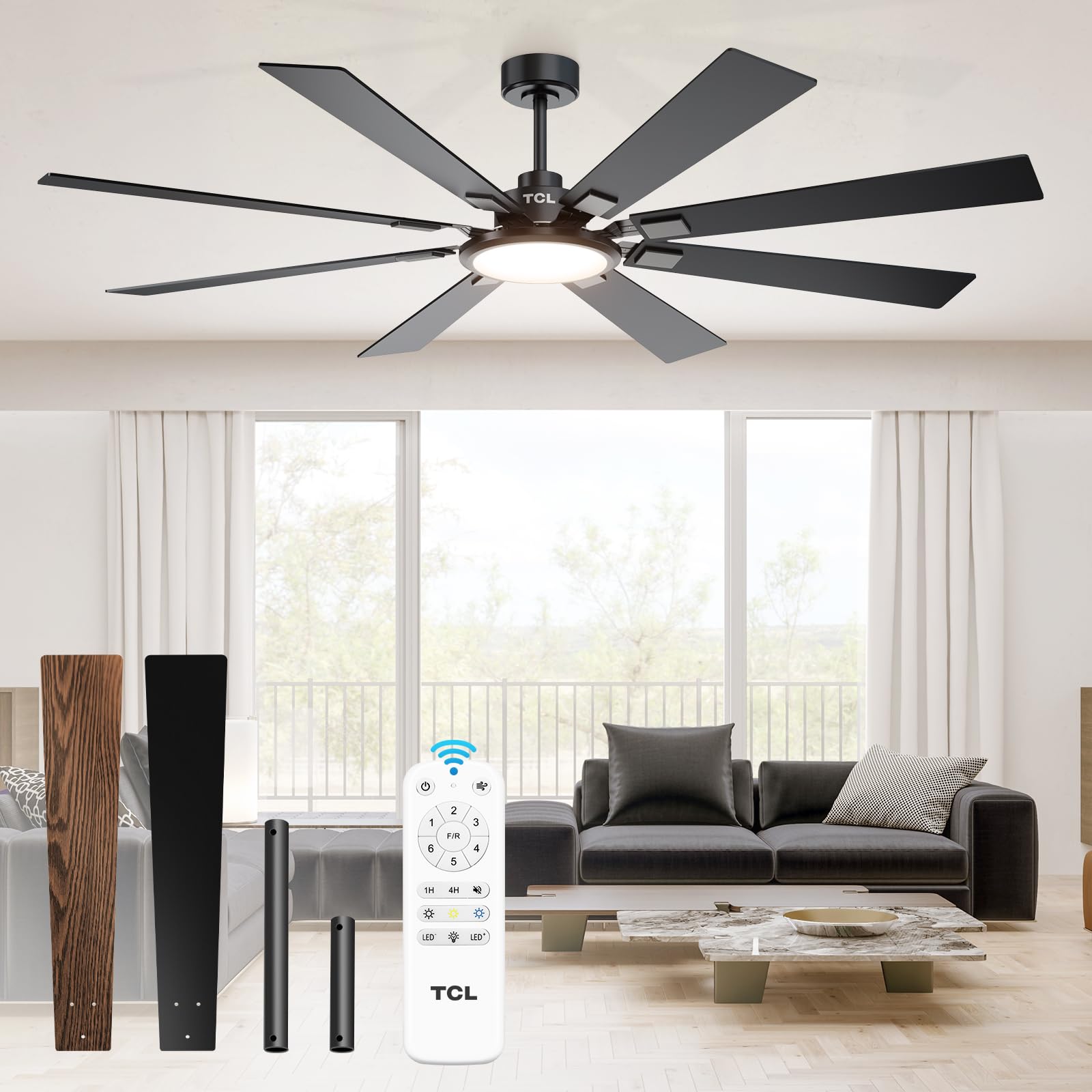
Figure 1: TCL 72-Inch 8-Blade Ceiling Fan with Light and Remote.
2. Veiligheidsinligting
To reduce the risk of electric shock, fire, or injury to persons, read and follow all instructions carefully. Always disconnect power at the main circuit breaker before beginning installation or performing any maintenance. Ensure all wiring is in accordance with national and local electrical codes. If you are unsure about wiring, consult a qualified electrician.
- Mount the fan only to an outlet box marked 'Acceptable for Fan Support of 35 lbs (15.9 kg) or less' and use the mounting screws provided with the outlet box.
- Do not bend the blade holders during installation, balancing, or cleaning.
- Hou hande weg van die waaierlemme wanneer die waaier aan die gang is.
- Moenie die waaier gebruik as enige onderdeel beskadig is nie.
3. Pakketinhoud
Verifieer dat alle komponente teenwoordig is voordat u met die installasie begin:
- 1 Ceiling Fan with 8 Blades
- Instruksie Handleiding
- Afstandbeheer
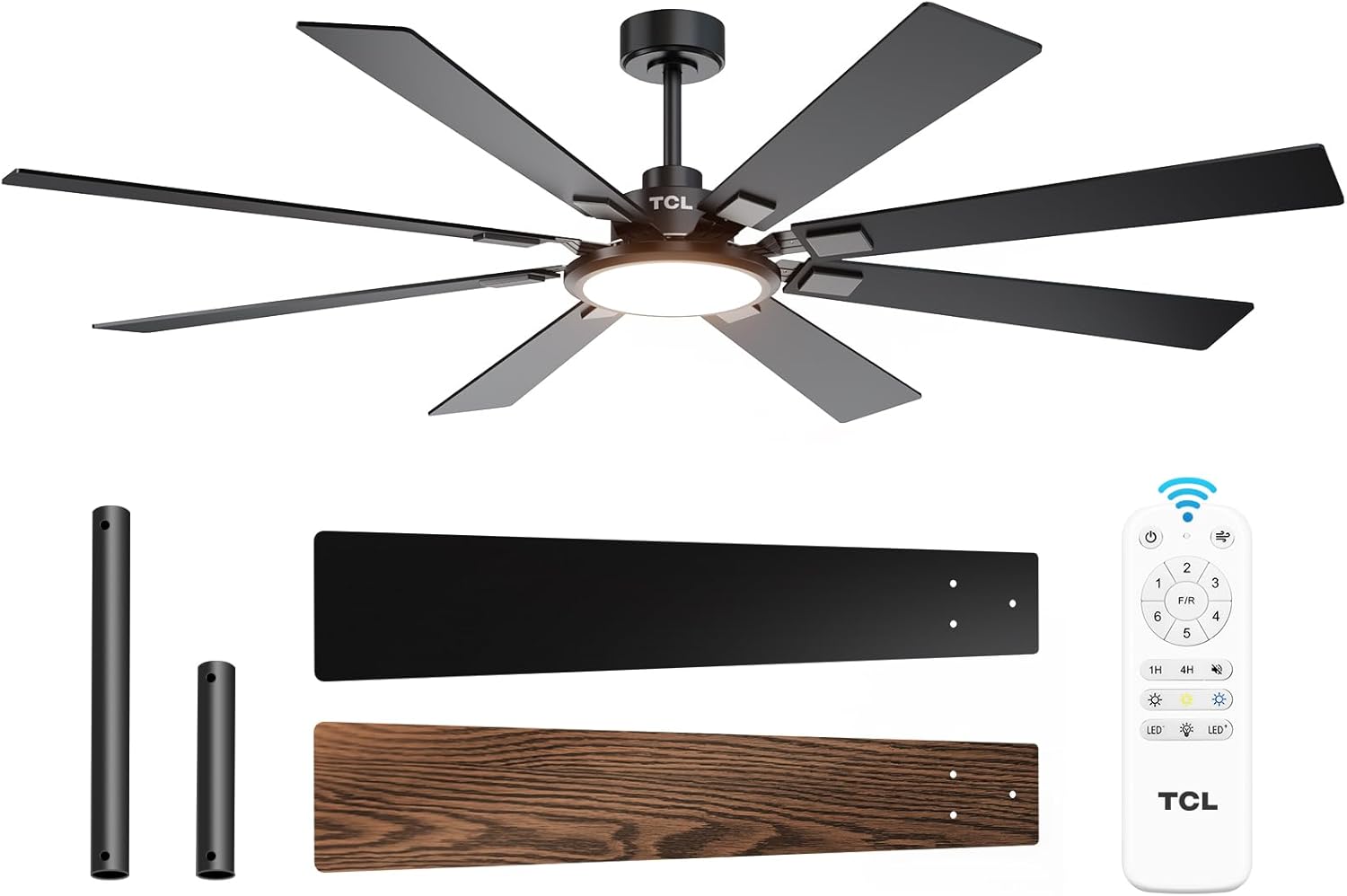
Figuur 2: Ingesluite komponente.
4. Opstelling en installering
Follow these steps to install your TCL ceiling fan. It is recommended to have a second person assist with installation due to the fan's size and weight.
- Kragontkoppeling: Turn off power at the circuit breaker to the room where you are installing the fan.
- Verwyder ou toebehore: Carefully remove any existing ceiling fan or light fixture and its mounting bracket.
- Installeer montagebeugel: Secure the new TCL mounting bracket to the ceiling outlet box using the provided screws. Ensure it is firmly attached and rated for fan support.
- Monteer die onderstang en motor: Attach the chosen downrod (5-inch or 10-inch) to the fan motor assembly.
- Hangwaaier-samestelling: Carefully lift and hang the fan motor assembly onto the mounting bracket.
- Bedrading verbindings: Connect the fan's wiring to the household wiring. Ensure ground, neutral (white), and live (black) wires are connected correctly. If a red wire is present and not needed for your setup, cap and tape it securely. Place the receiver unit within the mounting bracket canopy.
- Veilige afdak: Slide the canopy up and secure it to the mounting bracket, ensuring no wires are pinched.
- Heg lemme aan: Remove the screws from the blade attachment points on the motor. Attach each of the 8 fan blades using the provided screws, ensuring they are locked in tightly.
- Installeer Ligstel: Connect the light kit wiring to the fan motor wiring. Secure the light kit to the fan motor assembly with the three screws.
- Attach Light Cover: Gently twist or snap the light cover into place over the LED light panel.
- Herstel krag: Skakel die krag weer aan by die stroombreker.
Video 1: Installation Guide for TCL Ceiling Fan. This video demonstrates the step-by-step process of installing the TCL 72-inch ceiling fan, from preparing the electrical box to attaching the blades and light kit.
5. Bedryfsinstruksies
Your TCL ceiling fan is operated using the included remote control. The remote allows you to control fan speeds, light settings, and timer functions.
5.1 Afstandbeheerfunksies
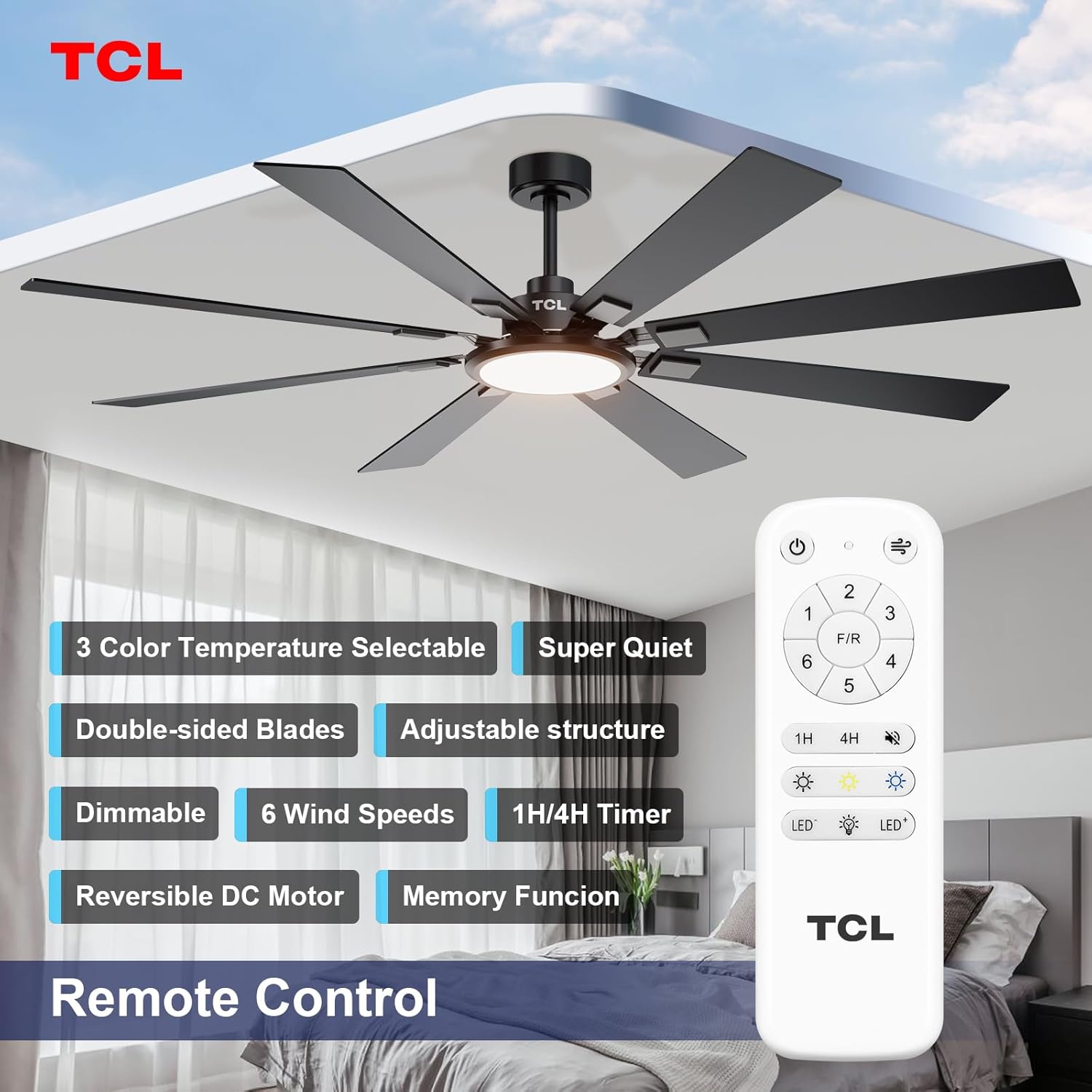
Figure 3: Remote Control Layout.
- Kragknoppie: Skakel die waaier en lig aan/af.
- Waaierspoedknoppies (1-6): Verstel die waaierspoed van 1 (laagste) tot 6 (hoogste).
- V/R (Voorwaarts/Agterwaarts)-knoppie: Changes the direction of the fan blades. Use forward (counter-clockwise) for cooling in summer and reverse (clockwise) for circulating warm air in winter.
- Timer Buttons (1H, 4H): Stel die waaier om outomaties na 1 of 4 uur af te skakel.
- Ligte aan/af-knoppie: Toggles the LED light on or off.
- Light Dimming Buttons (LED+, LED-): Adjusts the brightness of the LED light.
- Color Temperature Buttons (Light Bulb Icons): Cycles through the three available color temperatures (2700K Warm White, 4000K Natural White, 6500K Cool White).

Figuur 4: Aanpasbare liginstellings.

Figure 5: Reversible DC Motor Function.
Video 2: TCL Ceiling Fan Light and Speed Control. This video demonstrates the various light settings (color temperature and dimming) and fan speed adjustments using the remote control.
6. Onderhoud
Gereelde onderhoud verseker optimale werkverrigting en lang lewensduur van jou waaier.
- Skoonmaak: Clean the fan periodically with a soft, damp lap. Moenie skuur skoonmaakmiddels of oplosmiddels gebruik nie, aangesien dit die afwerking kan beskadig.
- Bladinspeksie: Check the fan blades for any signs of damage or warping. Ensure all blade screws are tight.
- Draai verbindings vas: Kontroleer gereeld alle elektriese verbindings en monteerhardeware vir styfheid.
- Geen smeer nodig nie: The fan's motor is permanently lubricated and does not require oiling.
7. Probleemoplossing
As jy probleme met jou waaier ondervind, verwys na die volgende algemene probleme en oplossings:
| Probleem | Moontlike oorsaak | Oplossing |
|---|---|---|
| Waaier begin nie | Geen krag na die waaier nie; Los draadverbindings; Afstandbeheerder se battery is laag. | Kontroleer stroombreker; Verifieer dat alle draadverbindings stewig is; Vervang afstandbeheerbatterye. |
| Fan wiebel | Los lemskroewe; Ongebalanseerde lemme; Los monteringsbeugel. | Tighten all blade screws; Use balancing kit (not included) to balance blades; Ensure mounting bracket is securely fastened. |
| Lig werk nie | Loose wire connection to light kit; LED driver issue. | Check light kit wiring connections; Contact customer support if LED driver is suspected. |
| Afstandbeheer werk nie | Lae of dooie batterye; Afstandbeheerder nie met waaier gekoppel nie. | Replace batteries; Refer to remote pairing instructions (usually involves pressing a button on the remote within a few seconds of turning on power to the fan). |
8. Spesifikasies
| Kenmerk | Detail |
|---|---|
| Handelsmerk | TCL |
| Modelnommer | HFSB-000000D |
| Kleur | Swart |
| Materiaal | Metaal, hout |
| Styl | Moderne |
| Blade Span | 72 duim |
| Aantal lemme | 8 |
| Motor tipe | Omkeerbare GS-motor |
| Ligbron | Geïntegreerde LED |
| Lig Wattage | 36 W |
| Kleur temperatuur | 2700K-6500K (Stepless Dimmable) |
| Helderheid | 3000 Lumen |
| Beheer metode | Afstandbeheer |
| Binne/buiteluggebruik | Binne, Buite (Damp Gegradeer) |
| Voltage | 120 Volt |
| Item gewig | 12.4 pond |
| Itemafmetings (L x B x H) | 72 cm L x 72 cm B x 20 cm H |
9. Waarborg en Ondersteuning
This product comes with a manufacturer's warranty. Please refer to the warranty card included in your package or visit the official TCL website for detailed warranty terms and conditions. For technical support, replacement parts, or any inquiries, please contact TCL customer service.
TCL Customer Service: Visit the TCL Store on Amazon