
1. Inleiding
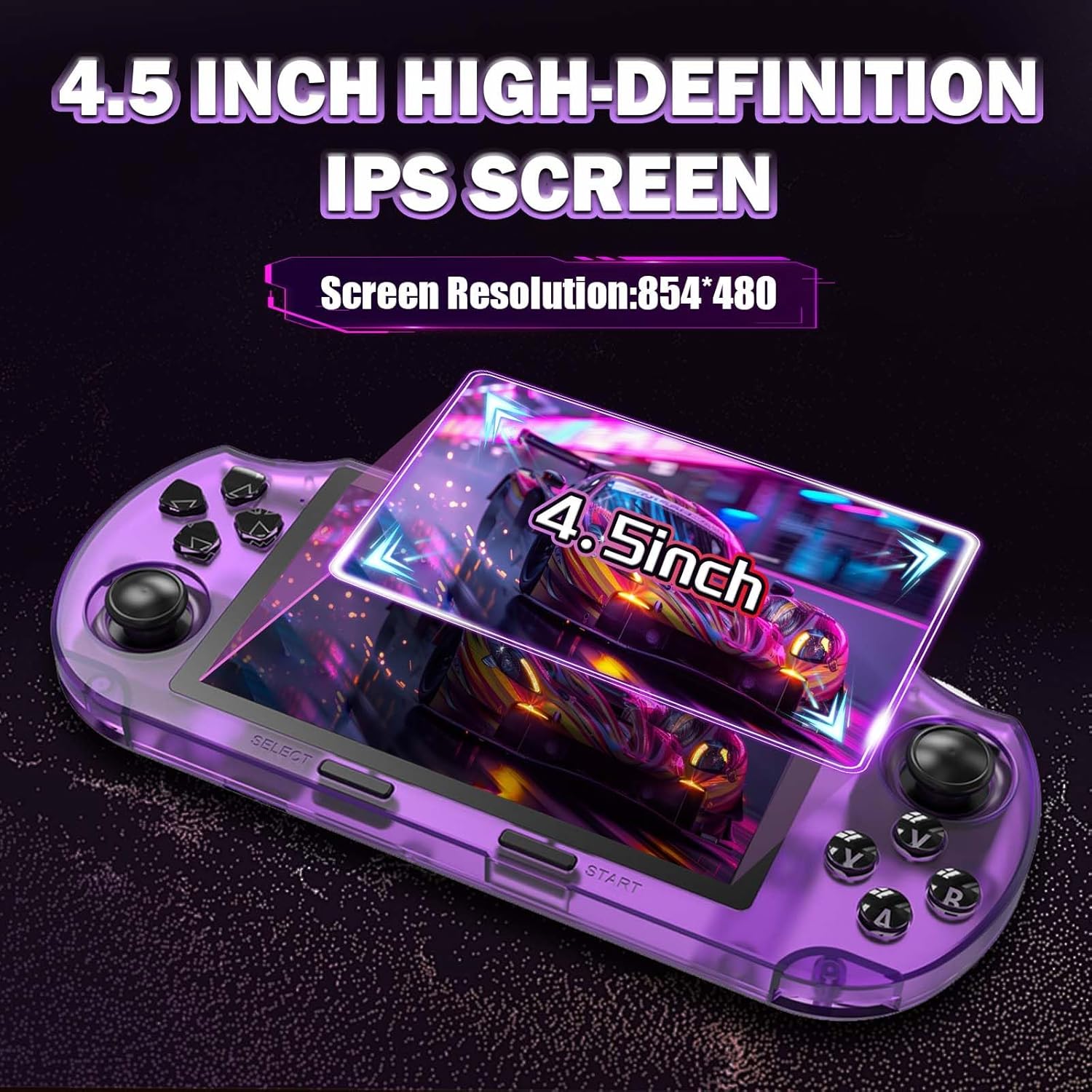
The XIXIMENG SF3000 is a versatile retro handheld game console designed for entertainment on the go or at home. It comes pre-loaded with over 20,000 classic games across more than 14 mainstream emulators. Featuring a 4.5-inch IPS screen, HD TV output, and a 3000mAh battery, it offers extended gameplay and multimedia capabilities including video, music, and e-book playback. The console also supports emergency phone charging and external device connectivity via its OTG function.

Figuur 1: verbyview of SF3000 core functions, including 20,000+ games, 2-player support, OTG function, and video playback.
2. Opstelling
2.1 Pakketinhoud
- SF3000 Handheld Game Console
- USB-laaikabel
- Tipe C-adapter
- Gebruikershandleiding
2.2 Aanvanklike laai
Before first use, fully charge the console. Connect the provided USB charging cable to the console's DC/OTG port and a compatible USB power adapter (not included) or computer USB port. The charging indicator will illuminate. A full charge typically takes 3-4 hours and provides 5-7 hours of gameplay.
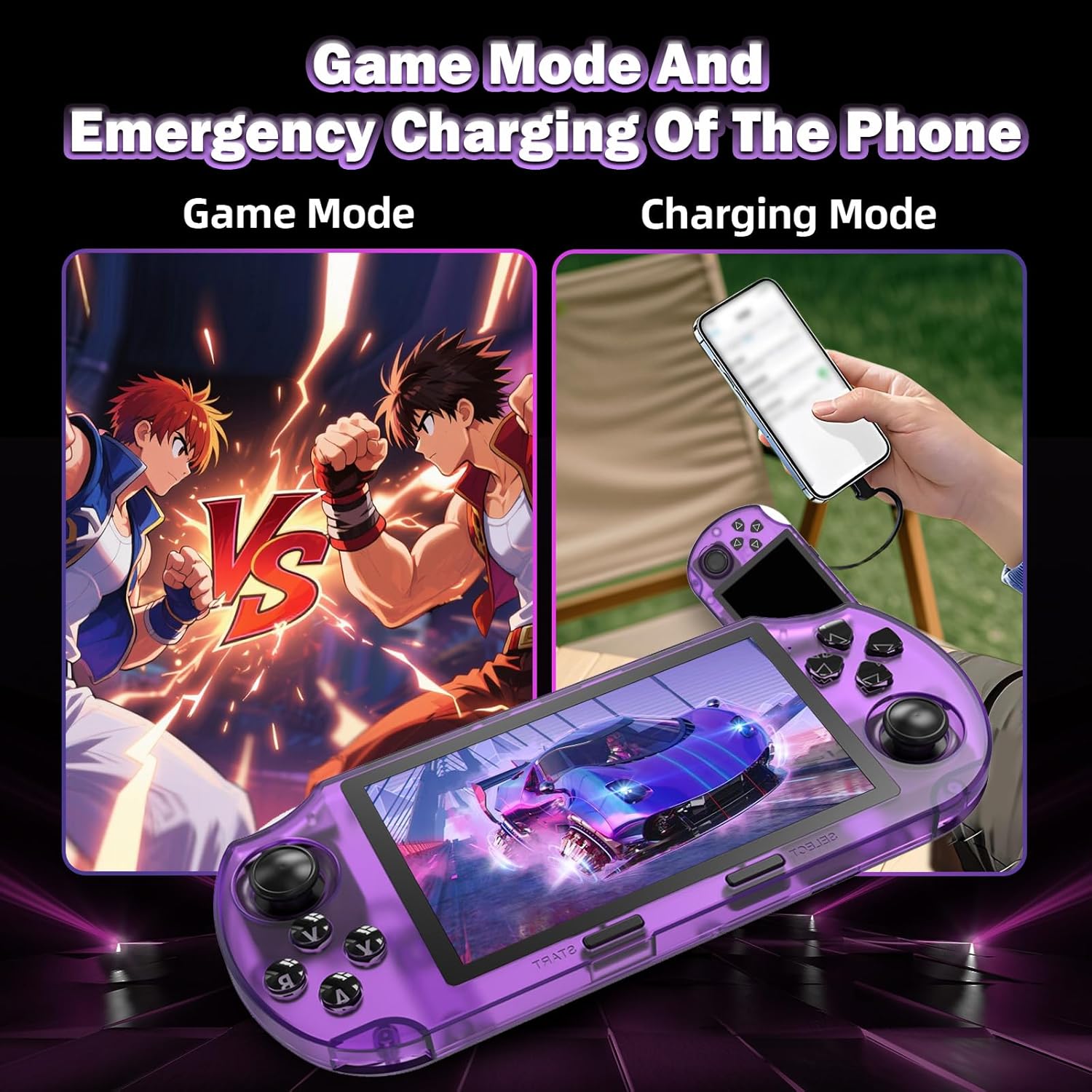
Figuur 2: Illustration of the 3000mAh battery and the console's emergency phone charging capability.
2.3 Aan-/afskakel
- To power on: Slide the AAN/AF switch to the 'ON' position.
- To power off: Slide the AAN/AF switch to the 'OFF' position.
2.4 Controls and Ports Overview
Figuur 3: Gedetailleerd view of the SF3000 console's buttons, joysticks, and ports including ON/OFF switch, TF card slot, DC/OTG port, earphone port, and extended keys.
- Rigtingsleutels: For menu navigation and in-game movement.
- Funksiesleutels (A, B, X, Y): Vir aksies in die spel.
- SELECT/START: For menu selections and in-game functions.
- Extended Keys (L, R): Additional in-game controls.
- AAN/UIT -skakelaar: Skakel die toestel aan of af.
- TF Socket: Vir die invoeging van 'n TF (MicroSD) kaart.
- DC/OTG Port: For charging and connecting external devices (e.g., USB flash drives, joysticks).
- Oortelefoonpoort: Vir die koppeling van koptelefoon.
- Volumesleutel: Pas oudio-uitvoer aan.
3. Bedryfsinstruksies
3.1 Navigering deur die spyskaart
Gebruik die Rigtingsleutels en Function Keys (A, B) to navigate through the main menu and select options. The BEGIN button often confirms selections, while KIES may be used for back or secondary functions.
3.2 Speletjies speel
- Kies die verlangde emulator of spelkategorie vanaf die hoofkieslys.
- Browse the list of games and select one to start.
- Saving/Loading Game Progress: During gameplay, press and hold KIES + BEGIN simultaneously to access the in-game menu. From this menu, you can save your current game state or load a previously saved state.
3.3 Adjusting Volume and Brightness
Gebruik die toegewyde Volume sleutel to increase or decrease the audio output. Brightness can typically be adjusted through the system settings menu, accessible from the main interface.
3.4 HD TV Output
Connect the console to a television or monitor using an HD cable (not included) via the HD output port. This allows you to display game visuals on a larger screen for an enhanced experience. The console supports both handheld and desktop modes when connected to a TV.

Figuur 4: The SF3000 connected to a TV for large-screen gaming, illustrating both desktop and handheld play modes.
3.5 Multimedia-funksies
The SF3000 supports various multimedia functions:
- Video-weergawe: Play high-definition videos.
- Musiek speel: Luister na oudio files.
- E-boek lees: View digital books.
- Photo Album Browsing: View beelde.
Access these features from the main menu and navigate to your media files stored on the TF card or connected USB storage.
3.6 Emergency Phone Charging
The console can function as a power bank to provide emergency charging for mobile phones. Connect your phone to the console's DC/OTG port using an appropriate cable.

Figuur 5: The SF3000 console demonstrating its dual functionality as a gaming device and an emergency phone charger.
3.7 OTG Function and Two-Player Mode
The OTG (On-The-Go) function allows you to connect external devices such as USB flash drives for expanded storage or external joysticks for two-player gaming. Connect compatible devices to the DC/OTG port using the provided Type-C adapter if necessary.
3.8 Foldable Back Stand
The console features an integrated foldable stand on its back. Unfold the stand to prop up the console for hands-free viewing during video playback or when using external controllers. Fold it back for handheld gaming and portability.
4. Onderhoud
4.1 Skoonmaak
Wipe the console with a soft, dry cloth. Do not use liquid cleaners or abrasive materials, as they may damage the screen or casing.
4.2 Batterysorg
To prolong battery life, avoid fully discharging the console frequently. Charge the device regularly, even if not in use for extended periods.
4.3 Stelselopdaterings
Belangrike nota: The gaming console with built-in games does not support users to change, update, or refresh the system independently. Attempting to do so may cause irreversible damage and void any potential support.
5. Probleemoplossing
- Console does not power on: Ensure the battery is charged. Connect the console to a power source and try again. Verify the ON/OFF switch is in the 'ON' position.
- Charging error or device not charging: Check the USB cable and adapter for damage. Ensure the DC/OTG port is clean and free of debris. Try a different charging cable or power source.
- Games are lagging or freezing: Ensure the console is sufficiently charged. Close any background applications if applicable. If using an external TF card, ensure it is properly inserted and not corrupted.
- Geen vertoning op TV nie: Verify the HD cable is securely connected to both the console and the TV. Ensure the TV input source is correctly selected.
- Klankprobleme: Check the volume level using the Volume Key. Ensure headphones are properly connected if in use.
- External devices not recognized (OTG): Ensure the external device is compatible and properly connected to the DC/OTG port, possibly using the Type-C adapter.
If you encounter persistent issues not covered here, please refer to the Support section for assistance.
6. Spesifikasies
| Kenmerk | Detail |
|---|---|
| Modelnommer | SF3000 |
| Skerm grootte | 4.5 Inches IPS Full-View HD skerm |
| Skermresolusie | 854 x 480 |
| Verwerker | Dual-Core (1.2G main frequency) |
| Geheue | 2G DDR3 |
| Berging kapasiteit | 64 GB (via TF card) |
| Battery kapasiteit | 3000mAh |
| Batterylewe | 5-7 hours (continuous gameplay) |
| Emulators | 14+ mainstream emulators |
| Konnektiwiteit | HD TV Output, OTG Function (USB-C) |
| Afmetings | 7.87 x 3.43 x 1.5 inches (20Cm x 8.7Cm x 3.8Cm) |
| Gewig | 9.92 onse |
| Kleur | Pers |
7. Waarborginligting
For detailed warranty information regarding your XIXIMENG SF3000 Retro Handheld Game Console, please refer to the product packaging or contact customer support directly. Warranty terms may vary based on region and retailer.
8. Ondersteuning
Should you encounter any problems during the use of your SF3000 console, or if you have questions not addressed in this manual, please do not hesitate to contact XIXIMENG customer support. We are committed to providing prompt assistance to resolve any issues you may experience.
Kontakinligting: Please reach out to XIXIMENG customer support via the retailer's platform where you purchased the product or through the official XIXIMENG website for the fastest service.