
1. Inleiding
This manual provides essential information for the safe and efficient use of your Skyworth 55" X6600H 4K QD-MiniLED Google Smart TV. Please read it thoroughly before operating the device and retain it for future reference. The Skyworth 55X6600H features a 4K Mini LED display, Google TV operating system, Dolby Vision, Dolby Atmos, HDR10+, local dimming, MEMC, and gaming enhancements.

Beeld: Voorkant view of the Skyworth 55X6600H 4K QD-MiniLED Google Smart TV, showcasing sy slanke rame en staander.
2. Veiligheidsinligting
- Moenie die TV aan reën of vog blootstel om brand of elektriese skok te voorkom nie.
- Moenie die TV oopmaak nieasing. Verwys alle diens na gekwalifiseerde personeel.
- Verseker behoorlike ventilasie. Moenie ventilasie-openinge blokkeer nie.
- Beskerm die kragkabel teen geloop of vasgeknyp.
- Ontkoppel die TV tydens weerligstorms of wanneer dit vir lang tye nie gebruik word nie.
- Hou klein onderdele en batterye buite bereik van kinders.
3. Pakketinhoud
Verifieer dat alle items in die verpakking teenwoordig is:
- Skyworth 55" X6600H TV
- Afstandbeheer
- TV-staander (2 stukke)
- Skroewe vir Staanmontering
- Kragkoord
- Gebruikershandleiding (hierdie dokument)
- Waarborgkaart
4. Opstelling
4.1 Staanmontering
- Plaas die TV versigtig met die gesig na onder op 'n sagte, plat oppervlak om skermskade te voorkom.
- Identifiseer die linker- en regterstaanderstukke.
- Rig elke staanderstuk met die ooreenstemmende gleuwe aan die onderkant van die TV.
- Bevestig elke staanderstuk met die meegeleverde skroewe.
- Lig die TV versigtig op tot 'n regop posisie op 'n stabiele oppervlak.
4.2 Muurbevestiging (Opsioneel)
The Skyworth 55X6600H is wall-mountable. A VESA-compatible wall mount (not included) is required. Consult a professional for wall mounting to ensure safety and proper installation. Refer to the wall mount manufacturer's instructions for specific details.
4.3 Koppel toestelle
Connect external devices such as set-top boxes, gaming consoles, or Blu-ray players to the TV's input ports.
- HDMI: Use HDMI cables for high-definition audio and video. The TV supports HDMI 2.1 for enhanced gaming features.
- USB: Koppel USB-bergingstoestelle vir mediaweergawe.
- Antenna/kabel: Connect an antenna or cable TV feed to the DVB-T2 input for live broadcast channels.
Beeld: Agter view of the Skyworth 55X6600H TV, illustrating the location of HDMI, USB, and other connectivity ports.
4.4 Kragverbinding
Steek die kragkabel in die TV se kragtoevoer, en dan in 'n muursok. Maak seker dat die kragsok maklik toeganklik is.
5. Aanvanklike Opstelling
5.1 Eerste aanskakeling
Press the power button on the remote control or on the TV. The TV will display the Skyworth logo and then guide you through the initial setup process.
5.2 Google TV-opstelling
Follow the on-screen instructions to configure your TV:
- Taalkeuse: Kies die taal wat u verkies.
- Netwerk konneksie: Koppel aan jou Wi-Fi-netwerk. Voer die wagwoord in indien nodig.
- Google-rekening-aanmelding: Meld aan met jou Google-rekening om toegang tot Google TV-kenmerke, -programme en gepersonaliseerde aanbevelings te verkry.
- Diensbepalings: Accept the Google Terms of Service and Privacy Policy.
- Google Assistent: Set up Google Assistant for voice control.
- Kanaalskandering: Indien u 'n antenna gebruik, voer 'n kanaalskandering uit om beskikbare uitsaaikanale te vind.
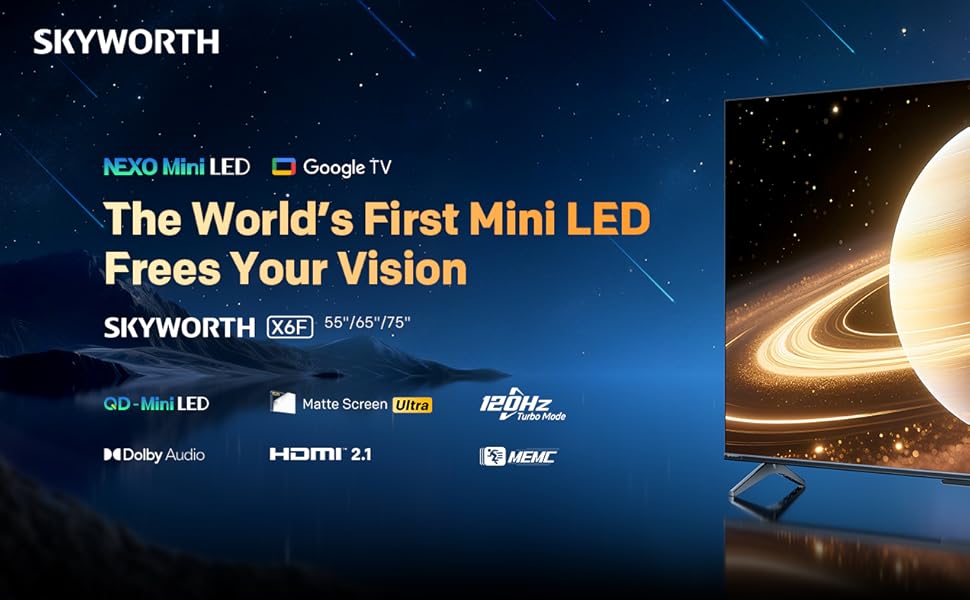
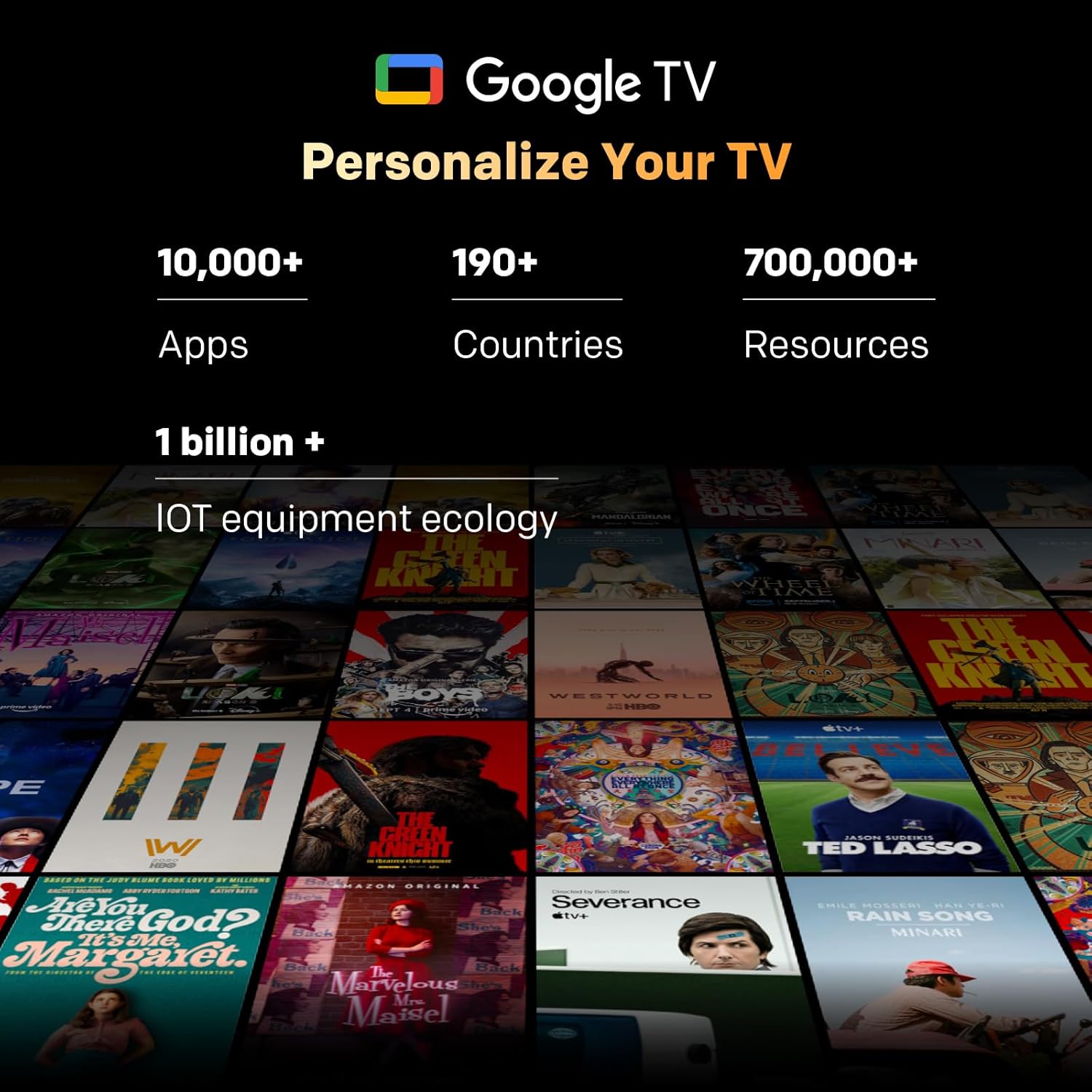
Image: A visual representation of the Google TV interface, showing various streaming content and app icons.
6. Gebruik u TV
6.1 Afstandbeheerfunksies
The included remote control allows navigation and control of your TV. It features dedicated buttons for popular streaming services and a microphone for Google Assistant voice commands. The 'Find-My-Remote' feature can help locate a misplaced remote.
6.2 Navigasie deur Google TV
Google TV organizes content from your streaming services and apps into a unified interface. Use the directional pad on your remote to browse recommendations, access your app library, and adjust settings.
- Toepassings: Access pre-installed apps like Netflix, YouTube, and Prime Video, or download more from the Google Play Store.
- Google Assistent: Druk die Google Assistent-knoppie op jou afstandbeheerder om stemopdragte te gebruik om inhoud te soek, slimhuistoestelle te beheer of inligting te kry.
- Chromecast Ingeboude: Stream content directly from compatible devices (smartphones, tablets, computers) to your TV.
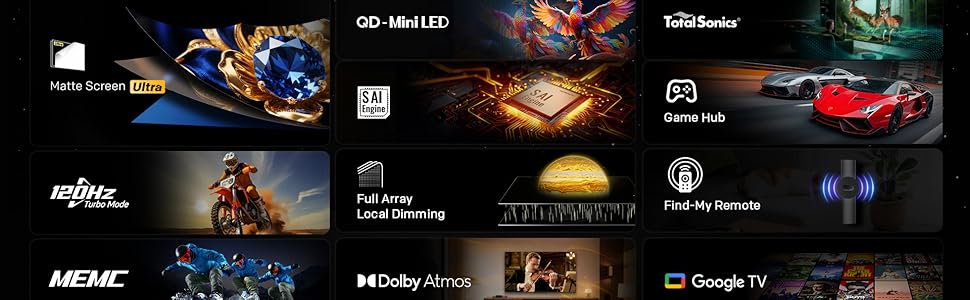
Image: The Google TV home screen, displaying a wide selection of movies, TV shows, and applications available for streaming.
6.3 Beeldinstellings
Access the picture settings menu to optimize your viewondervinding.
- Prentmodusse: Select from various preset modes (e.g., Standard, Vivid, Movie, Game) or customize settings like brightness, contrast, and color.
- HDR (Hoë Dinamiese Omvang): The TV supports HDR10+ and Dolby Vision for enhanced contrast and color with compatible content.
- Plaaslike verduistering: The Mini LED panel with 54-zone local dimming automatically adjusts backlight for deeper blacks and brighter whites.
- Eye Care 5.0 Display: This technology reduces blue light emission to minimize eye strain during prolonged viewing.
- Film Maker Mode: Activates settings that preserve the original aspect ratio, colors, and frame rates of films, as intended by the director.
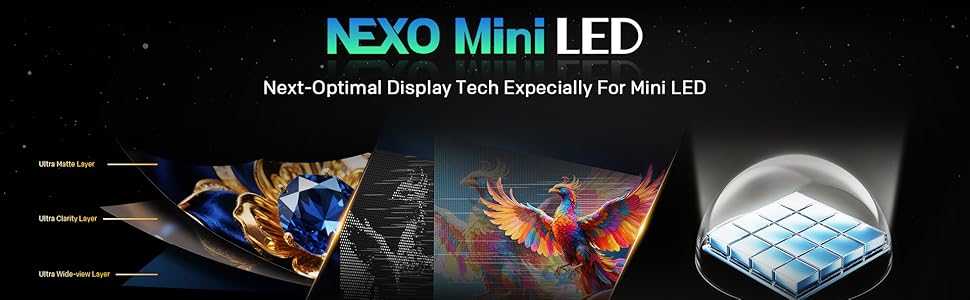
Image: A close-up of the Skyworth TV screen, highlighting the benefits of Mini LED technology for superior picture quality.
6.4 Klankinstellings
Adjust audio settings for an immersive sound experience.
- Klankmodusse: Kies uit voorafinstellings soos Standaard, Musiek, Fliek, of pasmaak gelykmakerinstellings.
- Dolby Atmos: Experience multi-dimensional sound with Dolby Atmos-enabled content.
- DBX-TV: Enhances audio clarity and volume consistency.

Image: A graphic illustrating Skyworth's collaboration with Total Sonics for enhanced audio quality, featuring a sound engineer.
6.5 Speletjie-kenmerke
Die TV is toegerus met funksies om jou spelervaring te verbeter:
- MEMC (Bewegingsberaming, Bewegingskompensasie): Reduces motion blur and judder for smoother fast-paced action.
- HDMI 2.1-ondersteuning: Provides higher bandwidth for features like 4K at higher refresh rates and Variable Refresh Rate (VRR) with compatible gaming consoles.
- Spelmodus: Optimizes input lag and picture settings for a more responsive gaming experience.
- 8ms Reaksietyd: Ensures quick pixel transitions for reduced ghosting.
Image: A visual demonstrating MEMC technology, showing horses in motion with reduced blur and enhanced clarity.
7. Onderhoud
7.1 Skoonmaak
- Skerm: Vee die skerm liggies af met 'n sagte, pluisvrye lap. Vir hardnekkige merke, gebruik 'n skermskoonmaker wat spesifiek vir TV's ontwerp is, en wend dit op die lap aan, nie direk op die skerm nie.
- TV-liggaam: Wipe the TV frame and stand with a soft, dry cloth. Do not use abrasive cleaners or solvents.
- Ontkoppel altyd die TV voordat u skoonmaak.
7.2 Sagteware-opdaterings
Your TV may receive software updates to improve performance and add new features. Ensure your TV is connected to the internet. Updates can usually be found in the TV's settings menu under 'System' or 'About'.
8. Probleemoplossing
As jy probleme met jou TV ondervind, raadpleeg die volgende algemene oplossings:
| Probleem | Oplossing |
|---|---|
| Geen krag nie | Kontroleer of die kragkabel stewig in die TV en die muursok ingeprop is. Toets die sok met 'n ander toestel. |
| Geen beeld nie, maar klank is teenwoordig | Maak seker dat die korrekte invoerbron gekies is. Kontroleer kabelverbindings na eksterne toestelle. |
| Geen klank nie, maar beeld is teenwoordig | Check volume level and mute status. Verify audio output settings. |
| Afstandbeheer werk nie | Replace batteries. Ensure no obstructions between the remote and the TV. Re-pair the remote if it's a Bluetooth remote. |
| Kan nie aan Wi-Fi koppel nie | Kontroleer die Wi-Fi-wagwoord. Herbegin jou router. Maak seker dat die TV binne die bereik van die Wi-Fi-sein is. |
9. Spesifikasies
| Kenmerk | Detail |
|---|---|
| Model Naam | 55X6600H |
| Skerm grootte | 55 duim |
| Vertoon tegnologie | Mini LED |
| Resolusie | 3840x2160 (4K UHD) |
| Herlaaitempo | 60Hz (with MEMC for smoother motion) |
| HDR Ondersteuning | HDR10+, Dolby Vision |
| Plaaslike verduistering | 54-sone |
| Kleur Omvang | 93% DCI-P3 |
| Bedryfstelsel | Google TV |
| Oudio-uitset | 2 x 12W Speakers (2.0 channel) |
| Oudio Tegnologie | Dolby Atmos, DBX-TV |
| Konnektiwiteit | HDMI (3 ports, including HDMI 2.1), USB (1 port), Wi-Fi (Dual-band), Bluetooth 5.1, DVB-T2 Tuner |
| Reaksie Tyd | 8 ms |
| Afmetings (met staander) | 26.4D x 122.6B x 78.2H cm |
| Gewig | 9.8 kilogram |
10. Waarborginligting
The Skyworth 55X6600H TV comes with a 3-jaar beperkte waarborg. This warranty covers manufacturing defects under normal use. Please refer to the included Warranty Card for full terms and conditions, including details on coverage, exclusions, and how to make a claim.
11. Kliëntediens
For further assistance, technical support, or warranty inquiries, please contact Skyworth customer service. Contact details can typically be found on the Skyworth official webwebwerf of op die waarborgkaart wat saam met u produk verskaf word.