
1. Inleiding
The AOSU 2K Indoor Security Camera is designed to provide comprehensive home surveillance with advanced features for monitoring your home, pets, or children. This manual provides detailed instructions for setting up, operating, and maintaining your camera to ensure optimal performance and security.
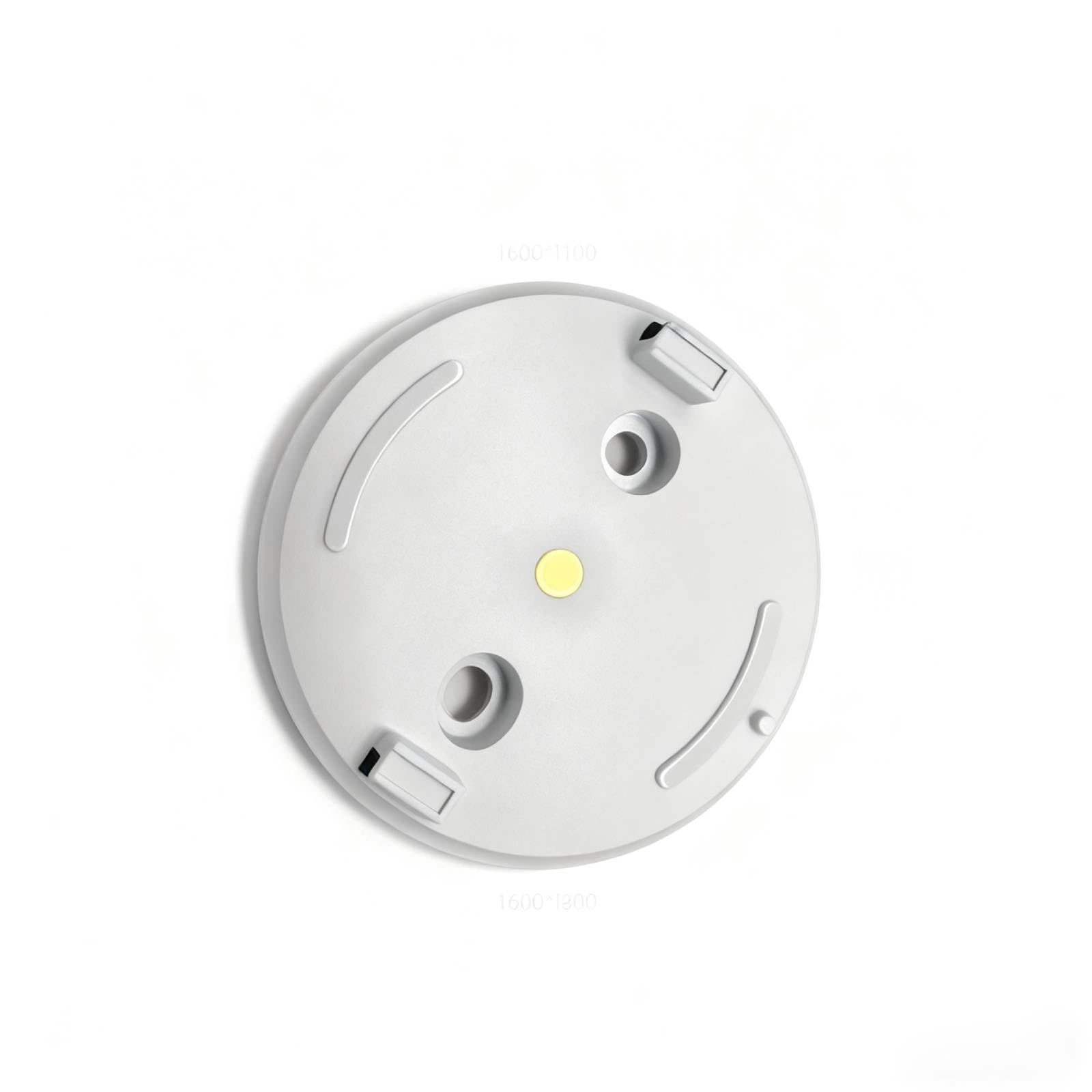
Figure 1: AOSU 2K Indoor Security Camera
2. Produk verbyview
The AOSU 2K Indoor Security Camera offers a range of features to enhance your home security:
- 2K QHD-resolusie: Verskaf duidelike en gedetailleerde video footage.
- 360° Home View: Bied 'n omvattende view of your room with 360° horizontal rotation and 155° vertical tilt.
- Slim bewegingsopsporing: Automatically tracks movement of people or pets within its field of view.
- One-Touch Calls: Built-in two-way audio for live communication, activated by a touch-to-talk button.
- IR Nagvisie: Ensures clear visibility in low-light environments.
- Hassle-Free 2.4GHz Wi-Fi Connection: Simple and quick setup.
- Alexa Compatible: View video feed on Alexa-enabled screens.
Video 1: Oorview of AOSU 4MP Indoor Security Camera features including 4MP resolution, 360 motion tracking, IR night vision, 2-way audio, and privacy mode.
3. Pakketinhoud
Upon unboxing your AOSU 2K Indoor Security Camera, verify that all the following components are included:
- AOSU 2K Indoor Security Camera
- Kragadapter
- USB-laaikabel
- Montagebeugel
- Monteringskroewe en Muurankers
- Vinnige Begingids
4. Opstelling
Follow these steps to set up your AOSU 2K Indoor Security Camera:
- Download the AOSU App: Scan the QR code provided in the Quick Start Guide or search for "AOSU" in your device's app store (available for Apple and Android).
- Skep 'n rekening: Maak die toepassing oop en volg die instruksies op die skerm om 'n nuwe gebruikersrekening te skep.
- Skakel die kamera aan: Connect the camera to a power source using the provided USB cable and power adapter. The camera will power on and indicate its status (e.g., blinking LED).
- Voeg toestel in toepassing by: In the AOSU app, tap the "+" icon to add a new device. Select your camera model from the list.
- Pair the Camera: Follow the app's instructions to pair your camera. This typically involves scanning a QR code on the camera or connecting to a temporary Wi-Fi network created by the camera. Ensure your phone is connected to a 2.4GHz Wi-Fi network during setup.
- Plasing: Choose a desired indoor spot for your camera. The app may offer a Wi-Fi strength test to help you find the best location.
- Montering (Opsioneel): If mounting, use the provided bracket, screws, and wall anchors. Ensure the camera is securely attached and positioned for optimal viewing.
5. Bedryfsinstruksies
Once your camera is set up, you can utilize its features through the AOSU app:
- Leef View: Kry toegang tot intydse videostroming vanaf jou kamera.
- Pan/Tilt Control: Use the app's controls to remotely adjust the camera's 360° horizontal and 155° vertical viewhoeke.
- Tweerigting-klank: Tap the microphone icon in the app to speak through the camera's speaker and listen through its microphone.
- Bewegingsopsporing: Enable smart motion tracking in the app settings to have the camera automatically follow detected movement.
- IR Nagvisie: The camera automatically switches to night vision in low-light conditions.
- Privaatheidmodus: Activate privacy mode to automatically cover the camera lens when not in use, ensuring your privacy.
- Gebeurtenisopname: The camera records events when motion is detected. These recordings are stored on the onboard 32GB storage.
- Kennisgewings: Configure push notifications in the app to receive alerts on your phone when motion is detected.
6. Onderhoud
To ensure the longevity and optimal performance of your camera:
- Skoonmaak: Vee die kameralens en -liggaam liggies af met 'n sagte, droë lap. Vermy die gebruik van harde chemikalieë of skuurmiddels.
- Firmware -opdaterings: Regularly check the AOSU app for available firmware updates. Updates often include performance improvements and security enhancements.
- Kragtoevoer: Use only the provided power adapter and cable to prevent damage.
- Plasing: Maak seker dat die kamera op 'n stabiele plek geplaas is, weg van direkte sonlig, uiterste temperature en vog.
7. Probleemoplossing
If you encounter issues with your AOSU 2K Indoor Security Camera, try the following solutions:
- Kamera koppel nie aan Wi-Fi nie:
- Maak seker dat jou Wi-Fi-netwerk 2.4GHz is.
- Check Wi-Fi signal strength at the camera's location using the app's built-in test.
- Herbegin jou Wi-Fi-router en die kamera.
- Swak videogehalte:
- Kontroleer jou internetverbindingspoed.
- Maak seker dat die kameralens skoon is.
- Adjust the camera's position for better lighting.
- Bewegingsopsporing werk nie:
- Verifieer dat bewegingsopsporingsinstellings in die toepassing geaktiveer is.
- Adjust motion sensitivity if necessary.
- Maak seker dat daar geen obstruksies is wat die kamera se view.
- Tweerigting-oudio-kwessies:
- Gaan die volume-instellings op jou foon en in die app na.
- Ensure your phone's microphone is not muted.
- Kamera vanlyn:
- Check if the camera is powered on.
- Verify your Wi-Fi network is active and accessible.
- Herbegin die kamera en router.
8. Spesifikasies
| Kenmerk | Spesifikasie |
|---|---|
| Aanbevole gebruike vir produk | Binnenshuise sekuriteit |
| Handelsmerk | aosu |
| Verbindings tegnologie | Wired (for power), Wireless (for data) |
| Spesiale kenmerk | PTZ Technology (Pan/Tilt/Zoom) |
| Binne/buite gebruik | Binneshuise |
| Item afmetings L x B x H | 25 x 25 x 25 millimeter |
| Is batterye nodig | Nee |
| Item gewig | 1 pond |
| UPC | 699838752955 |
| Vervaardiger | AOSU |
9. Waarborg en Ondersteuning
For warranty information and customer support, please refer to the documentation included with your product or visit the official AOSU website. Contact information for technical assistance can typically be found in the Quick Start Guide or on the manufacturer's support page.