
1. Inleiding
Thank you for choosing the Zopsc Automatic Card Shuffler Dealer 2-in-1. This device is designed to efficiently shuffle up to two decks of cards, providing a smooth and quiet gaming experience. Its portable and rechargeable design makes it ideal for various card games and travel.
2. Pakketinhoud
Verifieer asseblief dat alle items in u pakket teenwoordig is:
- 1 x Automatic Card Shuffler
- 1 x USB-kabel (tipe-C)
- 1 x Gebruikershandleiding
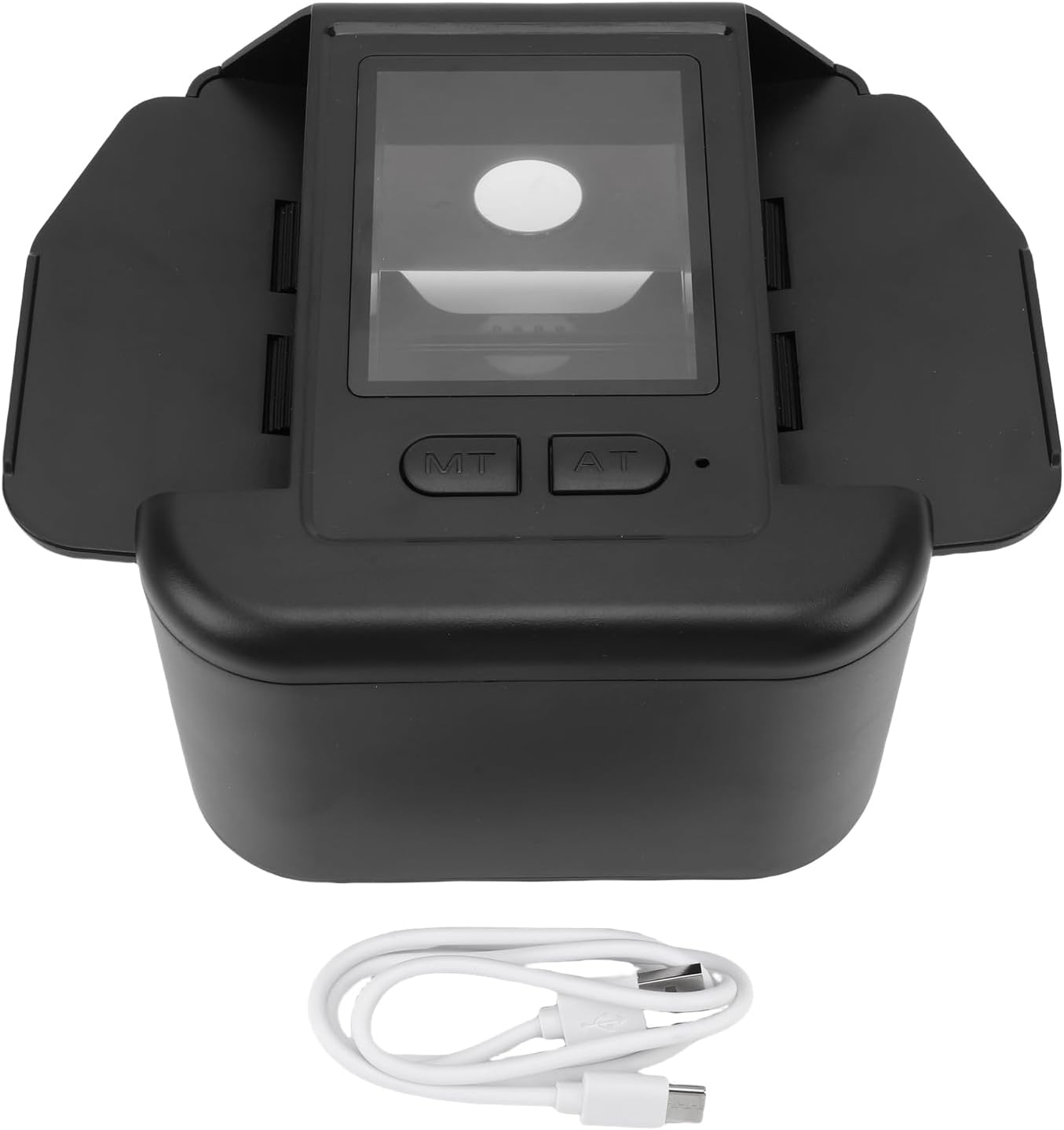
Image: The Zopsc Automatic Card Shuffler with its included USB cable.
3. Opstelling
3.1 Laai die toestel
The card shuffler is equipped with a built-in 2000mAh Li-battery. Before first use, or when the battery is low, charge the device using the provided Type-C USB cable.
- Connect the Type-C end of the USB cable to the charging port on the shuffler.
- Koppel die ander kant van die USB-kabel aan 'n versoenbare USB-kragadapter (nie ingesluit nie) of 'n rekenaar se USB-poort.
- Allow the device to charge fully. An indicator light (if present) will typically change color or turn off when charging is complete.

Image: The Type-C charging port on the Zopsc Automatic Card Shuffler.
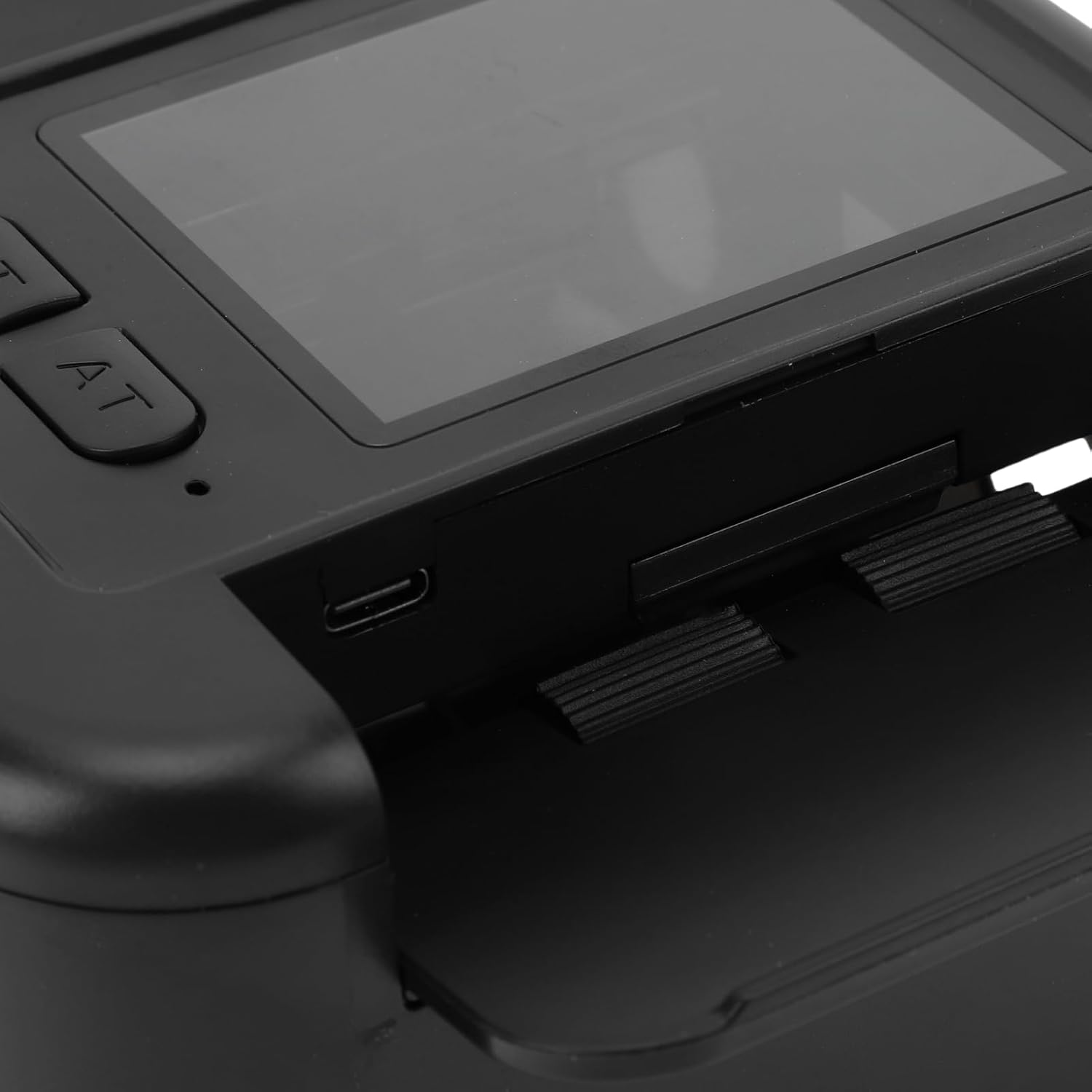
Beeld: Gedetailleerd view of the control panel and charging interface.
4. Bedryfsinstruksies
4.1 Shuffling Cards
The Zopsc Automatic Card Shuffler is designed for easy, one-click operation to mix your card decks.
- Maak seker dat die toestel gelaai is.
- Place up to two decks of cards into the designated card input slots on the shuffler. The expandable wing plate accommodates various card sizes.
- Press the 'AT' (Automatic) button once to initiate the shuffling process.
- The device will automatically shuffle the cards with low noise.
- Once shuffling is complete, retrieve the mixed cards from the output tray.
This shuffler is suitable for a wide range of card games, including Poker, Texas Hold'em, Blackjack, and more.

Image: The card shuffler in operation, demonstrating automatic shuffling with a single button press.
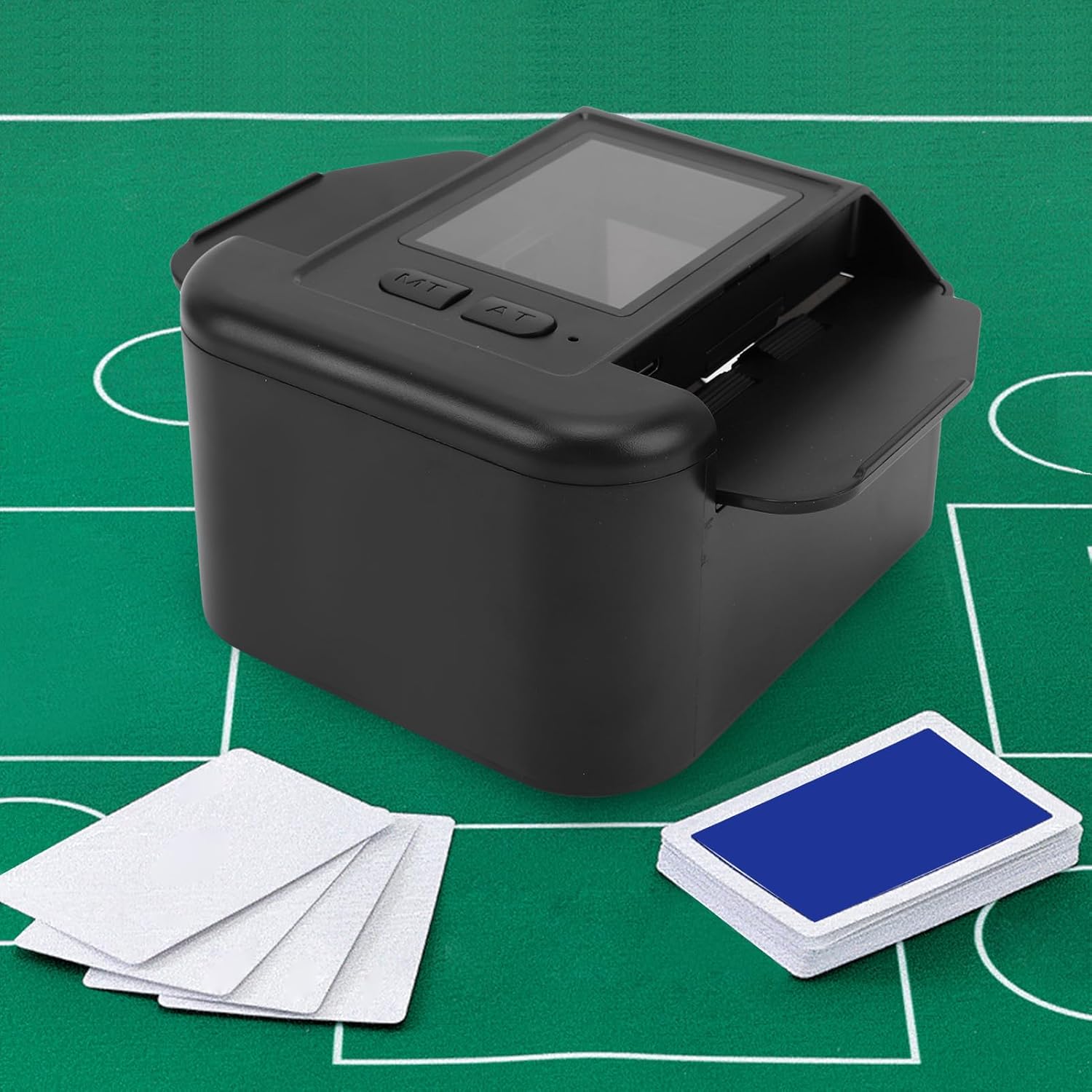
Image: The card shuffler positioned on a green gaming mat with cards ready for shuffling.

Image: The shuffler designed for low noise operation and durability.
5. Onderhoud
5.1 Skoonmaak
- Ensure the device is powered off and disconnected from any power source before cleaning.
- Wipe the exterior of the shuffler with a soft, dry, or slightly damp lap.
- Moenie skuurmiddels, oplosmiddels of harde chemikalieë gebruik nie, aangesien dit die oppervlak kan beskadig.
- Keep the card input and output slots free from dust and debris to ensure smooth operation.
5.2 Batterysorg
- Om die batterylewe te verleng, vermy om die battery gereeld heeltemal te ontlaai.
- Laai die toestel gereeld, selfs al word dit nie vir lang tye gebruik nie.
- Bêre die toestel op 'n koel, droë plek weg van uiterste temperature.
6. Probleemoplossing
6.1 Device Not Shuffling
- Gaan battery na: Ensure the device is sufficiently charged. Connect it to a power source and try again.
- Kaartplasing: Verify that cards are correctly placed in the input slots and are not jammed.
- Obstruksies: Inspect the card path for any foreign objects or debris that might be blocking the mechanism.
- Card Condition: Ensure cards are not bent, torn, or excessively worn, as this can affect shuffling.
6.2 Toestel laai nie
- Kabelverbinding: Ensure the USB cable is securely connected to both the shuffler and the power source.
- Kragbron: Try a different USB power adapter or a different USB port on your computer.
- USB-kabel: Test with a different Type-C USB cable to rule out a faulty cable.
6.3 Ongewone geraas tydens werking
- Card Jam: Stop the device immediately and check for any card jams or misaligned cards.
- Puin: Inspect the internal mechanism for any small debris that might be causing friction.
7. Spesifikasies
| Item Tipe | Outomatiese kaartskuifel |
| Materiaal | ABS |
| Ingeboude battery | Li-battery 2000mAh |
| Koppelvlak | Tipe-C |
| Model Naam | Zopscb2qmc8vy4d-11 |
| Kleur | Swart |
| Item Pakket afmetings L x B x H | 7.48 x 5.51 x 3.54 duim |
| Pakket gewig | 489 gram |
8. Waarborginligting
This Zopsc Automatic Card Shuffler Dealer 2-in-1 comes with a manufacturer warranty for 90 days from the date of purchase. Please retain your proof of purchase for warranty claims. The warranty covers defects in materials and workmanship under normal use.
The warranty does not cover damage caused by misuse, accident, unauthorized modification, or improper maintenance.
9. Ondersteuning
If you encounter any issues not covered in the troubleshooting section or require further assistance, please contact Zopsc customer support. Refer to the contact information provided with your purchase or visit the official Zopsc webwebwerf vir ondersteuningsopsies.