
1. Produk verbyview
The House of Marley Positive Vibration Rebel Wireless ANC Headphones are designed to provide an immersive audio experience with adaptive noise cancelling technology. Crafted from sustainable materials, these over-ear headphones offer extended playtime and comfortable wear.

Image 1.1: House of Marley Positive Vibration Rebel Wireless ANC Headphones, Cream.
Sleutel kenmerke:
- Aanpasbare ruisonderdrukking: Intelligently blocks distractions for an immersive listening experience.
- Rich Balanced Sound: Precision-tuned 40mm drivers deliver full-spectrum audio.
- Verlengde batterylewe: Up to 130 hours of playtime (75 hours with ANC activated).
- Volhoubare materiale: Constructed with FSC certified wood and recycled aluminum.
- Portable Comfort: Soft memory foam cushions, adjustable headband, foldable design, and IPX5 water resistance.
- Bluetooth 5.4: Ensures smooth and stable wireless connectivity.
2. Opstelling
2.1 Wat is in die boks
- Positive Vibration Rebel Wireless ANC Headphones
- USB-C-laaikabel
- 3.5 mm AUX -audiokabel
- Vinnige Begingids (verwys na hierdie handleiding vir gedetailleerde instruksies)
2.2 Laai die oorfone
- Vind die USB-C-laaipoort op die oorfone.
- Connect the provided USB-C cable to the headphones and the other end to a USB power source (e.g., wall adapter, computer USB port).
- The LED indicator on the headphones will show charging status. Refer to the LED indicator section for details.
- A full charge provides up to 130 hours of playtime (75 hours with ANC). A quick 15-minute charge can provide approximately 4 hours of playtime.
2.3 Bluetooth -koppeling
- Maak seker dat die oorfone afgeskakel is.
- Druk en hou die aan/af-knoppie in totdat die LED-aanwyser blou en rooi flikker, wat paringsmodus aandui.
- Aktiveer Bluetooth op jou toestel (slimfoon, skootrekenaar, tablet) en soek vir beskikbare toestelle.
- Select "Positive Vibration Rebel" from the list of devices.
- Sodra dit gekoppel is, sal die LED-aanwyser solied blou word.
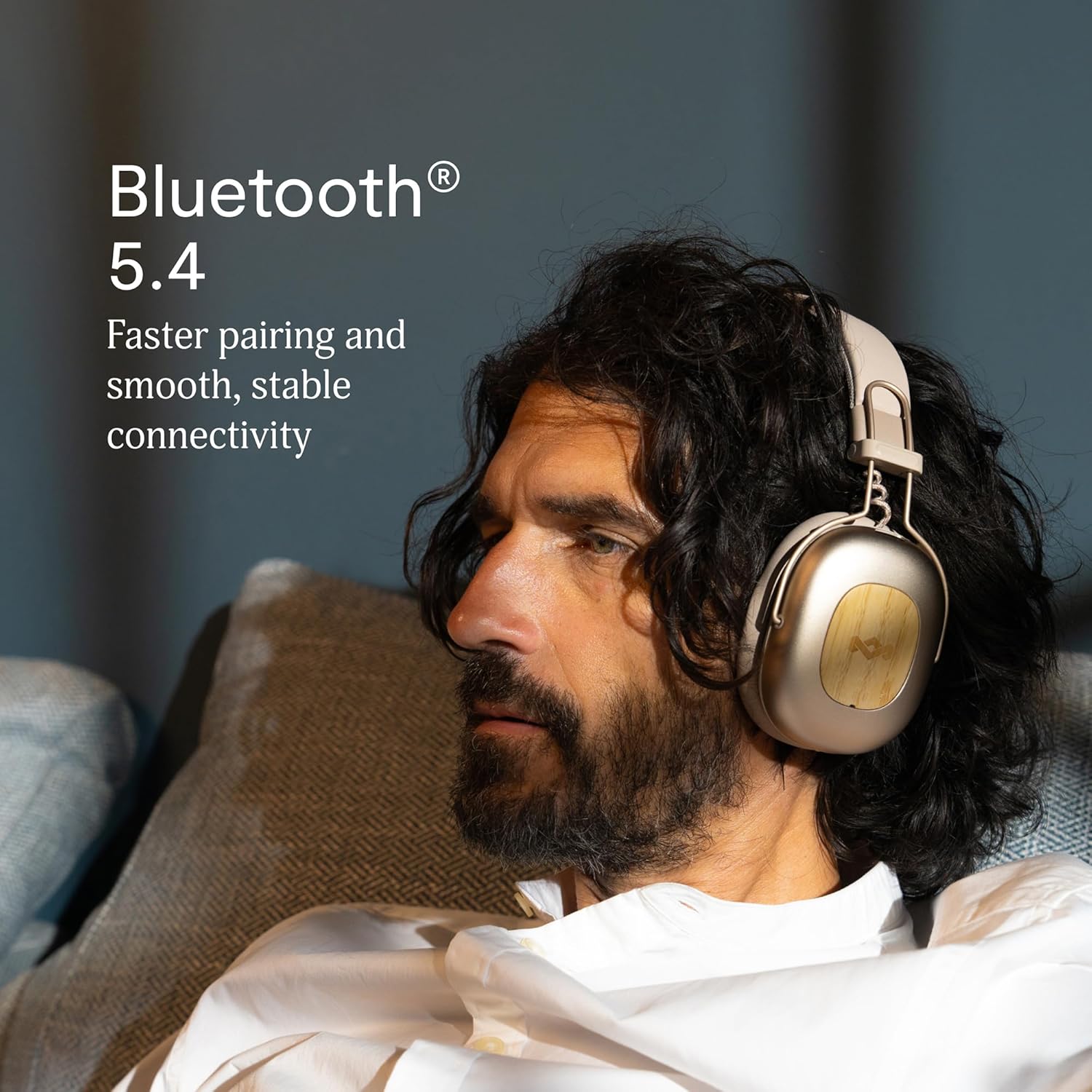
Image 2.1: Bluetooth 5.4 connectivity for stable pairing.
2.4 Pasvorm aanpas
The headphones feature an adjustable headband and soft memory foam ear cushions for comfortable wear. Adjust the headband to ensure the earcups sit comfortably over your ears, creating a good seal for optimal sound and noise cancelling performance.

Image 2.2: Ergonomic design for all-day comfort.
3. Bedryfsinstruksies
3.1 Krag aan/af
- Krag aan: Druk en hou die aan/af-knoppie vir 2-3 sekondes in totdat die LED-aanwyser aanskakel.
- Skakel af: Druk en hou die aan/af-knoppie vir 3-4 sekondes totdat die LED-aanwyser afskakel.
3.2 Musiekweergawe
- Speel/pouse: Druk een keer op die Multifunksie-knoppie.
- Volgende snit: Druk en hou die Volume Op-knoppie vir 2 sekondes in.
- Vorige snit: Druk en hou die Volume Af-knoppie vir 2 sekondes in.
- Volume op: Press the Volume Up button briefly.
- Volume af: Press the Volume Down button briefly.
3.3 Oproepbestuur
- Beantwoord/beëindig oproep: Druk een keer op die Multifunksie-knoppie.
- Verwerp oproep: Druk en hou die multifunksieknoppie vir 2 sekondes in.
3.4 Adaptive Noise Cancelling (ANC)
The headphones feature Adaptive Noise Cancelling to reduce ambient noise. There are typically multiple modes:
- ANC op: Blocks out most external noise.
- Ambient Mode (Transparency): Laat jou toe om jou omgewing te hoor terwyl jy na oudio luister.
- ANC af: Standard listening without noise cancelling.
Press the ANC button (usually located on one of the earcups) to cycle through the available ANC modes.

Image 3.1: Adaptive Noise Cancelling for distraction-free listening.
3.5 Bedrade verbinding
For a wired connection, use the provided 3.5mm AUX audio cable. Plug one end into the headphone's 3.5mm port and the other end into your audio device. Note that some features like ANC may still function, but power is drawn from the headphone's battery.
4. Onderhoud
4.1 Skoonmaak
- Gently wipe the headphones with a soft, dry, lint-free cloth.
- Moenie harde chemikalieë, skoonmaakmiddels of sterk skoonmaakmiddels gebruik nie.
- Vermy dat vog in enige openinge kom.
4.2 Berging
When not in use, store the headphones in a cool, dry place, away from extreme temperatures and direct sunlight. The foldable design allows for compact storage.
4.3 Batterysorg
- Vermy om die battery gereeld heeltemal te ontlaai.
- Charge the headphones regularly, even if not used for extended periods, to maintain battery health.
- Do not attempt to replace the battery yourself. Contact customer support if battery issues arise.
4.4 Waterbestandheid (IPX5)
The headphones are rated IPX5 water resistant, meaning they can withstand a sustained, low-pressure water jet spray. This makes them suitable for light rain or sweaty workouts. However, they are not designed for submersion in water. Do not expose them to heavy rain or immerse them in any liquid.
5. Probleemoplossing
5.1 Geen krag
- Maak seker dat die oorfone gelaai is. Koppel hulle aan 'n kragbron met die USB-C-kabel.
- Press and hold the Power button for the specified duration to turn them on.
5.2 Kan nie met toestel koppel nie
- Maak seker dat die oorfone in paringsmodus is (LED flikker blou en rooi).
- Make sure Bluetooth is enabled on your device and it is within range (typically 10 meters).
- Forget the device from your device's Bluetooth settings and attempt to pair again.
- Herbegin beide die oorfone en jou toestel.
5.3 Geen geluid of lae volume
- Kontroleer die volumevlakke op beide die oorfone en jou gekoppelde toestel.
- Ensure the headphones are properly connected via Bluetooth or the 3.5mm AUX cable.
- If using a wired connection, ensure the cable is fully inserted into both ports.
- Probeer om klank vanaf 'n ander bron of toepassing te speel.
5.4 Adaptive Noise Cancelling Not Working Effectively
- Ensure ANC is activated by pressing the ANC button.
- Check that the earcups form a good seal around your ears. Adjust the fit if necessary.
- ANC is most effective against low-frequency, constant noise. It may not completely eliminate sudden or high-frequency sounds.
6. Spesifikasies
| Kenmerk | Detail |
|---|---|
| Model Naam | Positive Vibration Rebel |
| Item Modelnommer | EM-JH152 |
| Verbindingstegnologie | Draadloos (Bluetooth) |
| Bluetooth weergawe | 5.4 |
| Tipe oudiobestuurder | Dinamiese drywer (40 mm) |
| Geraasbeheerfunksies | Aanpasbare ruisonderdrukking |
| Batterylewe | Up to 130 Hours (75 Hours with ANC) |
| Laai tyd | 15 minutes for 4 hours playtime (quick charge) |
| Waterweerstandvlak | IPX5 |
| Materiaal | Aluminum, Wood (FSC certified), REWIND™ Fabric |
| Oorplasing | Oor Oor |
| Versoenbare toestelle | Slimfone, skootrekenaars, tablette, slimluidsprekers |
| Produk afmetings | 8.13 x 3.75 x 8.36 duim |
| Item gewig | 1.14 pond |
| UPC | 846885011874 |
7. Waarborg en Ondersteuning
7.1 Waarborginligting
House of Marley products typically come with a limited warranty. For specific details regarding the warranty period and terms for your Positive Vibration Rebel Wireless ANC Headphones, please refer to the warranty card included with your product or visit the official House of Marley webwebwerf. Bewaar u bewys van aankoop vir waarborgeise.
7.2 Kliëntediens
If you encounter any issues not covered in this manual or require further assistance, please contact House of Marley customer support. You can usually find contact information (phone, email, or support portal) on the official House of Marley webwebwerf: