
1. Inleiding
Welcome to your new NIMO 15.6" IPS FHD Student Laptop, Model N154. This manual provides essential information to help you get started, operate, and maintain your device. Designed for both home and business use, this laptop combines performance with user-friendly features to enhance your productivity and entertainment experience.
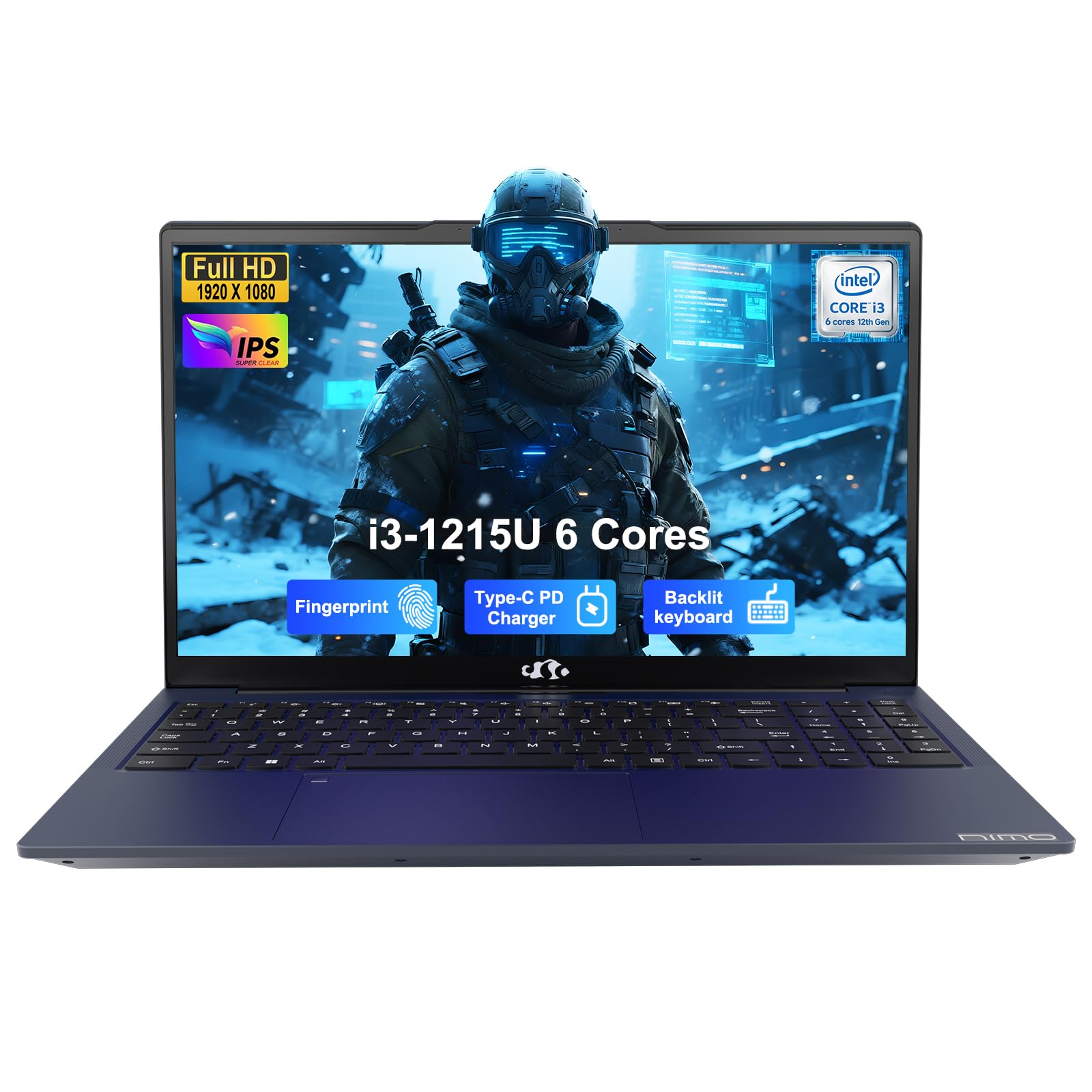
Image: The NIMO 15.6-inch IPS FHD Student Laptop, showcasing sy slanke ontwerp.
2. Wat is in die boks
Kontroleer asseblief die inhoud van die pakket om seker te maak dat alle items teenwoordig is:
- 1 x NIMO N154 Laptop
- 1 x Type-C 65W PD Fast Charger
- 1 x Gebruikershandleiding (hierdie dokument)
- Windows 11 Home (pre-installed)
3. Aanvanklike Opstelling
3.1. Laai die skootrekenaar
Before first use, fully charge your NIMO laptop using the included 65W USB-C PD Fast Charger. Connect the charger to the Type-C port on your laptop and a power outlet. The charging indicator light will illuminate.

Image: The 65W USB-C PD Fast Charger, capable of charging the laptop, tablet, and smartphone.
3.2. Aanskakel en aanvanklike konfigurasie
Druk die aan/af-knoppie om jou skootrekenaar aan te skakel. Volg die instruksies op die skerm om die Windows 11 Home-opstelling te voltooi, insluitend taalkeuse, netwerkverbinding en die skep van gebruikersrekeninge.
4. Bediening van jou skootrekenaar
4.1. Vertoon
Your laptop features a 15.6-inch Full HD (1920x1080) IPS anti-glare display. This screen provides clear visuals and reduces eye strain during extended use. The 180° open angle allows for flexible viewing posisies.
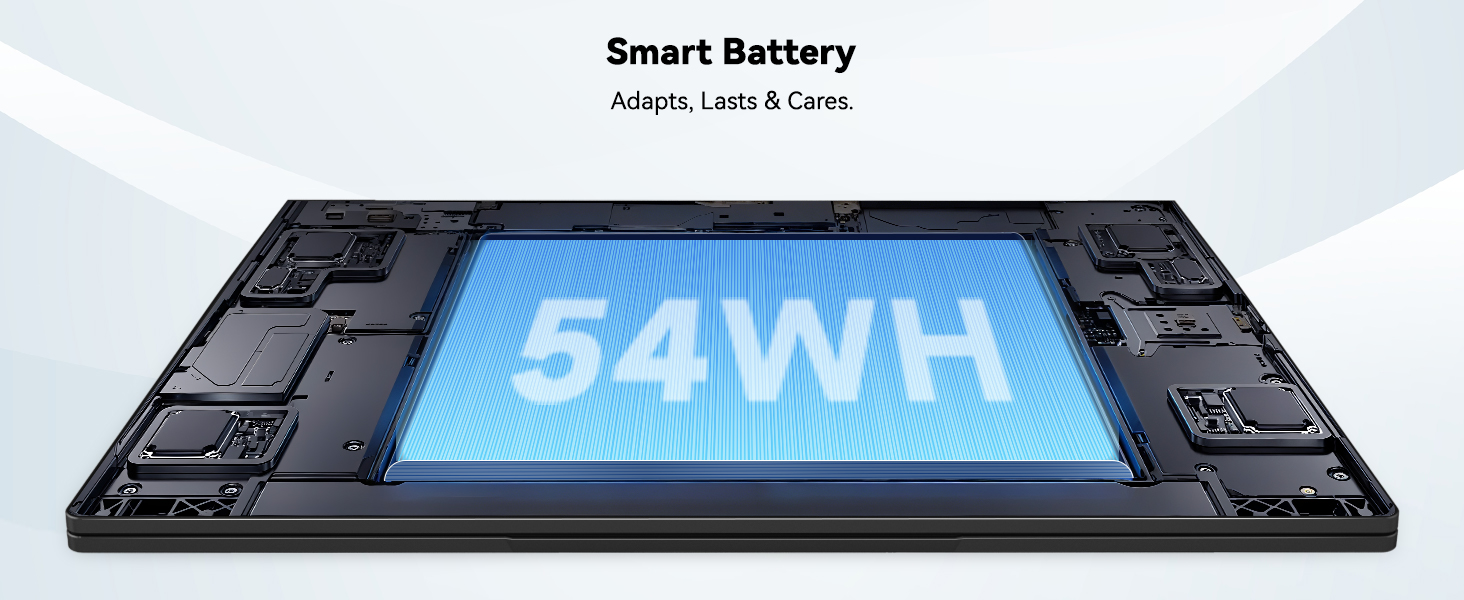
Image: The laptop's 15.6-inch Full HD IPS display with vibrant colors.
4.2. Sleutelbord en raakvlak
The ergonomic backlit keyboard allows for comfortable typing in various lighting conditions, with adjustable brightness. The touchpad includes an integrated fingerprint sensor for secure, one-touch login.

Image: Features of the laptop's input, including backlit keyboard, webcam shield, fingerprint sensor, and numeric keypad.
4.3. Fingerprint Login
Utilize the fingerprint sensor on the touchpad for quick and secure access to your laptop. Configure your fingerprint in the Windows settings for enhanced security.

Image: Close-up of the integrated fingerprint scanner on the touchpad for secure login.
4.4. Poorts en Konnektiwiteit
The NIMO N154 laptop offers a variety of ports for versatile connectivity:
- USB 2.0-poort: 1
- USB 3.0 Poorte: 3
- HDMI-poort: For external display connections.
- Tipe C-poort: Supports 65W Power Delivery for charging and data transfer.
- Micro SD -kaartgleuf: Vir die uitbreiding van berging of oordrag files.
- Headphone Combo Jack: Vir klankinvoer/-uitvoer.
- Kensington Slot Slot: Vir fisiese sekuriteit.
The laptop also features Wi-Fi 6 for fast and reliable wireless internet access.

Image: Diagram illustrating the various ports available on the NIMO laptop, including USB, HDMI, Type-C, Micro SD, headphone jack, and Kensington lock.
4.5. Audio and Webnok
Integrated speakers provide clear audio for video calls, online classes, and media consumption. The 2.0MP webcam is suitable for video conferencing, complemented by a privacy switch for enhanced security.

Image: Details on the 1080p FHD camera and privacy camera convenience features.
4.6. Verwerker en Werkverrigting
Powered by the 6-Core Intel i3-1215U processor, your laptop is designed for efficient multitasking, handling numerous browser tabs, spreadsheets, and video calls without significant slowdowns.
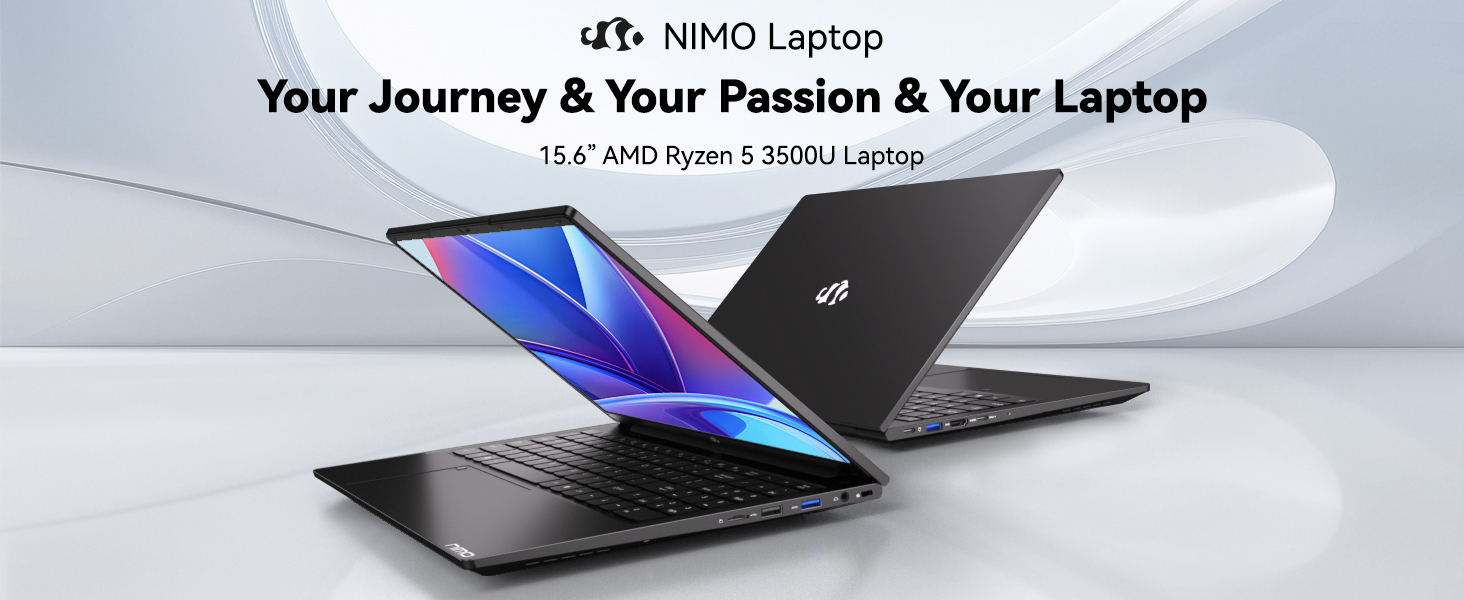
Image: Visual representation of the 12th Gen Intel Core i3-1215U Processor, highlighting its 6 cores, 8 threads, 15W power consumption, and 3.7 GHz Turbo Boost.
5. Onderhoud
5.1. Skoonmaak
Regularly clean your laptop to ensure optimal performance and longevity. Use a soft, lint-free cloth for the screen and exterior. For stubborn marks, dampMaak die lap skoon met 'n klein hoeveelheid water of 'n skermveilige skoonmaakmiddel. Vermy harde chemikalieë.
5.2. Sagteware-opdaterings
Keep your operating system and drivers updated to benefit from the latest security patches and performance improvements. Windows Update can be accessed through the Settings menu.
5.3. Batteryversorging
To maximize battery life, avoid extreme temperatures and fully discharging the battery frequently. For long-term storage, charge the battery to around 50-70%.

Image: An illustration of the laptop's internal battery, labeled 54WH, emphasizing smart battery management.
6. Probleemoplossing
6.1. Skootrekenaar skakel nie aan nie
- Maak seker dat die laaier stewig aan beide die skootrekenaar en 'n werkende kragpunt gekoppel is.
- Kyk of die kragadapter reg funksioneer.
- Probeer om die aan/af-knoppie vir 10-15 sekondes in te hou om 'n harde herstel uit te voer.
6.2. Wi-Fi-verbindingsprobleme
- Verifieer dat Wi-Fi in Windows-instellings geaktiveer is.
- Herbegin jou router en modem.
- Ensure your Wi-Fi drivers are up to date.
6.3. Stadige Prestasie
- Maak onnodige toepassings wat in die agtergrond loop toe.
- Kontroleer vir en installeer enige hangende Windows-opdaterings.
- Ensure your storage (SSD) has sufficient free space.
Vir verdere hulp, verwys asseblief na die Waarborg en Ondersteuning-afdeling.
7. Spesifikasies
| Kenmerk | Spesifikasie |
|---|---|
| Model Naam | NIMO N154 |
| Skerm grootte | 15.6 duim |
| Skermresolusie | 1920 x 1080 piksels (Vol HD) |
| Verwerker | Intel Core i3-1215U (6 kerns, tot 4.4 GHz) |
| RAM | 8 GB DDR4 (3200 MHz) |
| Hardeskyf | 512 GB SSD |
| Grafiese medeverwerker | Geïntegreerde grafika |
| Bedryfstelsel | Windows 11 Tuis |
| Draadlose tipe | Wi-Fi 6 (802.11a/b/g/n/ac) |
| USB 2.0-poorte | 1 |
| USB 3.0-poorte | 3 |
| Gemiddelde batterylewe | 9 ure |
| Item gewig | 3.75 pond |
| Produk afmetings | 14.07 x 8.98 x 0.76 duim |
| Spesiale kenmerke | Fingerprint Reader, HD Audio, Memory Card Slot, Numeric Keypad |
8. Waarborg en Ondersteuning
NIMO is committed to providing quality products and excellent customer service.
8.1. Waarborginligting
Your NIMO N154 laptop comes with a comprehensive 2 jaar waarborg, covering manufacturing defects and hardware malfunctions under normal use. This warranty ensures your investment is protected.

Image: Text indicating '2-Year Support' for Nimo products.
8.2. Retourbeleid
Ons bied a 90-dae terugkeerbeleid from the date of purchase. If you are not satisfied with your product, you may return it within this period according to the terms and conditions.

Image: Text indicating '90-Day Return' for Nimo products.
8.3. Kontak ondersteuning
Our dedicated US-based support team is available to assist you with any questions or issues. You can reach us via email at service@nimopc.com. We aim to provide professional and high-quality customer service.

Image: A customer service representative wearing a headset, representing professional customer assistance.