
Inleiding
Thank you for choosing the LiNKFOR USB Gaming Microphone ULK113. This microphone is designed to provide clear audio for gaming, streaming, podcasting, and online communication. It features dynamic RGB lighting, one-tap noise cancellation, reverb effects, real-time gain control, and zero-latency monitoring. This manual will guide you through the setup, operation, and maintenance of your new microphone.
Pakketinhoud
Maak asseblief seker dat alle items teenwoordig is voordat u met die opstelling voortgaan:
- LiNKFOR USB Gaming Microphone
- Desktop staanplek
- Shock Mount
- Popfilter
- USB-C na USB-A-kabel
- USB-A na USB-C-adapter

Image: All components included in the LiNKFOR USB Gaming Microphone package.
Opstel instruksies
- Monteer die tafelbladstaander: Screw the microphone stand pole into the weighted base until secure.
- Heg die skokbevestiging aan: Screw the shock mount onto the top of the stand pole.
- Plaas die mikrofoon in: Gently place the LiNKFOR USB Gaming Microphone into the shock mount. Ensure it is seated securely.
- Heg die Popfilter aan: Clip the pop filter onto the shock mount, positioning it in front of the microphone's grille.
- Koppel aan toestel:
- Connect the USB-C end of the provided cable to the USB-C port on the microphone.
- Connect the USB-A end of the cable to an available USB port on your PC, PS4/PS5, or Mac.
- For Android devices with OTG support, use the included USB-A to USB-C adapter to connect the microphone cable to your phone.
- Plug & Play: The microphone is plug-and-play, requiring no additional drivers for most compatible operating systems. Your device should automatically recognize the microphone.
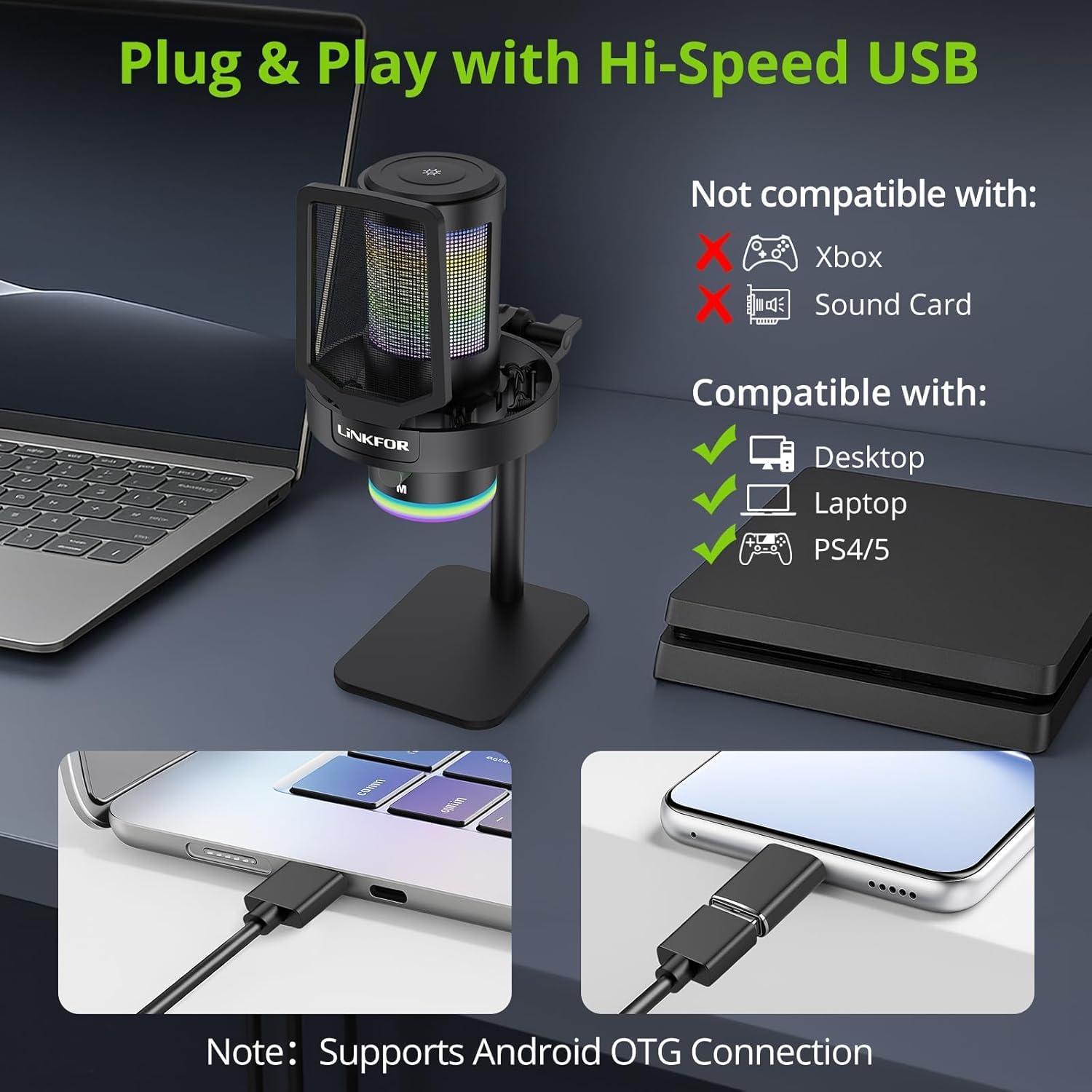
Image: The LiNKFOR USB Gaming Microphone connected to a laptop, demonstrating its plug-and-play functionality.
Video: 'n Oorview of the LiNKFOR USB Gaming Microphone, demonstrating its features and ease of use.
Bedryfsinstruksies
1. Dynamic RGB Lights & Touch Control
- Verander RGB-modusse: Touch the top of the microphone to cycle through various vibrant RGB lighting modes or solid colors.
- Skakel ligte af: Long-press the top of the microphone to turn off the RGB lights.
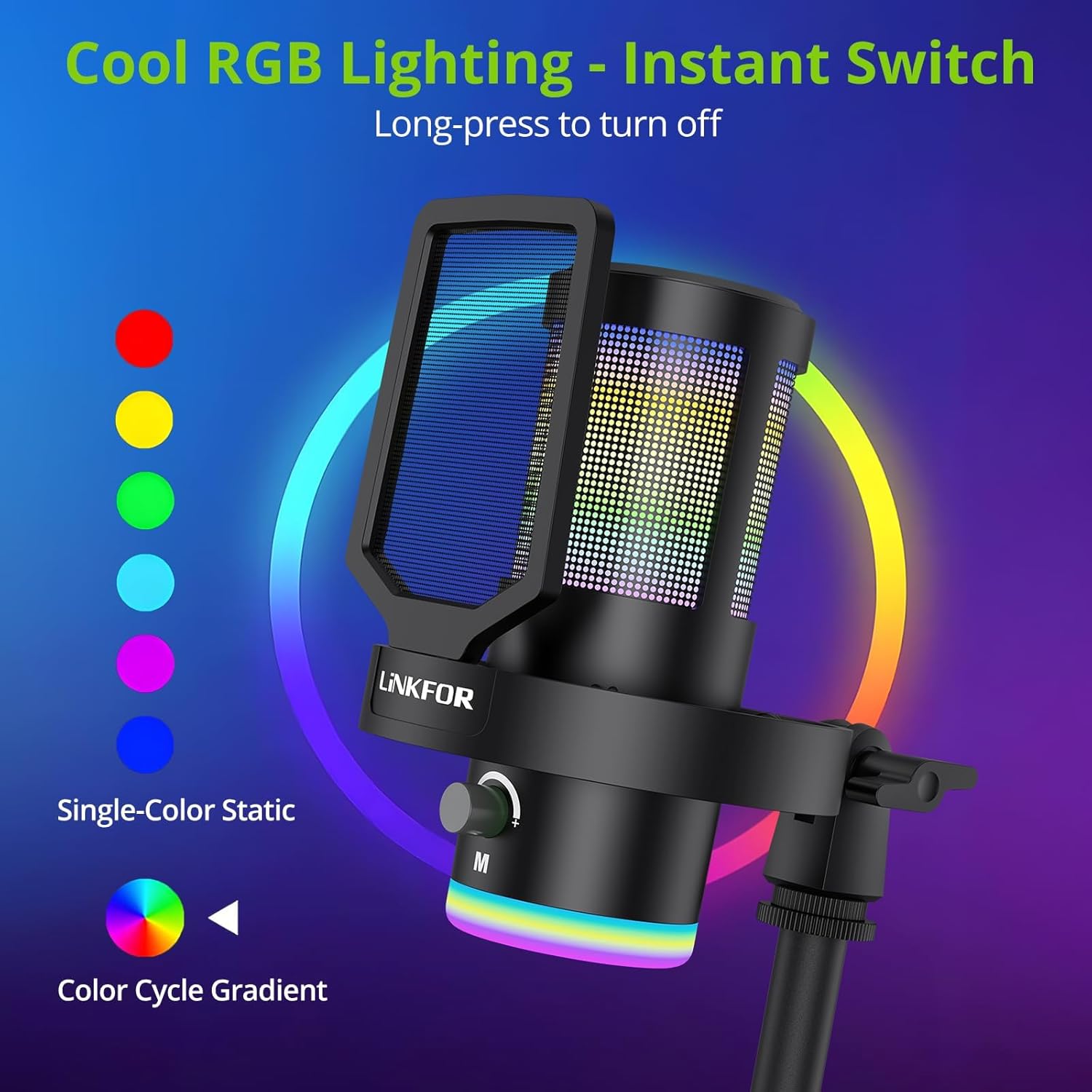
Image: The microphone showcasing sy dinamiese RGB-beligtingseffekte.
2. Studio Voice Clarity + One-Tap Noise Cancellation
- The professional cardioid capsule captures your voice clearly.
- Activate Noise Cancellation: Use the dedicated one-tap smart noise cancellation feature to reduce background sounds like fan noise, AC hum, or keyboard clicks.

Image: Visual representation of the microphone's noise reduction capabilities.
3. Reverb Effects & Real-Time Gain Control
- Reverb Button: Use the dedicated reverb button to add depth to your audio.
- Versterkingsknop: Adjust the gain knob to fine-tune the input volume in real-time, preventing audio clipping or low volume during live sessions.
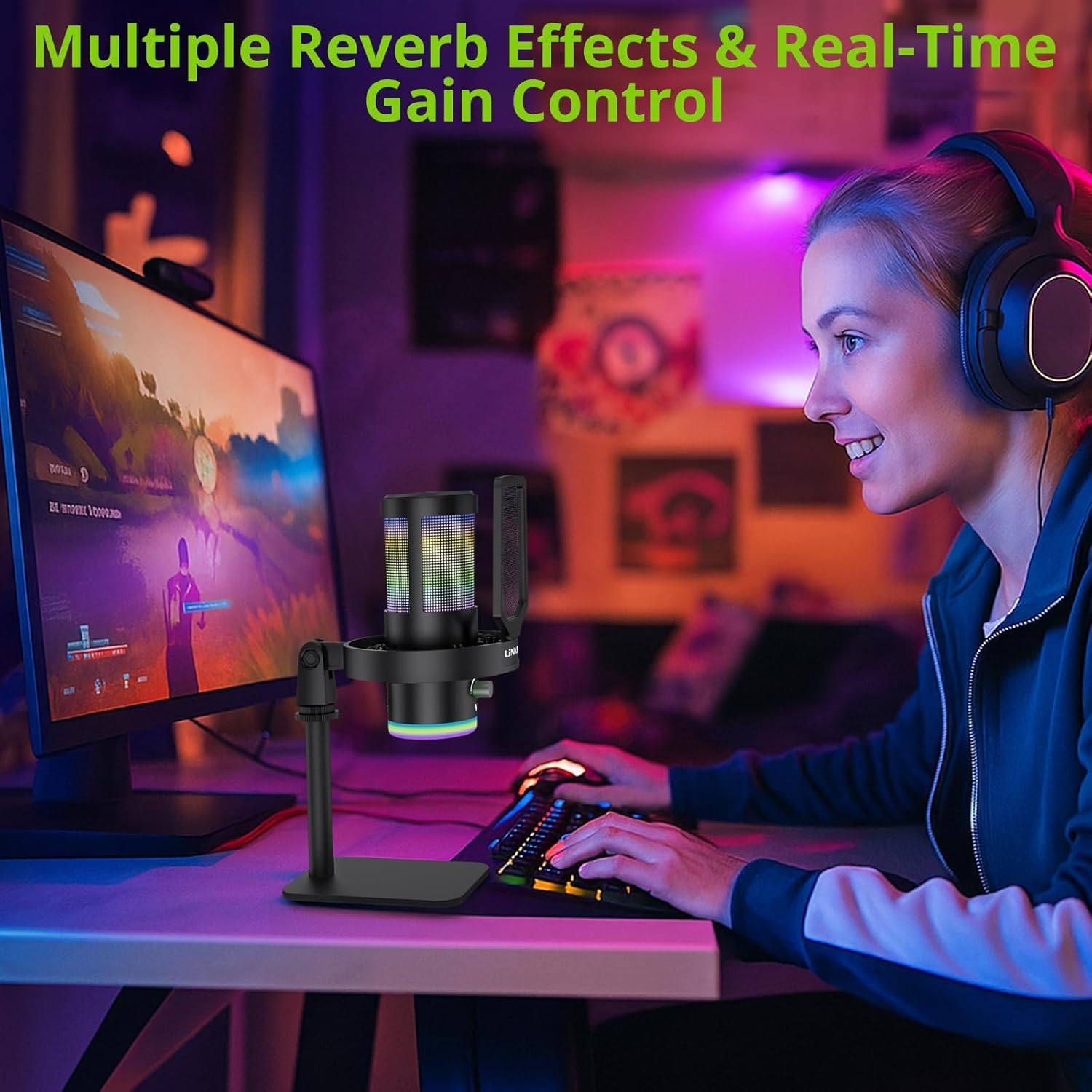
Image: A user operating the microphone with its reverb and gain control features.
4. Instant Mute + Zero-Delay Monitoring
- Demp-knoppie: A touch-sensitive mute button allows for instant silencing of the microphone.
- 3.5 mm koptelefoonaansluiting: Plug in headphones to the 3.5mm jack for real-time, zero-latency monitoring of your audio. A dedicated volume dial controls headphone output.
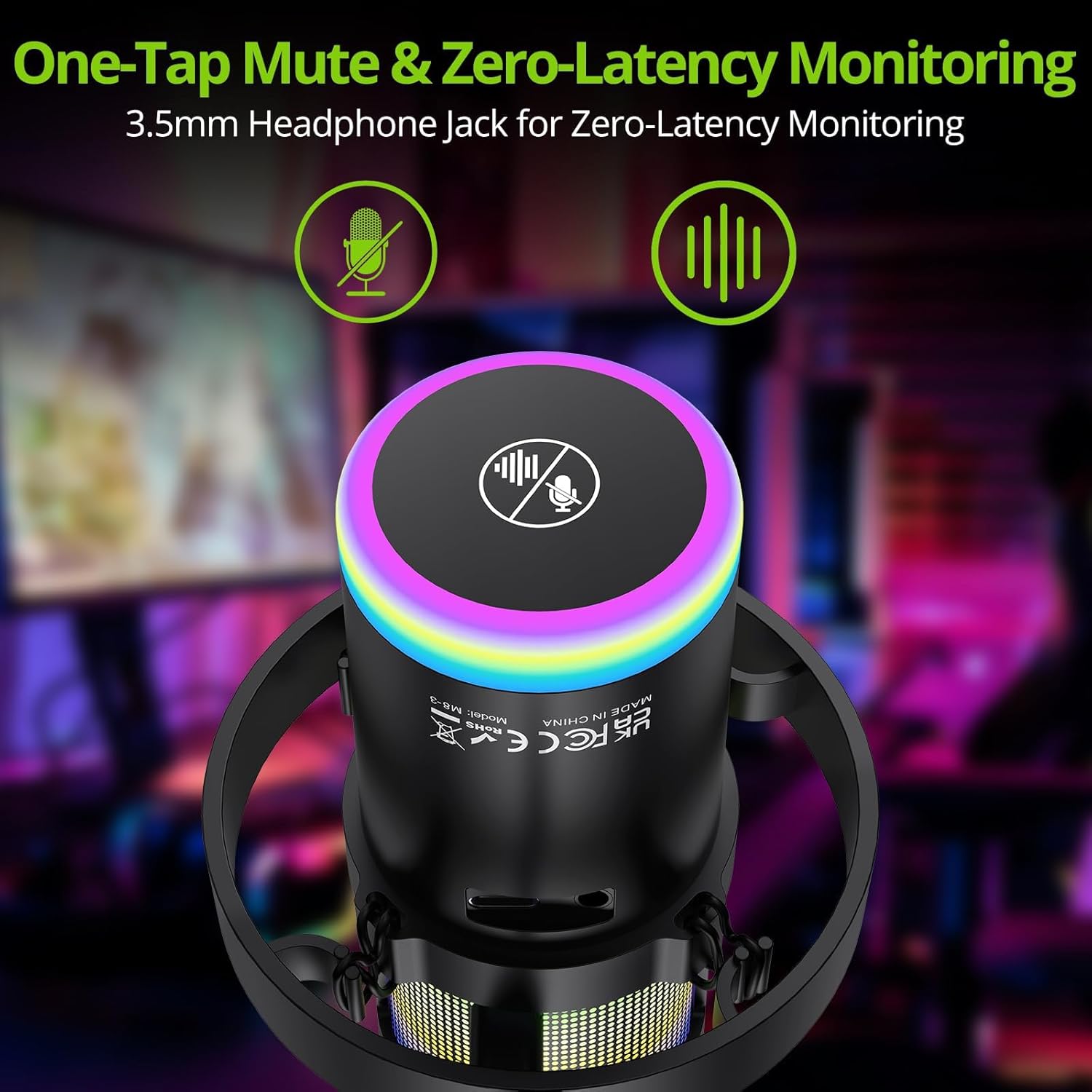
Image: Close-up of the microphone's top, highlighting the mute button and headphone jack for monitoring.
5. Beheer oorview

Image: A detailed diagram illustrating the various controls on the LiNKFOR USB Gaming Microphone, including the RGB lighting touch control, 3.5mm headphone jack, USB-C port, and volume/mode knob.
Verenigbaarheid
The LiNKFOR USB Gaming Microphone is designed for broad compatibility:
- Versoenbaar met: PC (Windows), Mac, PS4, PS5, Android (OTG-capable phones).
- Nie versoenbaar met: Xbox, dedicated sound cards (may interfere with plug-and-play functionality).
Onderhoud
- Skoonmaak: Use a soft, dry cloth to clean the microphone's exterior. Do not use liquid cleaners or solvents.
- Berging: Store the microphone in a cool, dry place away from direct sunlight and extreme temperatures when not in use.
- Hantering: Avoid dropping the microphone or subjecting it to strong impacts, as this may damage internal components.
Probleemoplossing
| Probleem | Moontlike oorsaak | Oplossing |
|---|---|---|
| Geen klankuitset van mikrofoon nie | Incorrect device selection; loose cable connection; microphone muted. | Check your device's sound settings to ensure the LiNKFOR microphone is selected as the input device. Reconnect the USB cable. Ensure the microphone is not muted (check the mute button/indicator). |
| RGB-ligte werk nie | Lights turned off; power issue. | Touch the top of the microphone to cycle through lighting modes. Long-press to turn them on/off. Ensure the microphone is properly connected and receiving power. |
| Audio is distorted or too quiet | Gain setting too high/low; microphone too close/far from source. | Adjust the gain knob on the microphone. Check your device's input volume settings. Position the microphone appropriately (typically 6-12 inches from the sound source). |
| Headphone monitoring not working | Headphones not properly connected; headphone volume too low. | Ensure headphones are fully plugged into the 3.5mm jack. Adjust the headphone volume dial on the microphone. |
Spesifikasies
| Kenmerk | Detail |
|---|---|
| Modelnommer | ULK113 |
| Verbindingstegnologie | USB Tipe-C |
| Mikrofoon tipe | Condenser, Cardioid |
| Sein-tot-geraas verhouding | 85 dB |
| Spesiale kenmerke | RGB Lighting, Noise Cancellation, Mute Button, Volume Control, Headphone Jack, Reverb Effects |
| Versoenbare toestelle | PC, PS4/PS5, Mac, Android (OTG) |
| Item gewig | 1.14 pond |
| Produk afmetings | 7.28 x 4.53 x 4.33 duim |
| Materiaal | Plastiek |
Waarborg & Ondersteuning
For warranty information or technical support, please refer to the official LiNKFOR webwebwerf of kontak hul kliëntediens. Bewaar u aankoopbewys vir enige waarborgeise.
Jy kan besoek die LiNKFOR Store on Amazon vir meer inligting en ondersteuningsbronne.