
1. Inleiding
Welcome to the FUNYET 16-inch Laptop Computer NY-08 user manual. This guide provides essential information for setting up, operating, maintaining, and troubleshooting your new laptop. Designed for versatility and performance, the FUNYET NY-08 is equipped with an Intel 13th Gen N150 processor, ample memory, and a vibrant display to support your daily computing needs, from productivity to entertainment.
Figure 1: The FUNYET 16-inch Laptop Computer, showcasing sy slanke ontwerp en groot skerm.
2. Opstelling
2.1 Uitpak en Aanvanklike Inspeksie
Verwyder alle komponente versigtig uit die verpakking. Maak seker dat die volgende items teenwoordig is:
- FUNYET 16-inch Laptop Computer
- AC Adapter
- Gebruikershandleiding (hierdie dokument)
- Waarborgkaart
2.2 Powering On and First Boot
Connect the AC adapter to the laptop's DC port and a power outlet. Press the power button to turn on the laptop. Follow the on-screen instructions to complete the initial Windows 11 Pro setup, including language, region, and user account creation.
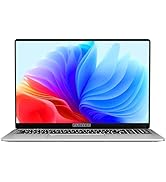
Figure 2: The laptop displaying the Windows 11 Pro operating system during initial setup.
2.3 Koppel aan Wi-Fi
During the Windows setup or afterwards, navigate to the network settings. Select your desired Wi-Fi network from the list, enter the password if prompted, and click 'Connect'.
3. Bediening van jou skootrekenaar
3.1 Windows 11 Pro Oorview
Your FUNYET laptop comes with Windows 11 Pro pre-installed, offering enhanced security, productivity features, and a redesigned user interface. Explore the Start Menu, Taskbar, and Widgets for a personalized experience.
3.2 Sleutelbord en raakvlak
The laptop features a full-size backlit keyboard for comfortable typing in various lighting conditions and a numeric keypad for efficient data entry. The integrated touchpad supports multi-touch gestures for navigation. A fingerprint scanner is integrated for secure and quick login.
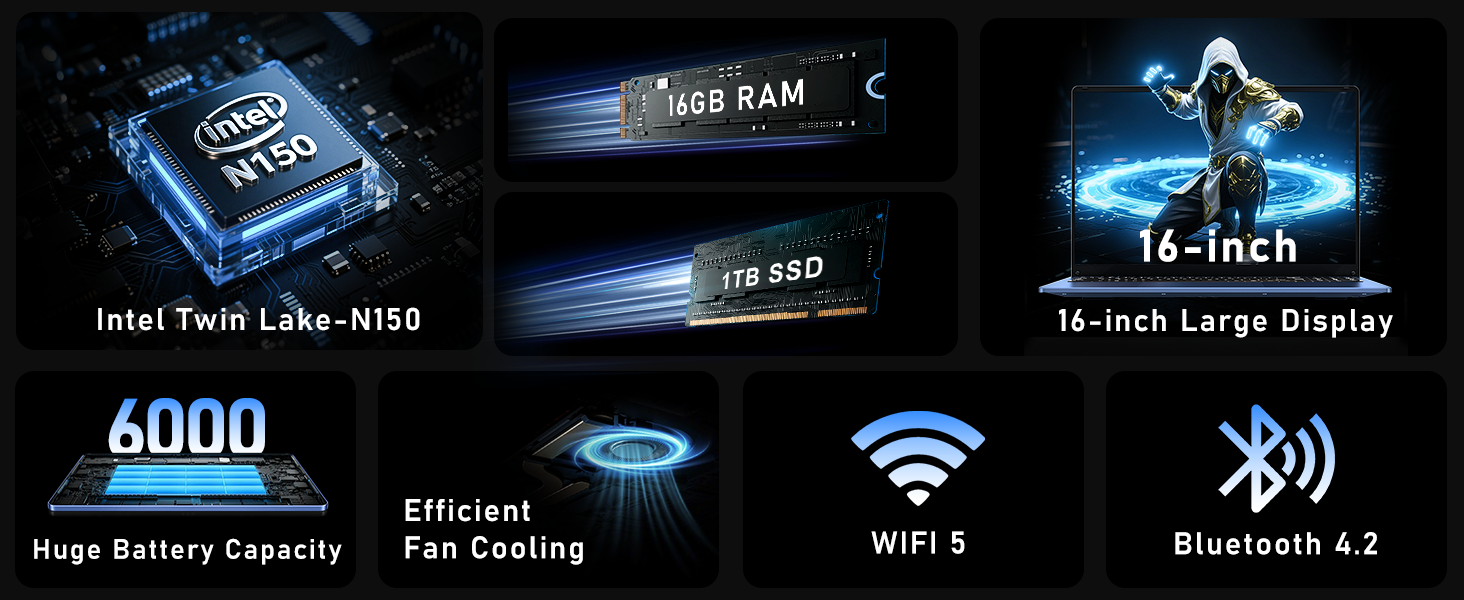
Figure 3: Close-up of the laptop's full-size backlit keyboard and numeric keypad.
3.3 Konnektiwiteitspoorte
The laptop is equipped with various ports for external device connectivity:
- USB 2.0-poort: Vir die koppeling van ouer USB-toestelle.
- USB 3.0 Poorte: Two ports for high-speed data transfer with compatible devices.
- Mini HDMI-poort: Vir die koppeling aan eksterne skerms of projektors.
- 3.5 mm koptelefoonaansluiting: Vir klankuitvoer na oorfone of eksterne luidsprekers.
- GS-poort: For connecting the AC adapter to charge the laptop.
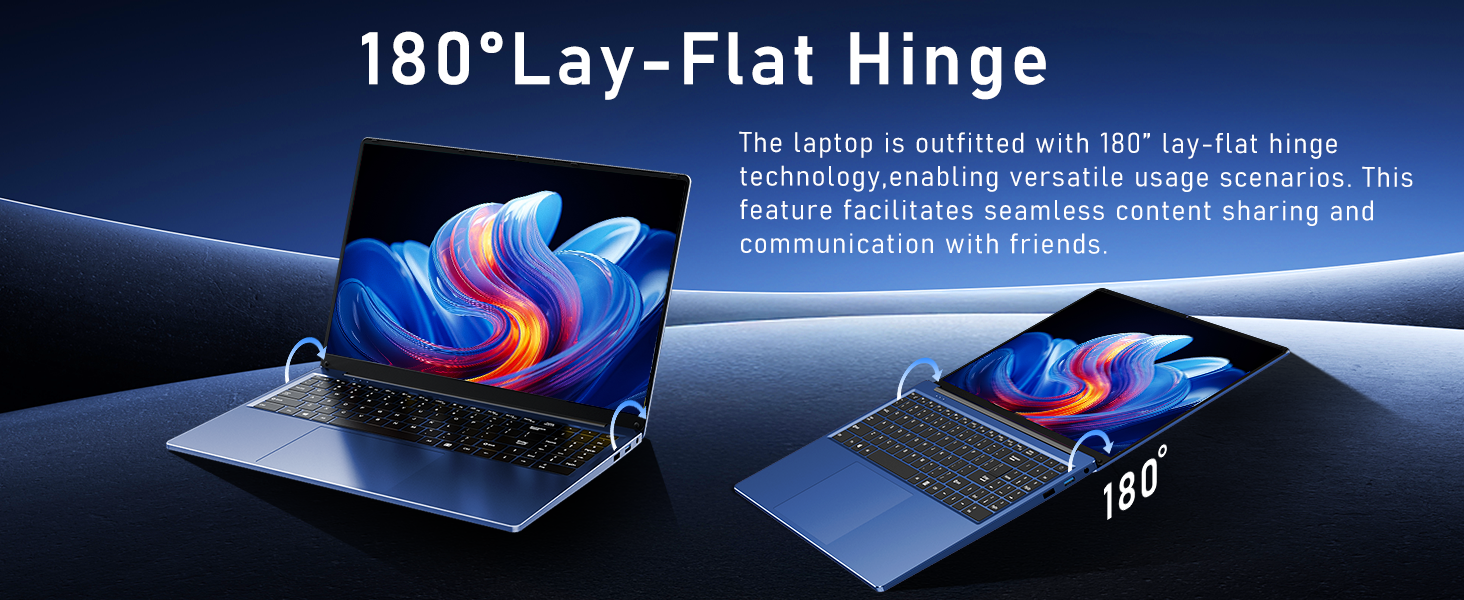
Figure 4: Diagram illustrating the various connectivity ports on the FUNYET laptop.
4. Sleutel kenmerke
The FUNYET NY-08 laptop is engineered with components designed for optimal performance and user experience.
4.1 Advanced Processor
Equipped with the latest 13th generation Intel Alder Lake N150 processor, featuring a boost frequency of up to 3.6GHz, 4 cores, and 4 threads. This provides robust performance for multitasking, streaming, and light gaming.

Figuur 5: Gedetailleerd view of the Intel N150 processor, highlighting its core specifications.
4.2 Geheue en berging
With 16GB of DDR4 RAM and a 1TB high-speed SSD, the laptop ensures effortless multitasking and provides ample space for all your data, applications, and media files.
Figure 6: Visual representation of the 16GB RAM and 1TB SSD for high capacity and performance.
4.3 Visual Brilliance Display
Experience stunning visuals on the 16.0-inch Full HD IPS display with a 1920x1200 resolution. The 0.2-inch micro-bezel and 90% screen-to-body ratio provide an immersive viewing experience with vivid colors and eye protection features.

Figure 7: The laptop's 16-inch FHD IPS display, showcasing its visual clarity and narrow bezels.
4.4 Langdurige Battery
The laptop is equipped with a 6000mAh (46.2Wh) rechargeable battery, offering up to 6 hours of battery life, making it suitable for on-the-go use.
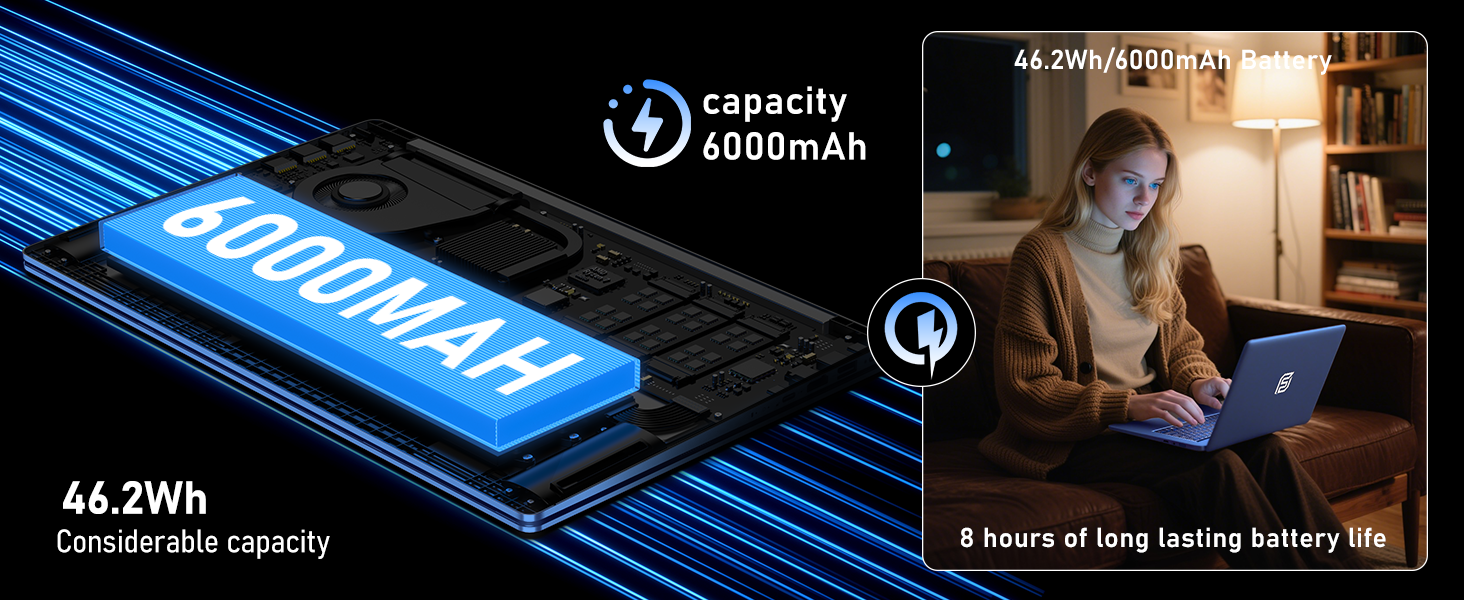
Figure 8: Illustration of the laptop's 6000mAh battery, providing extended usage.
4.5 Draagbare Ontwerp
With a slim 0.8-inch body and a weight of only 3.5 pounds, this laptop is highly portable. It also features a 180° lay-flat hinge, allowing for versatile usage scenarios and easy content sharing.
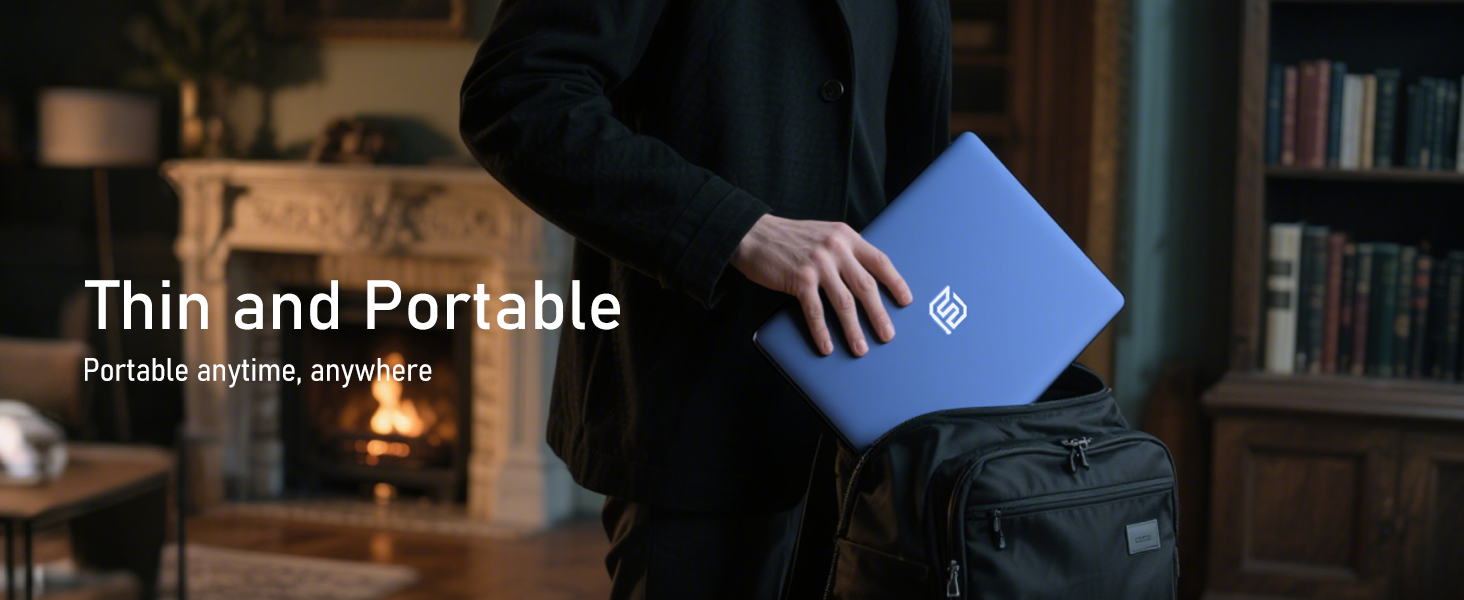
Figure 9: The laptop demonstrating its 180-degree lay-flat hinge for flexible use.
5. Onderhoud
To ensure the longevity and optimal performance of your FUNYET laptop, follow these maintenance guidelines:
- Skoonmaak: Gebruik 'n sagte, pluisvrye lap om die skerm en buitekant skoon te maak. Vermy harde chemikalieë.
- Sagteware-opdaterings: Regularly update Windows 11 Pro and drivers to ensure security and performance.
- Batterysorg: Vermy om die battery gereeld heeltemal te ontlaai. Vir langtermynberging, laai die battery tot ongeveer 50-70%.
- Ventilasie: Maak seker dat die skootrekenaar se ventilasieopeninge nie geblokkeer is om oorverhitting te voorkom nie.
6. Probleemoplossing
Hier is oplossings vir algemene probleme wat jy mag teëkom:
| Kwessie | Oplossing |
|---|---|
| Skootrekenaar skakel nie aan nie | Maak seker dat die WS-adapter stewig gekoppel is en dat die kragaansluiting funksioneel is. Probeer om die aan/af-knoppie vir 10-15 sekondes in te hou om 'n harde herstel uit te voer. |
| Geen Wi-Fi-verbinding nie | Check if Wi-Fi is enabled in Windows settings. Restart your router and the laptop. Verify your Wi-Fi password. |
| Stadige prestasie | Close unnecessary applications. Check for background processes consuming resources. Ensure Windows and drivers are up to date. Run a disk cleanup. |
| Vertoon kwessies | Adjust screen brightness. Ensure display drivers are updated. If connected to an external monitor, check cable connections. |
7. Spesifikasies
Detailed technical specifications for the FUNYET 16-inch Laptop Computer NY-08:
| Kenmerk | Detail |
|---|---|
| Model Naam | NY-08 |
| Skerm grootte | 16 duim |
| Skermresolusie | 1920 x 1200 piksels (FHD IPS) |
| Verwerker | Intel 13th Gen Alder Lake N150 (up to 3.6GHz, 4 Cores, 4 Threads) |
| RAM | 16GB DDR4 |
| Hardeskyf | 1TB SSD |
| Bedryfstelsel | Windows 11 Pro |
| Grafiese kaart | Integrated Celeron Graphics |
| Draadlose tipe | 5 GHz Radio Frequency (Wi-Fi 5) |
| Bluetooth | Bluetooth 4.2 |
| USB-poorte | 1x USB 2.0, 2x USB 3.0 |
| Video-uitset | Mini HDMI |
| Klankaansluiting | 3.5 mm-koptelefoon |
| Batterylewe | Up to 6-8 Hours (6000mAh) |
| Item gewig | 3.5 pond |
| Produk afmetings | 14 x 9 x 0.8 duim |
| Spesiale kenmerk | Backlit Keyboard, Fingerprint Scanner |
8. Waarborg en ondersteuning
Your FUNYET NY-08 laptop comes with a 2 jaar waarborg, ensuring peace of mind. For any issues or queries, our dedicated customer support team is available 24/7 to provide prompt and efficient assistance.
Kontakinligting:
- Telefoon: +1 800-986-9631 (4AM-10PM PT)
- E-pos: funyetstore@outlook.com

Figure 10: FUNYET customer support information, including warranty and contact details.
9. Produkvideo's
9.1 FUNYET Gaming Laptop Overview
Video 1: 'n Amptelike oorview of the FUNYET Gaming Laptop, highlighting its design and core features. This video provides a visual introduction to the product's capabilities and aesthetics.
9.2 FUNYET Laptop for Gaming Features
Video 2: A detailed look at the FUNYET Laptop's features optimized for gaming and productivity. This video demonstrates the laptop's performance and various functionalities in action.