
1. Inleiding
Thank you for choosing the KOOSMILE N80 Mini PC. This compact and versatile device is designed to provide a powerful computing experience in a portable form factor. Featuring an 8-inch multi-touch display, a robust N150 processor, and extensive connectivity options, the N80 is suitable for a wide range of applications from everyday tasks to specialized IT management. This manual provides essential information for setting up, operating, maintaining, and troubleshooting your Mini PC.
2. Wat is in die boks
Upon unboxing your KOOSMILE N80 Mini PC, please ensure all the following items are present:

Image: All items included in the KOOSMILE N80 Mini PC package.
- 1x KOOSMILE N80 Mini PC
- 1x Power Adapter (Type-C 45W GaN Quick Charger)
- 1x HDMI-kabel
- 1x DisplayPort (DP) Cable
- 1x Gebruikershandleiding
3. Produk verbyview & Kenmerke
The KOOSMILE N80 Mini PC combines powerful components with a compact design, making it highly portable and efficient.
3.1 Sleutelkomponente

Beeld: Oorview of KOOSMILE N80 Mini PC key features and components.
- Verwerker: Intel Twin Lake N150 CPU (4 cores, 4 threads, 6M cache, Base Frequency: 0.8 GHz; Max Turbo Frequency: 3.6GHz).
- Geheue: 12 GB DDR5 RAM vir gladde multitaakwerk.
- Berging: 512GB M.2 SSD (expandable, other configurations available).
- Bedryfstelsel: Vooraf geïnstalleer met Windows 11 Pro.
- Grafika: Integrated Intel UHD Graphics 600, supporting 4K content.
3.2 Display & Portability

Image: The compact size and portability of the KOOSMILE N80 Mini PC.
- Geïntegreerde skerm: 8.0-inch HD multi-touch display (1280 x 720 resolution).
- Afmetings: 7.62 × 4.88 × 0.91 inches (19.36 x 12.4 x 2.31 cm).
- Gewig: Approximately 2.2 pounds (0.55 kg).
- Battery: Built-in 5000mAh battery for portable use.
- Verstelbare staander: Integrated metal bracket allows for adjustable viewing angles (45° to 165°).

Image: The adjustable metal stand provides flexible viewing opsies.
3.3 Connectivity & Ports

Image: The extensive port selection on the KOOSMILE N80 Mini PC.
- USB-poorte: 2x USB 3.0, 2x USB 2.0.
- Video-uitsette: HDMI, DisplayPort (DP), Full-function Type-C (supports 4K@60Hz dual display).
- Netwerk: Dual RJ45 Ethernet ports (Gigabit).
- Draadloos: Wi-Fi 6 (802.11ax), Bluetooth 5.2.
- Oudio: 3.5 mm klankaansluiting.
- Berginguitbreiding: TF-kaartsleuf.
4. Opstelling
Follow these steps for initial setup of your KOOSMILE N80 Mini PC:
- Kragverbinding: Connect the provided Type-C power adapter to the PD port on the Mini PC and then to a power outlet.
- Aanvanklike opstart: Press the power button. The device will boot into Windows 11 Pro. Follow the on-screen instructions to complete the initial Windows setup, including region, keyboard layout, and network connection.
- Eksterne skerm (opsioneel): If using an external monitor, connect it via the HDMI, DisplayPort, or Full-function Type-C port using the provided cables or compatible alternatives.
- Peripherals (Optional): Connect your USB keyboard, mouse, or other peripherals to the available USB 2.0 or USB 3.0 ports. Bluetooth devices can be paired through Windows settings.
- Netwerk konneksie: Connect to Wi-Fi via Windows settings or use an Ethernet cable with one of the dual RJ45 ports for a wired connection.
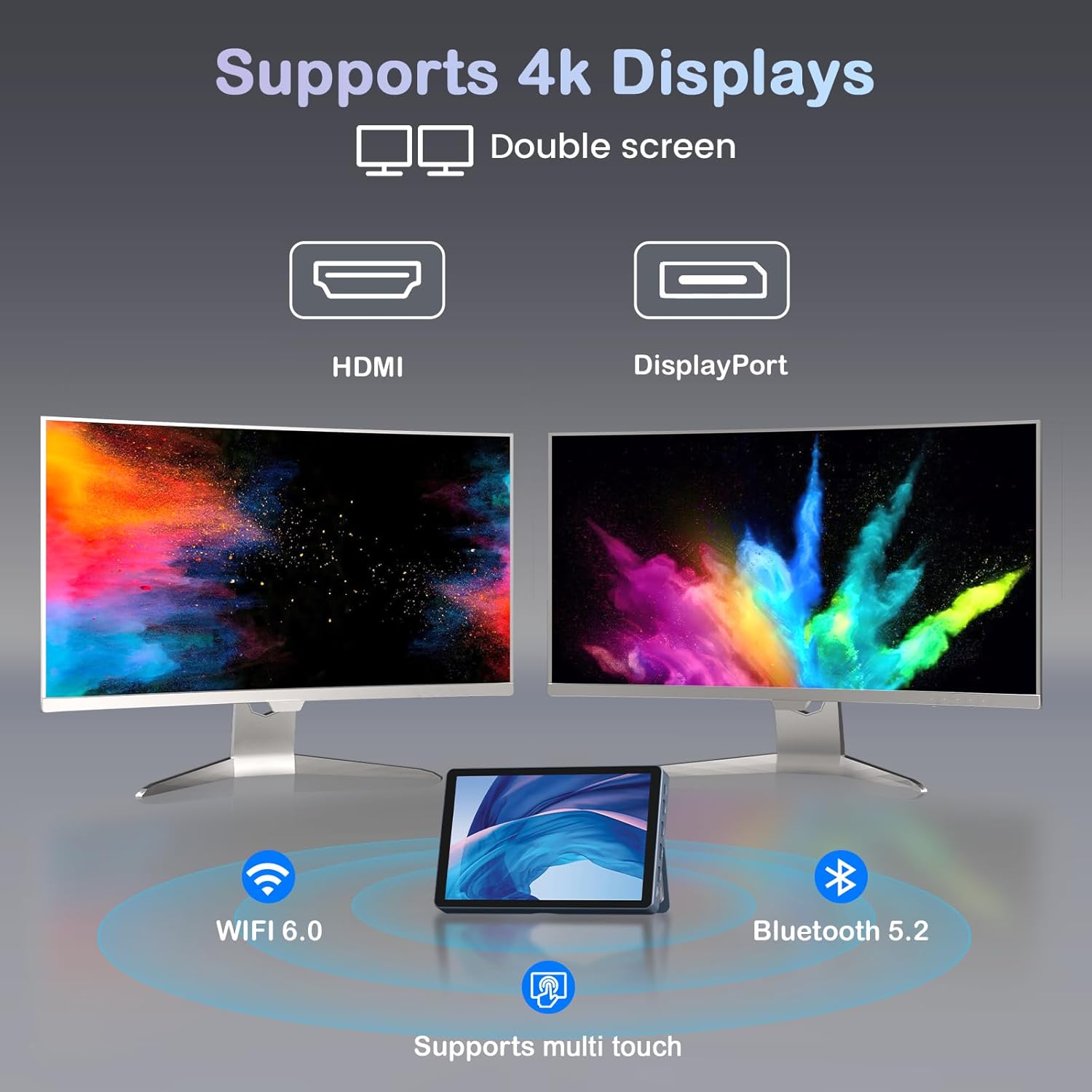
Image: KOOSMILE N80 Mini PC connected to an external 4K display.
5. Bedryfsinstruksies
5.1 Gebruik die raakskerm
The 8-inch multi-touch display allows for intuitive interaction with Windows 11 Pro. Use touch gestures similar to a tablet for navigation, opening applications, and input.
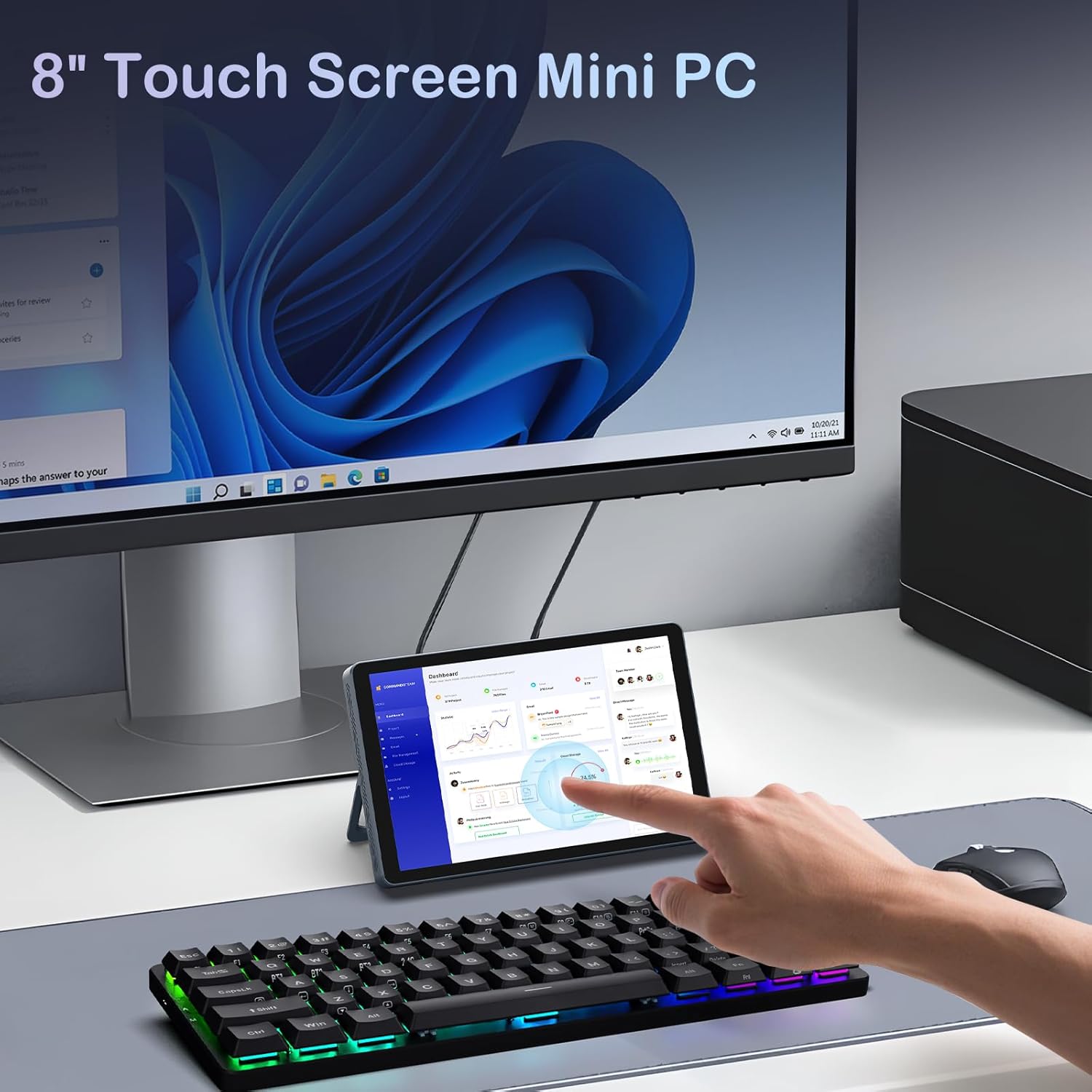
Image: Interacting with the 8-inch multi-touch display.
5.2 Verbinding met eksterne skerms
The N80 supports up to two external 4K displays simultaneously via HDMI, DisplayPort, and the Full-function Type-C port. To configure display settings:
- Connect your external monitor(s) to the Mini PC.
- Regskliek op die lessenaar en kies 'Skerminstellings'.
- Here you can arrange your displays, choose between 'Extend these displays', 'Duplicate these displays', or 'Show only on 1/2/3'.
5.3 Netwerkkonfigurasie
- Wi-Fi: Access Wi-Fi settings in Windows to connect to available networks. The device supports Wi-Fi 6 for fast wireless connectivity.
- Ethernet: Utilize the dual Gigabit RJ45 ports for stable and high-speed wired network connections. These ports also enable advanced network configurations for IT professionals.
5.4 Kragbestuur
The built-in 5000mAh battery provides power for on-the-go use. The device can also charge other devices via its Type-C port (PD-Charging).

Image: The KOOSMILE N80 Mini PC's battery supports portable use and charging other devices.
6. Onderhoud
- Sagteware-opdaterings: Kontroleer gereeld vir en installeer Windows-opdaterings om optimale werkverrigting en sekuriteit te verseker.
- Skoonmaak: Use a soft, dry cloth to clean the device. Avoid liquid cleaners directly on the screen or ports.
- Bergingbestuur: Maak gereeld onnodige dinge skoon files and applications to maintain sufficient storage space and system speed.
7. Probleemoplossing
- Toestel skakel nie aan nie: Ensure the power adapter is securely connected to both the Mini PC and a working power outlet. Check if the power adapter is functioning correctly.
- Geen vertoon op eksterne monitor: Verify that the display cable is correctly connected to both the Mini PC and the monitor. Check the monitor's input source settings. Try different video output ports (HDMI, DP, Type-C) on the Mini PC.
- Wi-Fi-verbindingskwessies: Ensure Wi-Fi is enabled in Windows settings. Restart the Mini PC and your Wi-Fi router. Check for driver updates for the wireless adapter.
- Stadige prestasie: Close unnecessary applications. Check Task Manager for high CPU or memory usage. Ensure sufficient free storage space on the SSD.
- Raakskerm reageer nie: Restart the device. Check for any physical obstructions on the screen. Ensure touch drivers are up to date.
8. Spesifikasies
| Kenmerk | Spesifikasie |
|---|---|
| Verwerker | Intel Twin Lake N150 (4 Cores, 4 Threads, up to 3.6 GHz) |
| RAM | 12GB DDR5 |
| Berging | 512GB M.2 SSD (eSATA interface) |
| Grafika | Intel UHD Grafika 600 (Geïntegreerd) |
| Bedryfstelsel | Windows 11 Pro |
| Vertoon | 8-inch HD Multi-touch (1280 x 720) |
| Maksimum skermresolusie | 3840x2160 (4K) |
| USB-poorte | 2x USB 3.0, 2x USB 2.0 |
| Video-uitset | HDMI, DisplayPort, Full-function Type-C |
| Netwerk | Dual RJ45 Gigabit Ethernet |
| Draadlose konneksie | Wi-Fi 6 (802.11ax), Bluetooth 5.2 |
| Oudio | 3.5 mm koptelefoonaansluiting |
| Kaartleser | TF-kaartgleuf |
| Battery | 5000mAh (Nie-standaard battery, ingesluit) |
| Kragadapter | 45W GaN Quick Charger (Type-C) |
| Afmetings | 7.62 x 4.88 x 0.91 duim (19.36 x 12.4 x 2.31 cm) |
| Item gewig | 2.2 pond (0.55 kg) |
9. Waarborg en ondersteuning
KOOSMILE is committed to providing excellent customer service and product reliability.
- Waarborg: Your Mini PC comes with a 1-year warranty from the date of purchase.
- Tegniese ondersteuning: We offer 24-hour technical support to assist with any product-related inquiries or issues.
- Lewenslange ondersteuning: Enjoy lifetime technical support and responsive customer service from our professional after-sales team.
For support, please refer to the contact information provided in your product packaging or visit the official KOOSMILE webwebwerf.