
1. Inleiding
Thank you for choosing the Diydeg 4G LTE Mobile Hotspot. This portable device provides high-speed 3G/4G internet access, allowing you to connect up to 10 devices simultaneously. Its compact design makes it ideal for travel, business, and home use. This manual will guide you through the setup, operation, and maintenance of your mobile hotspot.

Image: The Diydeg 4G LTE Mobile Hotspot providing internet connectivity to a user's laptop.
2. Produk verbyview
2.1 Sleutelkenmerke
- Hoëspoed 4G LTE-konnektiwiteit: Provides fast internet access for various online activities.
- Multi-gebruiker ondersteuning: Connects up to 10 WiFi-enabled devices simultaneously.
- Langdurige battery: Equipped with a 2100mAh battery for extended standby time (up to 10 hours).
- Draagbare ontwerp: Lightweight, thin, and compact for easy carrying.
- Wye verenigbaarheid: Works with mobile phones, laptops, desktops, and tablets.
- LED slimskerm: Easy-to-read display for operational status.
2.2 Pakketinhoud
Kontroleer asseblief die pakket vir die volgende items:
- Diydeg 4G LTE Mobile Hotspot Device
- Herlaaibare battery
- USB-laaikabel
- Gebruikershandleiding (hierdie dokument)

Image: The Diydeg Mobile Hotspot device shown alongside its USB charging cable.
3. Opstelinstruksies
3.1 Die SIM-kaart en battery installeer
- Carefully remove the back cover of the mobile hotspot device.
- Insert your micro SIM card into the designated SIM card slot. Ensure the card is oriented correctly according to the diagram inside the device.
- Take out the battery and locate the yellow insulation tape. Gently tear off this insulation tape from the battery terminals.
- Insert the battery into the battery compartment, ensuring the contacts align properly.
- Plaas die agterste deksel terug totdat dit stewig in plek klik.

Image: A three-step visual guide showing how to remove the battery, peel off the insulation tape, and insert the battery into the device.
3.2 Aanskakeling van die toestel
Press and hold the power button (usually located on the side) for a few seconds until the LED display illuminates. The device will begin searching for a network signal.

Beeld: Sykant view of the Diydeg Mobile Hotspot, highlighting the power button location.
4. Bedryfsinstruksies
4.1 Verbinding met die WiFi-netwerk
- Ensure your mobile hotspot is powered on and has established a network connection (indicated by the signal strength icon on the display).
- On your WiFi-enabled device (phone, laptop, tablet), open the WiFi settings.
- Look for the network name (SSID) displayed on your hotspot's screen or on a sticker inside the battery compartment.
- Select the hotspot's SSID from the list of available networks.
- Enter the WiFi password (Key) displayed on the hotspot's screen or sticker.
- Jou toestel behoort nou aan die internet gekoppel te wees.
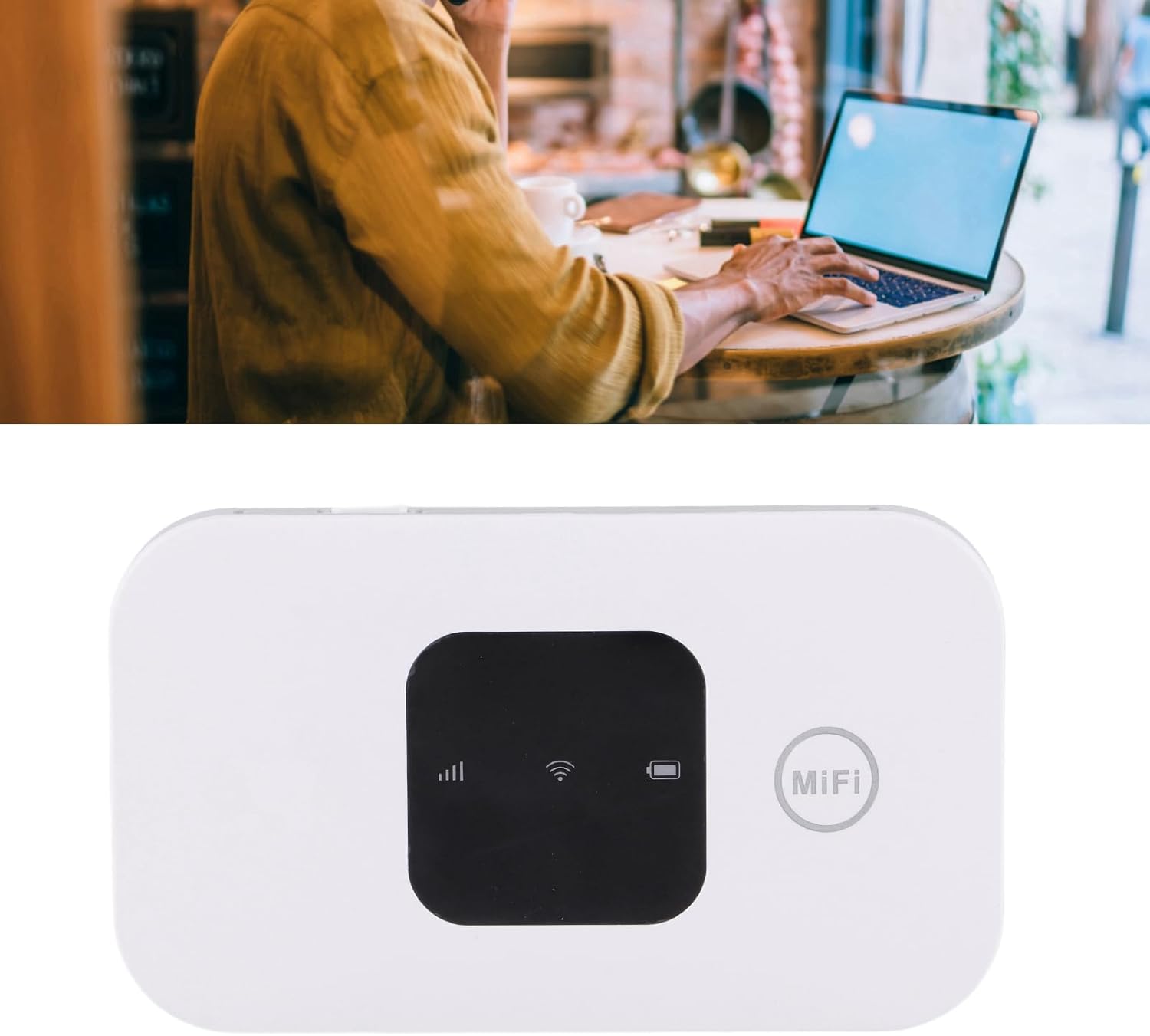
Image: A user working on a laptop, connected to the Diydeg Mobile Hotspot for internet access.
4.2 Laai die toestel
Connect the provided USB charging cable to the hotspot's charging port and plug the other end into a USB power adapter or a computer's USB port. The battery indicator on the display will show charging status.
4.3 Powering Off the Device
Press and hold the power button for a few seconds until the LED display turns off, indicating the device has shut down.
5. Onderhoud
- Hou die toestel droog en weg van vog.
- Vermy uiterste temperature.
- Maak die toestel skoon met 'n sagte, droë lap. Moenie vloeibare skoonmaakmiddels gebruik nie.
- Moenie probeer om die toestel self uitmekaar te haal of te herstel nie.
- Vir optimale batterylewe, vermy om die battery gereeld heeltemal te ontlaai.
6. Probleemoplossing
6.1 No Network Signal
- Maak seker dat die SIM-kaart korrek geplaas en geaktiveer is.
- Check if you are in an area with 3G/4G network coverage.
- Herbegin die toestel.
- Verify that your SIM card plan supports data usage.
6.2 Kan nie aan WiFi koppel nie
- Confirm the WiFi password (Key) is entered correctly.
- Maak seker dat die hotspot aangeskakel is en sy WiFi-sein uitsaai.
- Check if too many devices are already connected (maximum 10).
- Restart both the hotspot and the device you are trying to connect.
6.3 Stadige internetspoed
- Move to an area with better network signal strength.
- Verminder die aantal gekoppelde toestelle.
- Check your data plan for any speed limitations or data caps.
- Herbegin die toestel.
7. Spesifikasies
| Kenmerk | Spesifikasie |
|---|---|
| Modelnommer | Diydeghebi7gopvf |
| Battery kapasiteit | 2100mAh |
| Max WiFi Users | 10 |
| Wireless Connection Speed | Tot 150 Mbps |
| Item gewig | 3.88 onse |
| Pakket afmetings | 4.33 x 3.15 x 1.57 duim |
| Vervaardiger | Diydeg |
Let wel: Spesifikasies is onderhewig aan verandering sonder vooraf kennisgewing.
8. Waarborg en Ondersteuning
Diydeg is committed to providing quality products and customer satisfaction. This product comes with:
- 12-Hour Response: Our support team aims to respond to inquiries within 12 hours.
- 365-dae beperkte waarborg: Dek vervaardigingsdefekte vir een jaar vanaf die aankoopdatum.
- Lifelong Unlimited Technical Support: Assistance with product usage and troubleshooting for the lifetime of the product.
For technical support or warranty claims, please contact Diydeg customer service through your purchase platform or visit our official webwebwerf.