
1. Produk verbyview
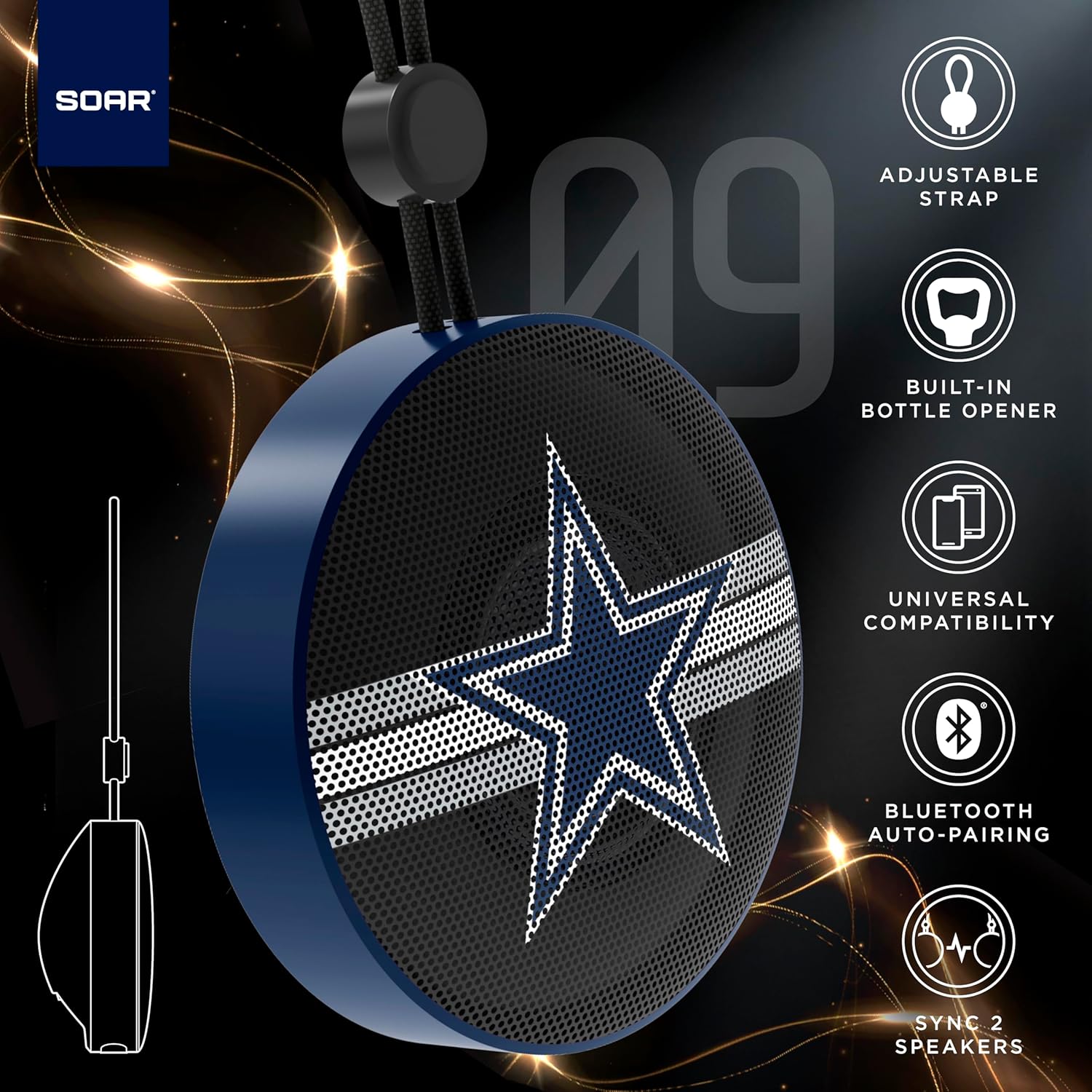
The SOAR NFL Bluetooth Bottle Opener Speaker is a compact and portable audio device designed for convenience and entertainment. It features 5W sound output, Bluetooth connectivity for wireless audio streaming, and a built-in bottle opener. The speaker includes an adjustable lanyard for easy carrying and offers up to 10 hours of playback on a single charge. It also supports dual pairing for an immersive stereo experience and has a built-in microphone for hands-free calls.

Voorkant view of the SOAR NFL Bluetooth Bottle Opener Speaker featuring the Arizona Cardinals logo.

The product packaging highlighting features like adjustable strap, 10-hour battery life, and built-in bottle opener.
2. Pakketinhoud
- SOAR NFL Bluetooth Bottle Opener Speaker
- USB-C-laaikabel
- Gebruikershandleiding
3. Opstelling
3.1 Laai die luidspreker
Before first use, fully charge the speaker. Use the provided USB-C cable to connect the speaker's charging port to a compatible USB power source (e.g., wall adapter, computer USB port).
- 'n Laai-aanwyserliggie sal tydens laai brand.
- The light will change or turn off once charging is complete.
Detail of the USB-C charging port and control buttons on the speaker.
3.2 Aan-/afskakel
To power on the speaker, press and hold the power button until you hear an audible prompt or see the LED lights activate. To power off, press and hold the power button again.
3.3 Bluetooth -koppeling
- Maak seker dat die luidspreker aangeskakel en in paringsmodus is (aangedui deur 'n flikkerende LED-liggie).
- Aktiveer Bluetooth op jou mobiele toestel (slimfoon, tablet, ens.).
- Soek vir available Bluetooth devices. The speaker will appear as "SOAR POP" or a similar name.
- Select the speaker from the list to connect. A confirmation tone or voice prompt will indicate successful pairing.
4. Operasie
4.1 Speel oudio
Once paired, you can stream audio from your device to the speaker. Use your device's controls to manage playback (play, pause, skip tracks) and adjust volume. The speaker itself may have basic playback controls (e.g., play/pause, next/previous track) as shown near the charging port.
4.2 Dual Pairing (True Wireless Stereo)
For an enhanced audio experience, two SOAR POP speakers can be paired together to create a stereo sound system. Refer to the specific instructions provided with your speakers for dual pairing mode activation.
4.3 Ingeboude Botteloopmaker
The speaker features a discreetly integrated bottle opener. Position the bottle cap under the metal opener and apply upward pressure to remove the cap.

The speaker demonstrating its built-in bottle opener function.
4.4 Adjustable Lanyard
The speaker includes a 10-inch adjustable lanyard for convenient portability. Attach it to a backpack, belt loop, or other gear for easy transport.

Image showing the speaker's dimensions and the adjustable lanyard for portability.
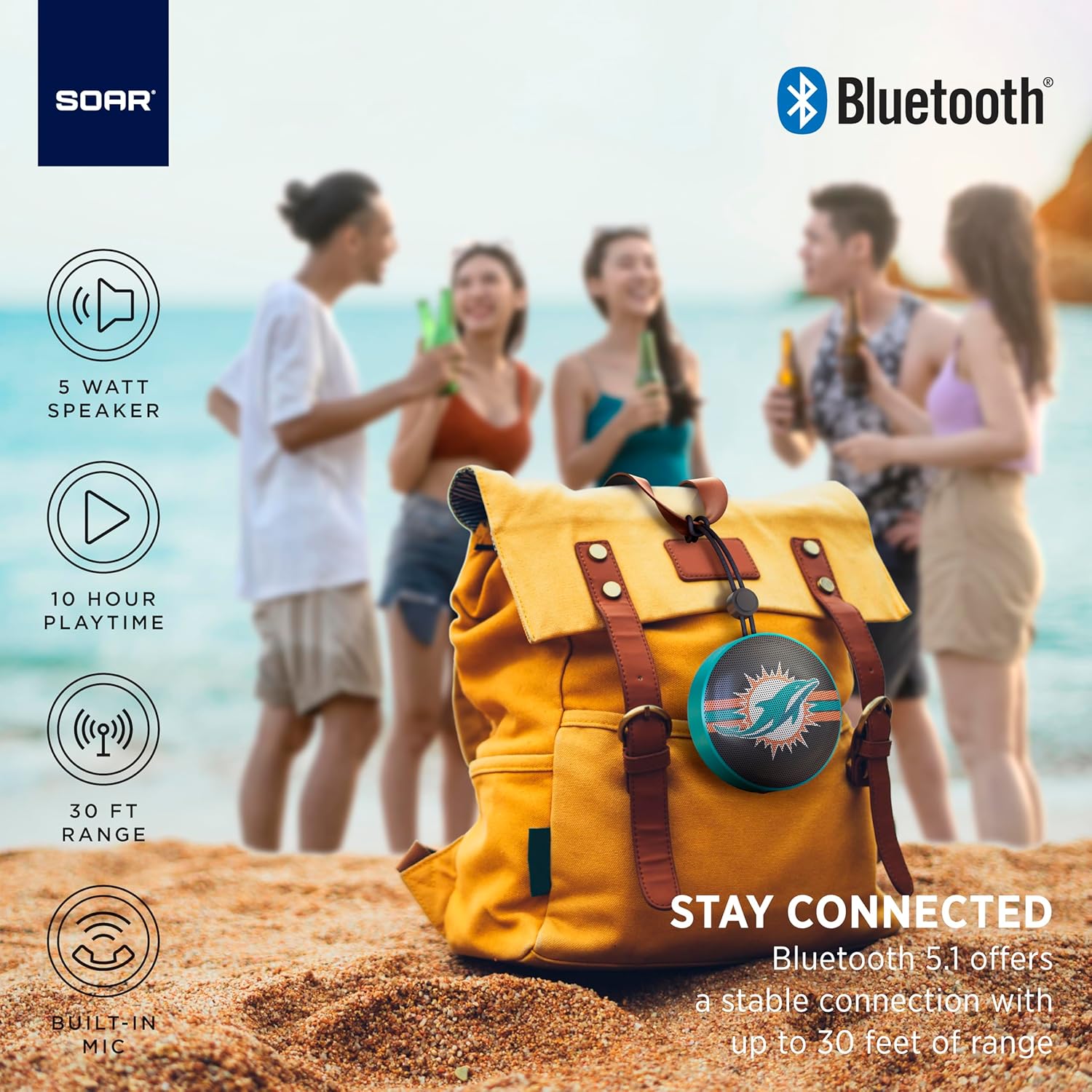
The portable speaker attached to a backpack, illustrating its on-the-go use.
4.5 Handvrye oproepe
With the built-in microphone, you can answer calls directly through the speaker when connected to your smartphone. Press the play/pause button to answer or end a call.
5. Onderhoud en versorging
- Skoonmaak: Gebruik 'n sagte, droë lap om die luidspreker skoon te maak. Moenie harde chemikalieë of skuurmiddels gebruik nie.
- Waterweerstand: The speaker is designed with IPX4 water resistance, meaning it is protected against splashing water from any direction. It is not intended for submersion in water. Ensure the charging port cover is securely closed to maintain water resistance.
- Berging: Bêre die luidspreker op 'n koel, droë plek weg van direkte sonlig en uiterste temperature.
6. Probleemoplossing
- Geen krag: Maak seker dat die luidspreker volledig gelaai is. Koppel dit aan 'n kragbron met die USB-C-kabel.
- Kan nie via Bluetooth koppel nie:
- Maak seker dat die luidspreker in paringsmodus is (flikkerende LED).
- Ensure Bluetooth is enabled on your device and it is within range (up to 30 feet).
- Vergeet die toestel van jou foon se Bluetooth-instellings en probeer weer koppel.
- Herbegin beide die luidspreker en jou toestel.
- Geen klank:
- Kontroleer die volumevlakke op beide die luidspreker en jou gekoppelde toestel.
- Ensure the speaker is successfully paired and connected to your device.
- Probeer om klank vanaf 'n ander toepassing of bron te speel.
- Swak klankgehalte:
- Beweeg die luidspreker nader aan jou toestel om steuring te verminder.
- Maak seker dat daar geen obstruksies tussen die luidspreker en jou toestel is nie.
- Check if the speaker is fully charged. Low battery can affect sound quality.
7. Spesifikasies
| Handelsmerk | SWEEF |
| Modelnommer | NFL-BTX9-CARD |
| Materiaal | Polimeer |
| Produk afmetings | 3.6"L x 1.8"B |
| Item gewig | 9.4 onse |
| Spreker Krag | 5W |
| Batterylewe | Tot 10 uur |
| Bluetooth weergawe | 5.1 |
| Waterweerstand | IPX4 (Protected against splashing of water) |
| UPC | 192129183983 |
8. Waarborg en Ondersteuning
For warranty information and customer support, please refer to the documentation included with your product or visit the official SOAR webwerf. Hou jou aankoopkwitansie vir waarborgeise.