
1. Inleiding
Thank you for choosing the Generic RideView Hands-Free POV Camera. This compact and versatile camera is designed to capture your adventures from a unique perspective, especially for equestrians and outdoor enthusiasts. With features like 1080P resolution, waterproof capability, magnetic mounting, and Wi-Fi connectivity, you can easily record and share your experiences. This manual provides detailed instructions to help you set up, operate, and maintain your camera for optimal performance.
2. Veiligheidsinligting
- Read all instructions carefully before using the camera.
- Keep the camera and accessories away from children and pets.
- Moenie die kamera vir lang tye aan uiterste temperature of direkte sonlig blootstel nie.
- Use only the specified charging method (Type-C interface) and compatible accessories.
- Maak seker dat die waterdigte omhulsel behoorlik verseël is voordat die kamera in water gedompel word.
- Vermy om die kamera te laat val of aan ernstige impakte bloot te stel.
- Moenie probeer om die kamera uitmekaar te haal of te wysig nie, aangesien dit die waarborg ongeldig sal maak en skade kan veroorsaak.
3. Pakketinhoud
Kontroleer asseblief die pakket om seker te maak dat alle items teenwoordig is:
- Hands-Free POV Camera (1080P White, 64G)
- Magnetiese klem
- Montagebeugel
- Type-C laaikabel
- Gebruikershandleiding
- Magnetic Lanyard (may be included depending on package)
4. Produk verbyview
Maak jouself vertroud met die kamera se komponente:
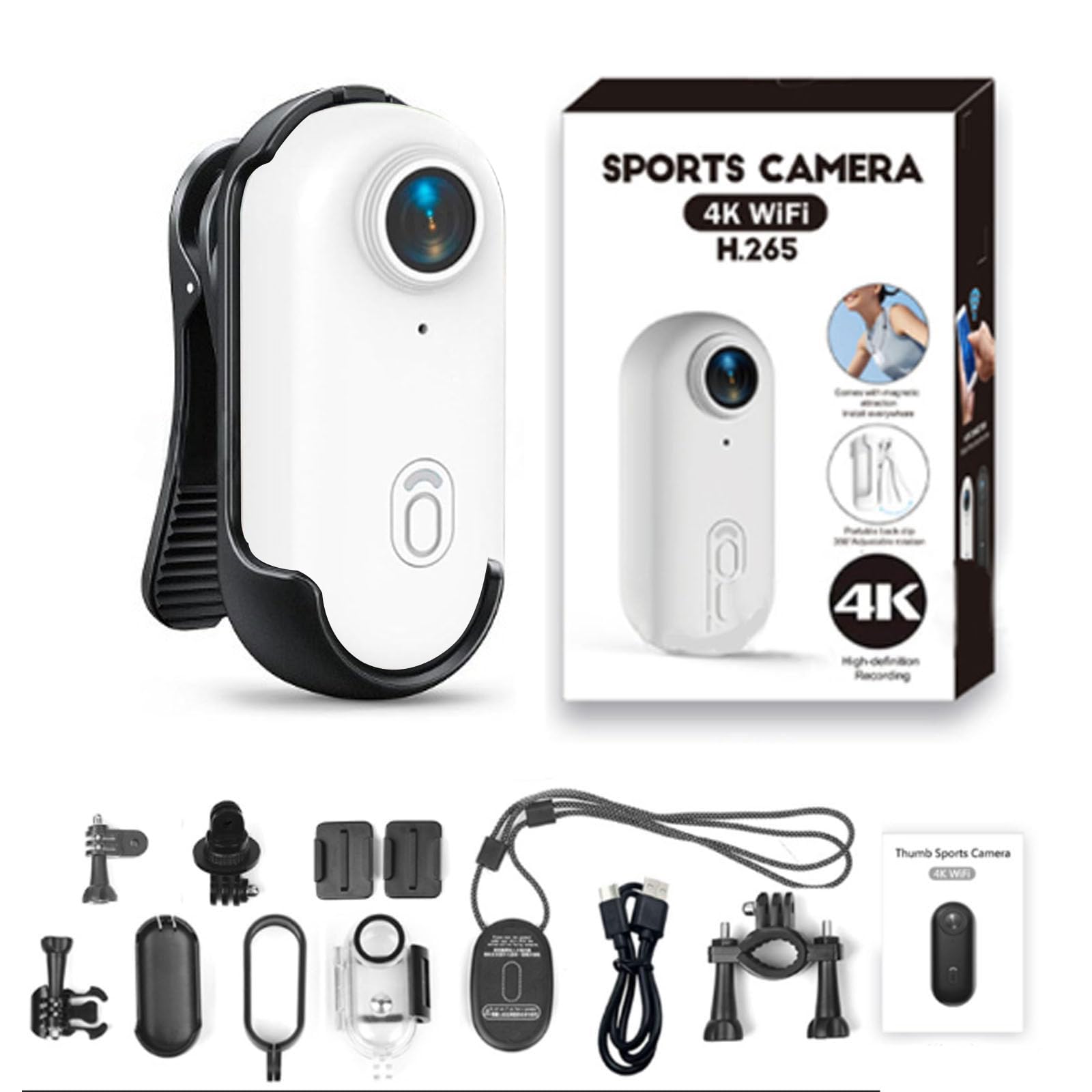
- Lens: Wide-angle lens for capturing expansive views.
- Power/Record Button: Used for powering on/off and starting/stopping recording.
- Aanwyserlig: Displays camera status (e.g., recording, charging, Wi-Fi).
- Tipe C-poort: Vir laai en data-oordrag.
- Micro SD -kaartgleuf: Vir die invoeging van 'n geheuekaart.
- Magnetiese basis: Allows for easy attachment to metallic surfaces or compatible mounts.

The camera features a strong magnetic base, enabling flexible and secure attachment to various surfaces and accessories. This allows for diverse mounting options to capture your desired perspective.

For hands-free operation, the camera can be attached to a magnetic lanyard, providing a stable and comfortable way to record while on the move.
5. Opstelling
5.1 Laai die kamera
Before first use, fully charge the camera. Connect the provided Type-C charging cable to the camera's Type-C port and the other end to a USB power adapter (not included) or a computer's USB port. The indicator light will show charging status.

The camera can record footage even while it is connected to a power source and charging, allowing for continuous operation during longer activities.
5.2 Plaas die Micro SD-kaart
The camera requires a Micro SD card (not included) for storing recordings. Insert the Micro SD card into the designated slot with the contacts facing down until it clicks into place. Ensure the card is formatted for optimal performance. If the card is new or not recognized, format it using the camera's settings (refer to the app instructions) or on a computer.
5.3 Montering van die kamera
Die kamera bied veelsydige monteringsopsies:
- Magnetiese aanhegting: Directly attach the camera to any metallic surface.
- Magnetiese klem: Use the included magnetic clip to attach the camera to clothing, straps, or other non-metallic surfaces. The clip allows for 360° rotation to adjust the recording angle.
- Montagebeugel: Utilize the mounting bracket for secure attachment to helmets, handlebars, or other gear.
5.4 Connecting to Wi-Fi and Mobile App
For advanced control, live preview, en file management, connect your camera to the dedicated mobile application via Wi-Fi.
- Download the official app from your smartphone's app store (search for "RideView Camera" or refer to the QR code in the quick start guide).
- Skakel die kamera aan.
- Activate Wi-Fi on the camera (refer to camera specific button press or app instructions).
- On your smartphone, go to Wi-Fi settings and connect to the camera's Wi-Fi network (SSID and password usually found on the camera or in the quick start guide).
- Open the app and follow the on-screen instructions to connect to your camera.

The integrated Wi-Fi allows for seamless connection to your mobile device, facilitating live viewing, easy file transfer, and instant sharing of your captured moments.
6. Bedryfsinstruksies
6.1 Aan-/afskakel
- Krag aan: Press and hold the Power/Record button for approximately 3 seconds until the indicator light illuminates.
- Skakel af: Press and hold the Power/Record button for approximately 3 seconds until the indicator light turns off.
6.2 Opname van video
The camera is designed for simple one-button recording.
- Ensure the camera is powered on and an SD card is inserted.
- Begin opname: Briefly press the Power/Record button. The indicator light will change to indicate recording is in progress (e.g., flashing red).
- Stop opname: Briefly press the Power/Record button again. The indicator light will return to standby mode.
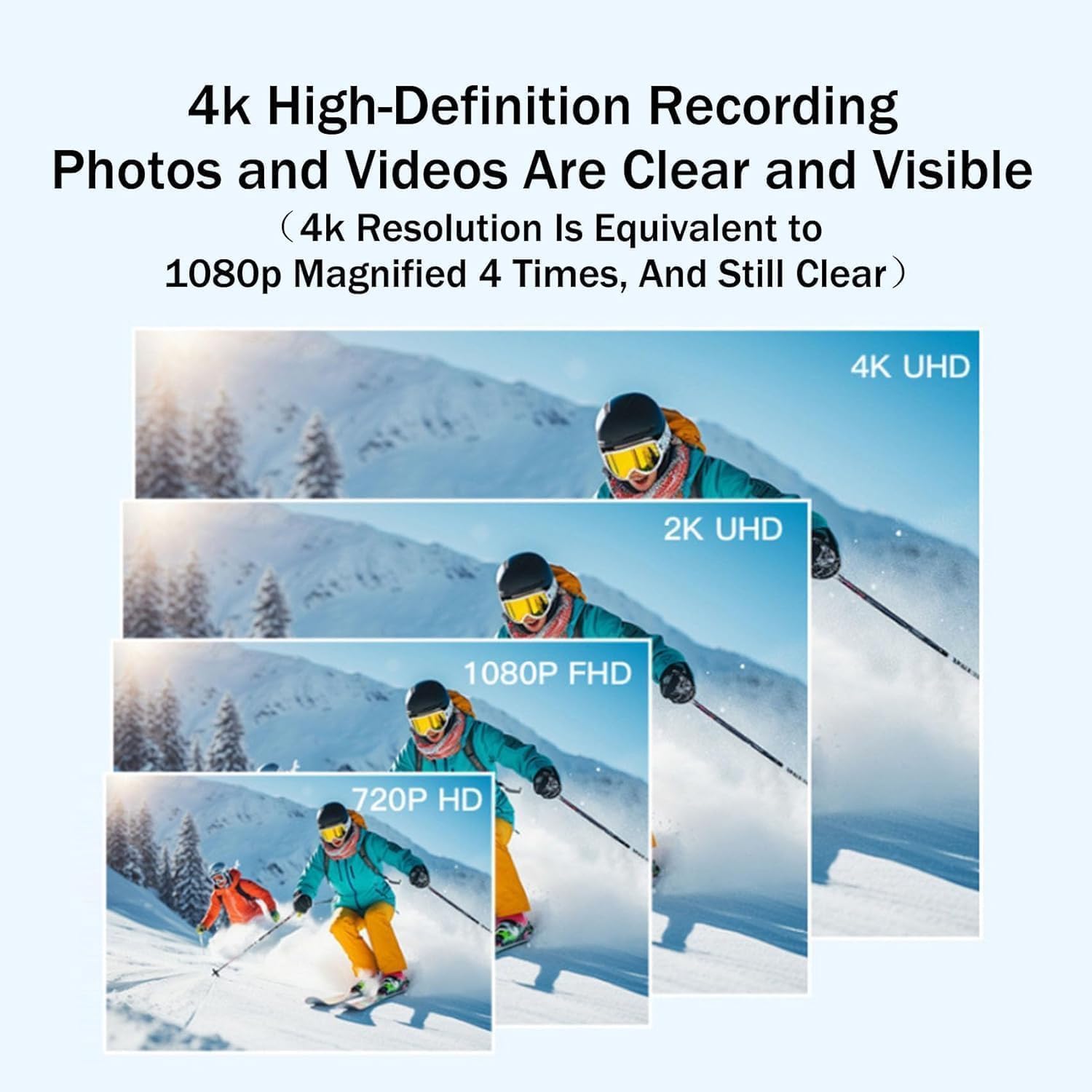
The camera captures video in 1080P resolution, ensuring high-definition footage of your activities. While the camera line may offer 4K variants, this specific model provides excellent 1080P clarity.
6.3 Waterproof Usage
The camera is designed to be waterproof up to 30 meters with its IPX8 waterproof case. This makes it suitable for various water-related activities.
- Ensure the waterproof case is securely closed and all seals are intact before submerging the camera.
- After use in saltwater, rinse the camera and case with fresh water and allow them to dry completely.

With its robust waterproof shell, the camera is capable of being submerged to a depth of 30 meters, making it suitable for diving, fishing, cycling in wet conditions, mountaineering, surfing, and other outdoor activities.
7. Onderhoud
7.1 Skoonmaak van die kamera
- Gebruik 'n sagte, pluisvrye lap om die kamera se liggaam skoon te maak.
- Vir die lens, gebruik 'n gespesialiseerde lensskoonmaakdoek en -oplossing om skrape te voorkom.
- Moenie harde chemikalieë of skuurmateriaal gebruik nie.
7.2 Batterysorg
- Vermy om die battery gereeld heeltemal te ontlaai.
- Laai die kamera gereeld, selfs al word dit nie gebruik nie, om die battery se gesondheid te handhaaf.
- Store the camera in a cool, dry place when not in use for extended periods.
7.3 Berging
When storing the camera for long periods, ensure it is fully charged and kept in a protective case to prevent dust and damage. Remove the Micro SD card if you plan to store it separately.
8. Probleemoplossing
Kamera skakel nie aan nie
- Ensure the battery is charged. Connect the camera to a power source and try again.
- Press and hold the Power/Record button for at least 5 seconds.
Cannot Record
- Check if a Micro SD card is inserted correctly.
- Ensure the Micro SD card has sufficient free space.
- Format the Micro SD card if it's new or corrupted.
- Check battery level; low battery may prevent recording.
Wi-Fi-verbindingskwessies
- Ensure Wi-Fi is enabled on the camera and your smartphone.
- Verify you are connecting to the correct camera Wi-Fi network.
- Herbegin beide die kamera en jou slimfoon.
- Ensure the camera and smartphone are within close proximity.
Swak videogehalte
- Maak die kameralens skoon met 'n sagte lap.
- Verseker voldoende ligtoestande.
- Check if the camera is set to the desired resolution (1080P for this model).
9. Spesifikasies
| Kenmerk | Detail |
|---|---|
| Model Naam | RyView |
| Kleur | 1080P White |
| Afmetings (D x B x H) | 0.78" D x 2.54" B x 0.78" H |
| Video-opname-resolusie | 1080p |
| Effektiewe video-resolusie | 1920x1080 Pixels (for 1080p recording) |
| Lens tipe | Wye hoek |
| Verbindingstegnologie | Wi-Fi, SD card slot |
| Tipe flitsgeheue | Micro SD (up to 64G for this variant) |
| Waterweerstandvlak | Waterproof (up to 30m with case) |
| Spesiale kenmerke | Waterproof, Wi-Fi Connectivity, Magnetic Mounting |
| Versoenbare toestelle | Slimfoon, tablet, persoonlike rekenaar |
Let wel: Spesifikasies is onderhewig aan verandering sonder vooraf kennisgewing.
10. Ondersteuning en waarborg
For any questions, technical assistance, or warranty inquiries regarding your Generic RideView Hands-Free POV Camera, please refer to the contact information provided at the point of purchase or on the product packaging.
Ons belofte: If you are not satisfied with your purchase for any reason, please do not hesitate to contact us. We are committed to addressing your concerns and offering a simple solution.
Behou asseblief jou aankoopbewys vir waarborgeise.


