
1. Inleiding
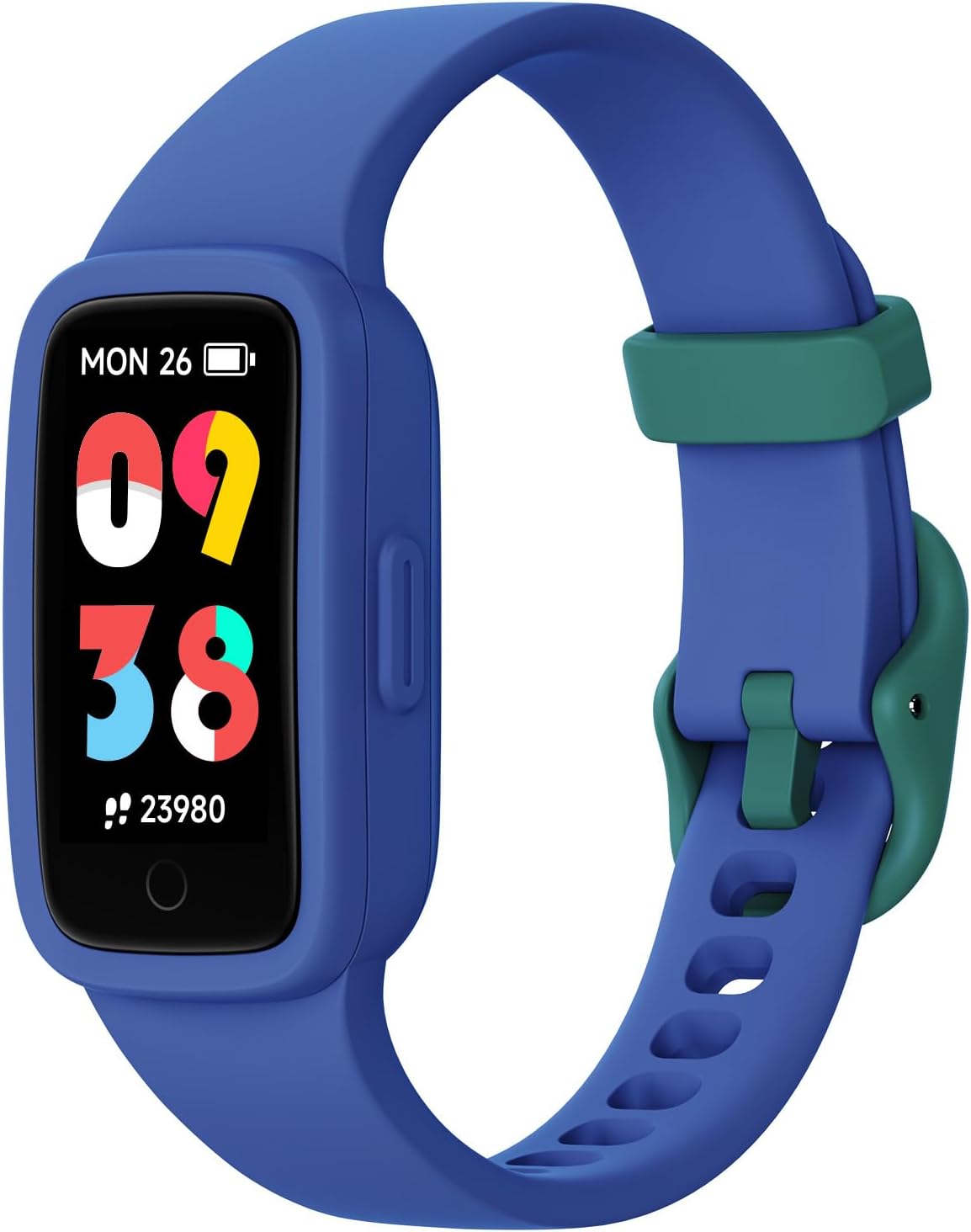
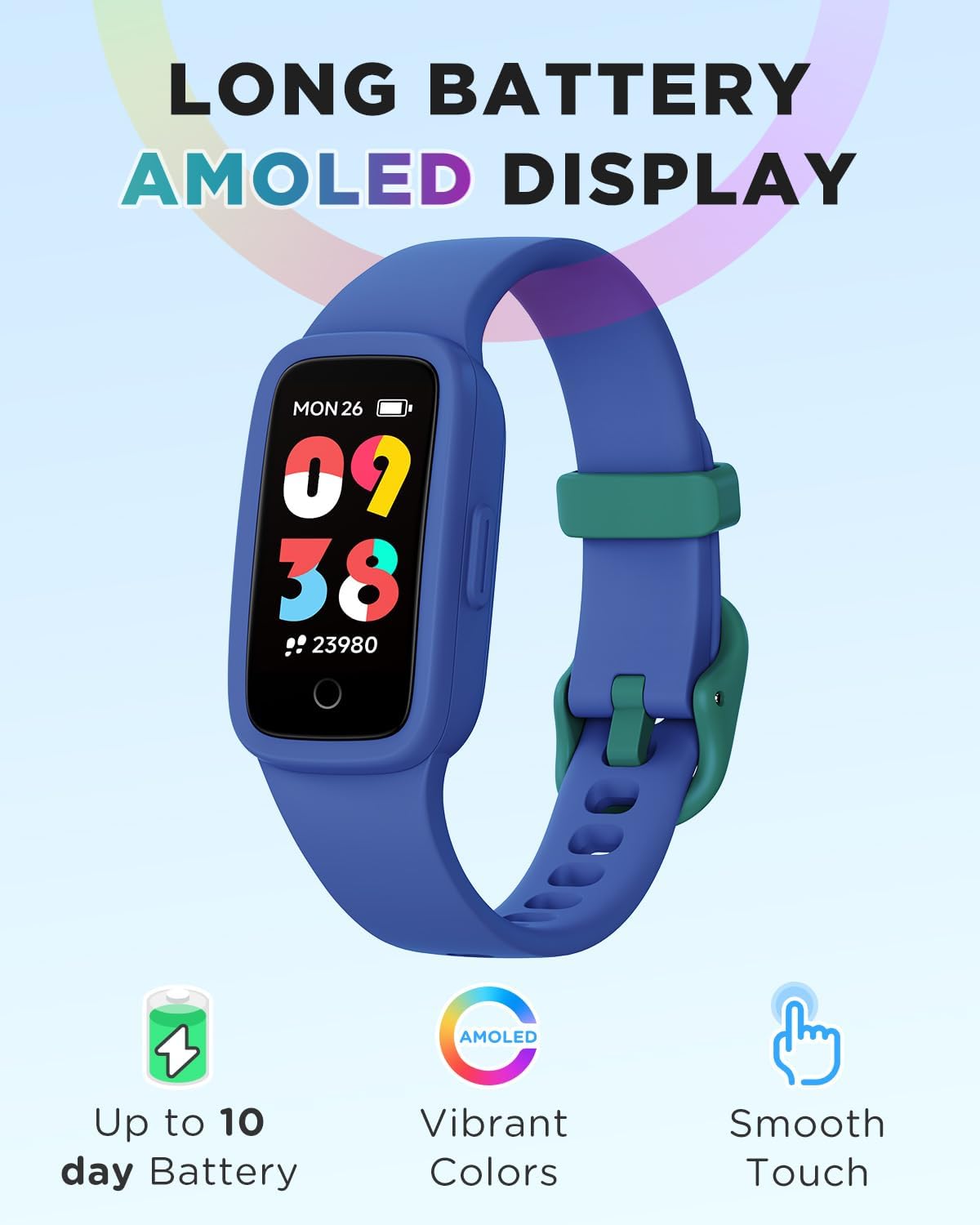
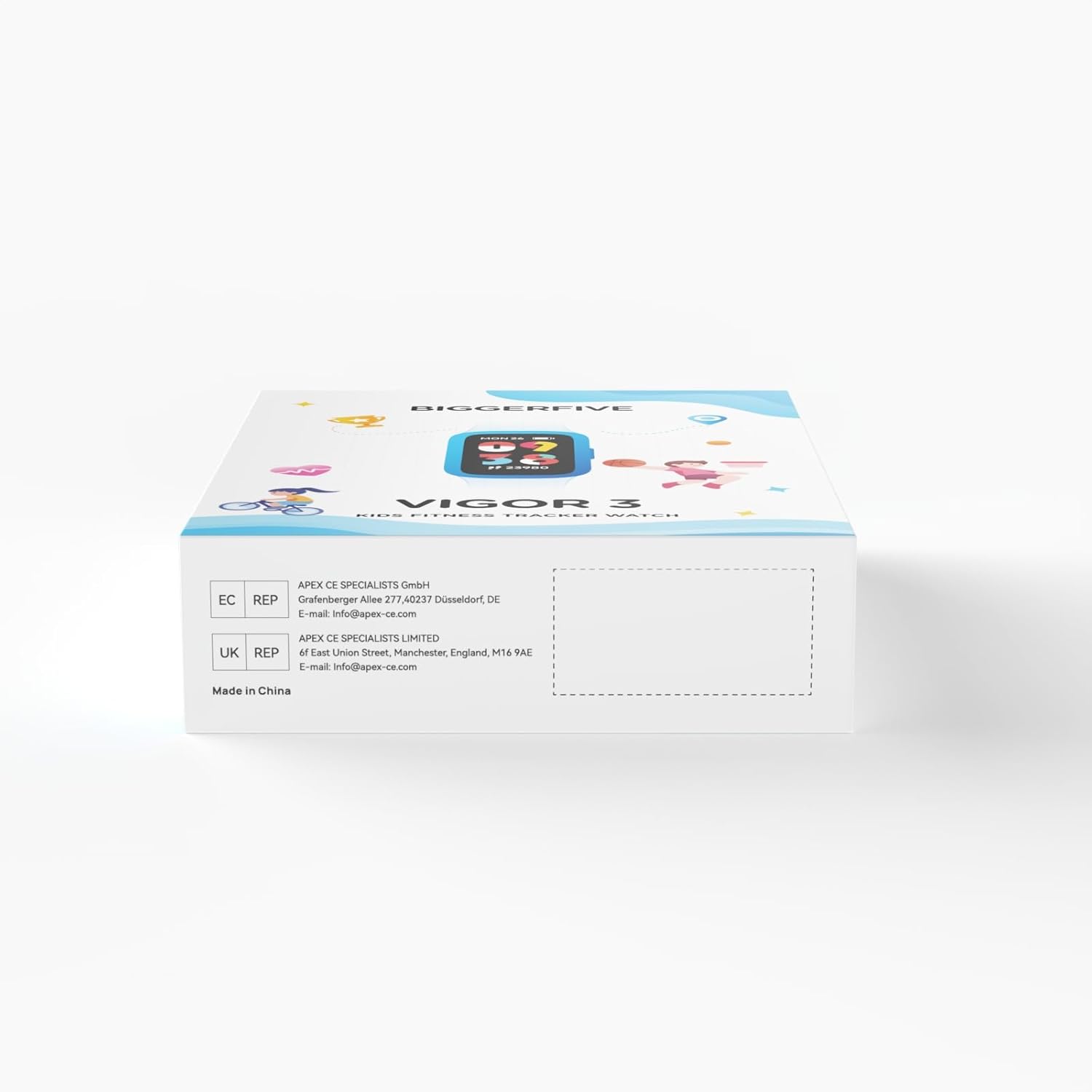
This manual provides detailed instructions for the BIGGERFIVE Vigor 3 Kids Fitness Tracker Watch. This device is designed to help children aged 5-15 track their daily activity, monitor heart rate and sleep, and encourage healthy habits. It features an AMOLED screen and is 3ATM waterproof, making it suitable for various activities without requiring a smartphone for basic functions.
2. Wat is in die boks
- BIGGERFIVE Vigor 3 Fitness Tracker Watch
- Magnetiese laaikabel
- Gebruikershandleiding

3. Produk verbyview
The BIGGERFIVE Vigor 3 features a vibrant AMOLED screen and a durable, comfortable silicone strap. The watch is designed for ease of use, with a single touch button for navigation and interaction.
3.1. Sleutelkomponente
- AMOLED-skerm: High-resolution, colorful touch screen for clear visibility.
- Band: Adjustable, skin-friendly silicone strap.
- Laai kontakte: Located on the back for magnetic charging.
- Optiese sensor: For heart rate and sleep monitoring.
4. Opstelling
4.1. Laai die toestel
- Koppel die magnetiese laaikabel aan die laaikontakte aan die agterkant van die horlosie.
- Steek die USB-punt van die kabel in 'n standaard USB-kragadapter (nie ingesluit nie) of 'n rekenaar se USB-poort.
- The watch will display a charging indicator. A full charge typically takes about 1 hour and provides up to 10 days of battery life.
4.2. Initial Setup (No App Required)
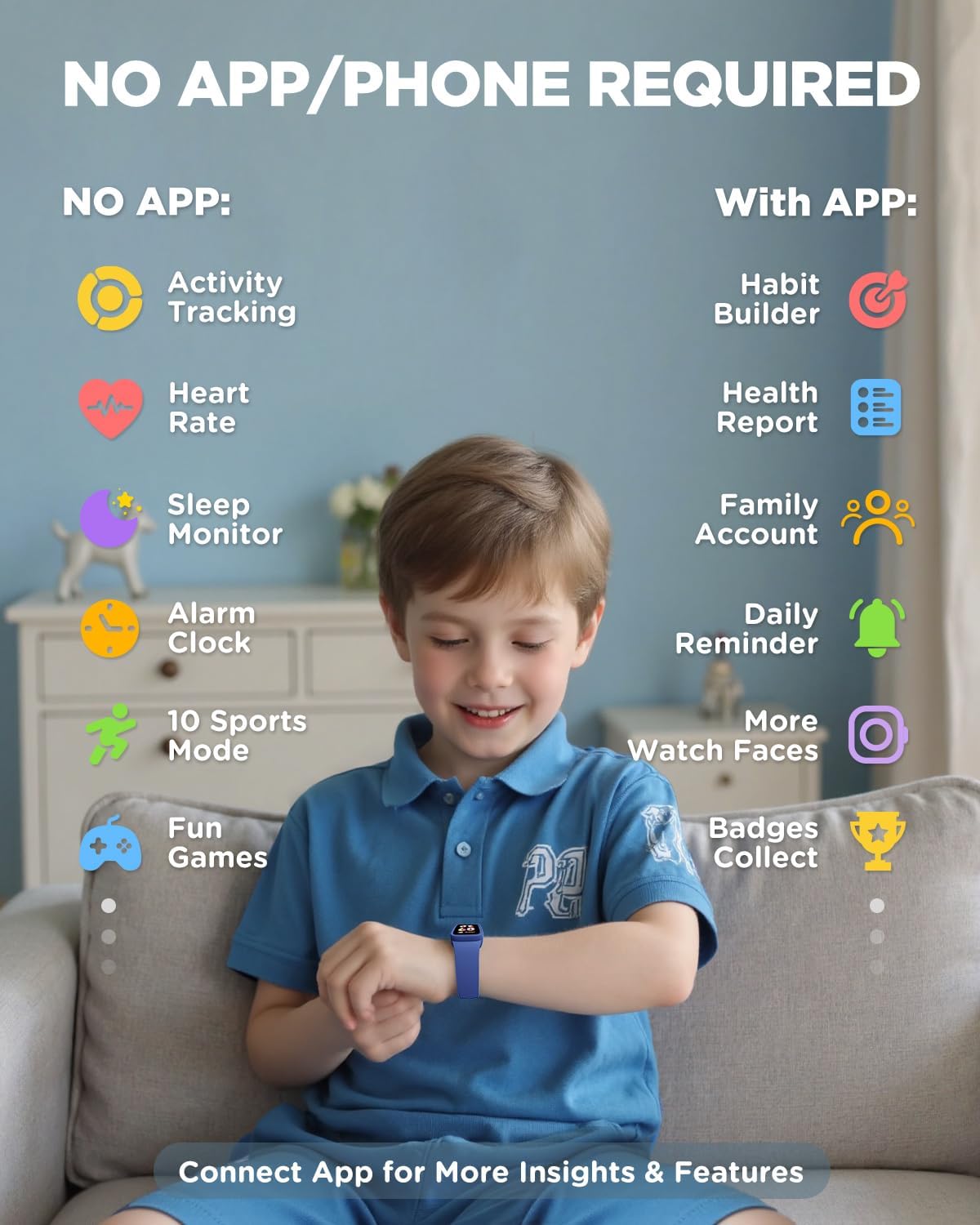
The BIGGERFIVE Vigor 3 can be used independently without a smartphone or app for essential functions. You can set the time, alarm, and step goals directly on the watch.
- Upon first use or after a factory reset, follow the on-screen prompts to set the basic information.
- Navigate through menus using swipes and taps on the screen.
4.3. Optional App Connection (For Enhanced Features)
To unlock advanced features such as habit building, health reports, family accounts, and more watch faces, you can connect the watch to the BIGGERFIVE app.
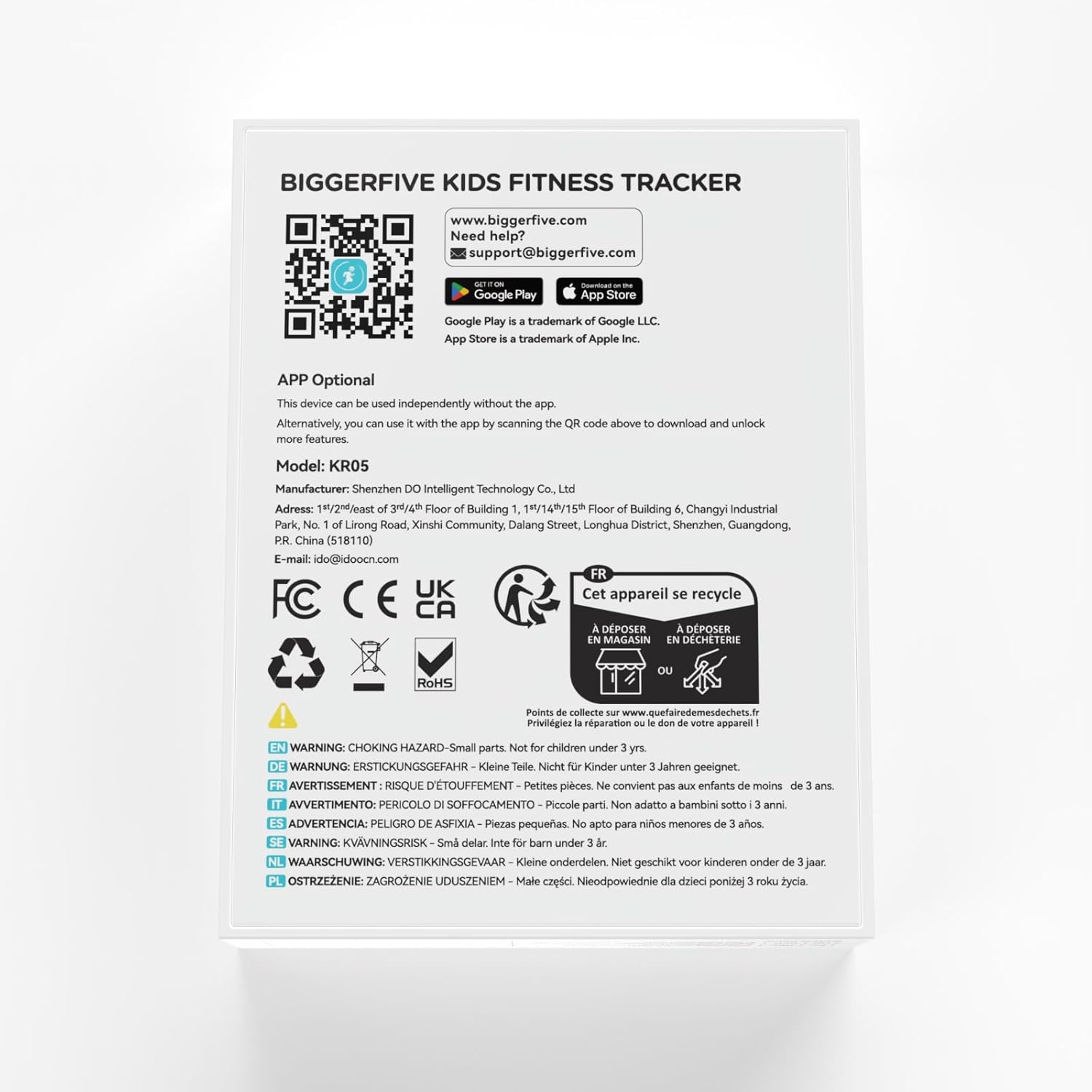
- Download the BIGGERFIVE app from the App Store (iOS) or Google Play Store (Android). You can find the app by scanning the QR code provided in the packaging or by visiting https://t.ido.ink/eMFrqm.
- Open the app and follow the on-screen instructions to create an account and pair your watch.
- Maak seker dat Bluetooth op jou slimfoon geaktiveer is tydens die paringsproses.

5. Bedryfsinstruksies
5.1. Navigasie
The watch features a touch-sensitive AMOLED screen. Swipe up, down, left, or right to navigate through different menus and functions. Tap to select an option or confirm an action.
5.2. Aktiwiteitsopsporing
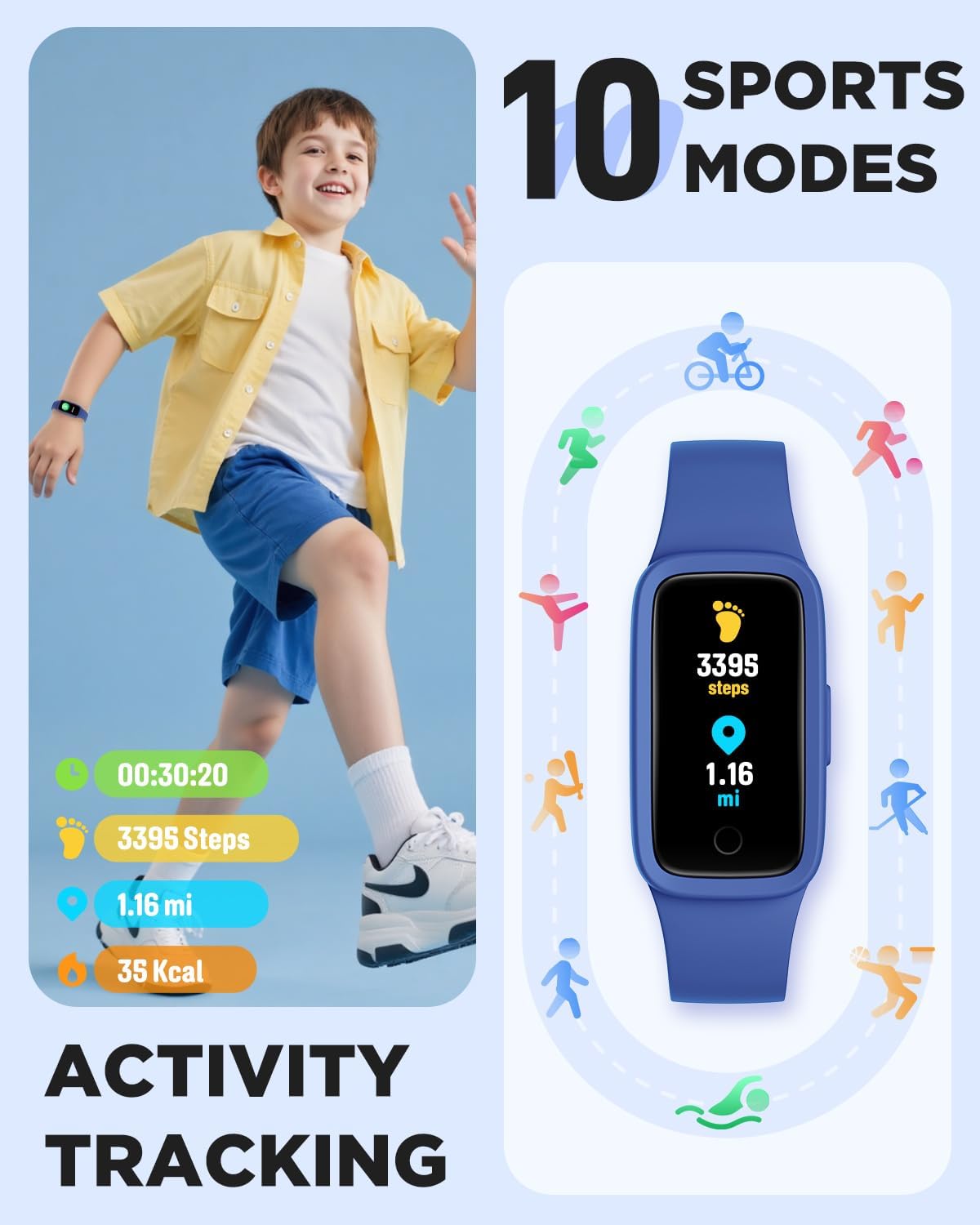
The watch automatically tracks steps, distance, and calories burned throughout the day. This data is displayed directly on the watch face and can be viewed in more detail within the activity menu.
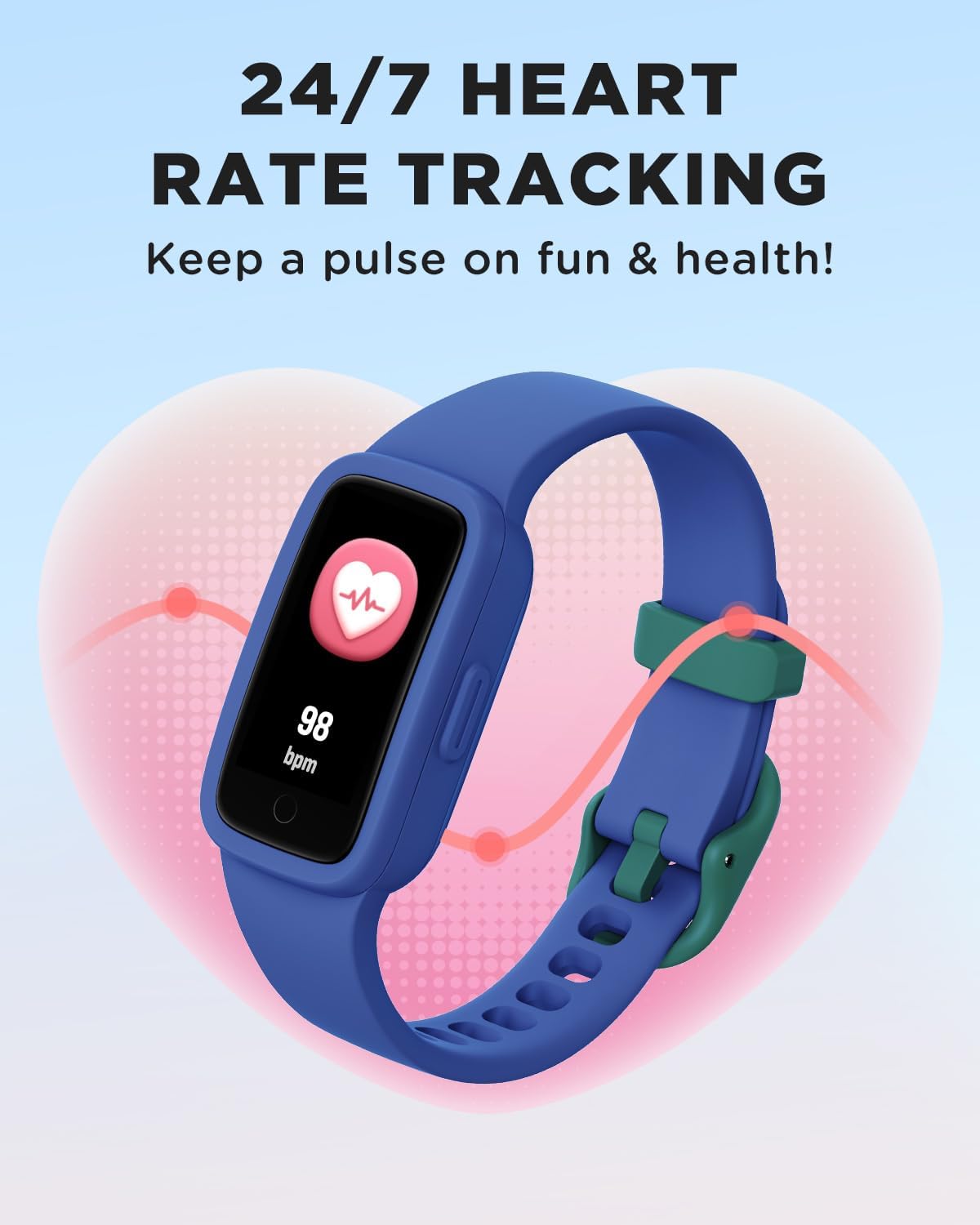
5.3. Hartslagmonitoring
The watch provides continuous heart rate monitoring. To view your current heart rate, navigate to the heart rate screen. The watch will display your beats per minute (BPM).


5.4. Slaapmonitering
The watch automatically tracks sleep patterns, including deep sleep, light sleep, and awake times. This data helps in understanding sleep quality and can be viewed on the watch or in the app for more detailed analysis.

5.5. Sportmodusse
The watch supports 10 different sports modes to track specific activities. To select a sport mode:
- Swipe to the 'Sports' menu on the watch.
- Tap to select your desired activity (e.g., Run, Basketball, Cycling, Swimming).
- The watch will begin tracking metrics specific to that activity.

5.6. Habit Reminders, Games & Virtual Pet
The watch includes features to encourage healthy habits and engagement:
- Habit Reminders: Set reminders for daily routines like study time, meals, or exercise.
- Interactive Mini-Games: Engage with simple games directly on the watch.
- Virtual Pet: An e-pet that grows as the child stays active, providing motivation.
5.7. Horlosieskerms
Customize the watch face to personalize the device. Multiple watch face options are available directly on the watch, with more options accessible via the BIGGERFIVE app.
6. Waterweerstand
The BIGGERFIVE Vigor 3 is rated 3ATM waterproof, meaning it is resistant to splashes, rain, and can be worn during swimming. It is not suitable for diving or high-pressure water activities.
- Geskik vir: Hand-washing, rain, swimming.
- Vermy: Hot water (showers, saunas), salt water (sea water), or corrosive liquids, as these can compromise the water resistance and device integrity over time.

7. Onderhoud
- Skoonmaak: Maak die horlosieskerm en band gereeld skoon met 'n sagte, damp lap. Vermy harde chemikalieë of skuurmiddels.
- Droog: Ensure the watch is completely dry after exposure to water, especially the charging contacts, to prevent corrosion.
- Berging: Bêre die horlosie op 'n koel, droë plek wanneer dit nie gebruik word nie. Vermy uiterste temperature.
- Laai: Charge the device regularly to maintain battery health, even if not used frequently.
8. Probleemoplossing
- Horlosie skakel nie aan nie: Maak seker dat die horlosie volledig gelaai is. Koppel dit vir ten minste 10 minute aan die laaier.
- Onakkurate dophou: Ensure the watch is worn snugly on the wrist, about one finger's width above the wrist bone. Restart the watch if issues persist.
- Skerm reageer nie: Try restarting the watch by pressing and holding the side button (if available) or connecting it to the charger to force a restart.
- Kan nie met program koppel nie: Ensure Bluetooth is enabled on your phone, the watch is charged, and it is within range. Restart both the watch and the phone, then try pairing again.
- Kort batterylewe: Reduce screen brightness, disable unnecessary notifications, and ensure the watch is fully charged before use.
9. Spesifikasies
| Kenmerk | Spesifikasie |
|---|---|
| Modelnommer | KR05 |
| Tipe vertoon | AMOLED-skerm |
| Waterweerstand | 3 OTM |
| Battery kapasiteit | 88 miljoenamp Ure |
| Batterylewe | Tot 10 dae (tipiese gebruik) |
| Konnektiwiteit | Bluetooth |
| Geheue berging kapasiteit | 64 MB |
| Item gewig | 0.02 kilogram (0.704 onse) |
| Bedryfstelsel | KR05 |
| Spesiale kenmerke | 3ATM Waterproof, AMOLED Screen, Activity Tracker, Multisport Tracker |
10. Waarborg en Ondersteuning
BIGGERFIVE products are designed for quality and reliability. For warranty information, please refer to the documentation included with your purchase or visit the official BIGGERFIVE webwebwerf.
Vir tegniese ondersteuning of navrae, kontak asseblief:
- E-pos: support@biggerfive.com