
1. Inleiding
Thank you for choosing the ECOROAD ES4 Electric Scooter. This manual provides essential information for the safe operation, assembly, maintenance, and troubleshooting of your new scooter. Please read this manual thoroughly before your first ride to ensure optimal performance and safety.
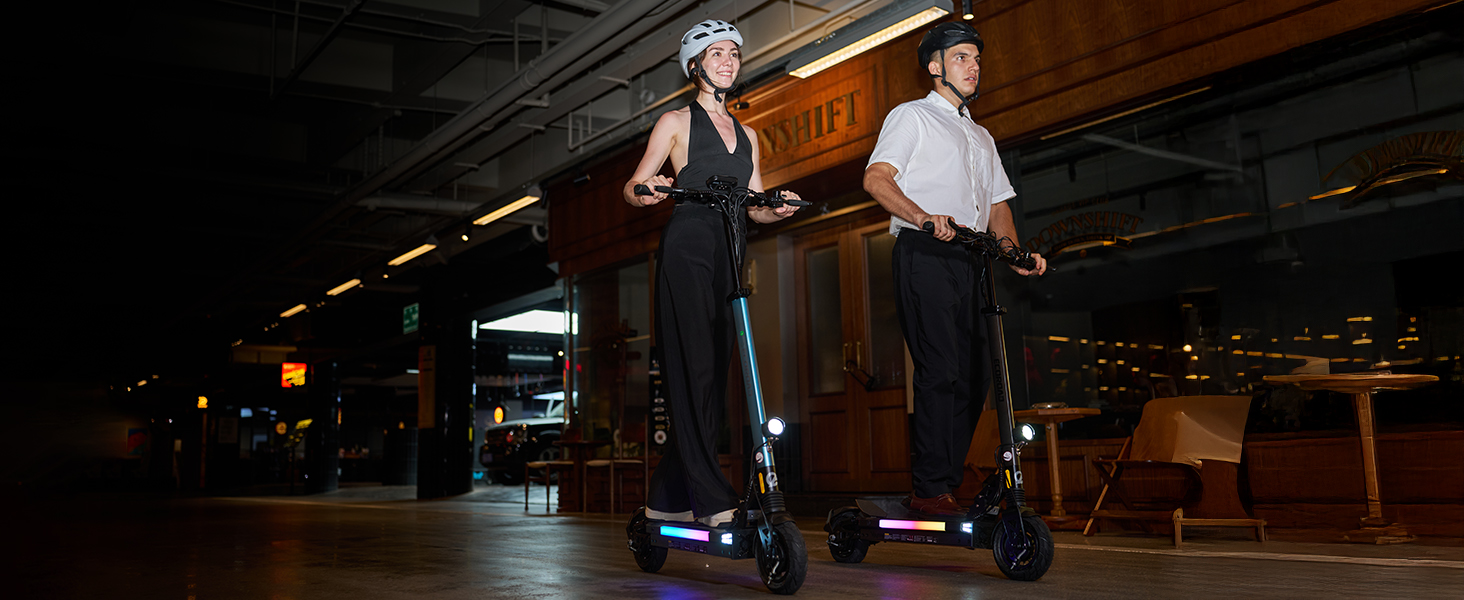
The ECOROAD ES4 is designed for urban commuting and light trail use, featuring an 800W motor, a top speed of 25 MPH, and a range of up to 25 miles. It supports riders up to 330 lbs and includes 8.5-inch pneumatic off-road tires, dual suspension, and smart app control with vibrant RGB lighting.
2. Wat is in die boks
- Electric Scooter x 1
- Brand Card x 1
- Instruksiehandleiding x 1
- Veiligheidsgids x 1
- Laaier x 1
3. Opstelling
3.1 Uitpak en Aanvanklike Montering
Carefully remove all components from the packaging. The scooter comes partially assembled. You will need to attach the handlebar and the rear mudguard.
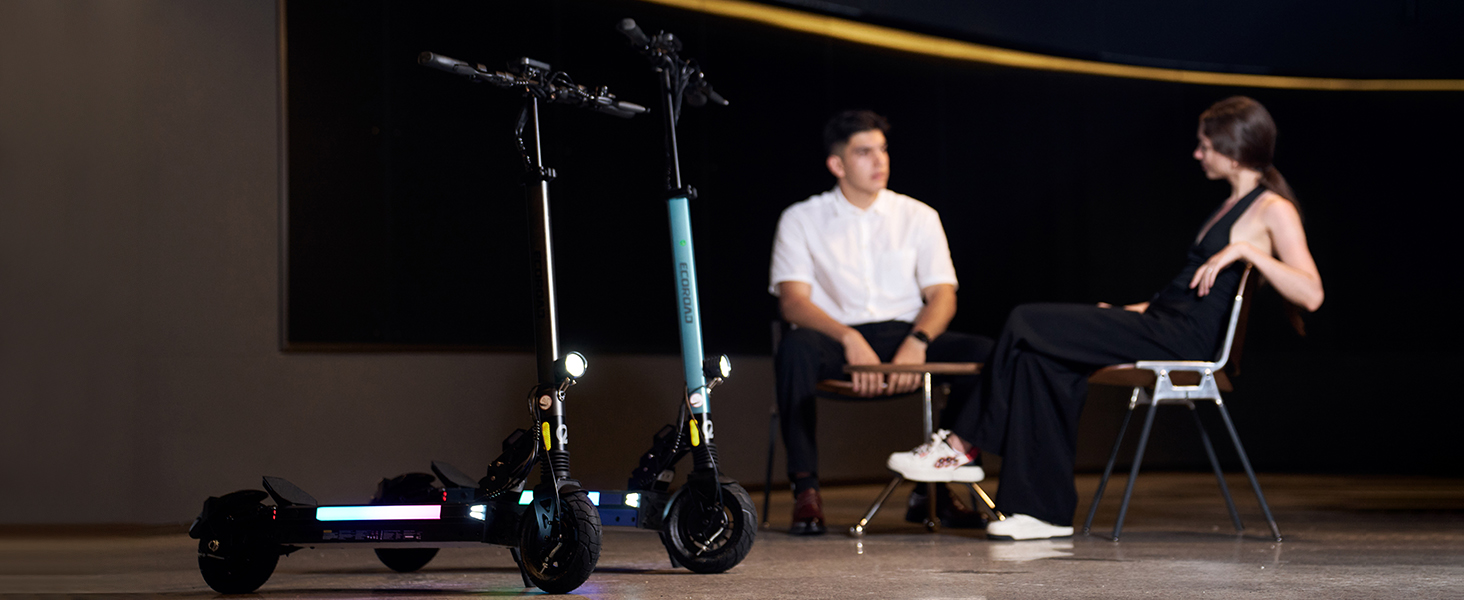
Image: The ECOROAD ES4 Electric Scooter in its folded state, highlighting the robust folding mechanism for portability.
3.2 Stuurstangsamestelling
Attach the handlebar to the stem and secure it using the provided tools. Ensure all screws are tightened firmly to prevent wobbling during operation.
3.3 Rear Mudguard Installation
Install the rear mudguard over the rear wheel using the provided screws and tool. This protects against splashes during rides.
Video: A detailed guide on the installation process of the ECOROAD ES4 Electric Scooter, including handlebar and mudguard attachment.
3.4 Vou en Ontvou
To fold the scooter, locate the folding latch near the base of the stem. Press the latch and gently fold the stem downwards until it clicks into place. To unfold, release the latch and raise the stem until it locks securely in the upright position. The handlebars can also be folded inwards for a more compact storage solution by unscrewing the locking mechanisms on each side.
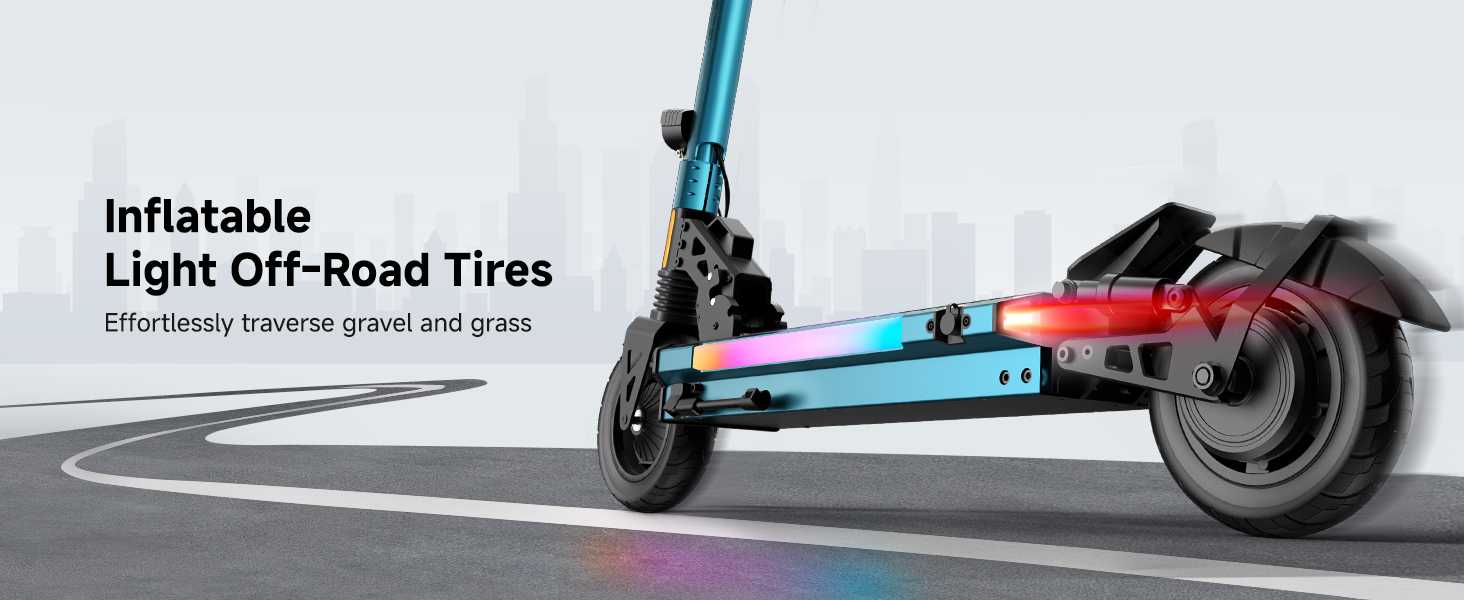
Image: A user demonstrating the simple 3-second folding mechanism of the ECOROAD ES4 Electric Scooter.
4. Bedryfsinstruksies
4.1 Aan/Af en Skerm
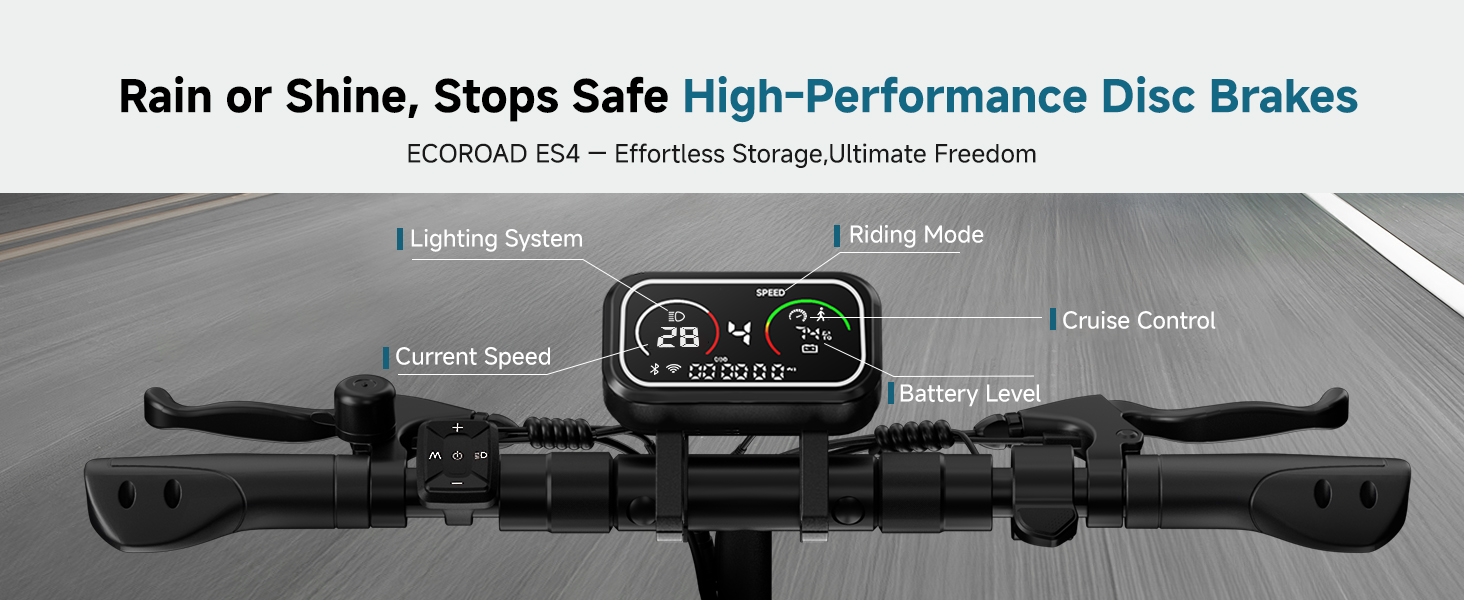
Press and hold the power button on the handlebar display to turn the scooter on or off. The integrated LED display shows real-time speed, battery level, trip distance, total distance, run time, and other vital information. It also indicates light status and driving mode.
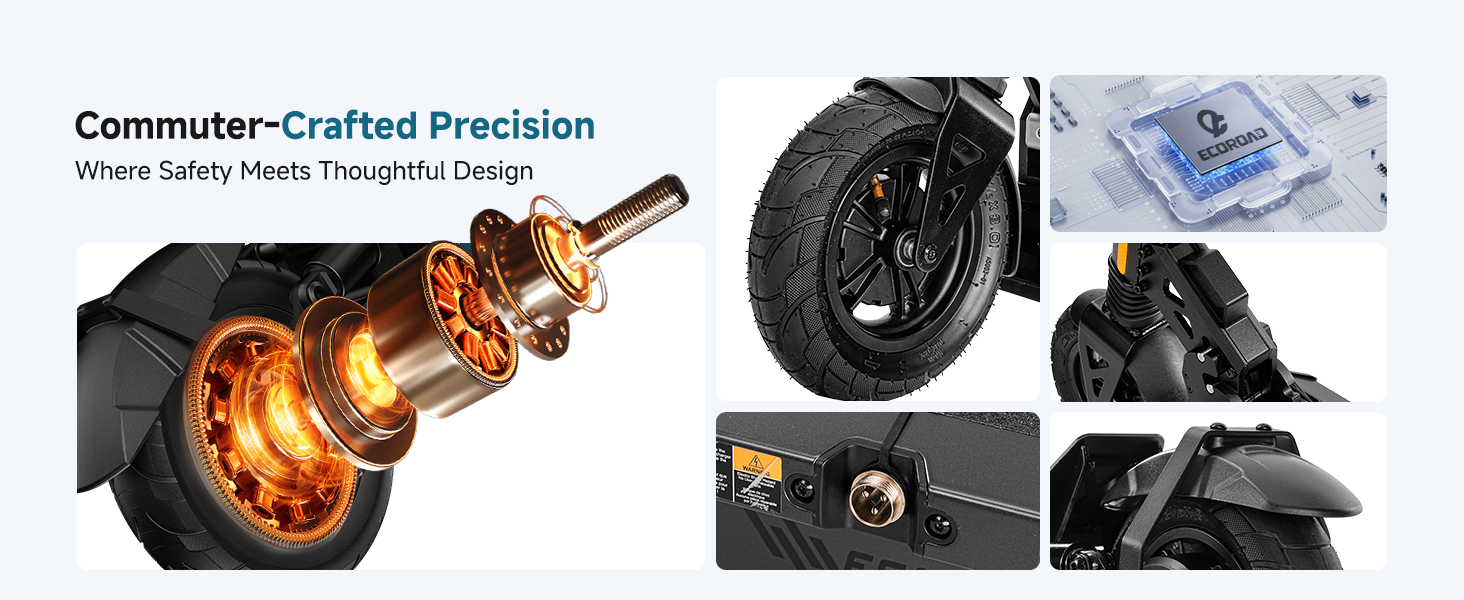
Image: The large, clear display of the ECOROAD ES4, showing current speed, battery level, and other operational data.
4.2 spoedmodusse
The ES4 offers four distinct speed modes to suit various riding preferences and conditions:
- Mode 1: Up to 6 MPH
- Mode 2: Up to 12 MPH
- Mode 3: Up to 18 MPH
- Mode 4: Up to 25 MPH
Switch between modes using the 'M' button on the control panel. Lower speed modes conserve battery and are ideal for new riders or crowded areas.
4.3 Beligtingstelsel
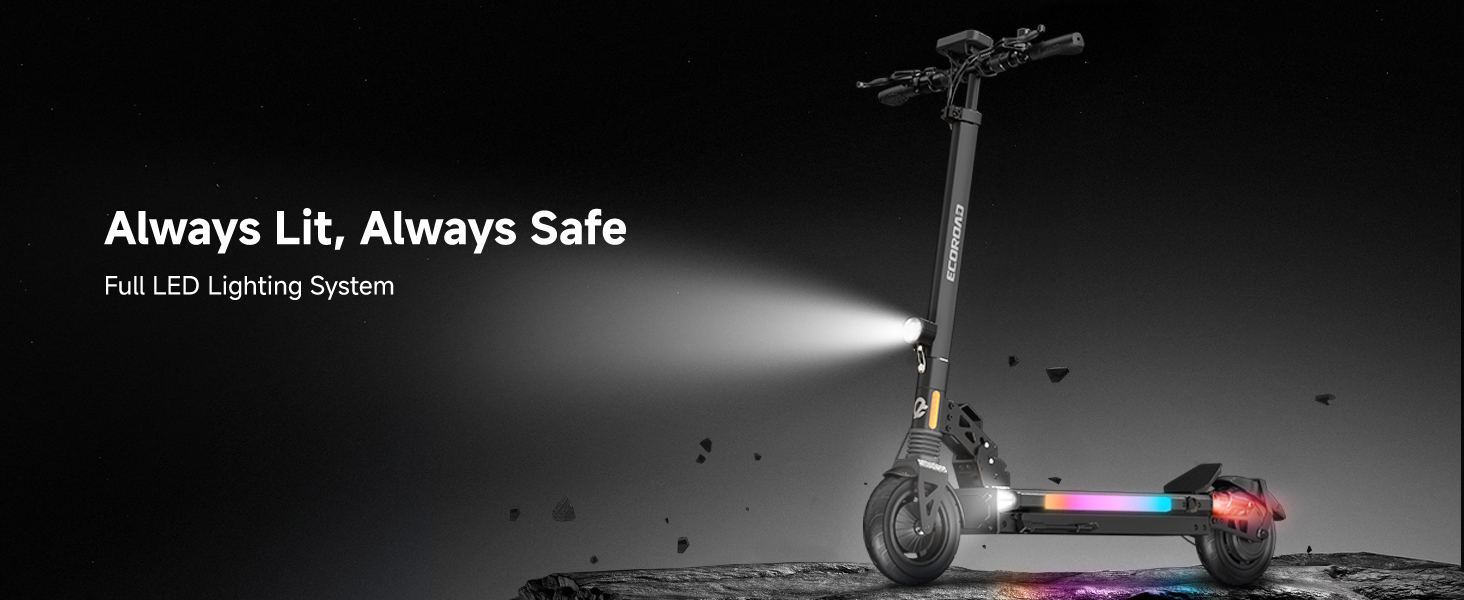
The scooter is equipped with a comprehensive LED visibility system for safe riding day and night:
- Quad Headlights: Bright front lights illuminate your path.
- RGB Deck Lights: Vibrant, color-changing lights along the deck enhance visibility and style.
- Brake-Activated Taillights: Rear lights illuminate when braking, alerting others.
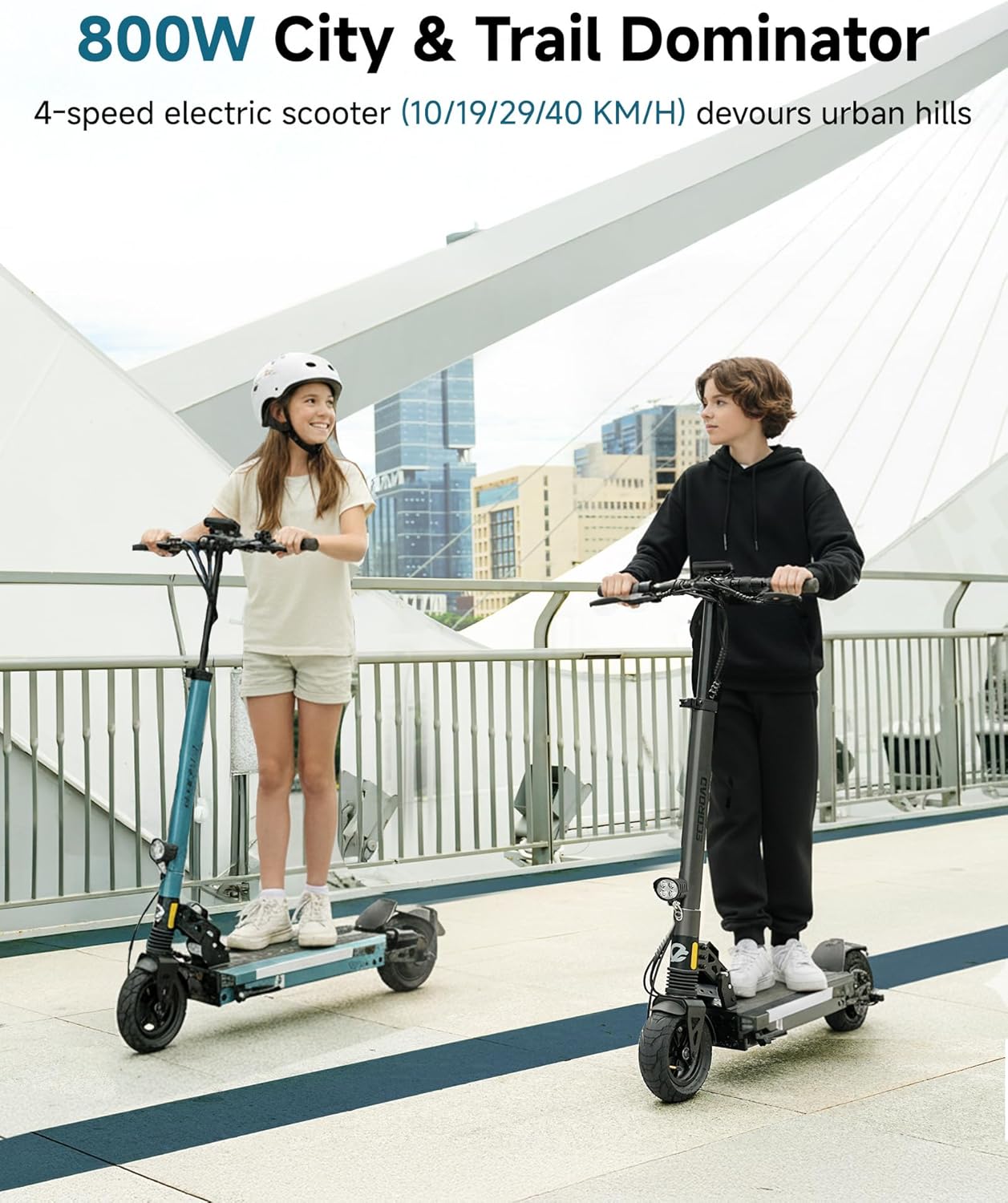
Image: The ECOROAD ES4 Electric Scooter showcasing its full LED lighting system, including bright headlights and colorful RGB deck lights, ensuring visibility in low-light conditions.
Beeld: Gedetailleerd view of the ECOROAD ES4's powerful quad LED headlights and integrated RGB ambient side lights.
4.4 Cruise Control
Activate cruise control by maintaining a steady speed for approximately 5 seconds. The scooter will then hold this speed. To disengage, simply apply the brakes or press the throttle.
4.5 Toepassingsbeheer
Download the companion app to unlock additional features and customize your riding experience. The app allows you to:
- Anti-theft lock the scooter.
- Track your route and mileage.
- Customize speed settings and other parameters.
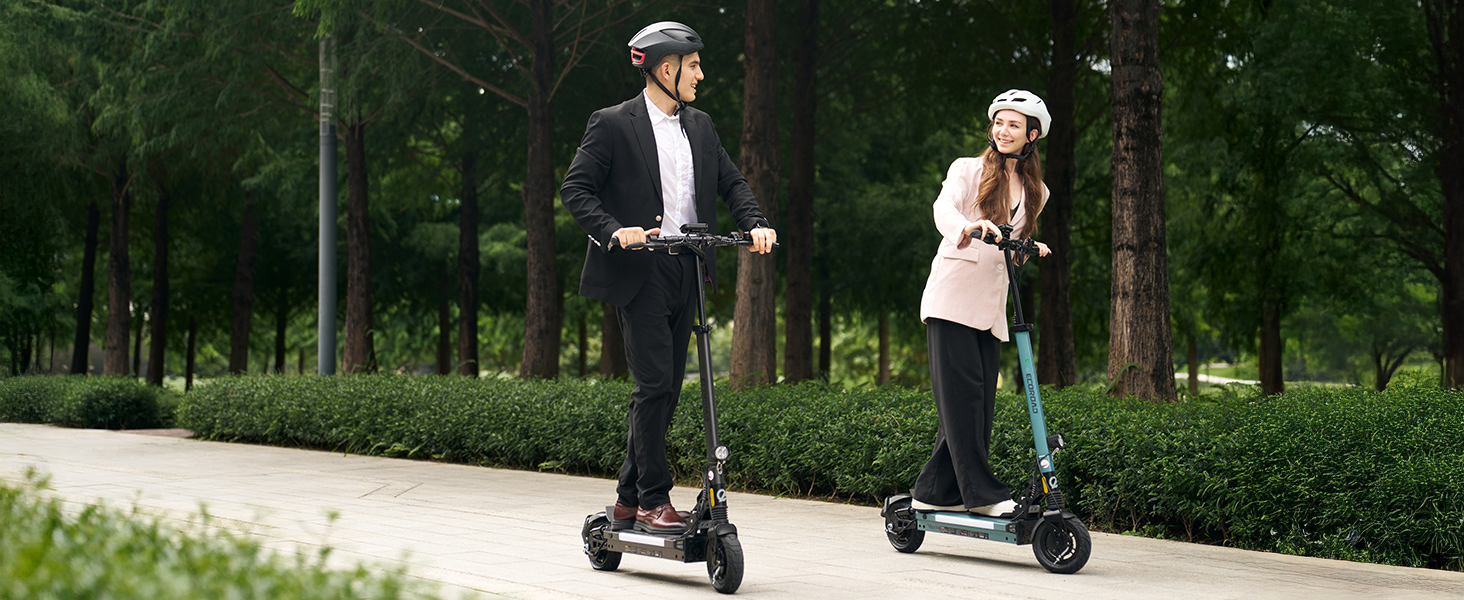
Image: The ECOROAD mobile application interface, showing connectivity to the scooter and various control options.
5. Laai werking
The ECOROAD ES4 is equipped with a high-capacity 48V battery, providing a range of up to 25 miles on a single charge. The charging port is located on the left side of the scooter deck. Connect the provided 2A charger to the port and then to a power outlet. A full charge typically takes approximately 4 hours.

Image: The ECOROAD ES4 Electric Scooter connected to its charger, illustrating the charging process.
6. Onderhoud
6.1 Bande
The scooter features 8.5-inch pneumatic off-road tires. Regularly check tire pressure and inflate to the recommended PSI for optimal performance and safety. Inspect tires for any signs of wear or damage before each ride.
Beeld: Gedetailleerd view of the durable 8.5-inch inflatable light off-road tires, designed for various terrains.
6.2 Remme
The ES4 is equipped with front and rear hub brakes, complemented by a hidden power-off brake system. Periodically inspect brake cables and pads for wear. Adjust brake tension as needed to ensure responsive stopping power.
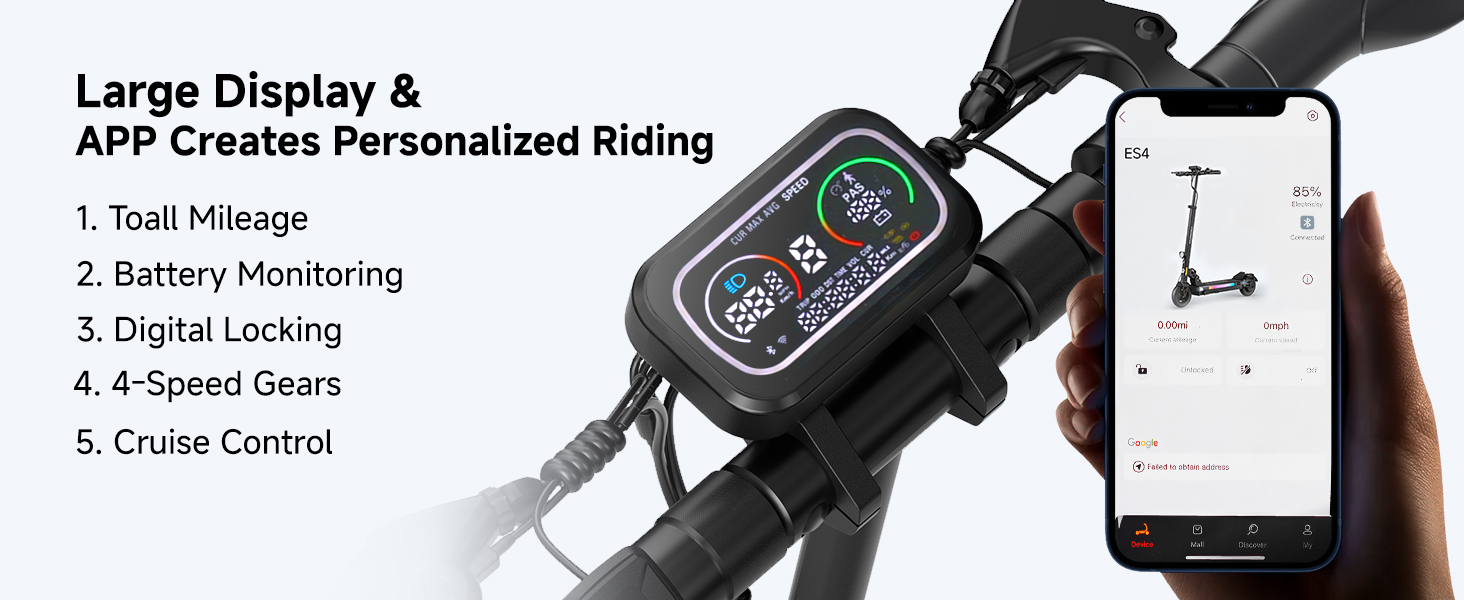
Image: The high-performance disc brakes of the ECOROAD ES4, designed for safe and efficient stopping.
6.3 Skorsing
The dual shock system provides a comfortable and stable ride. Regularly check the suspension components for any signs of damage or excessive wear. Keep the suspension clean from dirt and debris.
Beeld: Gedetailleerd view of the front spring suspension and rear dual shock system, ensuring a smooth ride.
7. Probleemoplossing
If you encounter any issues with your ECOROAD ES4 Electric Scooter, please refer to the following common troubleshooting tips:
- Scooter skakel nie aan nie: Ensure the battery is charged and the power button is pressed firmly.
- Verminderde reikafstand of krag: Check tire pressure, ensure the battery is fully charged, and consider riding in a lower speed mode.
- Remme reageer nie: Inspect brake cables for tension and brake pads for wear. Adjust or replace as necessary.
- Probleme met programverbinding: Ensure Bluetooth is enabled on your smartphone and the scooter is within range. Restart both devices if needed.
For persistent issues, please contact ECOROAD customer support.
8. Spesifikasies
| Kenmerk | Spesifikasie |
|---|---|
| Handelsmerk | ECOROAD |
| Model Naam | ES4 |
| Motor Krag | 800 W |
| Maksimum spoed | 25 MPH |
| Maksimum reikwydte | 25 myl |
| Battery | 48V 10.4AH |
| Laai tyd | 4 ure |
| Gewigsbeperking | 330 pond |
| Bande | 8.5" Pneumatic Off-Road |
| Remstyl | Front and rear hub brake + hidden power-off brake |
| Suspensie tipe | Spring Suspension (Dual Shock System) |
| Raammateriaal | Aluminium |
| Produk afmetings | 22.3 cm L x 50 cm B x 43.5 cm H |
| Item gewig | 25.4 pond |
9. Waarborg en Ondersteuning
9.1 Waarborginligting
The ECOROAD ES4 Electric Scooter comes with a 180-day limited manufacturer warranty for different parts. Please refer to the included warranty card for full details and terms.
9.2 Kliëntediens
For any questions, technical assistance, or warranty claims, please contact ECOROAD customer support:
- E-pos: support@ecoroad.com
- Diens-hotline: +1-877 701 5009

Image: The ECOROAD customer service team, ready to assist with any inquiries or support needs.