
1. Inleiding
This manual provides essential information for the safe and efficient operation of your FOXX C10 10.1-inch Android Tablet. Please read this guide thoroughly before using your device to ensure proper functionality and to understand its features. Keep this manual for future reference.
2. Wat is in die boks
Verifieer dat alle items in die pakket teenwoordig is:
- FOXX C10 Tablet
- Tipe C-kabel
- Laaier (10W)
- Gebruikershandleiding
- Protective Cover (pre-applied)
- Screen Protector Film (pre-applied)
3. Produk verbyview
The FOXX C10 tablet features a 10.1-inch HD display, dual 8MP cameras, and a robust 6000mAh battery, all powered by an Android 13 operating system.

Beeld: Voor en agter view of the FOXX C10 tablet, showcasing its sleek design and dual camera module on the rear.

Image: An infographic highlighting key features including the 10.1-inch display, Android 13, 6000mAh battery, 8MP cameras, MediaTek quad-core chipset, 4GB RAM + 64GB storage, 4G LTE bands, Wi-Fi, Bluetooth 5.0, Nano SIM, Type-C, and 3.5mm AUX port.
3.1 Vertoon
The tablet is equipped with a 10.1-inch HD TFT V-notch display, offering a resolution of 800x1280 pixels for clear visuals.

Image: Close-up of the tablet's 10.1-inch HD TFT V-notch display, showing vibrant colors and detail.
3.2 Kameras
The FOXX C10 features dual 8-megapixel cameras, both on the front and rear, enabling high-quality photos and video calls.
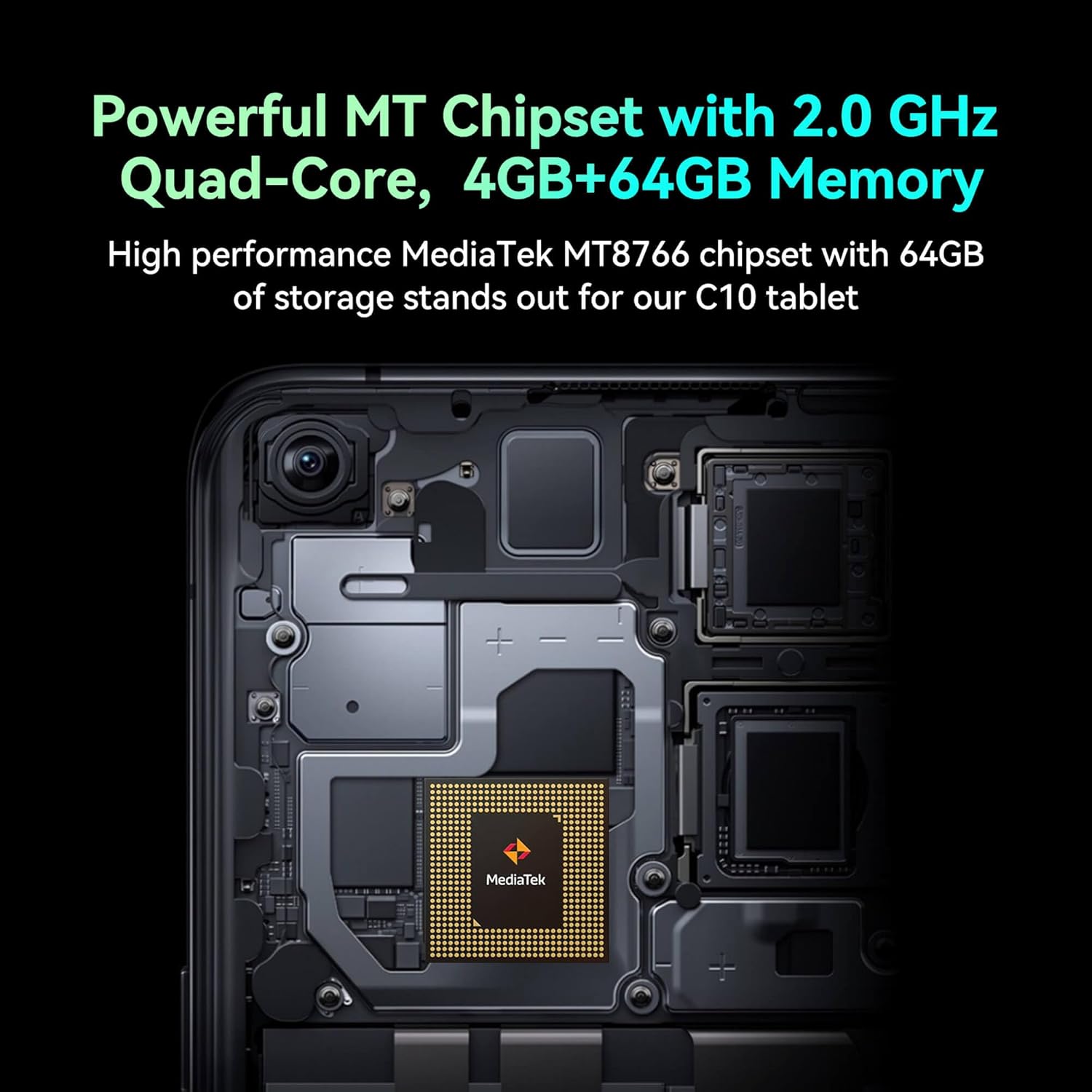
Image: Detail of the tablet's rear camera module, highlighting the 8-megapixel main camera with autofocus capabilities.
3.3 Verwerker en geheue
It runs on a 2.0 GHz quad-core MediaTek MT8766 chipset, paired with 4GB of RAM and 64GB of internal storage for smooth performance and ampdie ruimte.

Beeld: 'n Interne view of the tablet's motherboard, showcasing the MediaTek MT8766 quad-core chipset.
3.4 Battery
A 6000mAh battery provides extended usage time, ensuring the device stays powered throughout the day.
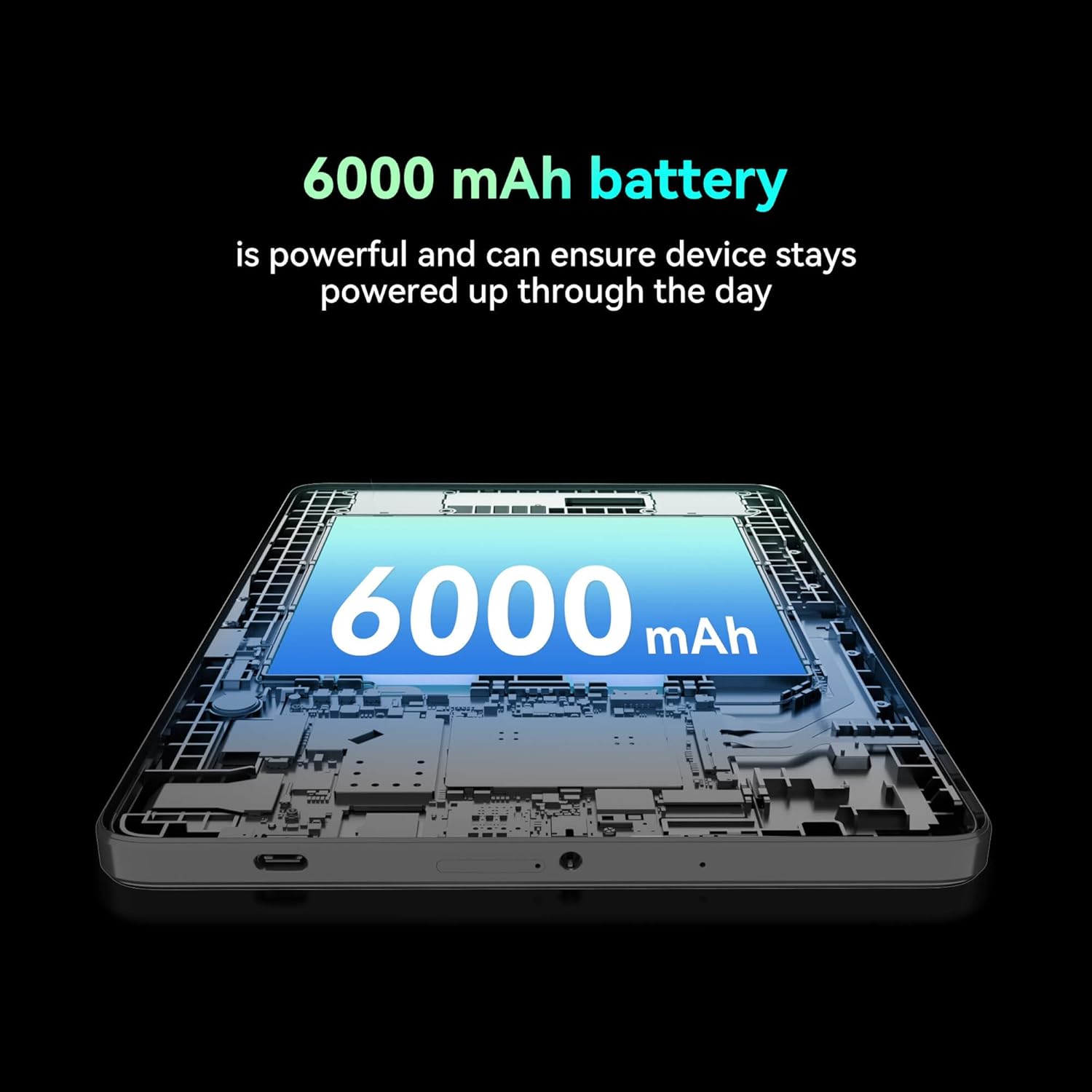
Beeld: 'n Uitsnyding view of the tablet highlighting the large 6000 mAh battery component.
4. Opstelling
4.1 Aanvanklike laai
Before first use, fully charge your tablet using the provided Type-C cable and 10W charger. The battery indicator on the screen will show charging status.
4.2 Aan-/afskakel
- Om aan te skakel: Hou die aan / uit -knoppie ingedruk totdat die skerm brand.
- Om af te skakel: Druk en hou die aan/af-knoppie in, en kies dan 'Skakel af' uit die opsies op die skerm.
- Om weer te begin: Druk en hou die aan/af-knoppie in, en kies dan 'Herbegin' uit die opsies op die skerm.
4.3 Simkaart installasie
The FOXX C10 supports Nano SIM cards for cellular connectivity. Locate the SIM card tray on the side of the tablet. Use the provided SIM ejector tool to open the tray. Insert the Nano SIM card into the designated slot with the gold contacts facing down. Close the tray securely.
4.4 MicroSD Card Installation (Optional)
If your tablet supports expandable storage, locate the MicroSD card slot, often combined with the SIM tray. Insert a MicroSD card (up to 128GB, sold separately) into the slot with the gold contacts facing down. Close the tray securely.
5. Bedryfsinstruksies
5.1 Basiese navigasie
Your tablet runs on Android 13. Use touch gestures for navigation:
- Tik: Kies 'n item of maak 'n toepassing oop.
- Swiep: Blaai deur skerms of lyste.
- Knyp: Zoem in of uit op beelde en web bladsye.
- Lang pers: Kry toegang tot kontekstuele spyskaarte of skuif ikone.
5.2 Koppel aan Wi-Fi
- Gaan na Instellings > Netwerk en internet > Wi-Fi.
- Wi-Fi wissel On.
- Kies jou verlangde Wi-Fi-netwerk uit die lys.
- Voer die wagwoord in indien gevra, en tik dan Koppel.
5.3 Making Calls (4G LTE)
With a properly installed and activated Nano SIM card, your tablet can make and receive calls.
- Maak die oop Telefoon app.
- Dial the desired number or select a contact.
- Tik die Bel knoppie.
5.4 Gebruik van die kamera
The tablet features dual 8MP cameras for photography and video recording.
- Maak die oop Kamera app.
- Tik die Sluiter knoppie om 'n foto te neem.
- Tik die Video ikoon om oor te skakel na video-opnamemodus.
- Gebruik die kameraskakelaar-ikoon om tussen die voorste en agterste kameras te wissel.
5.5 Bluetooth -koppeling
- Gaan na Instellings > Gekoppelde toestelle > Bluetooth.
- Wissel Bluetooth On.
- Ensure the device you want to pair with is in pairing mode.
- Kies die toestel uit die lys en volg enige aanwysings op die skerm om die paring te voltooi.
6. Onderhoud
6.1 Batterysorg
- Vermy uiterste temperature, wat die batterylewe kan verminder.
- Do not leave the tablet charging for extended periods after it's fully charged.
- Gebruik slegs die meegeleverde laaier en kabel.
6.2 Skoonmaak
Gebruik 'n sagte, pluisvrye lap om die skerm en liggaam van die tablet skoon te maak. Vermy die gebruik van harde chemikalieë of skuurmiddels. Vir hardnekkige vlekke, vee dit effens af.ampMaak die lap skoon met water of 'n skermreiniger wat vir elektronika ontwerp is.
6.3 Sagteware-opdaterings
Kontroleer gereeld vir sagteware-opdaterings en installeer dit om te verseker dat jou tablet die nuutste kenmerke, sekuriteitsopdaterings en werkverrigtingverbeterings het. Gaan na Instellings > Stelsel > Stelselopdatering.
7. Probleemoplossing
| Probleem | Oplossing |
|---|---|
| Tablet skakel nie aan nie | Maak seker dat die battery gelaai is. Koppel die laaier aan en wag 'n paar minute voordat jy weer probeer aanskakel. |
| Kan nie aan Wi-Fi koppel nie | Check if Wi-Fi is enabled in settings. Restart your router and the tablet. Verify the Wi-Fi password. |
| Programme is stadig of stort vas | Close unused apps. Clear app cache (Settings > Apps > [App Name] > Storage > Clear cache). Restart the tablet. Ensure sufficient storage space. |
| Geen sellulêre diens nie | Ensure the Nano SIM card is correctly inserted and activated. Check your network settings and contact your service provider if necessary. |
| Skerm reageer nie | Herbegin die tablet. Indien die probleem voortduur, voer 'n fabrieksherstel uit (data sal verlore gaan). |
8. Spesifikasies
| Kenmerk | Detail |
|---|---|
| Model Naam | FOXX C10 |
| Bedryfstelsel | Android 13 |
| Skerm grootte | 10.1 duim |
| Maksimum skermresolusie | 800x1280 piksels |
| Verwerker | 2 GHz Quad-Core MediaTek |
| RAM | 4 GB |
| Interne berging | 64 GB |
| Flash geheue grootte | 8 GB (likely referring to system partition or eMMC base) |
| Kameras | Dual 8MP (Front & Rear) |
| Battery kapasiteit | 6000 mAh |
| Konnektiwiteit | 4G LTE, Wi-Fi (802.11 b/g/n/ac), Bluetooth 5.0, USB-C, 3.5mm AUX |
| Item gewig | 1.26 pond |
| Produk afmetings | 9.64 x 6.39 x 0.42 duim |
| Kleur | Swart |
9. Waarborg en Ondersteuning
For warranty information and technical support, please refer to the documentation provided with your purchase or contact the retailer. Keep your proof of purchase for warranty claims.