
1. Inleiding en oorview
Welcome to the Fastrack Vibes 4.0 Smart Sunglasses. These innovative sunglasses integrate navigation, voice assistant, and touch/tap controls with polarized lenses for an enhanced experience. This manual provides essential information for setting up, operating, and maintaining your new smart sunglasses.

Image: Fastrack Vibes 4.0 Smart Sunglasses highlighting calls, music, and navigation features.
2. Pakketinhoud
Voordat u voortgaan, maak asseblief seker dat alle items in die pakket teenwoordig is:
- Fastrack Vibes 4.0 Smart Sunglasses
- Beskermende saak
- Skoonmaakdoek
- Charging Cable (if applicable, refer to product packaging)
- Gebruikershandleiding (hierdie dokument)
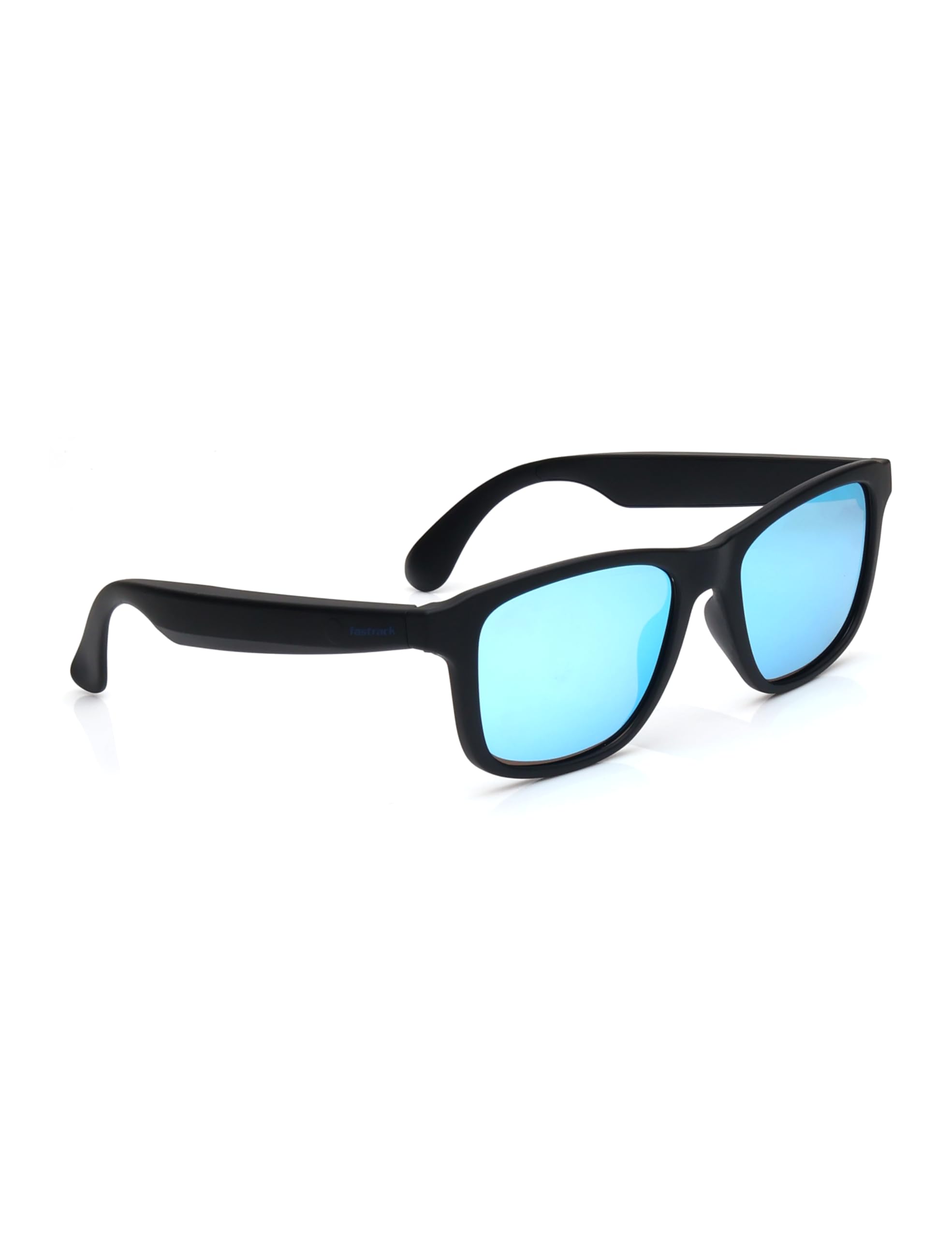
Beeld: Voorkant view of the Fastrack Vibes 4.0 Smart Sunglasses.
3. Opstelling
3.1. Charging the Sunglasses
Your Fastrack Vibes 4.0 Smart Sunglasses are equipped with two Lithium Ion batteries. Before first use, fully charge the device.
- Locate the charging port on the sunglasses (typically on one of the temples).
- Connect the provided charging cable to the sunglasses and a compatible USB power source.
- The indicator light will show charging status (refer to specific product light indicators for details).
- Sodra dit ten volle gelaai is, ontkoppel die kabel.
3.2. Bluetooth-koppeling
To use the smart features, you must pair your sunglasses with a Bluetooth-enabled device (e.g., smartphone).
- Ensure the sunglasses are charged and powered on.
- Aktiveer Bluetooth op jou slimfoon of toestel.
- Put the sunglasses into pairing mode (refer to product-specific instructions for button presses or gestures).
- Soek op jou toestel vir beskikbare Bluetooth-toestelle.
- Select "Fastrack Vibes 4.0" from the list to connect.
- A confirmation sound or indicator light will confirm successful pairing.
4. Bedryfsinstruksies
The Fastrack Vibes 4.0 Smart Sunglasses feature intuitive touch/tap controls located on the temples.

Image: Detail of the touch control area on the sunglasses temple.
4.1. Skakel aan/af
- Krag aan: Press and hold the designated button/area on the temple for approximately 3 seconds until you hear a power-on prompt or see an indicator light.
- Skakel af: Press and hold the designated button/area for approximately 5 seconds until you hear a power-off prompt or the indicator light turns off.
4.2. Oproepbestuur

Image: Fastrack Vibes 4.0 Smart Sunglasses promoting hands-free call functionality.
- Beantwoord oproep: Single tap on either temple.
- Beëindig oproep: Single tap on either temple during an active call.
- Verwerp oproep: Press and hold either temple for 2 seconds.
4.3. Musiekweergawe

Image: Fastrack Vibes 4.0 Smart Sunglasses indicating music on-the-go feature.
- Speel/pouse: Single tap on either temple.
- Volgende snit: Double tap on the right temple.
- Vorige snit: Double tap on the left temple.
- Volume op: Triple tap on the right temple.
- Volume af: Triple tap on the left temple.
4.4. Stemassistent

Image: Fastrack Vibes 4.0 Smart Sunglasses highlighting voice assistance.
- Aktiveer stemassistent: Press and hold either temple for 2 seconds (when not on a call). This will activate your paired device's native voice assistant (e.g., Google Assistant, Siri).
4.5. Navigasie
Navigation features are integrated through your paired smartphone's GPS and mapping applications. Once connected, voice prompts for navigation will be delivered directly through the sunglasses' audio.
- Ensure your smartphone's GPS and preferred navigation app are active.
- Start navigation on your phone; audio directions will automatically route to your sunglasses.
5. Onderhoud
5.1. Skoonmaak
- Use the provided cleaning cloth to gently wipe the lenses and frame.
- For stubborn smudges, use a lens cleaning spray specifically designed for eyewear and a microfiber cloth.
- Avoid using abrasive cleaners, paper towels, or clothing, as these can scratch the lenses.
5.2. Berging
- Always store your sunglasses in the protective case when not in use to prevent scratches and damage.
- Avoid exposing the sunglasses to extreme temperatures (hot or cold) or direct sunlight for prolonged periods, as this can damage the electronics and frame material.
5.3. Batteryversorging
- Charge the batteries regularly, even if not used frequently, to maintain battery health.
- Avoid fully discharging the batteries completely before recharging.
6. Probleemoplossing
| Probleem | Moontlike oorsaak | Oplossing |
|---|---|---|
| Sunglasses do not power on. | Lae battery. | Charge the sunglasses fully. |
| Kan nie met toestel koppel nie. | Bluetooth is off on device; sunglasses not in pairing mode; out of range. | Ensure Bluetooth is on, put sunglasses in pairing mode, move closer to device. Try restarting both devices. |
| Geen klank of swak oudiokwaliteit. | Volume too low; sunglasses not connected; audio source issue. | Increase volume on sunglasses and device. Re-pair the sunglasses. Check audio source on your device. |
| Aanraakkontroles reageer nie. | Temporary software glitch; dirty sensor area. | Restart the sunglasses. Clean the touch control area with the provided cloth. |
7. Spesifikasies
| Kenmerk | Detail |
|---|---|
| Modelnommer | SWD009 |
| Raamgrootte | Medium |
| Frame Dimensions (LxWxH) | 17.5 x 8.5 x 7 cm |
| Item gewig | 32 g |
| Raammateriaaltipe | TR90 (Plastic) |
| Lens Material Type | Polikarbonaat |
| Lens tipe | Gepolariseerd |
| Lensbedekking | UV-beskermingslaag |
| Lens kleur | Blue Mirrored |
| Batterye | 2 Litium-ioon batterye (ingesluit) |
| Konnektiwiteit | Bluetooth |
| Land van oorsprong | China |

Image: Fastrack Vibes 4.0 Smart Sunglasses highlighting polarized lenses.
8. Waarborg en Ondersteuning
Your Fastrack Vibes 4.0 Smart Sunglasses are manufactured by Fastrack, a division of Titan Company Ltd. For specific warranty details, please refer to the official warranty card included with your product or visit the Fastrack official webwebwerf.
For technical support, service, or warranty claims, please contact the manufacturer or your retailer. Keep your purchase receipt as proof of purchase.
- Vervaardiger: Fastrack, Titan Company Ltd
- Invoerder/Verpakker: Titan Company Ltd. CWH, Eyewear Division Plot no 24 & 24A, KIADB Industrial area Chikkaballapur karnataka, India - 562101