1. Aan die gang
This section provides instructions for the initial setup of your HP 15 Laptop.
1.1 Uitpak en Aanvanklike Inspeksie
Verwyder die skootrekenaar en alle bykomstighede versigtig uit die verpakking. Verifieer dat alle komponente teenwoordig is:
- HP 15 Skootrekenaar
- Power Adapter (45W AC adapter)
- Dokumentasie
Inspect the laptop for any visible damage. If any damage is found or components are missing, contact your retailer or HP support immediately.
1.2 Aansluitkrag
Before first use, ensure the laptop is fully charged. Connect the power adapter to the laptop's AC power port and then to a wall outlet.

Image: Essential ports on the HP 15 Laptop, highlighting the AC power input.
The battery indicator light will show the charging status. Allow the laptop to charge for at least 30 minutes before initial power-on, or until fully charged.
1.3 First Power-On and Windows 11 Pro Setup
Open the laptop lid and press the power button. The laptop will boot up and guide you through the Windows 11 Pro setup process. Follow the on-screen instructions to:
- Kies jou streek en taal.
- Koppel aan 'n Wi-Fi-netwerk.
- Aanvaar die lisensievoorwaardes.
- Skep of meld aan met 'n Microsoft-rekening.
- Stel 'n PIN of wagwoord op.
- Konfigureer privaatheidinstellings.
Once Windows 11 Pro is set up, you will be presented with the desktop.
1.4 Microsoft Office 365 Activation
Your HP 15 Laptop includes Microsoft Office 365. To activate it:
- Ensure you are connected to the internet.
- Open any Office application (e.g., Word, Excel).
- Follow the prompts to sign in with your Microsoft account or create a new one.
- The Office 365 subscription will be linked to your account.
2. Bediening van jou skootrekenaar
This section covers the basic operation and features of your HP 15 Laptop.
2.1 Sleutelbord en raakvlak
The laptop features a full-size keyboard with a numeric keypad and a precision touchpad. Use the touchpad for navigation and gestures. Refer to Windows settings for touchpad customization.
2.2 Konnektiwiteit
Your laptop supports various connectivity options:
- Wi-Fi 5: Koppel aan draadlose netwerke vir internettoegang.
- Bluetooth 5: Pair with compatible devices such as headphones, mice, or keyboards.
- USB-poorte:
- 1 x USB Type-C (5Gbps)
- 2 x USB Type-A (5Gbps)
- HDMI 1.4b: Koppel aan eksterne skerms of projektors.
- SD Media Card Reader: Plaas SD-kaarte in vir data-oordrag.
- Koptelefoon / Mikrofoon Kombinasie-aansluiting: Connect headphones or external microphones.
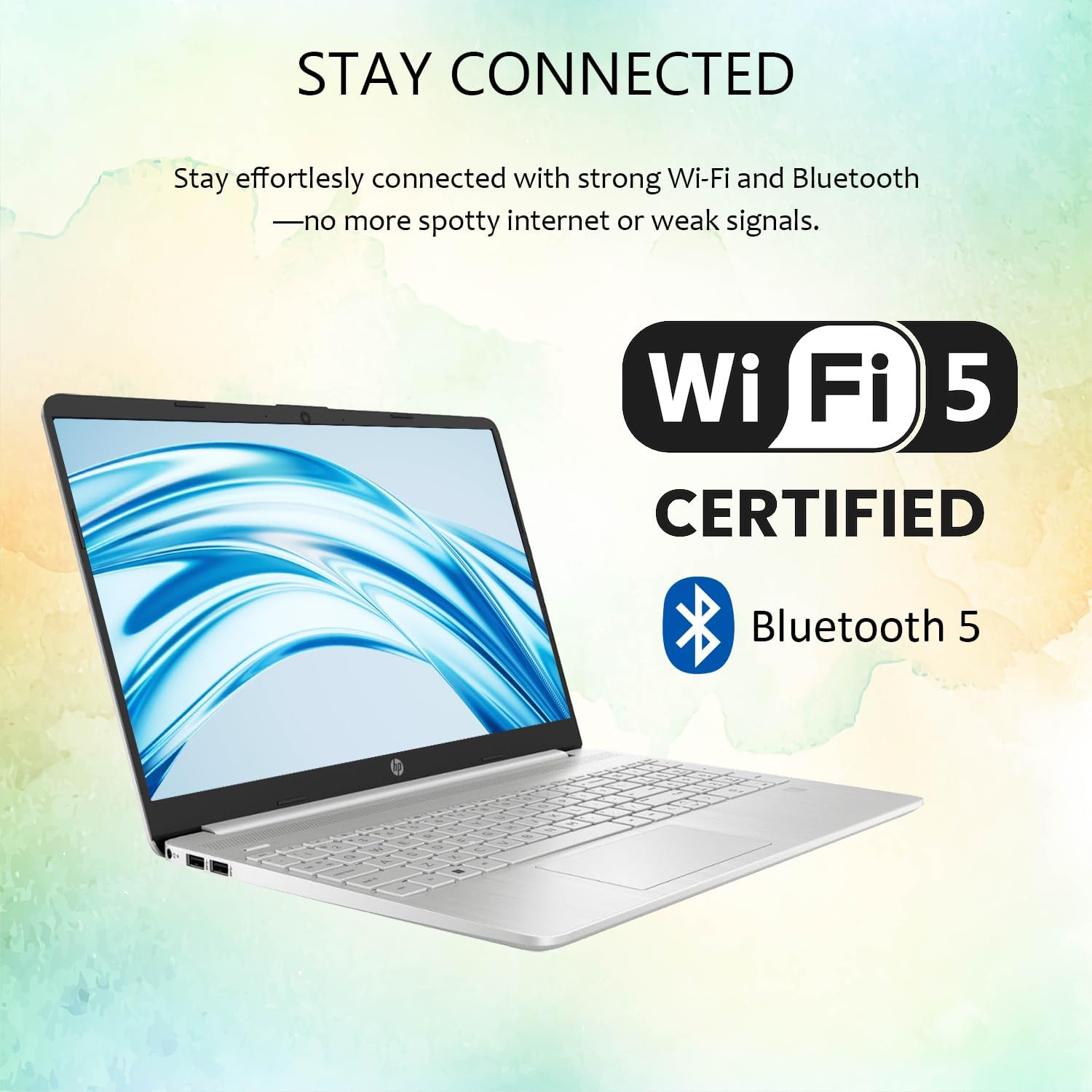
Image: Wireless connectivity features of the HP 15 Laptop.
2.3 Skerm en klank
The 15.6-inch Full HD (1920 x 1080) IPS display features an anti-glare coating for comfortable viewing. Dual stereo speakers provide audio output, and dual array microphones are integrated for communication.

Image: The 15.6-inch Full HD IPS display with anti-glare coating.
2.4 Using Copilot AI
Your laptop includes Copilot AI, an intelligent assistant integrated into Windows 11 Pro. Access Copilot to assist with tasks, answer questions, and enhance productivity. You can typically launch Copilot from the taskbar or by using a dedicated key if available.
3. Onderhoud en versorging
Behoorlike onderhoud verseker die lang lewensduur en optimale werkverrigting van jou HP 15-skootrekenaar.
3.1 Maak jou skootrekenaar skoon
- Skerm: Gebruik 'n sagte, pluisvrye lap liggies dampmet water of 'n skermreiniger afgespoel. Vermy harde chemikalieë.
- Sleutelbord en Onderstel: Use a soft cloth. For dust, use compressed air.
- Maak seker dat die skootrekenaar afgeskakel en ontkoppel is voordat jy dit skoonmaak.
3.2 Sagteware-opdaterings
Kontroleer gereeld vir en installeer Windows-opdaterings om te verseker dat jou stelsel die nuutste sekuriteitsopdaterings en prestasieverbeterings het. Gaan na Instellings > Windows-opdatering om opdaterings te bestuur.
3.3 Batterysorg
- Vermy uiterste temperature.
- Moenie die battery gereeld heeltemal ontlaai nie.
- Vir langtermynberging, laai die battery tot ongeveer 50-70%.
3.4 Bergingbestuur
Periodiek herview en verwyder onnodige files to free up storage space. Windows 11 Pro includes tools like Storage Sense (in Instellings > Stelsel > Berging) to automate this process.
4. Probleemoplossing
This section addresses common issues you might encounter with your HP 15 Laptop.
4.1 Kragprobleme
- Skootrekenaar skakel nie aan nie: Maak seker dat die kragadapter stewig gekoppel is en dat die aansluiting funksioneel is. Probeer 'n ander aansluiting.
- Battery laai nie: Kontroleer die kragadapter en kabel vir skade. Maak seker dat die laaipoort skoon is.
4.2 Vertoonprobleme
- Geen vertoon nie: Connect an external monitor via HDMI to check if the issue is with the laptop screen or the system itself.
- Flikkerende skerm: Dateer grafiese drywers op. Pas die skerm se verversingstempo in Windows-instellings aan.
4.3 Konnektiwiteitsprobleme
- Wi-Fi verbind nie: Restart your router and laptop. Check Wi-Fi settings in Windows. Ensure Wi-Fi is enabled.
- Bluetooth-toestel koppel nie: Ensure the device is in pairing mode and within range. Remove and re-add the device in Bluetooth settings.
4.4 Stelselprestasie
- Stadige werkverrigting: Close unnecessary applications. Check for background processes in Task Manager. Ensure sufficient free storage space.
- Stelsel vries: Perform a hard reset by holding the power button until the laptop shuts down, then restart.
For more advanced troubleshooting or issues not covered here, refer to the HP support webwebwerf of kontak kliëntediens.
5. Spesifikasies
Detailed technical specifications for the HP 15 Laptop (Model G9).

Image: Key features and specifications of the HP 15 Laptop.
| Kenmerk | Spesifikasie |
|---|---|
| Model Naam | HP 15 Laptop (G9) |
| Bedryfstelsel | Windows 11 Pro |
| Verwerker | Intel N4120 (4 Cores / 4 Threads, up to 2.6 GHz) |
| Grafika | Intel UHD Grafika (Geïntegreerd) |
| Vertoon | 15.6" Full HD (1920 x 1080) IPS, Anti-Glare, 250 nits |
| Geheue (RAM) | 4GB DDR4 (Configurable up to 16GB DDR4) |
| Berging | 128GB SSD (Configurable up to 512GB SSD) |
| Draadlose konneksie | Wi-Fi 5, Bluetooth 5 |
| Hawens | 1x USB Type-C (5Gbps), 2x USB Type-A (5Gbps), 1x HDMI 1.4b, 1x SD Media Card Reader, 1x Headphone/Microphone Combo Jack, 1x AC Power Port |
| Oudio | Dual stereo speakers, Dual array microphones |
| Webnok | Built-in 720p HD Camera |
| Sleutelbord | US English, Full-size with Numeric Keypad |
| Kragadapter | 45W AC-adapter |
| Afmetings (L x B x H) | 14.09" x 9.53" x 0.78" |
| Gewig | 3.8 pond |
6. Waarborg en Ondersteuning
This section provides information regarding your product's warranty and how to obtain support.
6.1 Produkwaarborg
Your HP 15 Laptop (Model G9) comes with a standard manufacturer's warranty. The warranty period is typically 1 jaar vanaf die aankoopdatum, wat defekte in materiaal en vakmanskap onder normale gebruik dek. Bewaar asseblief u bewys van aankoop vir waarborgeise.
For detailed warranty terms and conditions, please refer to the documentation included with your product or visit the official HP support webwebwerf.
6.2 Tegniese Ondersteuning
If you encounter any issues that cannot be resolved using the troubleshooting steps in this manual, or require further assistance, please contact HP Technical Support.
- Aanlyn ondersteuning: Besoek die amptelike HP-ondersteuning website for drivers, manuals, FAQs, and diagnostic tools.
- Telefoonondersteuning: Contact HP customer service via phone. Refer to the HP webwebwerf vir streeks kontaknommers.
- When contacting support, have your laptop's serial number and model number (G9) ready.
Let wel: If you purchased this product through Amazon and have an Amazon Order ID, you may also contact your seller for initial assistance as indicated in the product description.