
Inleiding
Thank you for choosing the pTron Studio Evo Wireless Over-Ear Headphones. This manual provides essential information for setting up, operating, and maintaining your headphones to ensure optimal performance and longevity. Please read these instructions carefully before use.
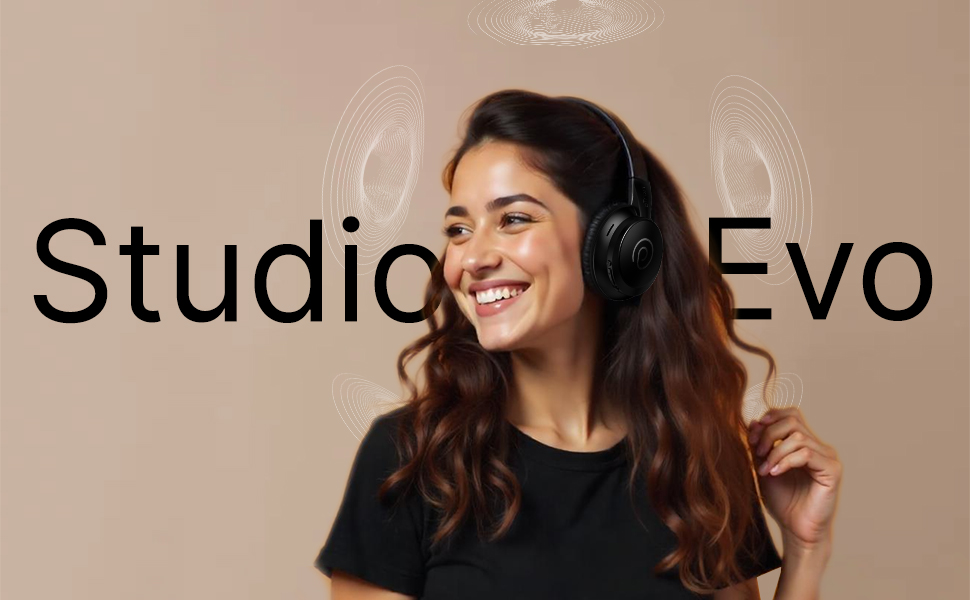
Beeld: Oorview of pTron Studio Evo features including sound quality, battery life, driver size, controls, charging, and connectivity modes.
Opstelling
1. Uitpak en Komponente
Carefully remove all items from the packaging. The box should contain:
- pTron Studio Evo Wireless Over-Ear Headphones
- USB Type-C laaikabel
- 3.5mm Audio Cable (Aux-in)
- Gebruikershandleiding (hierdie dokument)
2. Laai die oorfone
Before first use, fully charge your headphones. Connect the provided USB Type-C cable to the charging port on the headphones and the other end to a compatible USB power source (e.g., wall adapter, computer USB port).
- Laai tyd: Ongeveer 2 uur vir 'n volle lading.
- Batterylewe: Up to 70 hours of playtime on a single full charge.
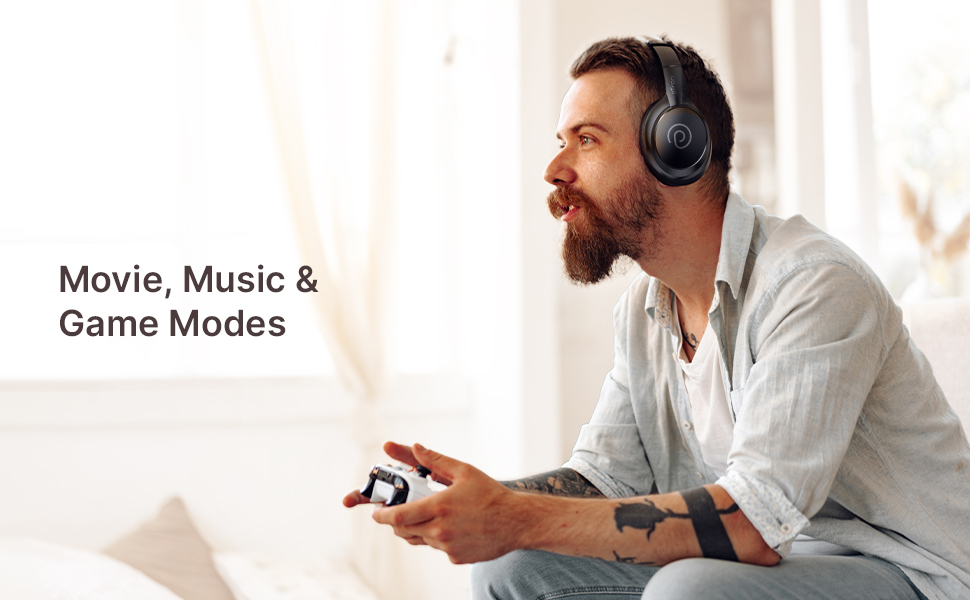
Image: pTron Studio Evo headphones highlighting 70 hours of playtime and Type-C fast charging.
3. Skakel aan/af
- Om aan te skakel: Druk en hou die aan/af-knoppie vir ongeveer 3 sekondes in totdat die LED-aanwyser aanskakel.
- Om af te skakel: Druk en hou die aan/af-knoppie vir ongeveer 3 sekondes totdat die LED-aanwyser afskakel.
4. Bluetooth-koppeling
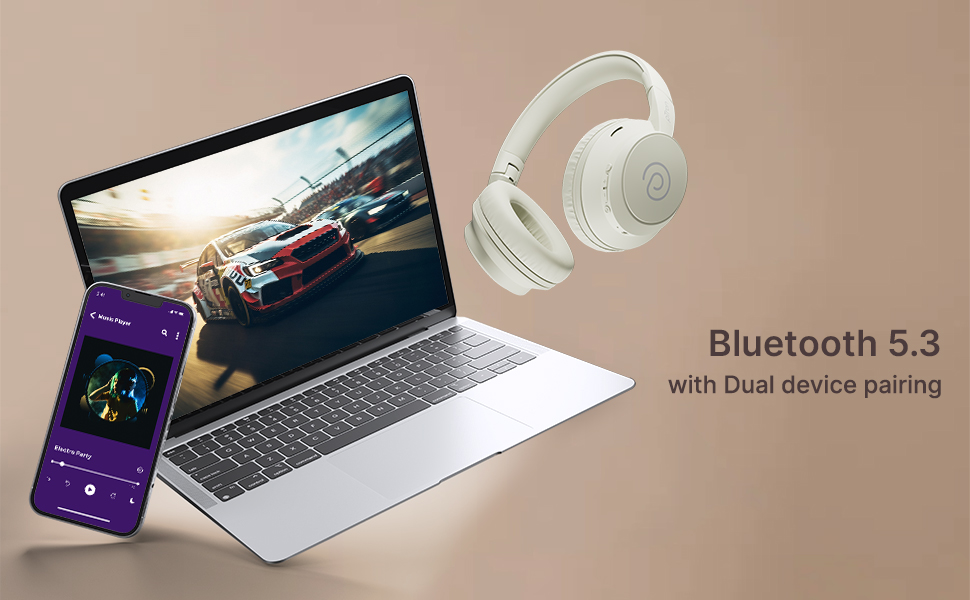
The pTron Studio Evo headphones utilize Bluetooth 5.3 for stable wireless connectivity.
- Maak seker dat die oorfone afgeskakel is.
- Press and hold the Power button for 5-7 seconds until the LED indicator flashes red and blue alternately, indicating pairing mode.
- Aktiveer Bluetooth op jou toestel (slimfoon, skootrekenaar, ens.) en soek vir beskikbare toestelle.
- Select "pTron Studio Evo" from the list of found devices.
- Sodra dit gekoppel is, sal die LED-aanwyser blou word of stadig blou flikker.
Dubbele toestelparing: These headphones support connecting to two devices simultaneously. After pairing with the first device, disable Bluetooth on that device, then pair with the second device. Re-enable Bluetooth on the first device, and the headphones should connect to both. You can then switch audio playback between the two devices.

Image: Headphones connected to both a phone and a laptop, demonstrating Bluetooth 5.3 dual device pairing.
5. Wired Connection (Aux-in)
For a wired connection, use the provided 3.5mm audio cable. Plug one end into the headphone's 3.5mm jack and the other end into your audio source's auxiliary output. The headphones will automatically switch to wired mode when the cable is connected.
Bedryfsinstruksies
1. Beheer oorview
The headphones feature integrated buttons for easy control of music, calls, and modes.
Beeld: Gedetailleerd view of the integrated control buttons on the pTron Studio Evo headphones.
- Kragknoppie: Druk en hou om aan/af te skakel. Druk kort om musiek te speel/onderbreek of oproepe te beantwoord/beëindig.
- Volume op (+): Druk kort om die volume te verhoog. Druk lank vir die volgende snit.
- Volume af (-): Druk kort om die volume te verlaag. Druk lank vir die vorige snit.
- EQ-knoppie: Short press to cycle through EQ modes (Bass, Movie, Pop, Vocal).
2. EQ-modusse
The pTron Studio Evo headphones offer multiple low-latency EQ modes optimized for different audio experiences:
- Spelmodus: Verminder oudio-latensie vir 'n meer gesinchroniseerde spelervaring.
- Fliekmodus: Enhances dialogue clarity and cinematic sound effects.
- Musiekmodus: Provides a balanced audio profile vir algemene musiekluister.
- Basmodus: Boosts low frequencies for a deeper bass response.
- Pop Mode: Optimized for pop music genres.
- Vokale modus: Enhances vocal clarity, ideal for podcasts or audiobooks.
Press the EQ button to switch between these modes.
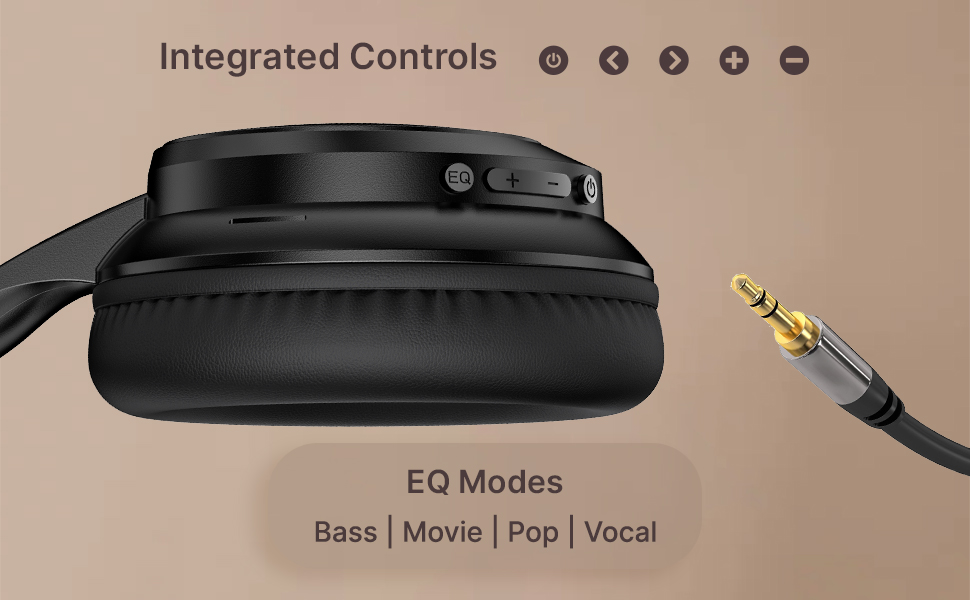
Image: User engaging in gaming with headphones, demonstrating low-latency sync for game mode.
3. Maak en Ontvang Oproepe
The headphones include a built-in HD microphone for hands-free calls.
- Beantwoord/beëindig oproep: Druk kort op die Power-knoppie.
- Verwerp oproep: Druk en hou die Power-knoppie vir 2 sekondes.
4. Stemassistent
Access your device's voice assistant (e.g., Siri, Google Assistant) by double-pressing the Power button.
5. Dra van die oorfone
The pTron Studio Evo headphones feature an ergonomic design with soft earcups and an adjustable head beam for comfortable all-day listening. Adjust the head beam to position the earcups exactly over your ears for the best fit and sound isolation.
Onderhoud
1. Skoonmaak
Regularly clean your headphones to maintain hygiene and performance.
- Use a soft, dry cloth to wipe the earcups and headband.
- Moenie skuur skoonmaakmiddels of oplosmiddels gebruik nie.
- Avoid getting moisture into the charging port or audio jack.
2. Waterweerstand
The headphones are IPX5 water-resistant, meaning they can withstand splashes and sweat. Do not submerge them in water or expose them to heavy rain.
3. Berging
The foldable design allows for easy storage. Fold the headphones when not in use to protect them from damage and save space. Store them in a cool, dry place away from direct sunlight and extreme temperatures.
Probleemoplossing
- Geen krag: Maak seker dat die oorfone volledig gelaai is. Koppel aan 'n kragbron en probeer weer.
- Kan nie koppel nie: Make sure Bluetooth is enabled on your device and the headphones are in pairing mode (flashing red and blue LED). Try restarting both devices.
- Geen klank: Check the volume levels on both the headphones and your connected device. Ensure the correct audio output is selected on your device. If using a wired connection, ensure the 3.5mm cable is fully inserted.
- Swak klankgehalte: Ensure the headphones are within the Bluetooth range (up to 10 meters) of your device. Avoid obstacles that may interfere with the signal. Try switching EQ modes.
- Mikrofoon werk nie: Ensure the headphones are properly connected and selected as the input device on your call application.
Spesifikasies
| Kenmerk | Spesifikasie |
|---|---|
| Model Naam | Studio |
| Verbindingstegnologie | Draadloos (Bluetooth) |
| Draadlose kommunikasietegnologie | Bluetooth 5.3 |
| Bluetooth-reeks | 10 meter |
| Oudiobestuurdergrootte | 40 millimeter |
| Batterylewe | 70 ure |
| Laai tyd | 2 ure |
| Koptelefoonaansluiting | 3.5 mm-aansluiting |
| Waterweerstandvlak | IPX5 waterbestand |
| Beheer metode | Push Button, Voice |
| Geraasbeheer | Klankisolasie |
| Materiaal | Akrielnitril Butadieen Styreen (ABS) |
| Item gewig | 157 gram |
| Produk afmetings | 19.2 x 15.8 x 7.9 cm |
Waarborg en Ondersteuning
1. Vervaardigerwaarborg
The pTron Studio Evo headphones come with a 1-jaar vervaardigerwaarborg from the date of purchase. This warranty covers manufacturing defects only. Please retain your proof of purchase for warranty claims.
2. Kliëntediens
Vir enige navrae, tegniese bystand of waarborgeise, kontak asseblief pTron-kliëntediens:
- E-pos: support@ptron.in
- Telefoon: 040-67138888