
1. Inleiding
This manual provides essential information for setting up, operating, and maintaining your Samsung QE43Q7FAAU 43-inch QLED 4K Smart TV. Please read this manual thoroughly to ensure safe and optimal use of your television.
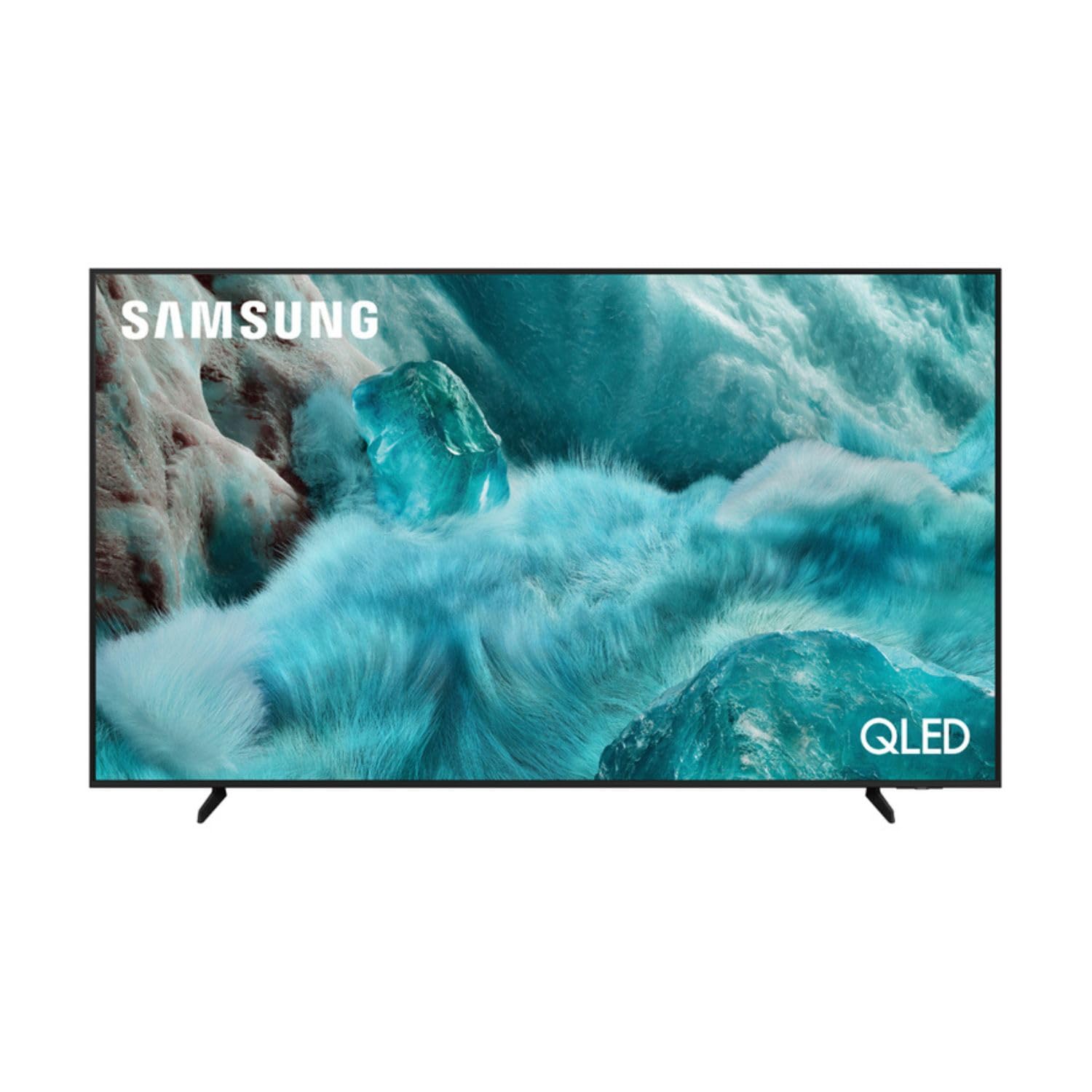
Beeld: Voorkant view of the Samsung QE43Q7FAAU 43-inch QLED 4K Smart TV, showcasing sy slanke ontwerp en lewendige skerm.
2. Veiligheidsinligting
Volg altyd basiese veiligheidsmaatreëls wanneer u hierdie televisie gebruik om die risiko van brand, elektriese skok en besering te verminder.
- Moenie die TV aan reën of vog blootstel nie.
- Moenie ventilasie-openinge blokkeer nie.
- Maak seker dat die kragkabel nie vasgeknyp of daarop geloop word nie.
- Gebruik slegs aanhegsels/bykomstighede gespesifiseer deur die vervaardiger.
- Ontkoppel die TV tydens weerligstorms of wanneer dit vir lang tye nie gebruik word nie.
3. Wat is in die boks
Verify that the following items are included with your television:
- Samsung QE43Q7FAAU 43-inch QLED 4K Smart TV
- Remote Control (Bluetooth with solar energy technology)
- Kragkabel
- Staankomponente (indien nie aan die muur gemonteer nie)
- Gebruikershandleiding (hierdie dokument)
4. Opstelling
4.1 Fisiese installasie
Your TV can be placed on a stand or wall-mounted. Ensure proper ventilation around the TV.
- Staan installasie: Attach the provided stand components securely to the TV base. Refer to the separate stand assembly guide for detailed instructions.
- Muurmontering: The TV supports a VESA standard mount of 200 x 200 mm. Use appropriate wall-mounting hardware (not included) and consult a professional for installation if unsure.

Image: Diagram showing the dimensions of the Samsung QE43Q7FAAU TV, including height, width, and depth.
4.2 Initial Power On and Connections
- Koppel die kragkabel aan die TV en dan aan 'n muursok.
- Connect your external devices (e.g., cable box, game console, Blu-ray player) to the HDMI ports. The TV has 3 HDMI 2.0 ports.
- For USB devices, use the USB 2.0 port.
- Druk die kragknoppie op die afstandbeheerder om die TV aan te skakel.
- Follow the on-screen instructions for initial setup, including language selection and channel scanning (DVB-T2/C/S2 tuner).
4.3 Netwerkopstelling
To access Smart TV features, connect your TV to the internet.
- Wi-Fi: Navigate to the TV's settings menu, select 'Network', then 'Network Settings'. Choose your Wi-Fi network and enter the password.
- Bluetooth: The TV supports Bluetooth 5.3 for connecting compatible devices like soundbars or headphones. Pair devices through the TV's settings menu.
5. Bediening van die TV
5.1 Basiese Funksies
- Krag: Use the remote control to turn the TV on or off.
- Volume: Adjust volume using the volume buttons on the remote.
- Kanaal: Change channels using the channel buttons.
- Bron: Select input sources (HDMI 1, HDMI 2, USB, etc.) using the 'Source' button.
5.2 Smart TV Features (One UI Tizen)
Your Samsung TV runs on the One UI Tizen operating system, offering a range of smart functionalities.
- Stembeheer: Integrated voice assistants include Bixby, Amazon Alexa, and Google Assistant. Use the voice control button on your remote to activate.
- SmartThings: Koppel en beheer versoenbare slimhuistoestelle deur die SmartThings-app op jou TV.
- VeelvuldigView: Wys verskeie inhoudsbronne gelyktydig op die skerm.
- Samsung TV Plus: Access a variety of free streaming channels.
- Apple AirPlay: Share content from your Apple devices to the TV.
5.3 Speletjie-kenmerke
Die TV is toegerus met funksies om jou spelervaring te verbeter:
- KI outomatiese spelmodus: Automatically optimizes settings for gaming.
- Motion Xcelerator: Reduces motion blur for smoother gameplay.
- Super ultrawye spelView: Provides an expanded view for compatible games.
5.4 Beeld- en klankinstellings
Pas jou viewluisterervaring deur die TV se instellingskieslys.
- Prent: Adjust brightness, contrast, sharpness, and color. Utilize features like Quantum HDR, HDR10+, HDR10+ Adaptive, HLG, Filmmaker Mode, and Eye Comfort Mode for optimized visuals.
- Klank: The TV features a 2.0 channel, 2x10W audio system with Dolby Atmos support. Enhance audio with Q-Symphony (when paired with compatible Samsung soundbars) and Adaptive Sound.
6. Onderhoud
Behoorlike onderhoud verseker die lang lewensduur en prestasie van jou TV.
- Skoonmaak van die skerm: Vee die skerm liggies af met 'n sagte, droë mikrofiberdoek. Vir hardnekkige merke, liggiesampMaak die lap skoon met water of 'n gespesialiseerde skermreiniger. Moenie vloeistof direk op die skerm spuit nie.
- Maak die raam skoon: Gebruik 'n sagte, droë lap om die TV-raam skoon te maak.
- Ventilasie: Maak seker dat die ventilasie-openinge vry van stof en obstruksies is.
7. Probleemoplossing
As jy probleme met jou TV ondervind, raadpleeg die volgende algemene oplossings:
- Geen krag: Kontroleer of die kragkabel stewig aan beide die TV en die muursok gekoppel is. Maak seker dat die sok funksioneel is.
- Geen Beeld/Klank: Verifieer dat die korrekte invoerbron gekies is. Kontroleer kabelverbindings na eksterne toestelle.
- Afstandbeheer werk nie: Ensure the remote is charged (solar charging) or replace batteries if applicable. Check for obstructions between the remote and the TV.
- Netwerkverbindingsprobleme: Restart your router and modem. Re-enter your Wi-Fi password in the TV's network settings.
- Probleme met beeldkwaliteit: Adjust picture settings. Ensure your content source is providing a high-quality signal.
Vir meer komplekse probleme, raadpleeg die Samsung-ondersteuning webwebwerf of kontak kliëntediens.
8. Spesifikasies
| Kenmerk | Spesifikasie |
|---|---|
| Skerm grootte | 43 duim (108 cm) |
| Vertoon tegnologie | QLED, Edge-LED Backlighting |
| Resolusie | 4K Ultra HD (3840 x 2160 piksels) |
| Herlaaitempo | 120 Hz |
| HDR Ondersteuning | HDR10, HDR10+, HDR10+ Adaptive, HLG |
| Bedryfstelsel | Een UI Tizen |
| Stembeheer | Bixby, Alexa, Google Assistant |
| Konnektiwiteit | Wi-Fi, Bluetooth 5.3, 3x HDMI 2.0 (eARC), 1x USB 2.0, Ethernet |
| Oudio-uitset | 2 x 10 W (2.0 Channel), Dolby Atmos |
| Kragverbruik (SDR) | 53 W |
| Kragverbruik (HDR) | 102 W |
| Afmetings (B x H x D) | 97 x 59.2 x 19.7 cm (met staander) |
| Gewig | 8.9 kg (with stand), 8.6 kg (without stand) |
| VESA-monteringsstandaard | 200 x 200 mm |
| Kleur | Swart |

Image: EU Energy Label for the Samsung QE43Q7FAAU TV, showing energy efficiency class G for SDR and HDR.
9. Waarborg en Ondersteuning
Your Samsung QE43Q7FAAU TV comes with a 2-jaar beperkte waarborg. Spare parts are available for 7 years from the end of product availability.
For technical support, warranty claims, or further information, please visit the official Samsung support website or refer to the product information on the EPREL database:
- Amptelike Samsung-ondersteuning: Besoek die Samsung Winkel
- EPREL-produkinligting: EPREL-databasisskakel