
1. Inleiding
This manual provides essential information for the safe and efficient operation of your aiwa CR-10D CD Radio Player. Please read this manual thoroughly before using the product and retain it for future reference.
2. Veiligheidsinligting
WAARSKUWING:
If safety warnings are displayed on the product packaging, please follow their contents during use. Failure to do so may result in injury or damage to the product.
- Moenie die eenheid aan reën of vog blootstel om brand of elektriese skok te voorkom nie.
- Moenie ventilasie-openinge blokkeer nie. Maak seker dat daar voldoende ruimte rondom die eenheid is vir behoorlike lugvloei.
- Moenie die eenheid naby hittebronne soos verkoelers, hitteregisters, stowe of ander apparaat (insluitend ampversterkers) wat hitte produseer.
- Gebruik slegs aanhegsels/bykomstighede wat deur die vervaardiger gespesifiseer word.
- Ontkoppel hierdie apparaat tydens weerligstorms of wanneer dit vir lang tye ongebruik word.
3. Produk verbyview
The aiwa CR-10D is a compact CD radio player designed for versatile audio playback. It features a CD player and an integrated radio tuner.
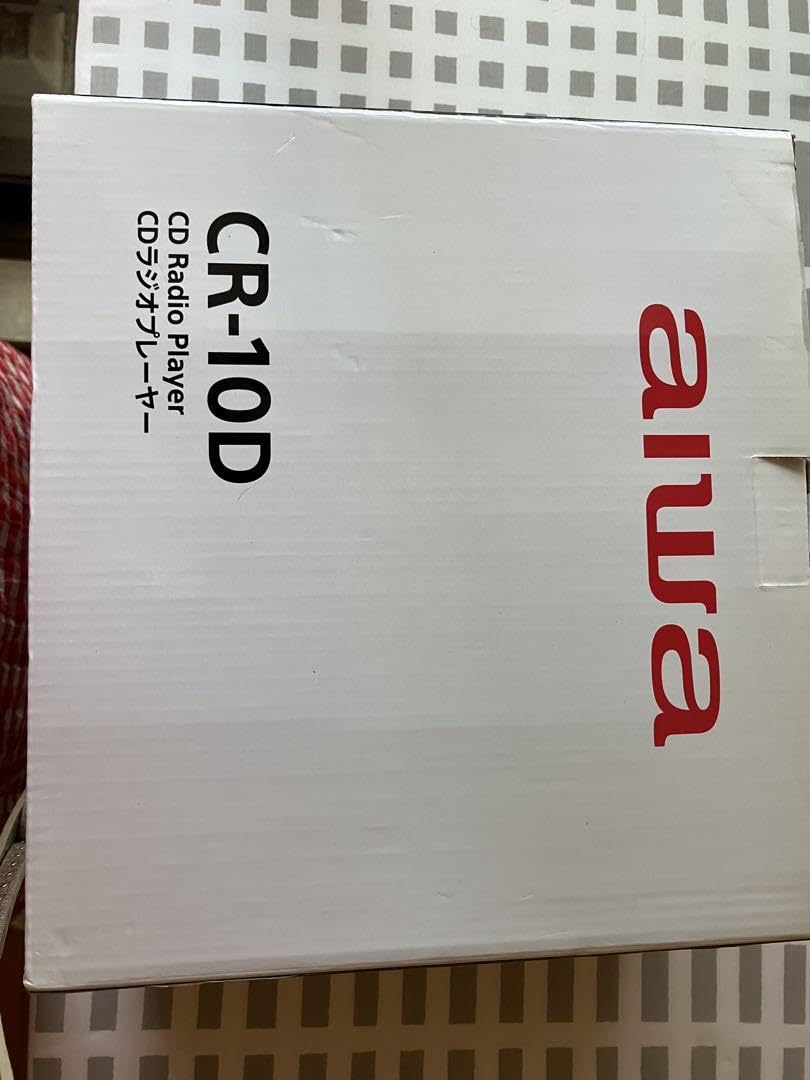
Image showing the front panel of the aiwa CR-10D CD Radio Player, featuring the CD tray, display, and control buttons.
4. Opstelling
- Uitpak: Carefully remove the unit and all accessories from the packaging. Retain the packaging for future transport or storage.
- Kragverbinding: Connect the AC power cord to the unit's power input and then to a standard wall outlet. Ensure the voltage pas by jou plaaslike kragtoevoer.
- Antenna-opstelling: Extend the telescopic FM antenna for optimal radio reception. For AM reception, rotate the unit for the best signal.
- Plasing: Plaas die eenheid op 'n stabiele, plat oppervlak weg van direkte sonlig, hittebronne en oormatige stof of vog.
5. Bedryfsinstruksies
5.1 Krag aan/af
- Druk die KRAG knoppie om die eenheid aan of af te skakel.
5.2 CD-weergawe
- Maak die CD-kompartementdeur oop.
- Plaas 'n CD met die etiketkant na bo.
- Maak die CD-kompartementdeur toe. Die eenheid sal die skyf lees.
- Druk die SPEEL/POUSEER knoppie om die afspeel te begin.
- Gebruik die SKAP OOR knoppies (◀◀ / ▶▶) om tussen snitte te navigeer.
- Druk die STOP knoppie om die afspeel te stop.
5.3 Radiowerking
- Druk die FUNKSIE/MODUS button to select FM or AM radio mode.
- Gebruik die STEM knob or buttons to tune to your desired station.
- Verstel die antenna vir optimale ontvangs.
5.4 Volumebeheer
- Draai die VOLUME knoppie of druk die VOLUME +/- knoppies om die klankvlak aan te pas.
6. Onderhoud
6.1 Skoonmaak van die eenheid
- Ontkoppel altyd die eenheid van die kragaansluiting voor skoonmaak.
- Gebruik 'n sagte, droë lap om die buite-oppervlaktes af te vee.
- Moenie skuurmiddels, wasse of oplosmiddels gebruik nie, aangesien dit die afwerking kan beskadig.
6.2 CD-lensversorging
- Vermy om die CD-lens binne-in die kompartement aan te raak.
- If the lens requires cleaning, use a specialized CD lens cleaner disc.
7. Probleemoplossing
| Probleem | Moontlike oorsaak | Oplossing |
|---|---|---|
| Geen krag nie | Kragkabel nie gekoppel nie; Kragaansluiting nie aktief nie | Maak seker dat die kragkabel stewig ingeprop is; Probeer 'n ander aansluiting |
| CD speel nie | CD inserted incorrectly; CD is dirty or scratched; Unit in wrong mode | Insert CD with label side up; Clean or replace CD; Select CD mode |
| Swak radio-ontvangs | Antenna nie uitgestrek nie; Swak sein | Fully extend FM antenna; Rotate unit for AM reception; Try repositioning the unit |
| Geen klank nie | Volume too low; Mute function active | Increase volume; Check if mute is active (if applicable) |
8. Spesifikasies
- Model: CR-10D
- Brand (as listed): GENERIES
- Ingesluit komponente: Main Eenheid
- ASIN: B0FF384F6W
- Kragbron: AC (details not provided, refer to unit label)
- Ondersteunde media: Oudio CD
- Tuner: FM/AM radio
9. Waarborg en Ondersteuning
Information regarding specific warranty terms and customer support contacts is not available in the provided product details. Please refer to the product packaging or contact your retailer for warranty information and support services.