
Inleiding
Thank you for choosing the PETLIBRO Dockstream 2 Cordless Pet Water Fountain. This manual provides essential information for the safe and efficient use of your new pet water fountain. Please read these instructions carefully before initial use and retain them for future reference.
Produk verbyview
The PETLIBRO Dockstream 2 is a 3-liter cordless pet water fountain designed to provide fresh, filtered water for your pets. Key features include app monitoring, a 4-layer filtration system, and a quiet operation.
Komponente
- App Monitoring Cat Water Fountain Unit
- Wisselstroomadapter
- Multi-layer Filter
- Pomp spons
- Gebruikershandleiding

Opstel instruksies
- Pak komponente uit: Verwyder alle items versigtig uit die verpakking.
- kalibreer: Calibrate the base and water tank separately before initial use.
- Stel filter saam: Insert the multi-layer filter and pump sponge into their designated slots within the fountain unit.
- Vul watertenk: Fill the detachable water tank with clean water, ensuring it does not exceed the maximum fill line. The fountain has a 3-liter capacity.
- Plek Fontein: Set the device on a solid, level floor, such as marble, wood, or tile, where external vibrations are minimal. Leave an 8-inch space around the fountain for optimal performance and pet access.
- Kragverbinding: Securely attach the AC power adapter cable to its slot on the fountain base. For cordless operation, ensure the internal battery is charged. For continuous flow, keep the fountain plugged in.
- Programopstelling: Download the PETLIBRO app on your smartphone. The device supports 2.4GHz/5GHz Wi-Fi networks. Follow the in-app instructions to connect your fountain for monitoring and control.

Bedryfsinstruksies
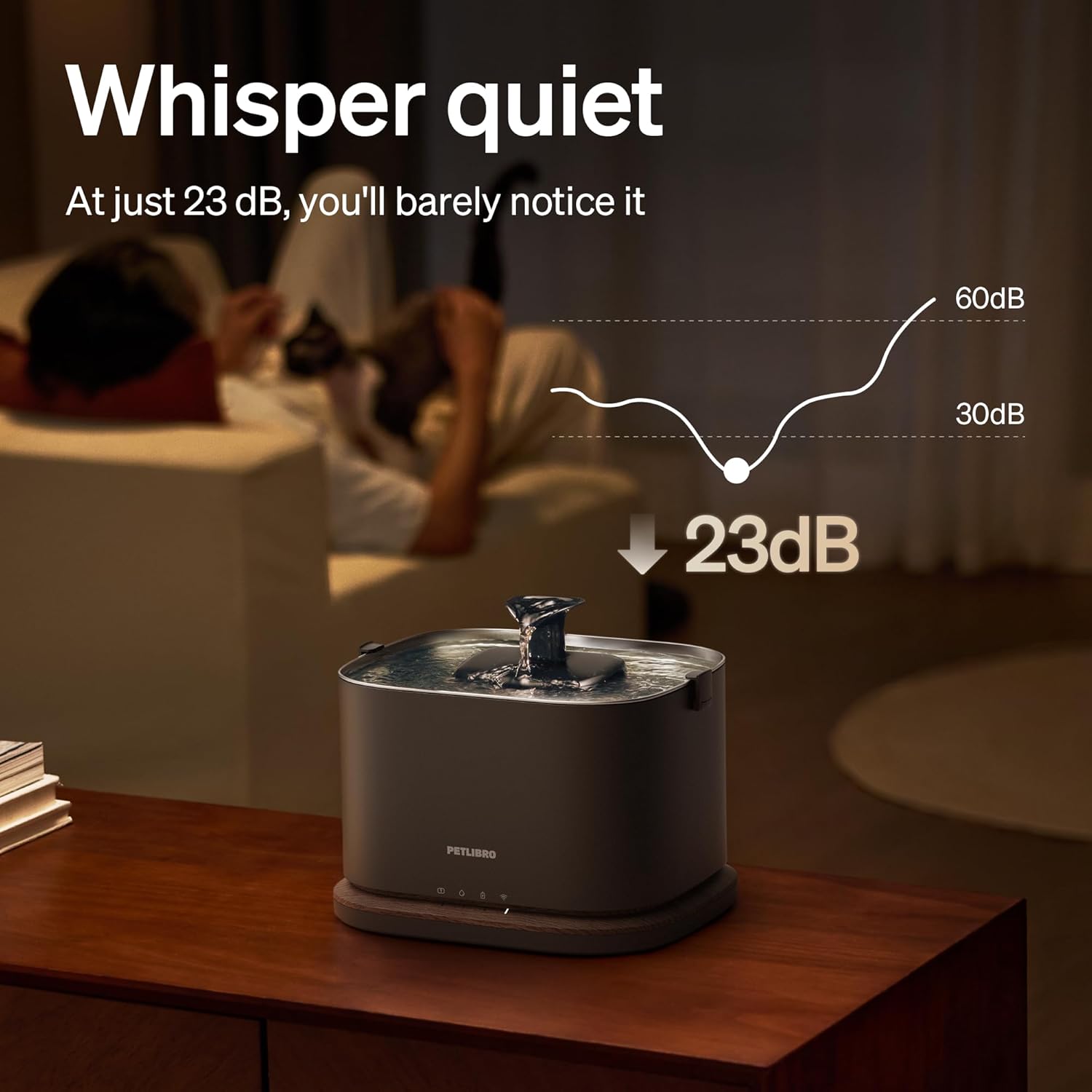
The PETLIBRO Dockstream 2 offers two operating modes and smart app integration for enhanced pet hydration management.
Bedryfsmodusse
- Induksiemodus: Utilizes a radar sensor to detect your pet within 50cm (19.7in). Upon detection, the fountain dispenses a 42-second stream of water. This mode conserves battery power and encourages pets to drink.
- Deurlopende modus: When the fountain is plugged into an AC power source, it operates continuously, providing a constant flow of water.
Smart App Monitoring
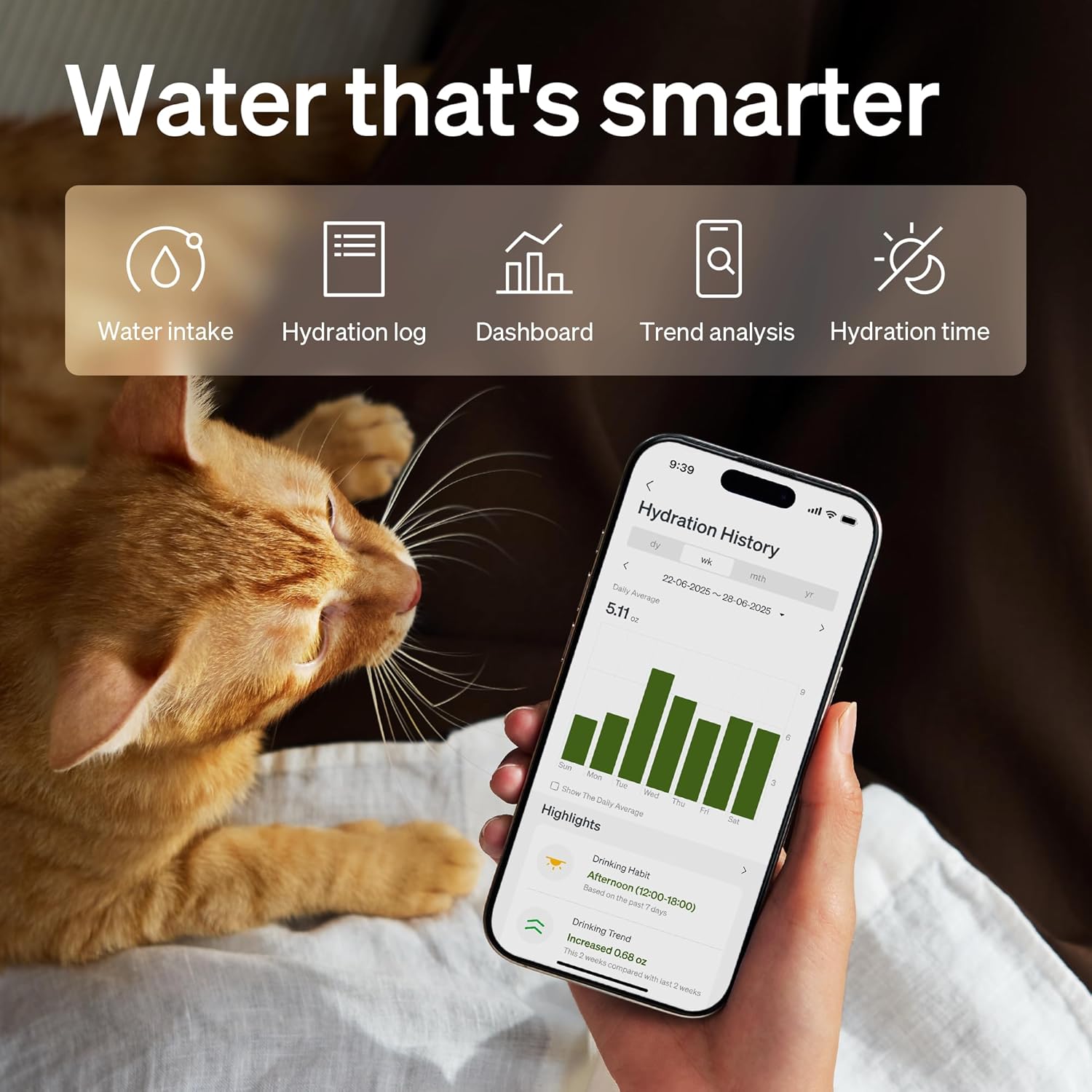
The PETLIBRO app allows you to monitor your pet's drinking habits and receive important alerts:
- Hidrasie dop: View trends and history of your pet's water intake.
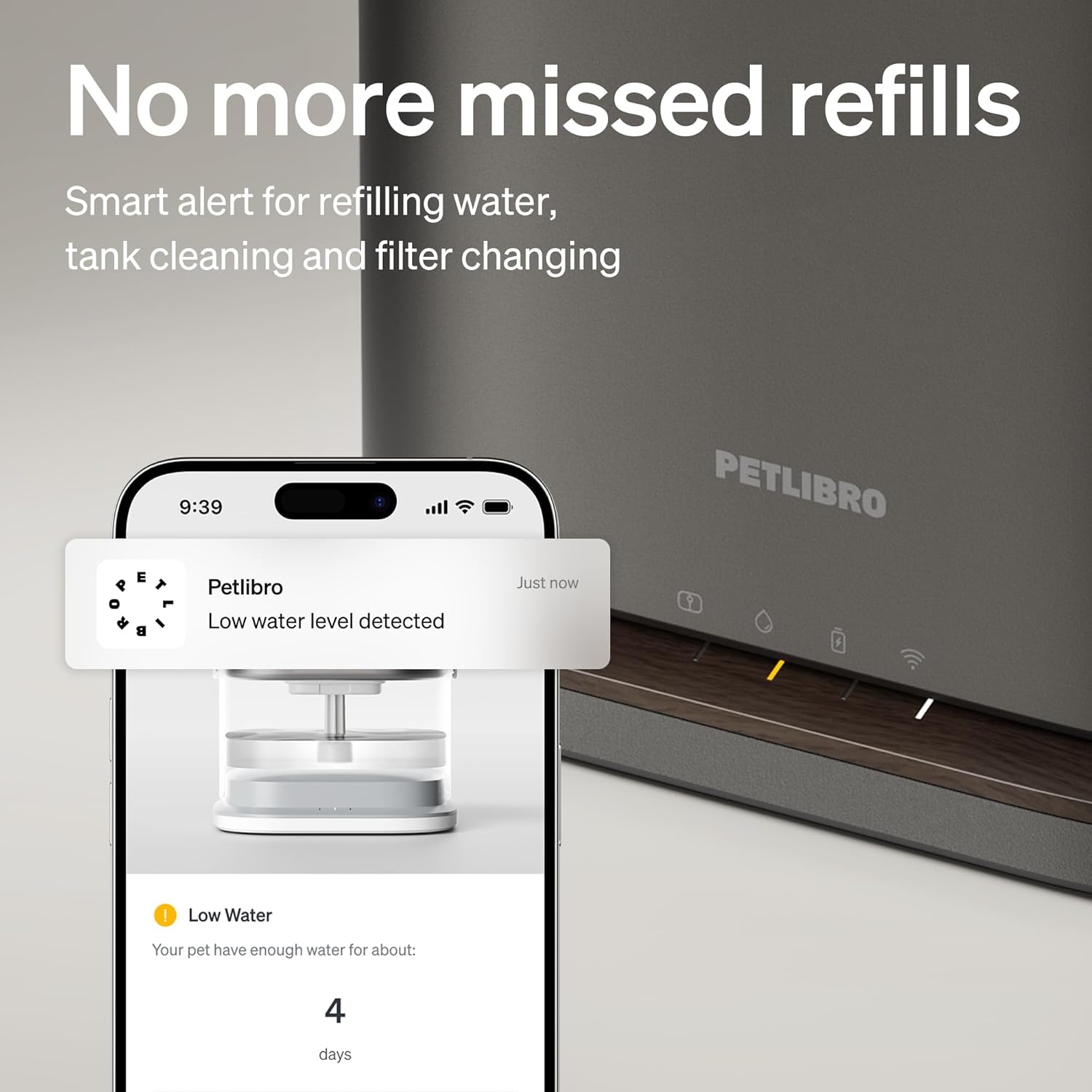
- Water Level Alerts: Receive real-time notifications on your phone when the water level is low.
- Onderhoudsaanmanings: Get timely reminders for filter changes and cleaning schedules.
Onderhoud
Regular maintenance ensures the longevity and hygiene of your PETLIBRO Dockstream 2 water fountain.
Skoonmaak
- Clean the water tank and stainless steel tray at least once a week.
- The stainless steel tray is dishwasher safe for convenient cleaning.
- The pump-free design simplifies cleaning as no wires are submerged in water.
Filter vervanging
- It is recommended to change the multi-layer filter every two weeks for optimal water quality.
- The 4-layer filtration system effectively removes fur, heavy metals, and odors, ensuring fresh water for your pet.
Probleemoplossing
If you encounter issues with your PETLIBRO Dockstream 2, please refer to the following common solutions:
- Fountain Not Dispensing Water:
- Check the water level in the tank; refill if low.
- Ensure all components are correctly assembled and seated.
- If in continuous mode, verify the AC power adapter is securely connected and receiving power.
- If in induction mode, ensure the battery is charged.
- Programverbindingskwessies:
- Confirm the fountain is within range of your Wi-Fi router.
- Verify your Wi-Fi network is 2.4GHz or 5GHz compatible.
- Attempt to reset the Wi-Fi connection through the PETLIBRO app.
- Inaccurate Water Intake Data:
- Ensure the fountain is placed on a hard, level surface (e.g., marble, wood, tile) to allow for accurate weight measurements.
- Ongewone geraas:
- Check for any debris or foreign objects in the water path or around the spout.
- Ensure all fountain components are securely fitted and not loose.
Spesifikasies
| Kenmerk | Detail |
|---|---|
| Model Naam | PLWF116 |
| Handelsmerk | PETLIBRO |
| Kapasiteit | 3 liter (101 ons) |
| Materiaal | Akrilonitrielbutadieenstireen (ABS), vlekvrye staal |
| Kleur | Swart |
| Item gewig | 2 kilogram (4.4 pond) |
| Pakket afmetings | 10.39 x 8.74 x 7.28 duim |
| Wi-Fi Ondersteuning | 2.4GHz/5GHz |
| Ingesluit komponente | 1*AC Power Adapter, 1*App Monitoring Cat Water Fountain, 1*Multi-layer Filter & Pump Sponge, 1*User Manual |
Waarborg & Ondersteuning
The PETLIBRO Dockstream 2 Pet Water Fountain is covered by a comprehensive 2 jaar waarborg vanaf die aankoopdatum. Hierdie waarborg dek vervaardigingsdefekte en verseker betroubare werking onder normale gebruik.
For technical assistance, troubleshooting, or warranty claims, please contact PETLIBRO customer support. You can typically find contact information on the official PETLIBRO website or through the PETLIBRO app.