
Inleiding
This manual provides essential information for setting up, operating, maintaining, and troubleshooting your TECNO Spark GO 2 smartphone. Please read this guide carefully to ensure optimal performance and longevity of your device.
Opstelling
1. Uitpak en aanvanklike inspeksie
Carefully remove all items from the packaging. Verify that all components listed in the 'What's in the Box' section are present and undamaged.
2. Inserting SIM Card and Memory Card
- Vind die SIM-laai aan die kant van jou toestel.
- Plaas die meegeleverde SIM-laai-uitwerpgereedskap in die klein gaatjie langs die laai en druk liggies totdat die laai uitspring.
- Place your Nano-SIM card(s) and/or microSD card (if applicable) into the designated slots on the tray, ensuring correct orientation.
- Druk die skinkbord versigtig terug in die toestel totdat dit in plek klik.
3. Laai die toestel
Before first use, fully charge your TECNO Spark GO 2. Connect the provided USB cable to the phone's charging port and the power adapter. Plug the adapter into a wall outlet. The device supports 15W fast charging.

verbyview of TECNO Spark GO 2 features, including AI, durability, display, and battery.
4. Aanskakeling en aanvanklike opstelling
Press and hold the Power button until the TECNO logo appears. Follow the on-screen instructions to select your language, connect to Wi-Fi, and set up your Google account.
Bedien die toestel
1. Basiese navigasie
The TECNO Spark GO 2 features a responsive touchscreen. Use gestures such as tap, swipe, pinch-to-zoom, and long-press to navigate the interface, open apps, and interact with content.
2. Vertoonkenmerke
Experience smooth visuals on the 6.67-inch Punch-Hole Display with a 120Hz refresh rate. This high refresh rate provides a fluid scrolling and viewondervinding.

The 120Hz Dynamic Punch-hole Display offers smooth visuals.
3. Ella AI with Indian Language Support
Your device includes Ella, an AI assistant that supports voice commands in various Indian regional languages. Utilize Ella for productivity tasks and smart interactions.

Ella AI provides support for multiple Indian languages.
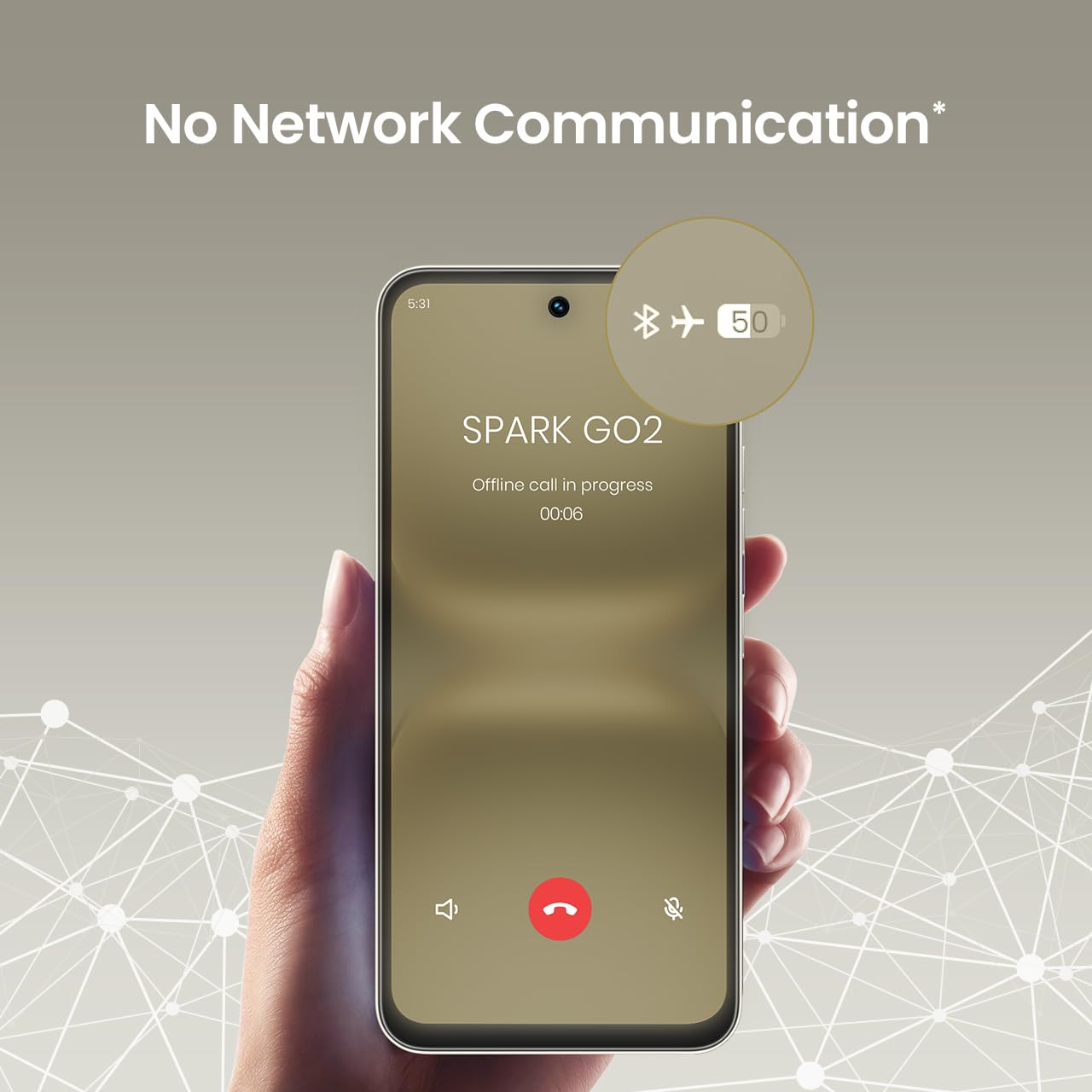
4. No Network Communication Feature
The TECNO Spark GO 2 features a unique 'No Network Communication' capability, allowing certain functions even in areas without cellular signal. Refer to the device's settings for details on how to utilize this feature.

The 'No Network Communication' feature allows limited functionality without cellular service.
5. Kameragebruik
Your device is equipped with a 13MP main camera and an 8MP front camera. Open the Camera application to capture photos and videos. Explore various modes and settings for different photographic effects.
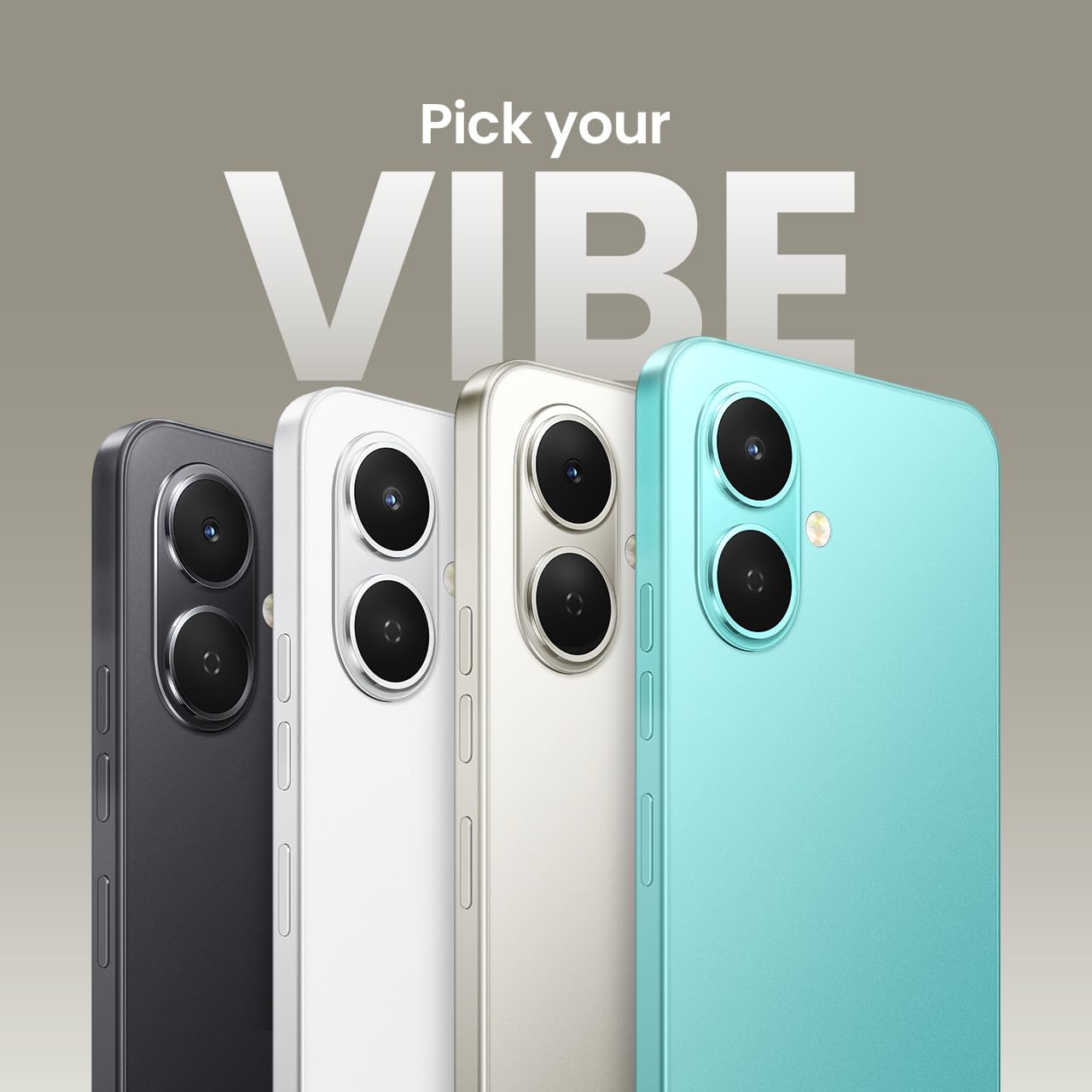
The TECNO Spark GO 2 features a 13MP main camera and an 8MP front camera.
6. AI Active Noise Cancellation
Benefit from AI Active Noise Cancellation during calls to ensure clearer audio by reducing background noise.

AI Active Noise Cancellation enhances call clarity.
Onderhoud
1. Duursaamheid en Beskerming
The TECNO Spark GO 2 is IP64 rated and SGS certified, offering protection against dust and splashes. While durable, avoid submerging the device in water or exposing it to excessive dust.

The TECNO Spark GO 2 is IP64 rated for dust and splash resistance.
2. Batteryversorging
To maximize battery life, avoid extreme temperatures. Use only the provided charger and cable. For optimal performance, keep the battery charge between 20% and 80% when possible.
The 5000mAh battery supports 15W fast charging.
3. Sagteware-opdaterings
Regularly check for and install software updates to ensure your device has the latest features, security patches, and performance enhancements. This contributes to the promised 4 years of lag-free performance.
4. Skoonmaak
Gebruik 'n sagte, pluisvrye lap om die skerm en liggaam van jou foon skoon te maak. Vermy die gebruik van harde chemikalieë of skuurmiddels.
Probleemoplossing
1. Toestel reageer nie
As jou toestel ophou reageer, druk en hou die aan/af-knoppie vir ongeveer 10-15 sekondes in om 'n herbegin te forseer.
2. Battery dreineer vinnig
Check for background apps consuming power. Adjust screen brightness, disable unnecessary features like GPS or Bluetooth when not in use, and ensure your software is up to date.
3. Netwerkverbindingsprobleme
If you experience issues with cellular or Wi-Fi connectivity, try restarting your device. Verify that your SIM card is correctly inserted and that you are within network coverage. For Wi-Fi, ensure the router is functioning correctly.
4. Prestasievertraging
Close unused applications, clear cache, and ensure sufficient storage space. The device is designed for lag-free performance for up to 4 years, supported by its UNISOC T7250 processor and up to 8GB RAM (including virtual RAM).

The TECNO Spark GO 2 is engineered for 4 years of lag-free performance.

The device offers up to 8GB RAM for smooth multitasking.
Spesifikasies
| Kenmerk | Detail |
|---|---|
| Bedryfstelsel | Android 15 |
| RAM | 4 GB (Up to 8GB with virtual RAM) |
| Interne berging | 64 GB |
| Modelnommer | KM4 |
| Produk afmetings | 16.6 x 7.7 x 0.8 cm |
| Item gewig | 186 g |
| Batterykraggradering | 5000 mAh |
| Laai ondersteuning | 15W vinnig laai |
| Vertoon | 6.67" Punch-Hole Display, 120Hz Refresh Rate, 720 x 1600 Resolution |
| Hoofkamera | 13 MP |
| Voorste kamera | 8 MP |
| Konnektiwiteit | Bluetooth, Infrared, USB, Wi-Fi, 4G Carrier Aggregation 2.0 |
| Klankaansluiting | 3.5 mm |
| Spesiale kenmerke | Ella AI with Indian Language Support, IP64 SGS Certified, No Network Communications, AI Active Noise Cancellation |
| Kleur | Titaan grys |
Wat is in die boks
The TECNO Spark GO 2 package typically includes the following items:
- TECNO Spark GO 2 Smartphone
- Telefoonkas
- Kragadapter
- SIM Skinkbord Ejector
- USB kabel
Waarborg en Ondersteuning
For warranty information and customer support, please refer to the warranty card included with your product or visit the official TECNO Mobile India website. The manufacturer is G Mobiles India.
For technical assistance or service inquiries, please contact TECNO customer service through their official channels.