
Maxfree M4
Maxfree Dual Portable Monitor M4 User Manual
Model: M4
Inleiding
Thank you for choosing the Maxfree Dual Portable Monitor M4. This manual provides essential information for setting up, operating, and maintaining your new dual monitor system. Please read this manual thoroughly before use to ensure optimal performance and longevity of your device.
Produk verbyview
The Maxfree Dual Portable Monitor M4 is designed to expand your workspace with two 15.6-inch 1080P FHD IPS displays. Its folding design enhances portability, making it ideal for travel and various work environments.

Image: The Maxfree Dual Portable Monitor M4, featuring two 15.6-inch screens in an open, stacked configuration, ready for use.
Sleutel kenmerke:
- Dual 15.6-inch 1080P FHD IPS Displays
- Plug & Play USB-C Connectivity
- Vouontwerp vir draagbaarheid
- Matte Screen with Anti-glare, No Flicker, and Eye Care Functions
- 100% sRGB-kleurspektrum
- Multiple Display Modes and 330° Rotation
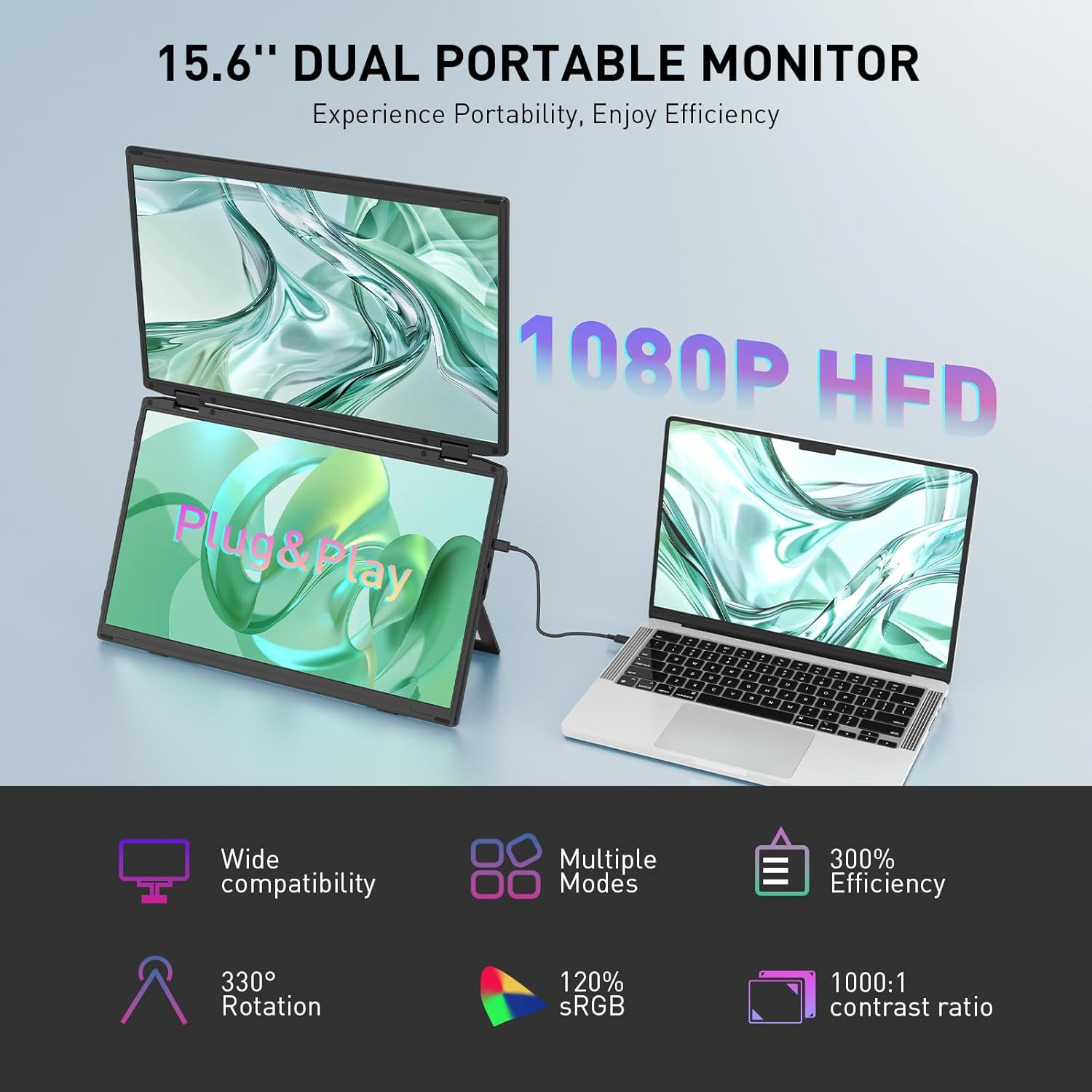
Image: The Maxfree Dual Portable Monitor M4 connected to a laptop, illustrating its plug-and-play functionality and various display modes.
Opstel instruksies
- Pak die monitor uit: Verwyder die monitor en alle bykomstighede versigtig uit die verpakking.
- Posisioneer die monitor: Place the monitor on a stable, flat surface. Adjust the integrated stand to your desired viewing hoek.
- Connect to Power (Recommended): For optimal performance, connect the monitor to a power source using the provided USB-C power adapter (if included) or a compatible USB-C port on your device that supports power delivery.
- Koppel aan toestel:
- USB-C-verbinding: Connect one end of the provided USB-C cable to the monitor's USB-C port and the other end to a full-featured USB-C port on your laptop or PC. This single cable can transmit video, audio, and power.
- HDMI + USB-A Connection (if applicable): If your device does not have a full-featured USB-C port, you may need to use an HDMI cable for video and a USB-A to USB-C cable for power and touch functionality (if supported by your model). Refer to your device's manual for specific port requirements.
- Krag aan: Press the power button on the monitor. Your device should automatically detect and extend the display.
- Pas skerminstellings aan: On your computer, navigate to Display Settings to configure the dual monitors (e.g., extend, duplicate, arrange displays).
Bedryfsinstruksies
Vertoonmodusse:
The Maxfree Dual Portable Monitor supports various display modes to enhance productivity:
- Uitgebreide modus: Expands your desktop across both screens, providing a larger workspace. This is ideal for multitasking.
- Duplikaatmodus: Mirrors your primary display onto the portable monitors. Useful for presentations or sharing content.
- Vertikale uitleg: The unique vertical stacking design minimizes scrolling and page switching, reducing eye and neck fatigue, especially for document review of kodering.
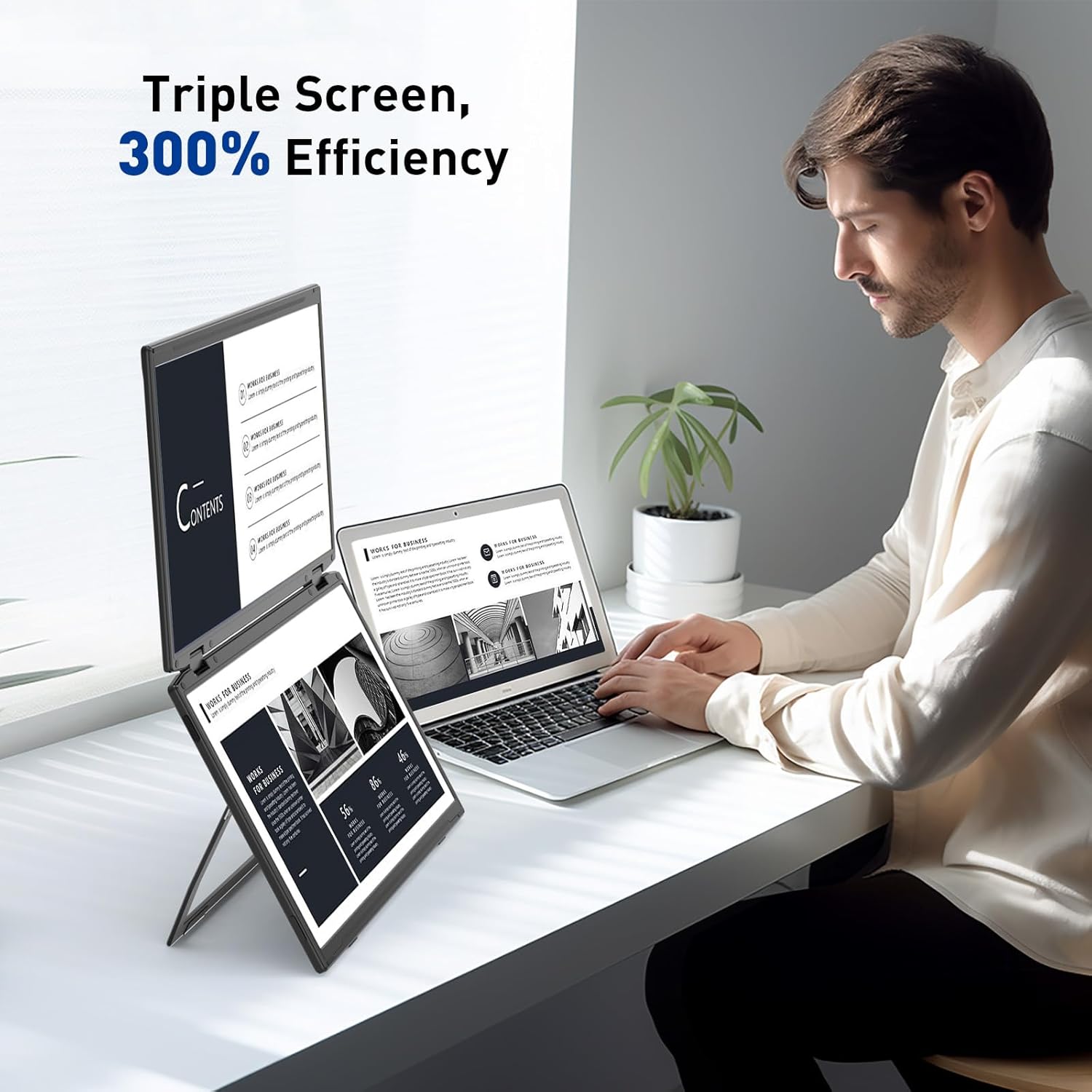
Image: A user demonstrating the Maxfree Dual Portable Monitor M4 in a vertical stacked setup, illustrating how it creates an efficient triple-screen workspace.
Op-skerm-skerm (OSD)-kieslys:
Use the buttons on the side of the monitor to access and navigate the OSD menu. This menu allows you to adjust settings such as:
- Helderheid en kontras
- Color Settings (e.g., sRGB, color temperature)
- Invoerbronkeuse
- Aspekverhouding
- Volume (if applicable)
Refer to the on-screen prompts for specific button functions (e.g., Menu, Up, Down, Exit).
Spesifikasies
| Kenmerk | Detail |
|---|---|
| Skerm grootte | Dubbele 15.6 duim |
| Resolusie | 1920 x 1080 (FHD 1080p) |
| Paneel tipe | IPS |
| Aspekverhouding | 16:9 |
| Skermoppervlak | Mat |
| Beeldhelderheid | 300 Candela |
| Kleur Omvang | 100% sRGB |
| Konnektiwiteit | USB-C (Full-featured), HDMI (if applicable) |
| Totale USB-poorte | 1 (USB-C for main connection) |
| Voltage | 5 Volt |
| Produk afmetings | 0.5 x 14 x 9 duim |
| Item gewig | 3.5 pond |
| Modelnommer | M4 |
Probleemoplossing
- Geen skerm:
- Maak seker dat die USB-C-kabel stewig aan beide die monitor en jou toestel gekoppel is.
- Verifieer dat jou toestel se USB-C-poort video-uitvoer ondersteun (DisplayPort Alternatiewe Modus).
- Connect the monitor to an external power source if your device cannot provide sufficient power.
- Check your computer's display settings to ensure the external monitor is detected and enabled.
- Flikkerende skerm:
- Ensure the cable connections are secure.
- Probeer 'n ander USB-C-kabel.
- Reduce the display resolution or refresh rate on your computer.
- Probleme met beeldkwaliteit (vaag, verkeerde kleure):
- Adjust the brightness, contrast, and color settings via the OSD menu.
- Ensure your computer's display resolution matches the monitor's native resolution (1920x1080).
- Monitor skakel nie aan nie:
- Confirm the power cable is properly connected and the power outlet is functional.
- Druk die kragknoppie stewig.
Onderhoud
- Skoonmaak van die skerm: Vee die skerm liggies af met 'n sagte, pluisvrye lap. Vir hardnekkige merke, vee dit effens af.ampMaak die lap skoon met water of 'n skermskoonmaakoplossing. Vermy harde chemikalieë of skuurmiddels.
- Maak die C skoonasing: Gebruik 'n sagte, droë lap om die monitor se ... af te vee.asing.
- Berging: When not in use, fold the monitor and store it in a cool, dry place, preferably in its original packaging or a protective case to prevent damage.
- Vermy uiterste toestande: Moenie die monitor blootstel aan uiterste temperature, humiditeit of direkte sonlig nie.
Waarborg en Ondersteuning
For warranty information, technical support, or service inquiries, please refer to the warranty card included with your product or visit the official Maxfree webwebwerf.
Vervaardiger: Shenzhen Baijiayoupu Technology CO., Ltd.
Ask a question about this manual
Ask about setup, troubleshooting, compatibility, parts, safety, or missing instructions. Manuals+ will review the question and use this page’s manual context to help answer it.