
1. Inleiding
This manual provides essential information for the safe and effective operation of your ComMarker Titan1 60W JPT Mopa Fiber Laser Engraving Machine. Please read this manual thoroughly before operating the device to ensure proper usage and to prevent damage or injury. The ComMarker Titan1 is designed for high-precision engraving and marking on various materials, including metals, plastics, and jewelry, offering advanced features like color marking and 3D engraving capabilities.
2. Veiligheidsinligting
The ComMarker Titan1 is a Class 1 Laser Product (IEC 60825-1 Report Number: 2501Q25848E-SFA1, FDA Accession No.: 2521455-000). Despite being a Class 1 product, proper safety precautions are crucial during operation.
- Always wear appropriate laser safety goggles when operating the machine.
- Ensure the work area is well-ventilated to dissipate fumes and particles generated during engraving.
- Never look directly into the laser beam or at reflections from shiny surfaces.
- Hou vlambare materiale weg van die graveerarea.
- Do not operate the machine if any covers are removed or safety interlocks are bypassed.
- Maak seker dat die masjien behoorlik geaard is.
- Maak jouself vertroud met die ligging en funksie van die noodstopknoppie.
3. Pakketinhoud
Verifieer dat al die items wat hieronder gelys word in u pakket ingesluit is. Indien enige items ontbreek of beskadig is, kontak kliëntediens.

Beeld: Oorview of the ComMarker Titan1 60W JPT Mopa Fiber Laser Engraving Machine and its accessories.
- ComMarker Titan1 Laser Engraver Body
- Kragadapter
- Data kabel
- Voet skakelaar
- Laser veiligheidsbril
- Inbussleutelstel
- USB Drive (containing software and drivers)
- Heerser
- Gronddraad
- Placing Helper (material positioning aids)
- Sample Materials (Rings, Metal Pendants, Pendants)
4. Produkkenmerke
- 60W JPT Mopa Laser Source: Provides high-speed engraving up to 15,000mm/s and supports color marking on stainless steel.
- Hoë akkuraatheid: Achieves 8K HD accuracy with a precision of 0.01mm.
- Groot Graveerarea: Maximum engraving area of 300mm x 300mm.
- Motorized Elevation: Features electric lifting for precise height adjustment and focusing.
- Dual Focusing Modes: Supports both manual and electric focusing for optimal results.
- Sagteware-verenigbaarheid: Compatible with Lightburn and EzCad2 software.
- Wye Materiaalversoenbaarheid: Engraves stainless steel, aluminum, gold, silver, alloys, most painted products, and non-transparent plastics.
- 3D Engraving & Cutting: Capable of creating depth effects and performing cutting tasks on suitable materials.
- Lang lewensduur: Designed for durability with a laser source lifespan of 100,000 hours.


5. Opstelgids
- Uitpak: Verwyder alle komponente versigtig uit die verpakking. Bewaar die verpakking vir toekomstige vervoer of berging.
- Vergadering: Place the laser engraver body on a stable, level surface. Connect the laser head assembly to the main unit, ensuring all fasteners are secure.
- Kragverbinding: Connect the power adaptor to the machine and then to a grounded electrical outlet (110V).
- Aarding: Attach the provided ground wire to the designated grounding point on the machine and to a suitable ground source.
- Dataverbinding: Connect the data cable from the machine to your computer.
- Sagteware installasie: Insert the USB drive into your computer. Install the provided EzCad2 software and drivers. If using Lightburn, download and install the latest version from the official Lightburn webwebwerf.
- Veiligheidsbril: Always put on the laser safety goggles before powering on the machine.
6. Bedryfsinstruksies
- Krag aan: Ensure all connections are secure and safety goggles are worn. Press the power button on the machine.
- Sagteware bekendstelling: Open EzCad2 or Lightburn software on your computer.
- Materiaal plasing: Place the material to be engraved on the work platform. Use the placing helpers if needed to secure the material.
- Fokus: Adjust the laser head height using the motorized elevation until the laser is properly focused on the material surface. You can use either manual or electric focusing. Refer to the software's focusing guide for precise adjustment.
- Design Import/Creation: Import your design (BMP, GIF, JPG, JPEG, DXF, DST, AI, etc.) or create a new one within the software.
- Parameterinstellings: Set the appropriate laser parameters (power, speed, frequency, passes) based on the material type and desired engraving effect (e.g., color marking, deep engraving, cutting).
- Preview (Red Light): Use the red light preview function in the software to verify the engraving area and position on your material.
- Begin graveer: Once satisfied with the preview and parameters, initiate the engraving process from the software. You may use the foot switch for convenient start/stop control.
- Monitering: Supervise the engraving process. In case of any issue, press the emergency stop button immediately.
- Skakel af: After engraving is complete, power off the machine and disconnect it from the power source.
7. Onderhoud
- Skoonmaak van lense: Regularly inspect and clean the laser lens with a specialized lens cleaning solution and lint-free wipes to ensure optimal laser performance.
- Werksarea: Keep the work platform and surrounding area clean from debris and dust.
- Ventilasie: Ensure the ventilation system is clear and functioning properly to prevent accumulation of fumes and particles.
- Kabel inspeksie: Periodically check all cables for signs of wear or damage. Replace any damaged cables immediately.
- Sagteware-opdaterings: Keep your engraving software (Lightburn, EzCad2) updated to the latest version for best performance and compatibility.
8. Probleemoplossing
| Probleem | Moontlike oorsaak | Oplossing |
|---|---|---|
| Laser skiet nie | Power not connected; Emergency stop engaged; Software error; Laser source issue. | Check power connections; Release emergency stop; Restart software/computer; Contact support if laser source is suspected. |
| Swak gravure kwaliteit | Incorrect focus; Dirty lens; Incorrect power/speed settings; Material not flat. | Re-focus the laser; Clean the lens; Adjust engraving parameters; Ensure material is flat and secure. |
| Masjien koppel nie aan rekenaar nie | Loose data cable; Driver not installed; Software not recognizing device. | Check data cable connection; Install/reinstall drivers from USB drive; Restart software/computer. |
| Unexpected machine shutdown | Overheating; Power fluctuation; Loose power connection. | Ensure proper ventilation; Check power supply stability; Secure power cable. |
9. Spesifikasies
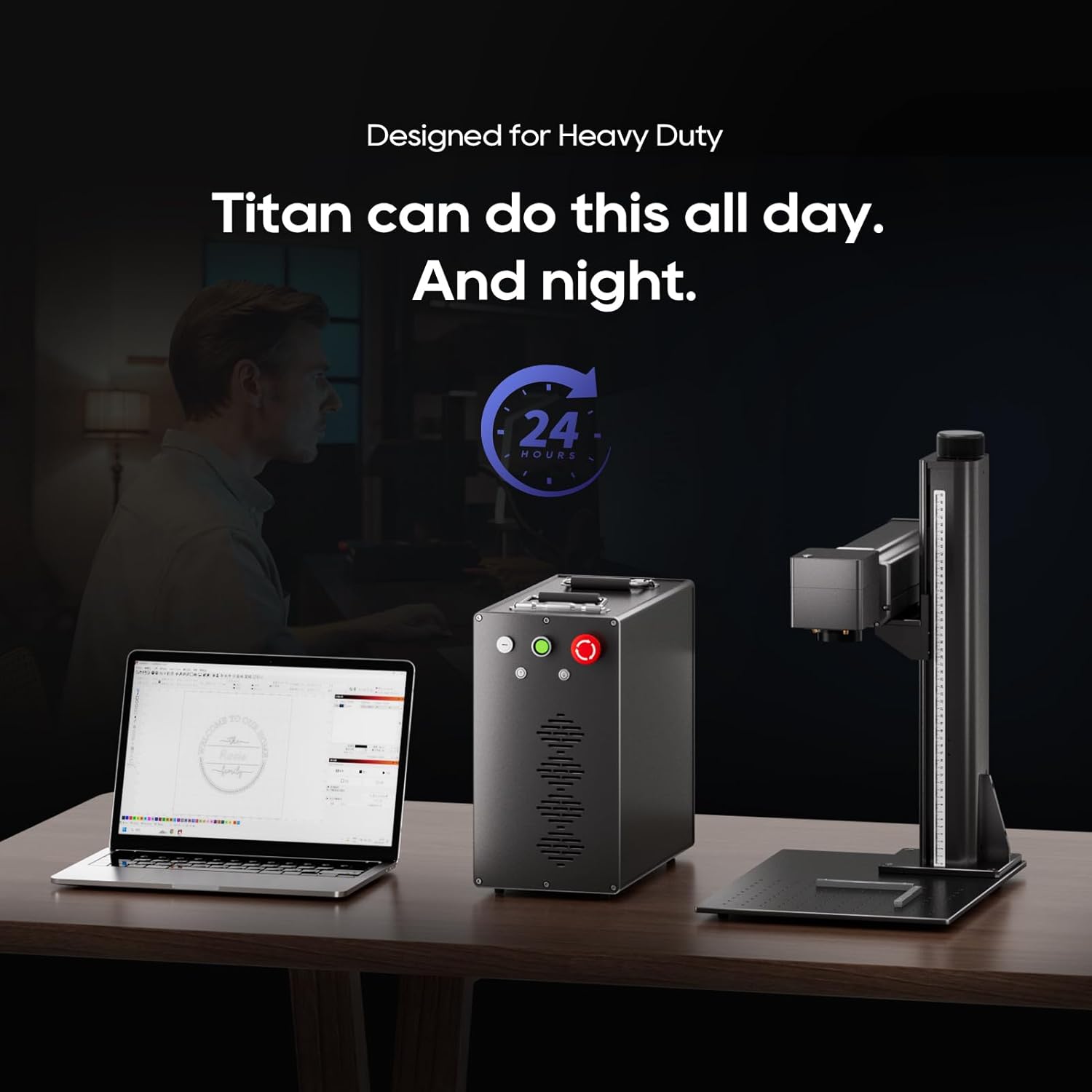
Image: Detailed dimensions of the ComMarker Titan1 60W JPT Mopa Fiber Laser Engraving Machine.
| Kenmerk | Detail |
|---|---|
| Vervaardiger | ComMarker |
| Modelnommer | Titan1 Mopa |
| Laser Bron | 60W JPT Mopa Fiber Laser |
| Laser golflengte | 1064nm |
| Graveerspoed | Tot 15,000 mm/s |
| Gravure akkuraatheid | 0.01mm, 8K HD |
| Maximum Engraving Area | 300 mm x 300 mm |
| Kragbron | AC/DC, 110V |
| Stelselversoenbaarheid | Windows 7/8/10/11, MAC (Lightburn) |
| Supported Graphic Formats | BMP, GIF, JPG, JPEG, DXF, DST, AI, etc. |
| Produk afmetings | 22 x 25.8 x 21.5 duim (ongeveer 559 x 655 x 546 mm) |
| Laser klas | Class 1 Laser Product (IEC 60825-1) |
10. Waarborg en Ondersteuning
For warranty information, please refer to the documentation included with your purchase or contact ComMarker customer support directly. If you encounter any issues not covered in this manual or require technical assistance, please reach out to ComMarker customer service through their official webwebwerf of die kontakinligting wat tydens aankoop verskaf is.
Aanlyn hulpbronne: For additional guides, software updates, and community support, visit the official ComMarker webwebwerf.