
Inleiding
Thank you for choosing kurdene SP9i Wireless Over-Ear Bluetooth Earbuds. These earbuds are designed to provide a high-quality audio experience with exceptional comfort and stability, making them ideal for sports, meetings, workouts, and everyday use. Featuring advanced Bluetooth 5.3 technology, deep bass sound, and an impressive 60-hour total playtime, your kurdene SP9i earbuds are built for performance and convenience.
This manual will guide you through the setup, operation, maintenance, and troubleshooting of your new earbuds to ensure you get the most out of your listening experience.
Wat is in die boks
Upon opening your kurdene SP9i package, you should find the following items:
- kurdene SP9i Wireless Over-Ear Earbuds (Left and Right)
- Draagbare laaikas
- USB-C-laaikabel
- Interchangeable Ear Tips (Various Sizes)
- Gebruikershandleiding

Image: kurdene SP9i Wireless Over-Ear Bluetooth Earbuds in Hot Pink, shown with their charging case.
Opstelgids
1. Laai jou oordopjes en houer
Laai beide die oordopjes en die laaikas volledig voor die eerste gebruik.
- Place the earbuds into the charging case. Ensure they are correctly seated; the indicator lights on the earbuds will illuminate to confirm charging.
- Koppel die USB-C-laaikabel aan die laaipoort op die omhulsel en koppel die ander kant aan 'n versoenbare USB-kragbron.
- The charging case's indicator light will show charging status. A full charge for the case typically takes about 1.5 hours.
The earbuds offer up to 12 hours of continuous playtime on a single charge, and the charging case provides an additional 48 hours, totaling 60 hours of playtime.

Image: Visual representation of the earbud and charging case battery life, highlighting 60 hours total playtime and USB-C charging.
2. Koppeling met jou toestel
Your kurdene SP9i earbuds utilize Bluetooth 5.3 for a stable and efficient connection.
- Maak die laaikas oop. Die oorfone sal outomaties in paringsmodus gaan, aangedui deur flikkerende LED-liggies op die oorfone.
- Gaan na die Bluetooth-instellings op jou toestel (slimfoon, tablet, skootrekenaar).
- Soek vir available devices and select "kurdene SP9i" from the list.
- Once connected, the earbud indicator lights will stop flashing or show a steady light, and you will hear an audio confirmation.
The Bluetooth 5.3 technology ensures faster data transfer and a reliable connection up to 33 feet, perfect for seamless audio and video synchronization.
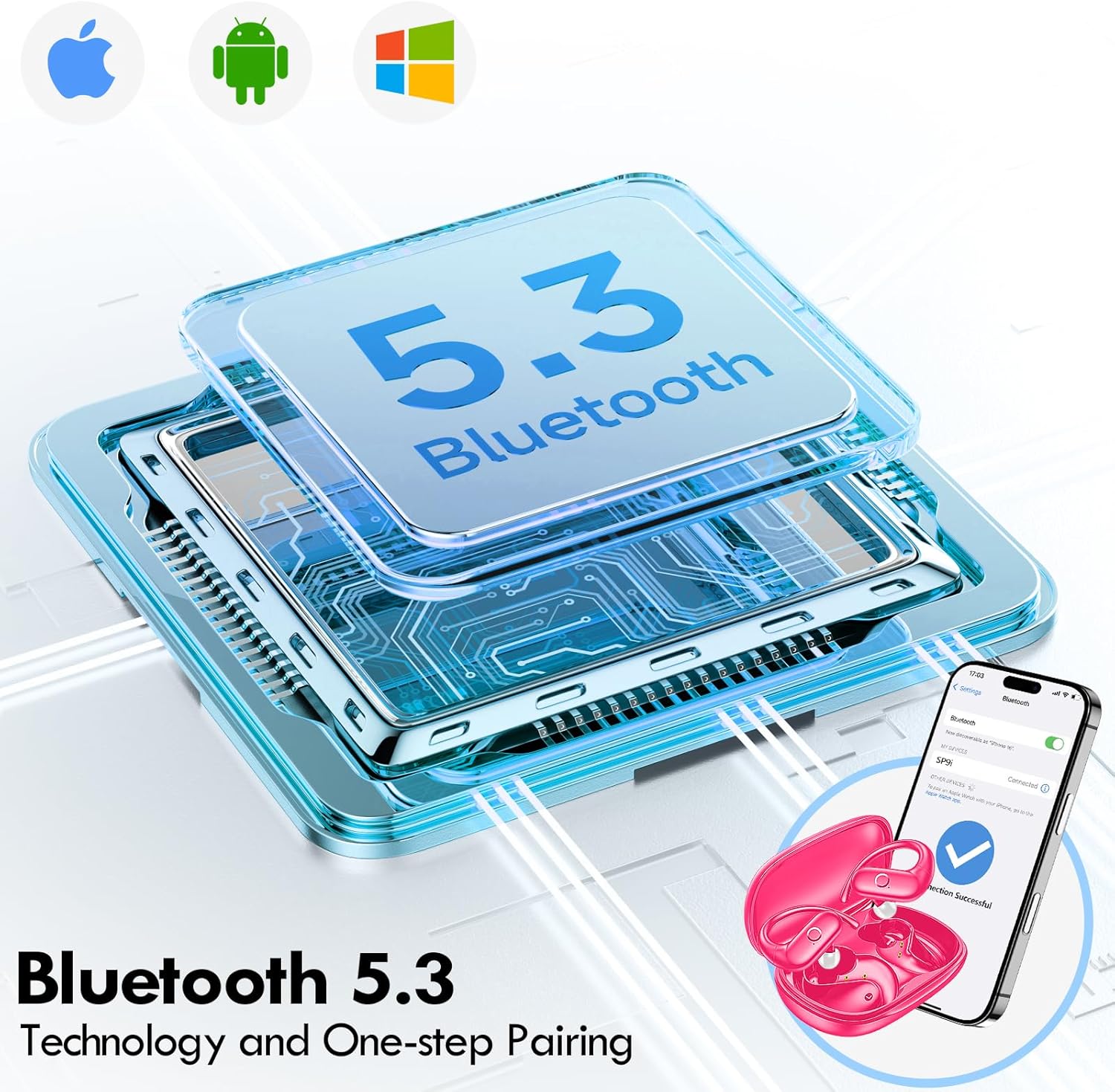
Image: Illustration of Bluetooth 5.3 technology and the one-step pairing process with a mobile device.
Bedryfsinstruksies
1. Dra jou oordopjes
The kurdene SP9i earbuds feature an over-ear design with soft silicone ear hooks for a secure and comfortable fit, especially during active use.
- Identifiseer die linker (L) en regter (R) oorfone.
- Gently place the earbud into your ear canal and hook the ear hook over the top of your ear.
- Adjust the earbud and hook until it feels snug and comfortable. The flexible design ensures a natural, pressure-free listening experience.

Image: Visual guide to the over-ear design, emphasizing comfort and secure fit.

Image: A user wearing the earbuds during physical activity, showcasing hul geskiktheid vir aktiewe leefstyle.
2. Slim aanraakkontroles
The earbuds feature intuitive touch controls for easy management of your audio and calls:
- Speel/pouse: Enkele tik op enige van die oordopjes.
- Volgende snit: Dubbeltik op die regteroorfoon.
- Vorige snit: Dubbeltik op die linker-oorfone.
- Volume op: Tik drie keer op die regteroorfone.
- Volume af: Tik drie keer op die linker-oorfone.
- Beantwoord/beëindig oproep: Enkeltik op enige oordopjes tydens 'n inkomende oproep.
- Verwerp oproep: Druk en hou enige oordopjes vir 2 sekondes in tydens 'n inkomende oproep.
- Aktiveer stemassistent: Druk en hou enige oordopjes vir 3 sekondes.
3. Sound Quality and Microphones
Equipped with 16.1mm vibrating diaphragm drivers, these earbuds deliver powerful bass, crisp mids, and clear treble for a rich, immersive sound. The built-in microphones are designed to isolate your voice, ensuring crystal-clear call quality even in noisy environments.
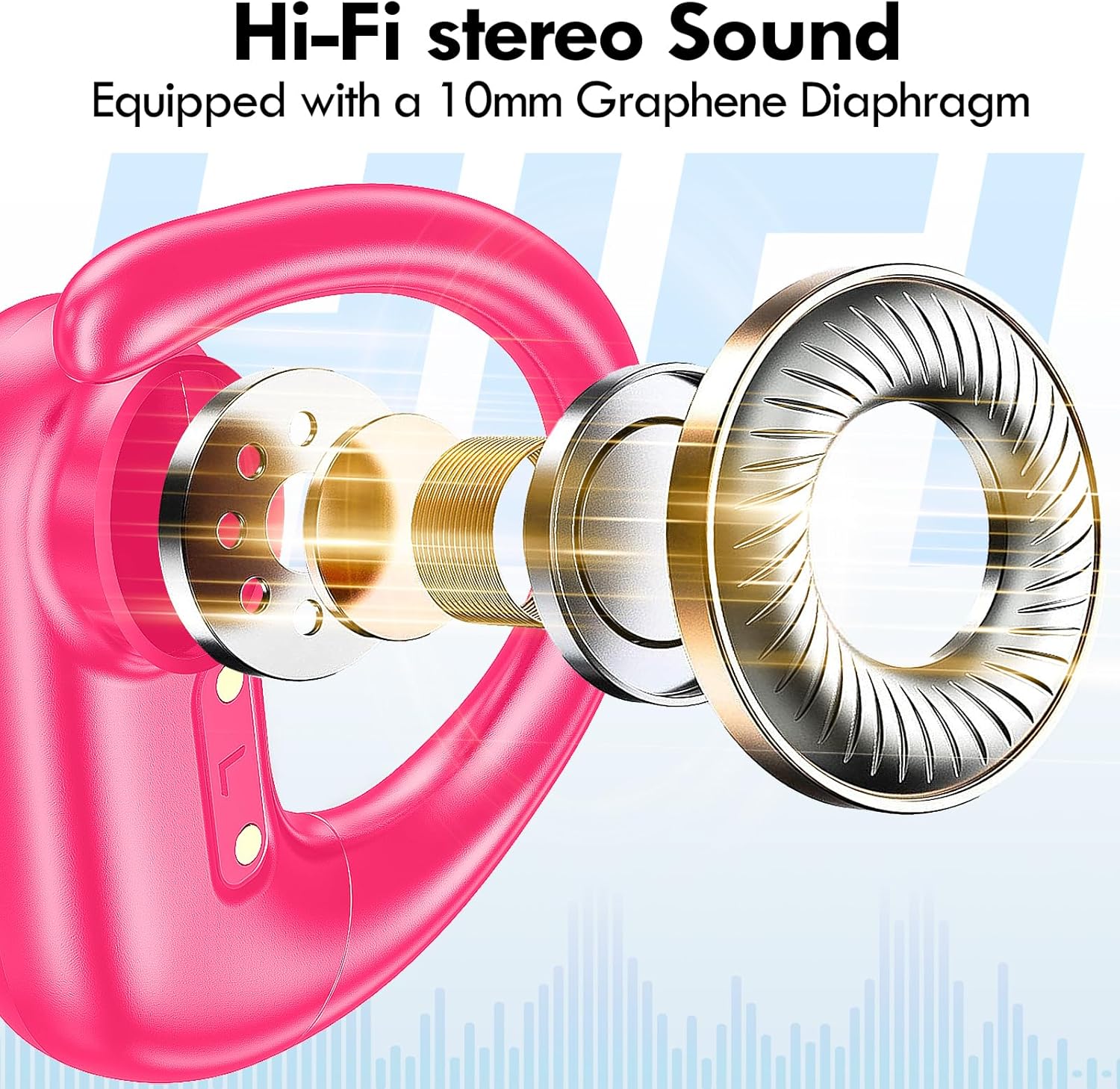
Beeld: Ontplof view of the earbud's internal structure, emphasizing the Hi-Fi stereo sound components.

Image: Depiction of precision directional audio and 95% sound leakage reduction for an enhanced listening experience.
Onderhoud
To ensure the longevity and optimal performance of your kurdene SP9i earbuds, follow these maintenance guidelines:
- Skoonmaak: Vee die oorfone en laaikas gereeld af met 'n sagte, droë, pluisvrye lap. Moenie harde chemikalieë of skuurmiddels gebruik nie.
- Oorwenke: Remove and clean the ear tips periodically with mild soap and water. Ensure they are completely dry before reattaching them to the earbuds.
- Laaipoorte: Keep the charging contacts on the earbuds and inside the case clean and free of debris. Use a dry cotton swab if necessary.
- Berging: Wanneer dit nie gebruik word nie, bêre die oordopjes in hul laaikassie om hulle teen stof en skade te beskerm en om hulle gelaai te hou.
- Vermy uiterste toestande: Do not expose the earbuds to extreme temperatures, humidity, or direct sunlight for extended periods.
Probleemoplossing
If you encounter any issues with your kurdene SP9i earbuds, please refer to the following common solutions:
- Oordopjes koppel nie:
- Maak seker dat albei oordopjes ten volle gelaai is.
- Skakel Bluetooth op jou toestel af en skakel dit dan weer aan.
- Forget/delete "kurdene SP9i" from your device's Bluetooth list and attempt to pair again.
- Plaas die oorfone terug in die houer, maak die deksel toe, wag 'n paar sekondes en maak dit dan oop om weer in paringsmodus te gaan.
- Geen geluid of lae volume:
- Kontroleer die volumevlakke op beide jou toestel en die oordopjes.
- Maak seker dat die oorfone behoorlik in jou ore sit.
- Try cleaning the ear tips and speaker mesh to remove any obstructions.
- Koppel die oordopjes weer aan jou toestel.
- Oorfone laai nie:
- Maak seker dat die laaikabel stewig aan beide die kas en die kragbron gekoppel is.
- Verify that the charging contacts on the earbuds and inside the case are clean and free of debris.
- Probeer 'n ander USB-C-kabel of kragadapter gebruik.
- Onderbroke verbinding:
- Maak seker dat jou toestel binne die Bluetooth-reikwydte van 33 voet is.
- Vermy fisiese obstruksies tussen jou toestel en die oorfone.
- Minimaliseer interferensie van ander draadlose toestelle.
If these steps do not resolve your issue, please contact kurdene customer support for further assistance.
Produkspesifikasies
| Kenmerk | Spesifikasie |
|---|---|
| Model Naam | SP9i |
| Handelsmerk | kurdene |
| Verbindingstegnologie | Draadloos (Bluetooth 5.3) |
| Draadlose kommunikasietegnologie | Bluetooth |
| Bluetooth weergawe | 5.3 |
| Bluetooth-reeks | 10 meter (33 voet) |
| Oorplasing | Oor Oor |
| Vormfaktor | Oor Oor |
| Geraasbeheer | Sound Isolation, Passive Noise Isolation |
| Tipe oudiobestuurder | Dinamiese bestuurder |
| Batterylewe (Oorfone) | 12 ure |
| Totale speeltyd (met laaikas) | 60 ure |
| Beheer metode | Raak |
| Materiaal | Silikoon |
| Item gewig | 3.52 onse (0.1 kilogram) |
| Kleur | Warm Pienk |
| Ingesluit komponente | Microphone Earphones (Earbuds, Charging Case, USB-C Cable, Ear Tips) |
Waarborg en Ondersteuning
kurdene products are manufactured with high-quality standards. For information regarding warranty coverage and customer support, please refer to the warranty card included in your product packaging or visit the official kurdene website. If you require assistance with your SP9i earbuds, our customer support team is ready to help.
Vir die nuutste inligting en ondersteuning, besoek asseblief: kurdene Official Store on Amazon