
1. Produk verbyview
The DEATTI F11 Cellular Trail Camera is designed for wildlife monitoring, property surveillance, and outdoor security. It features 2.7K HD video recording, cellular connectivity for remote access, no-glow night vision, and an integrated solar panel for continuous power. Its robust IP66 waterproof design ensures reliable performance in various outdoor conditions.
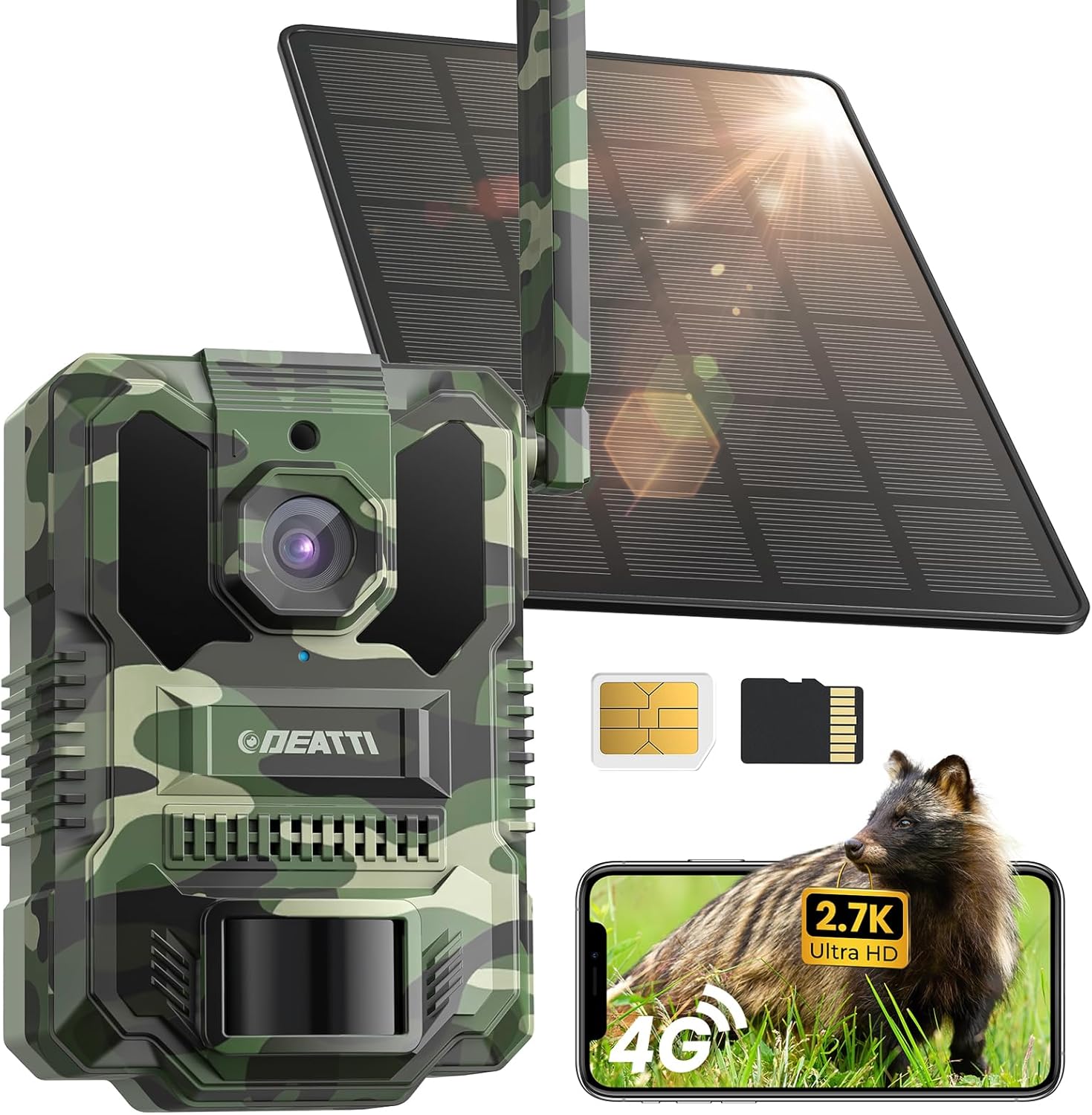
Figure 1: DEATTI F11 Cellular Trail Camera
2. Pakketinhoud
Verifieer dat alle items in jou pakket teenwoordig is:
- Kamera (x1)
- Solar panel (x1)
- Band (x1)
- Hakie (x1)
- Skroewedraaier (x1)
- Screw bag (x1)
- SIM card & 64GB SD card (pre-installed)
- Laaikabel (x1)
3. Opstelgids
3.1. SIM Card & SD Card Installation
Your DEATTI F11 camera comes with a Nano SIM card and a 64GB TF (Micro SD) card pre-installed. Ensure they are securely seated in their respective slots. The SIM card provides cellular connectivity, and the SD card stores captured media locally.

Figure 2: SIM and TF Card Slots
3.2. Aanskakel
Locate the ON/OFF switch on the camera body. Slide the switch to the 'ON' position to power on the device. The camera will perform a self-check, and an indicator light will confirm it is operational.
3.3. App-installasie en -paring
- Laai die af UCon App vanaf die App Store (iOS) of Google Play Store (Android).
- Skep 'n rekening en meld aan.
- Ensure your mobile device has cellular data enabled.
- In the UCon App, select 'Add Device' and follow the on-screen instructions to scan the QR code on your camera.
- The camera will pair with your app, allowing remote access and control.
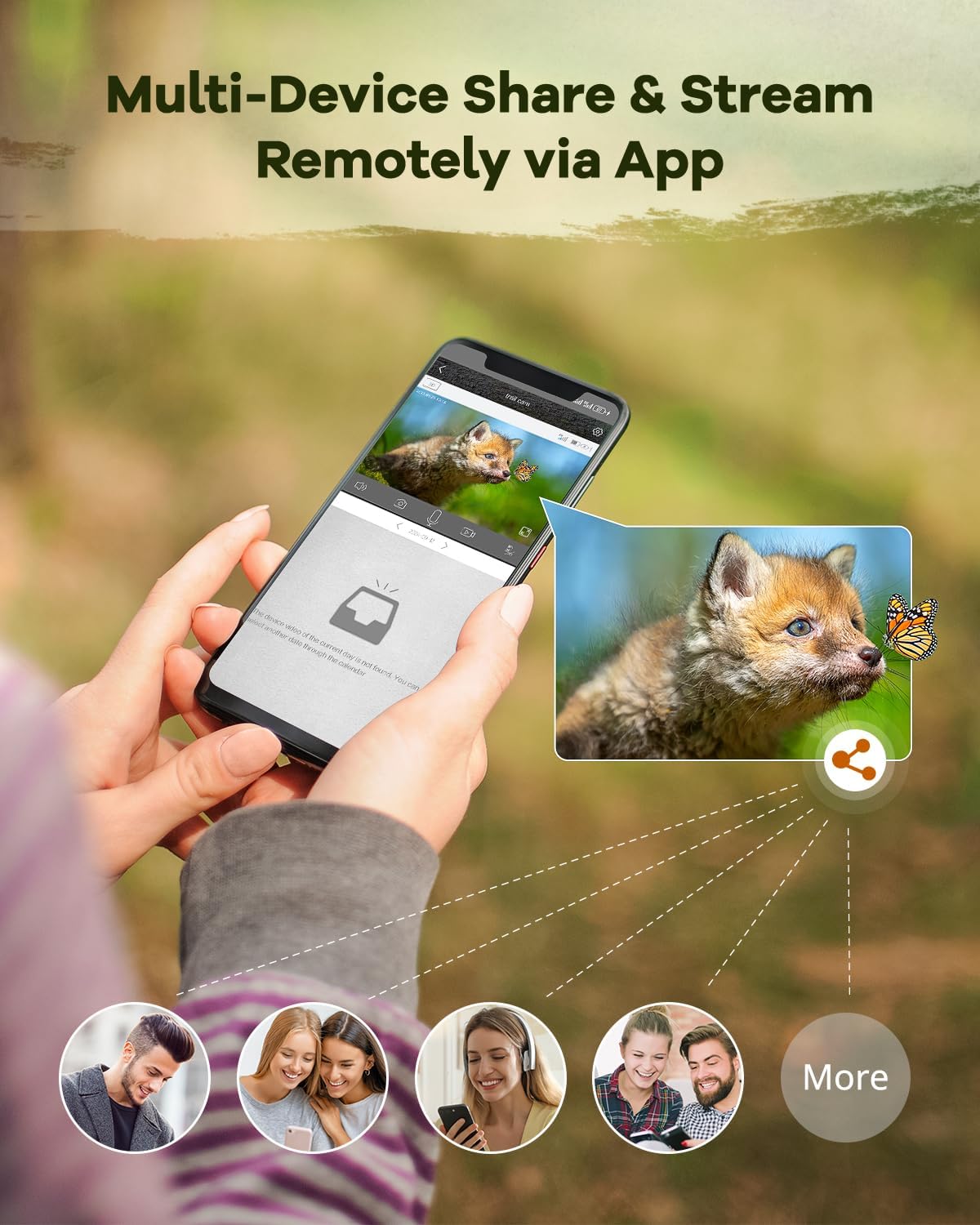
Figure 3: UCon App Setup Steps
3.4. Monteer die kamera
The DEATTI F11 can be mounted using the provided strap or bracket. Choose a location that offers a clear view of the desired monitoring area and allows the solar panel to receive adequate sunlight.
- Bandbevestiging: Thread the strap through the designated slots on the camera and secure it around a tree or pole.
- Beugel montage: Use the bracket and screws to attach the camera to a flat surface. Adjust the angle for optimal coverage.

Figure 4: Camera Mounted with Solar Panel
4. Bedryfsinstruksies
4.1. Leef View & Afstandtoegang
Once paired, use the UCon App to access a live stream from your camera. This allows real-time monitoring of your property or wildlife. You can also remotely adjust settings and review vasgelegde media.
Figure 5: Multi-Device Sharing and Remote Streaming via App
4.2. Bewegingsopsporing en waarskuwings
The camera's advanced PIR sensor detects motion with a rapid 0.2-second trigger time, ensuring that activity is captured promptly. Instant notifications are sent to your phone via the UCon App when motion is detected.

Figure 6: Instant Alerts and 4x Digital Zoom

Figure 7: Fast Trigger Speed for Capturing Motion
4.3. Nagvisie
Equipped with no-glow LEDs, the camera captures clear footage in total darkness without emitting visible light, preventing disturbance to wildlife. It offers a night vision range of up to 65 feet (20 meters) and a 130° wide-angle view.

Figure 8: 65ft Night Vision Distance and 130° Wide Angle
4.4. Video & Photo Capture
The camera records in 2.7K Ultra HD, providing sharp and detailed images and videos. The 130° wide-angle lens ensures a broad field of view, capturing more of the environment.
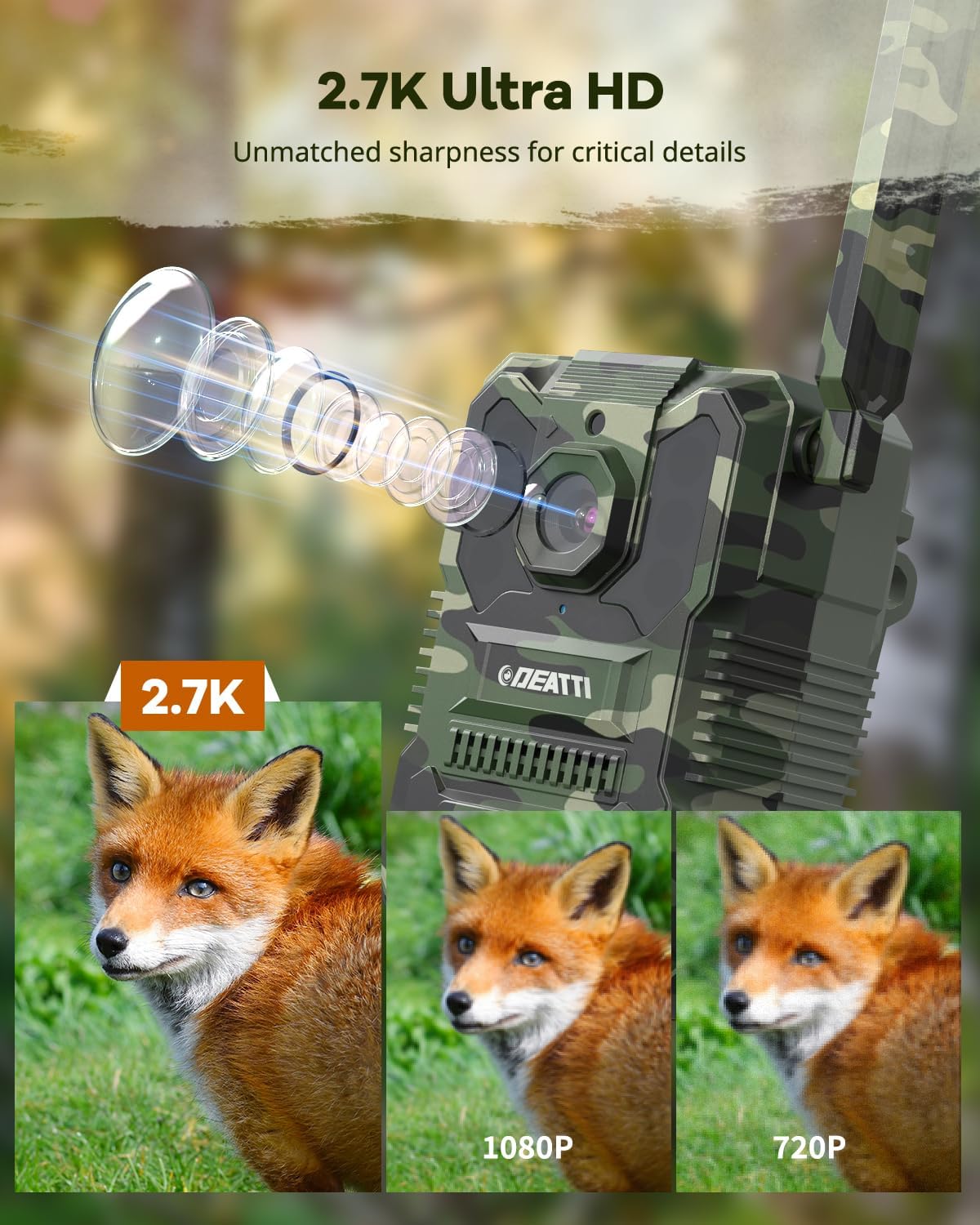
Figure 9: 2.7K Ultra HD Video Quality
4.5. Data Plans & Cloud Storage
The camera operates using cellular data. Flexible data plans are available for continuous connectivity. A 30-day free cloud storage trial is included, allowing you to store and access your recordings remotely. The camera is compatible with AT&T, T-Mobile, and Verizon networks in the US.
5. Onderhoud
5.1. Sonpaneelversorging
To ensure optimal charging efficiency, regularly clean the surface of the solar panel to remove dust, dirt, leaves, or snow. A clean panel maximizes sunlight absorption and extends battery life.
5.2. Weerbeskerming
The DEATTI F11 camera has an IP66 waterproof rating, making it resistant to rain, dust, and extreme temperatures (-22°F to 140°F). While designed for outdoor use, avoid submerging the camera in water. Ensure all ports and covers are securely closed to maintain water resistance.

Figure 10: IP66 Waterproof Design
5.3. Batterybestuur
The integrated 8000mAh battery is continuously charged by the solar panel. In periods of prolonged low light or heavy usage, the battery may require supplemental charging via the provided USB cable. Monitor battery status through the UCon App.
6. Probleemoplossing
6.1. No Connection/Offline
- Gaan SIM-kaart na: Ensure the Nano SIM card is correctly inserted and activated.
- Seinsterkte: Verify that the camera is in an area with adequate cellular signal.
- Dataplan: Confirm your cellular data plan is active and has sufficient data.
- Herlaai: Skakel die kamera af en dan weer aan.
6.2. Swak beeld-/videokwaliteit
- Skoon lens: Maak die kameralens versigtig skoon met 'n sagte, droë lap.
- Beligtingstoestande: Ensure sufficient ambient light during the day. For night vision, ensure no obstructions are blocking the IR LEDs.
- Programinstellings: Check the UCon App settings to ensure video resolution is set to 2.7K or HD, not SD.
6.3. Bewegingsopsporingsprobleme
- PIR Sensor Obstruction: Ensure the PIR sensor is not blocked by foliage or debris.
- Sensitiwiteitinstellings: Adjust the motion detection sensitivity in the UCon App.
- Plasing: Position the camera to capture motion effectively within its detection zone.
6.4. Battery laai nie
- Blootstelling aan sonpanele: Ensure the solar panel receives direct sunlight for several hours daily.
- Kabelverbinding: Check that the solar panel cable is securely connected to the camera.
- Handmatige laai: If solar charging is insufficient, charge the camera using the provided USB cable and a 5V power adapter.
7. Spesifikasies
| Kenmerk | Spesifikasie |
|---|---|
| Model Naam | F11 |
| Video-opname-resolusie | 1440p (2.7K) |
| Effektiewe video-resolusie | 2.7 |
| Viewing Hoek | 130 grade |
| Nagsigreeks | 20 meter (65 voet) |
| Trigger Tyd | 0.2 sekondes |
| Verbindingsprotokol | Sellulêr |
| Draadlose kommunikasietegnologie | Sellulêr |
| Kragbron | Sonkrag aangedryf |
| Batterykrag | 8000 miljoenamp Ure |
| Flash Memory geïnstalleerde grootte | 64 GB (Mikro SD) |
| Flash Memory Ondersteunde Maksimum grootte | 128 GB |
| Internasionale Beskermingsgraad | IP66 (waterdig) |
| Bedryfstemperatuur | -22°F tot 140°F |
| Itemafmetings (L x B x H) | 6.3 x 5.12 x 2.36 duim |
| Item gewig | 1.72 pond (0.78 kilogram) |
| Beheer metode | App (UCon) |
| Materiaal | Plastiek |
| Kleur | Groen |
8. Waarborg en Ondersteuning
For warranty information, technical assistance, or any product-related inquiries, please contact DEATTI customer support. You can typically find contact details on the official DEATTI webwebwerf of deur jou aankoopplatform.
Besoek die DEATTI Store on Amazon vir meer inligting en ondersteuningsbronne.