
1. Inleiding
Welcome to the user manual for your new TECNO POVA Curve 5G smartphone. This guide provides essential information on setting up, operating, maintaining, and troubleshooting your device. Please read this manual carefully to ensure optimal performance and longevity of your smartphone.

Figure 1: TECNO POVA Curve 5G smartphone, front and back.
2. Wat is in die boks
Upon unboxing your TECNO POVA Curve 5G, please verify that all the following items are included:
- TECNO POVA Curve 5G Smartphone
- Kragadapter (45W vinnige laaier)
- USB kabel
- SIM Skinkbord Ejector
- Koptelefoon
- Vinnige Begingids (hierdie dokument)

Figure 2: Key features of the TECNO POVA Curve 5G.
3. Opstelling
3.1 Inserting SIM Card and SD Card
- Vind die SIM-kaartlaai aan die kant van jou toestel.
- Plaas die SIM-laai se uitwerpgereedskap in die klein gaatjie langs die laai en druk liggies totdat die laai uitspring.
- Plaas jou Nano-SIM-kaart(e) en/of microSD-kaart in die aangewese gleuwe op die laai. Maak seker dat die goue kontakte na onder wys.
- Plaas die skinkbord versigtig terug in die toestel totdat dit vasklik.
3.2 Aanvanklike aanskakeling en basiese opstelling
- Press and hold the Power button until the TECNO logo appears.
- Volg die instruksies op die skerm om jou taal te kies, aan 'n Wi-Fi-netwerk te koppel en jou Google-rekening op te stel.
- You will be guided through setting up security features such as fingerprint unlock or facial recognition.

Figuur 3: Onder view of the device, illustrating port and SIM tray location.
4. Bedien jou toestel
4.1 Vertoon en Navigasie
The TECNO POVA Curve 5G features a 144Hz Curved AMOLED display for smooth visuals and vibrant colors. Navigate the interface using touch gestures:
- Tik: Kies 'n item of maak 'n toepassing oop.
- Swiep: Blaai deur skerms of lyste.
- Knyp: Zoem in of uit op beelde en web bladsye.
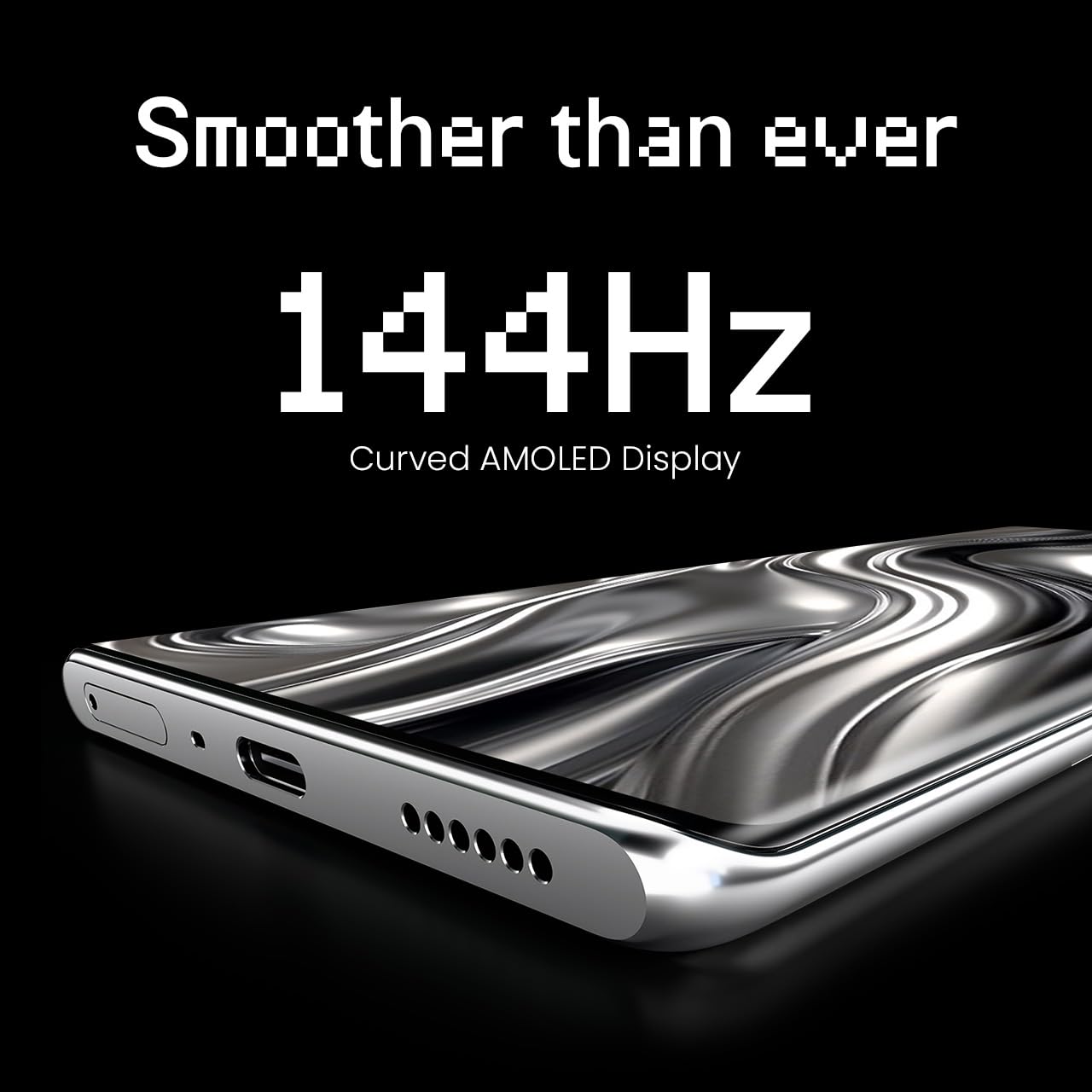
Figure 4: The 144Hz Curved AMOLED Display.
4.2 Kamerafunksies
Your device is equipped with a 64MP IMX682 Rear Camera. To access the camera, tap the Camera icon on your home screen or lock screen. Key features include:
- Fotomodus: Standard photography.
- Videomodus: Neem hoëgehalte-video's op.
- Portretmodus: Skep professioneel-uitsienende foto's met vae agtergronde.
- Nagmodus: Verbeter foto's wat in lae ligtoestande geneem is.
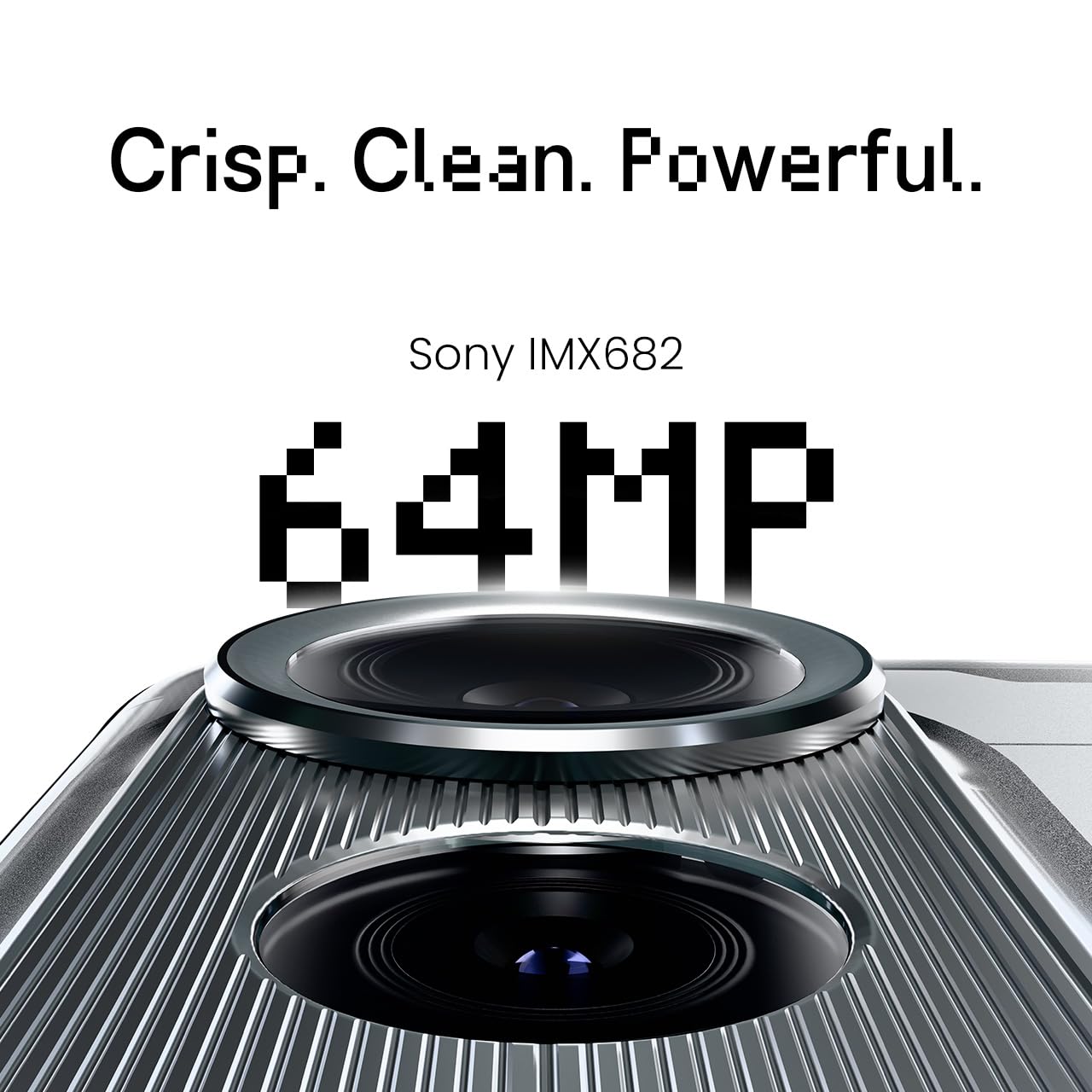
Figure 5: The 64MP IMX682 Rear Camera.
4.3 KI-kenmerke
The TECNO POVA Curve 5G integrates advanced AI capabilities, including support for Indian languages and an AI Call Assistant. These features are designed to enhance user experience and productivity.
- AI with Indian Language Support: Access various functions and communicate in multiple Indian languages.
- AI Call Assistant: Manage calls intelligently, including features like AI Auto Call Answering and AI Voiceprint Suppression.

Figure 6: AI with Indian Language Support.

Figuur 7: oorview of AI features.
4.4 Batterybestuur en -laai
The device is powered by a 5500mAh battery and supports 45W fast charging. Use the provided power adapter and USB cable for optimal charging speed.
- To charge, connect the USB cable to the phone's USB-C port and the power adapter, then plug into a wall outlet.
- Avoid using non-certified chargers or cables to prevent damage.
4.5 Konnektiwiteit
Your TECNO POVA Curve 5G supports 5G cellular networks, Wi-Fi, and Bluetooth. It also features an Intelligent Signal Hub System for improved network reception.
- Wi-Fi: Gaan na Instellings > Netwerk en internet > Wi-Fi om aan beskikbare netwerke te koppel.
- Bluetooth: Gaan na Instellings > Verbonde toestelle > Bluetooth om met ander Bluetooth-toestelle te koppel.
- Mobiele data: Maak seker dat jou SIM-kaart aktief is en mobiele data geaktiveer is in Instellings > Netwerk en internet > Mobiele netwerk.

Figure 8: Intelligent Signal Hub System for enhanced network communication.
5. Onderhoud
5.1 Skoonmaak van jou toestel
To keep your smartphone clean and functional:
- Gebruik 'n sagte, pluisvrye lap om die skerm en liggaam af te vee.
- Vermy die gebruik van harde chemikalieë, skuurmiddels of aërosolspuitmiddels.
- Moenie die toestel aan oormatige vog blootstel nie.
5.2 Sagteware-opdaterings
Regularly check for and install software updates to ensure your device has the latest features, security patches, and performance improvements. Go to Settings > System > System update.
5.3 Batterysorg
Om die batterylewe te verleng:
- Vermy uiterste temperature.
- Moenie die battery gereeld heeltemal laat leegloop nie.
- Ontkoppel die laaier sodra die battery ten volle gelaai is.
6. Probleemoplossing
This section addresses common issues you might encounter with your TECNO POVA Curve 5G.
| Kwessie | Moontlike Oplossing |
|---|---|
| Toestel skakel nie aan nie | Maak seker dat die battery gelaai is. Druk en hou die aan/af-knoppie vir ten minste 10 sekondes in om 'n herbegin te forseer. |
| Programme stort vas of vries | Clear the cache of the problematic app (Settings > Apps > [App Name] > Storage > Clear cache). Restart the device. |
| Swak netwerk sein | Check if your SIM card is properly inserted. Move to an area with better network coverage. Restart the device. |
| Battery raak vinnig leeg | Reduce screen brightness, close unused apps, disable unnecessary background processes, and check for power-intensive apps in battery settings. |
| Raakskerm reageer nie | Herbegin die toestel. Kontak kliëntediens as die probleem voortduur. |
7. Spesifikasies
Key technical specifications for the TECNO POVA Curve 5G (Model: LJ8K):
- Bedryfstelsel: Android 15
- RAM: 8 GB (expandable with memory fusion)
- Berging: 128 GB / 256 GB ROM
- Verwerker: MediaTek Dimensity 7300 Ultimate 5G
- Vertoon: 144Hz Curved AMOLED
- Agterste kamera: 64MP IMX682
- Battery: 5500mAh met 45W vinnige laai
- Afmetings: 16.4 x 7.5 x 0.7 cm
- Gewig: 177 g
- Verbinding: Bluetooth, Infrared, USB, Wi-Fi, 5G

Figure 9: Processor and Memory details.
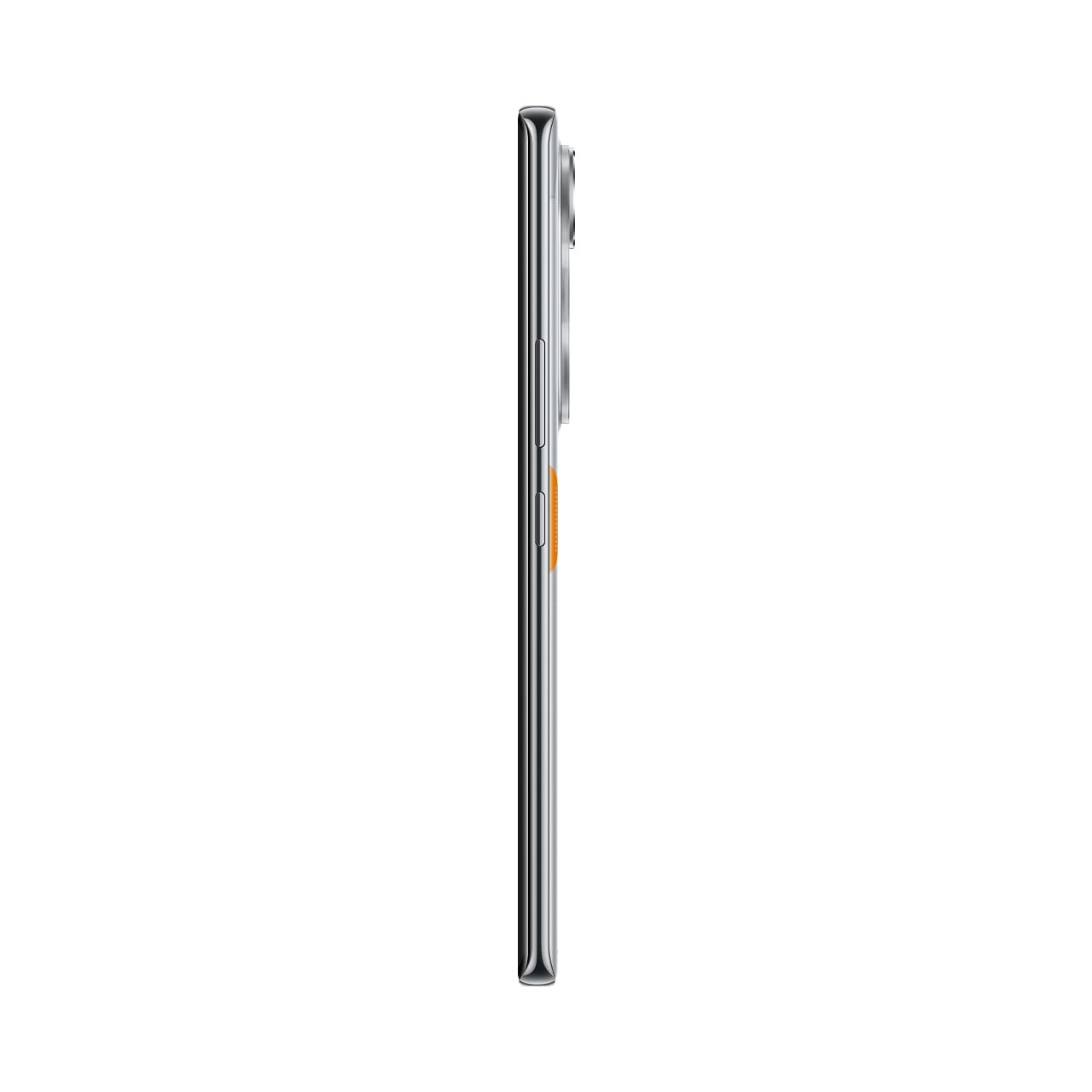
Figure 10: Slim design of the TECNO POVA Curve 5G.
8. Waarborg en Ondersteuning
8.1 Waarborginligting
Your TECNO POVA Curve 5G smartphone comes with a limited manufacturer's warranty. Please refer to the warranty card included in your product packaging for specific terms, conditions, and duration. Keep your proof of purchase for warranty claims.
8.2 Kliëntediens
For technical assistance, service, or further inquiries, please visit the official TECNO website or contact their customer support. Details can typically be found on the manufacturer's webwebwerf of in die waarborgdokumentasie.