
1. Produk verbyview
The WEILAILIFE 2K Indoor WiFi Security Camera, Model CS-F17YW, is designed for indoor surveillance, offering 2K (2304x1296p) video resolution. It features 360° horizontal rotation and 90° vertical tilt for comprehensive coverage, automatic motion tracking, two-way audio, and full-color night vision. The camera supports dual-band WiFi (2.4GHz and 5GHz) for stable connectivity and can store recordings on a Micro SD card (up to 256GB) or via cloud storage. Remote viewing and control are available through the free "HonestView" application on smartphones, PCs, or tablets.

Beeld 1.1: verbyview of the WEILAILIFE 2K Indoor WiFi Security Camera, highlighting its key features such as 2K resolution, 2-way audio, auto-tracking, night vision, push notifications, 24/7 recording, TF card & cloud storage, and 5G/2.4GHz WiFi compatibility.
2. Pakketinhoud
Verifieer dat alle items in die pakket teenwoordig is:
- Indoor PTZ Security Camera x 1
- 5V Power Adapter x 1
- Screw Bag x 1 (for wall mounting)
- Gebruikershandleiding x 1
3. Opstelgids
3.1 Aanskakeling van die kamera
- Connect the provided 5V Power Adapter to the camera's power input port.
- Plug the power adapter into a standard electrical outlet. The camera will power on and initiate its startup sequence.
3.2 App-installasie en rekeningregistrasie
- Download the "HonestView" app from your device's app store (available for iOS and Android).
- Open the app and follow the on-screen instructions to create a new account. Ensure you use a strong password.
3.3 Koppel aan Wi-Fi
- In the "HonestView" app, select the option to add a new device.
- Follow the app's prompts to connect the camera to your home Wi-Fi network. The camera supports both 2.4GHz and 5GHz Wi-Fi bands. For optimal performance, ensure your camera is within range of your Wi-Fi router.
- Enter your Wi-Fi network name (SSID) and password accurately.
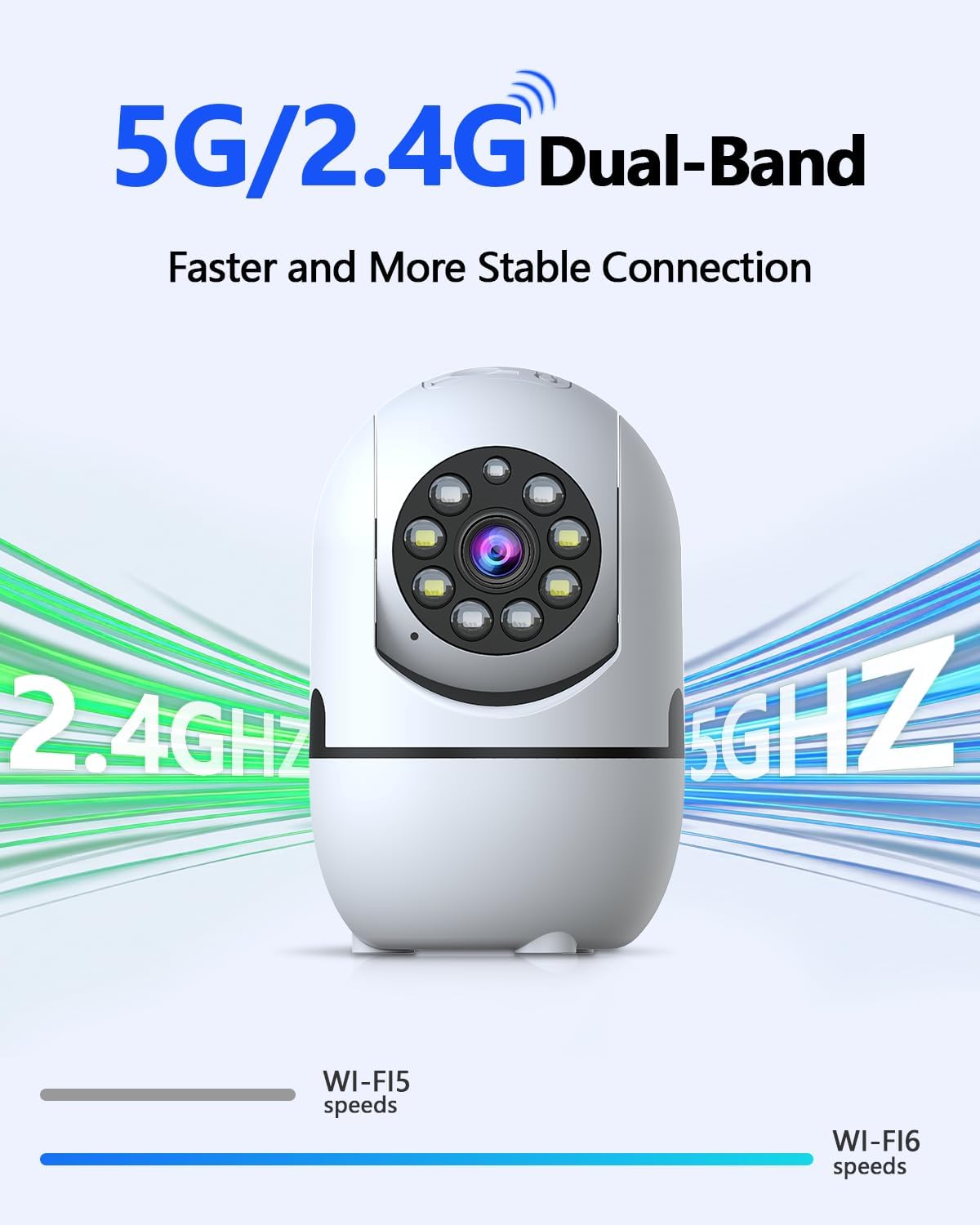
Image 3.3: The camera supports both 2.4GHz and 5GHz Wi-Fi for a faster and more stable connection.
3.4 Mikro SD-kaartinstallasie (Opsioneel)
To enable local video recording, install a Micro SD card (not included, up to 256GB).
- Locate the Micro SD card slot on the camera. This may require gently tilting the camera lens upwards to reveal the slot.
- Insert the Micro SD card into the slot with the contacts facing the correct direction until it clicks into place.
- Format the Micro SD card through the "HonestView" app settings for proper functionality.

Image 3.4: The camera offers flexible storage options including Micro SD card (up to 256GB) and cloud storage.
3.5 Montering van die kamera
The camera can be placed freestanding on a flat surface or mounted to a wall.
- Vrye staande: Place the camera on a stable, flat surface such as a table or shelf.
- Muur berg: Use the included screw bag to securely mount the camera to a wall. Ensure the mounting location provides a clear view and is within Wi-Fi range.
4. Bedryfsinstruksies
4.1 Lewendig View en Pan/Kantelbeheer
Access the live video feed through the "HonestView" app. Use the on-screen controls to remotely pan the camera 360° horizontally and tilt it 90° vertically to adjust the viewing hoek.
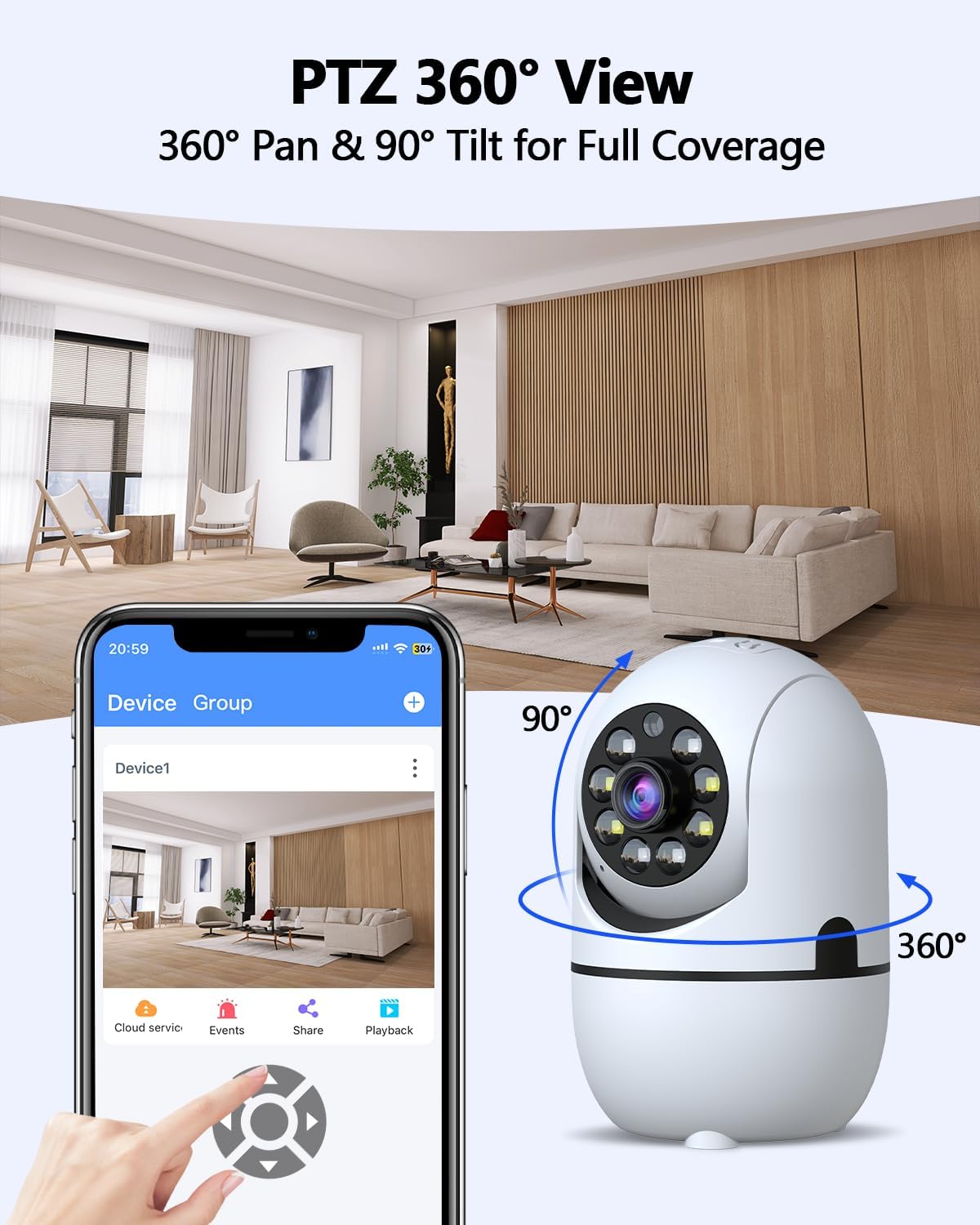
Image 4.1: The camera offers 360° pan and 90° tilt for full room coverage, controllable via the app.
4.2 Outo-opsporing
Enable the auto-tracking feature in the app settings. The camera will automatically detect and follow movement within its field of view, sending real-time alerts to your phone.
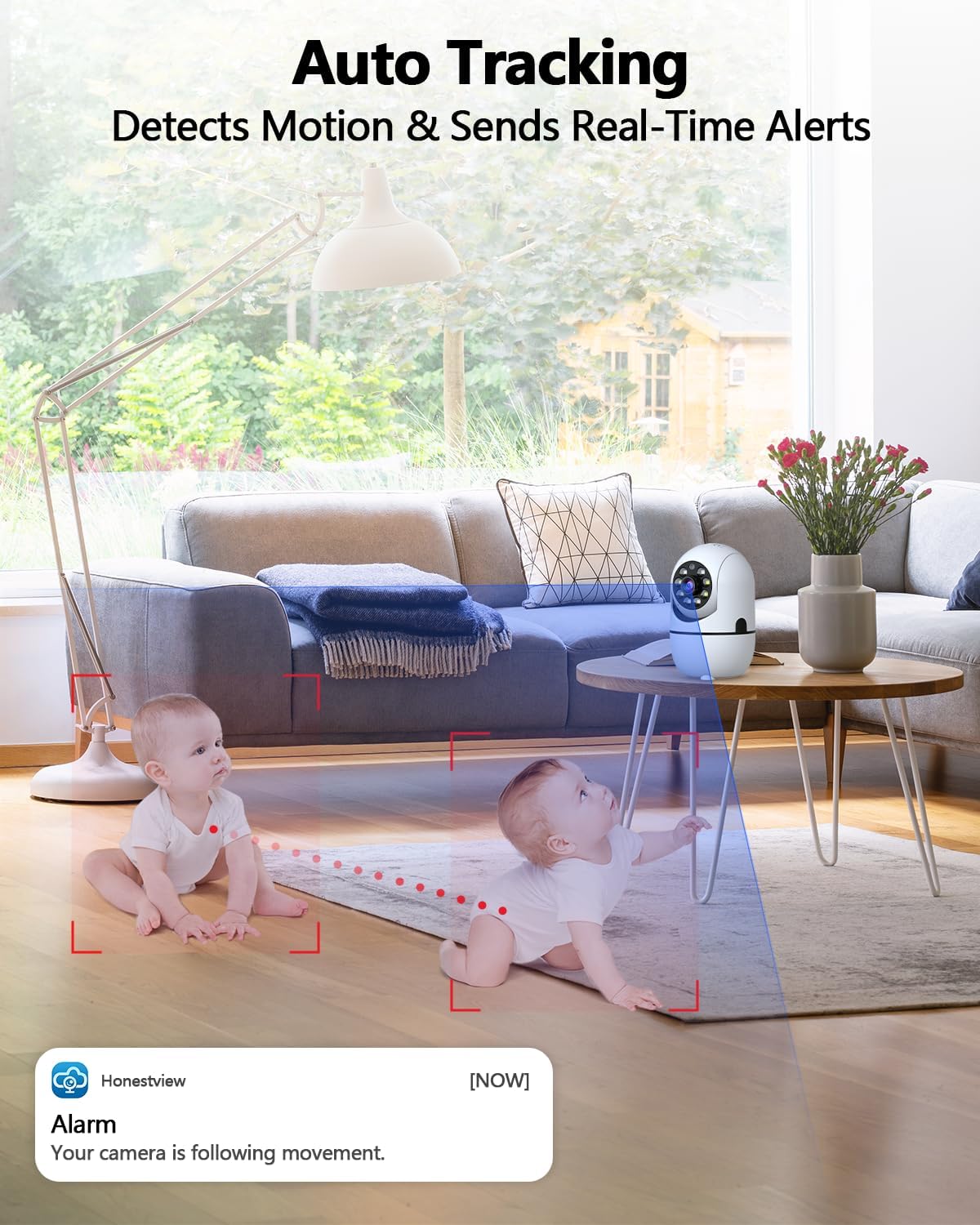
Image 4.2: The camera's auto-tracking feature detects motion and sends real-time alerts to your phone.
4.3 Tweerigting-klank
Utilize the built-in microphone and speaker for real-time two-way communication. Tap the microphone icon in the app to speak, and listen through the camera's speaker. Noise reduction technology ensures clear audio.
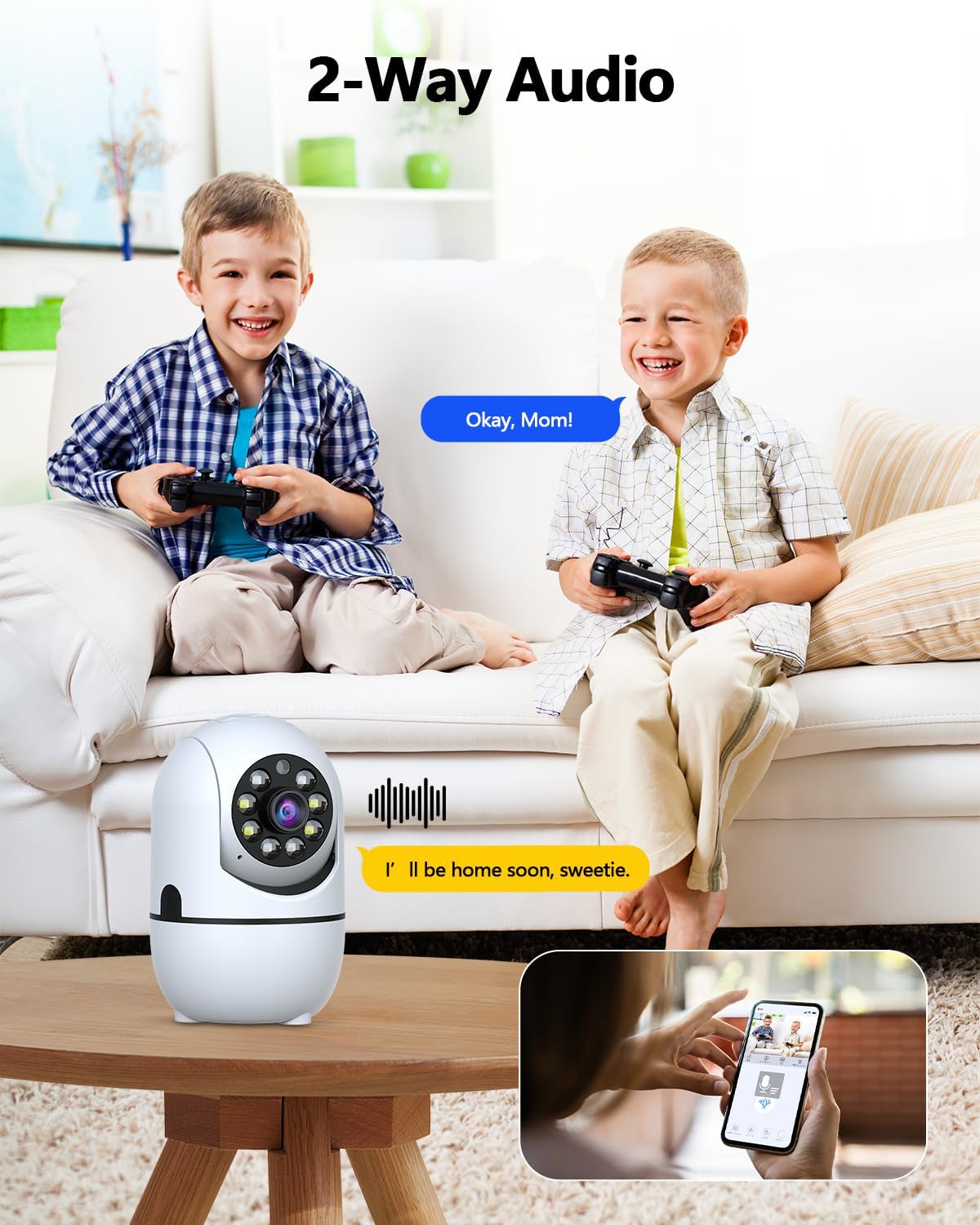
Image 4.3: The camera supports two-way audio, allowing communication through the app.
4.4 Nagvisie
The camera automatically switches to night vision mode in low-light conditions. It uses dual light sources (infrared and white light) to provide full-color video up to 33 feet, even in complete darkness.

Image 4.4: The camera provides clear color night vision up to 33 feet, suitable for 24/7 monitoring.
4.5 Motion and Human Detection
The camera is equipped with motion detection and smart human detection capabilities. When motion or a human figure is detected, the camera can send real-time alerts to your phone, activate a siren, or trigger email notifications, reducing false alarms.
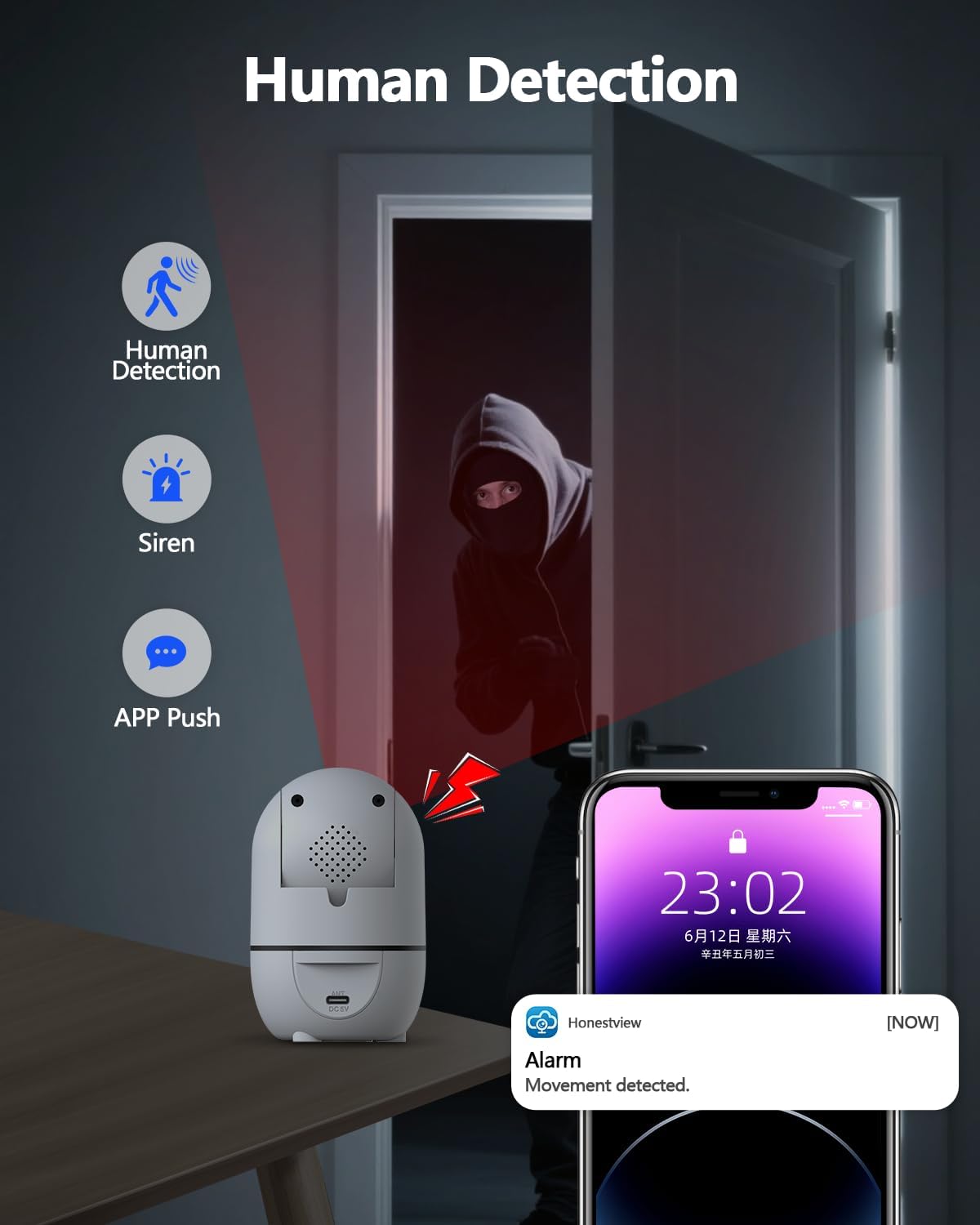
Image 4.5: Human detection feature triggers alerts and a siren when movement is detected.
4.6 Opname en afspeel
Recordings are stored on the installed Micro SD card or in the cloud (subscription may be required for cloud services). Access recorded footage and playback events through the "HonestView" toepassing.
Video 4.6: This video demonstrates the camera's functionality, including its ability to capture and record events for later playback.
5. Onderhoud
5.1 Skoonmaak
To maintain optimal performance, periodically clean the camera lens and body. Use a soft, dry cloth to gently wipe away dust and smudges. Avoid using harsh chemicals or abrasive materials that could damage the camera.
5.2 Firmware-opdaterings
Check the "HonestView" app regularly for available firmware updates. Keeping the camera's firmware updated ensures access to the latest features, security enhancements, and performance improvements.
5.3 Omgewingsoorwegings
This camera is designed for indoor use only. Do not expose it to water, extreme temperatures, or high humidity. Ensure it is placed in a well-ventilated area.
6. Probleemoplossing
- Kamera koppel nie aan Wi-Fi nie:
- Maak seker dat jou Wi-Fi-wagwoord korrek ingevoer is.
- Verifieer dat die kamera binne die bereik van jou Wi-Fi-router is.
- Confirm your router is broadcasting both 2.4GHz and 5GHz networks, and try connecting to the other band if one fails.
- Herbegin jou router en die kamera.
- Poor video quality or lagging:
- Kontroleer jou internetverbindingspoed. 'n Stabiele en vinnige verbinding is nodig vir optimale stroming.
- Ensure the camera is connected to the stronger Wi-Fi band (5GHz typically offers faster speeds if available and in range).
- Reduce the video resolution setting in the app if your network bandwidth is limited.
- Auto-tracking or PTZ controls are unresponsive:
- Ensure the camera has a stable Wi-Fi connection.
- Close and reopen the "HonestView" toepassing.
- Restart the camera by unplugging and replugging its power adapter.
- No recording or playback:
- Verify that a Micro SD card is properly inserted and formatted through the app.
- Check if your cloud storage subscription is active (if applicable).
- Ensure recording settings are enabled in the "HonestView" toepassing.
- Gereelde vals alarms:
- Pas die bewegingsopsporingsgevoeligheidsinstellings in die toepassing aan.
- Gebruik die menslike opsporingsfunksie om nie-menslike bewegings uit te filter.
- Ensure the camera is not pointing at areas with constant, irrelevant motion (e.g., tree branches swaying outside a window).
7. Spesifikasies
| Kenmerk | Spesifikasie |
|---|---|
| Model Naam | CS-F17YW |
| Binne/buiteluggebruik | Binneshuise |
| Video-opname-resolusie | 3.0 Megapixel (2304x1296p) |
| Viewing Hoek | 360° (Pan), 90° (Tilt) |
| Nagsigreeks | 33 Feet (Full Color) |
| Verbindingstegnologie | Dual-Band Wi-Fi (2.4GHz & 5GHz), IEEE802.11 1/n/f |
| Bergingsopsies | Micro SD (up to 256 GB), Cloud Storage |
| Kragbron | AC/DC (5V Power Adapter) |
| Afmetings (L x B x H) | 5 x 4 x 5 duim |
| Item gewig | 1.2 pond |
| Beheer metode | App (HonestView) |
| Spesiale kenmerke | 2-Way Audio, Auto Tracking, Full-Color Night Vision, Human Detection |
| Ingesluit komponente | Camera, Power Adapter, Screw Bag, User Manual |
8. Waarborg en Ondersteuning
8.1 Waarborginligting
Specific warranty details for the WEILAILIFE 2K Indoor WiFi Security Camera are typically provided with the product packaging or can be found on the official WEILAILIFE webwebwerf. Verwys asseblief na hierdie bronne vir die mees akkurate en opgedateerde waarborgbepalings en -voorwaardes.
8.2 Kliëntediens
For technical assistance, troubleshooting, or any questions regarding your WEILAILIFE camera, please contact WEILAILIFE customer support. You can usually find contact information within the "HonestView" app or on the official WEILAILIFE webwebwerf.