
ECOPAD T30
ECOPAD T30 Android 15 Tablet User Manual
Omvattende gids vir opstelling, werking en onderhoud
1. Inleiding
Welcome to the ECOPAD T30 Android 15 Tablet user manual. This guide provides essential information to help you set up, operate, and maintain your new tablet. Please read this manual thoroughly to ensure optimal performance and longevity of your device.
2. Pakketinhoud
Voordat jy begin, maak asseblief seker dat alle items in jou pakket teenwoordig is:
- ECOPAD T30 Android 15 Tablet
- USB Type-C kabel
- 18W kragadapter
- Gebruikershandleiding (hierdie dokument)

Image: Contents of the ECOPAD T30 Tablet package, showing the tablet, USB cable, 18W charger, and user manual.
3. Toestel oorview
Familiarize yourself with the physical components of your ECOPAD T30 tablet.

Beeld: Voor en agter view of the ECOPAD T30 Tablet, illustrating the screen, rear camera, and various ports and buttons.
Sleutelkomponente:
- Voorste kamera: Vir video-oproepe en selfies.
- Agterste kamera: Vir die neem van foto's en video's.
- Kragknoppie: To turn the tablet on/off or put it to sleep.
- Volume knoppies: To adjust the audio volume.
- USB Tipe C-poort: Vir laai en data-oordrag.
- 3.5 mm koptelefoonaansluiting: Vir die koppeling van bedrade oorfone.
- Micro SD -kaartgleuf: Vir die uitbreiding van berging.
- Luidsprekers: Vir oudio-uitvoer.
4. Opstelling
4.1 Laai die tablet
Before first use, fully charge your tablet. Connect the USB Type-C cable to the tablet's charging port and the 18W power adapter to a wall outlet.

Image: The ECOPAD T30 Tablet connected to its 18W fast charger, illustrating its 6000mAh battery and various usage durations.
4.2 Krag aan/af
- Om aan te skakel: Press and hold the Power button until the ECOPAD logo appears.
- Om af te skakel: Druk en hou die aan/af-knoppie in, en kies dan "Skakel af" uit die opsies op die skerm.
- Om weer te begin: Druk en hou die aan/af-knoppie ingedruk en kies dan "Herbegin" uit die opsies.
4.3 Aanvanklike opstelling
Upon first power-on, the tablet will guide you through the initial setup process. This includes selecting your language, connecting to Wi-Fi, setting up your Google account, and configuring basic security settings.
4.4 Wi-Fi-verbinding
- Gaan na Instellings > Netwerk en internet > Wi-Fi.
- Wi-Fi wissel On.
- Kies jou verlangde Wi-Fi-netwerk uit die lys.
- Voer die wagwoord in indien gevra, en tik dan Koppel.
5. Bediening van die tablet
5.1 Android 15-bedryfstelsel
Your ECOPAD T30 runs on the latest Android 15, offering enhanced security, improved privacy controls, and a customizable user experience.

Image: A visual representation of the Android 15 operating system, highlighting its key features such as multitasking, privacy controls, customization, and performance.
5.2 Vertooninstellings
The tablet features a 10.1-inch HD IPS touchscreen with a resolution of 1280x800 pixels and a 16:9 aspect ratio.

Image: The 10.1-inch HD IPS display of the ECOPAD T30, showcasing its resolution, aspect ratio, and eye-protection capabilities.
Adjust brightness, font size, and display mode (e.g., dark theme) via Instellings > Vertoon.
5.3 Bergingbestuur
The tablet comes with 128GB of internal storage, expandable up to 1TB using a Micro SD card.

Image: An illustration of the ECOPAD T30's memory and storage capabilities, featuring 12GB RAM, 128GB internal storage, and support for up to 1TB Micro SD card expansion.
To manage storage, go to Instellings > Berging. Hier kan jy view used space and free up storage.
5.4 Konnektiwiteit
Jou tablet ondersteun verskeie konnektiwiteitsopsies:
- Dual-Band Wi-Fi 5 (2.4GHz & 5GHz): For fast internet access.
- Bluetooth 5.0: For connecting wireless accessories like headphones and keyboards.
- GPS: Vir navigasie- en liggingsdienste.
- FM Radio: For listening to local radio stations.
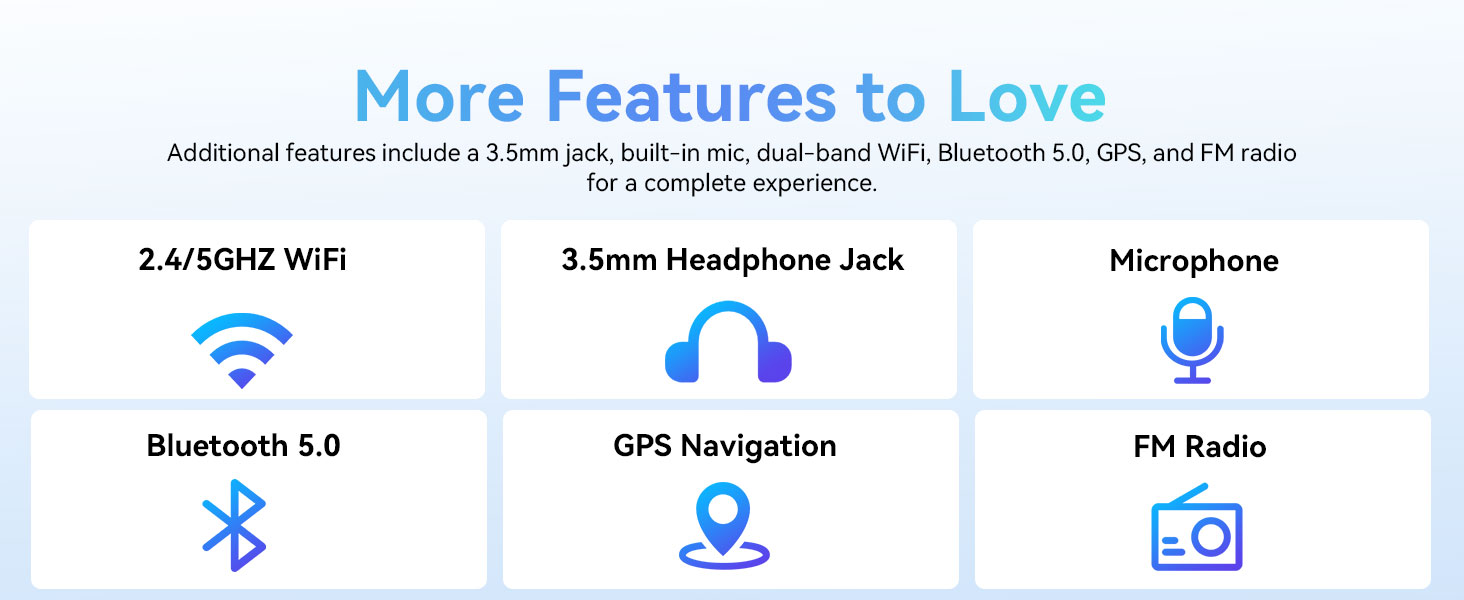
Image: A graphic displaying the ECOPAD T30's additional features, including dual-band Wi-Fi, 3.5mm headphone jack, microphone, Bluetooth 5.0, GPS, and FM Radio.
5.5 Kameragebruik
The tablet is equipped with an 8MP rear camera and a 2MP front camera.
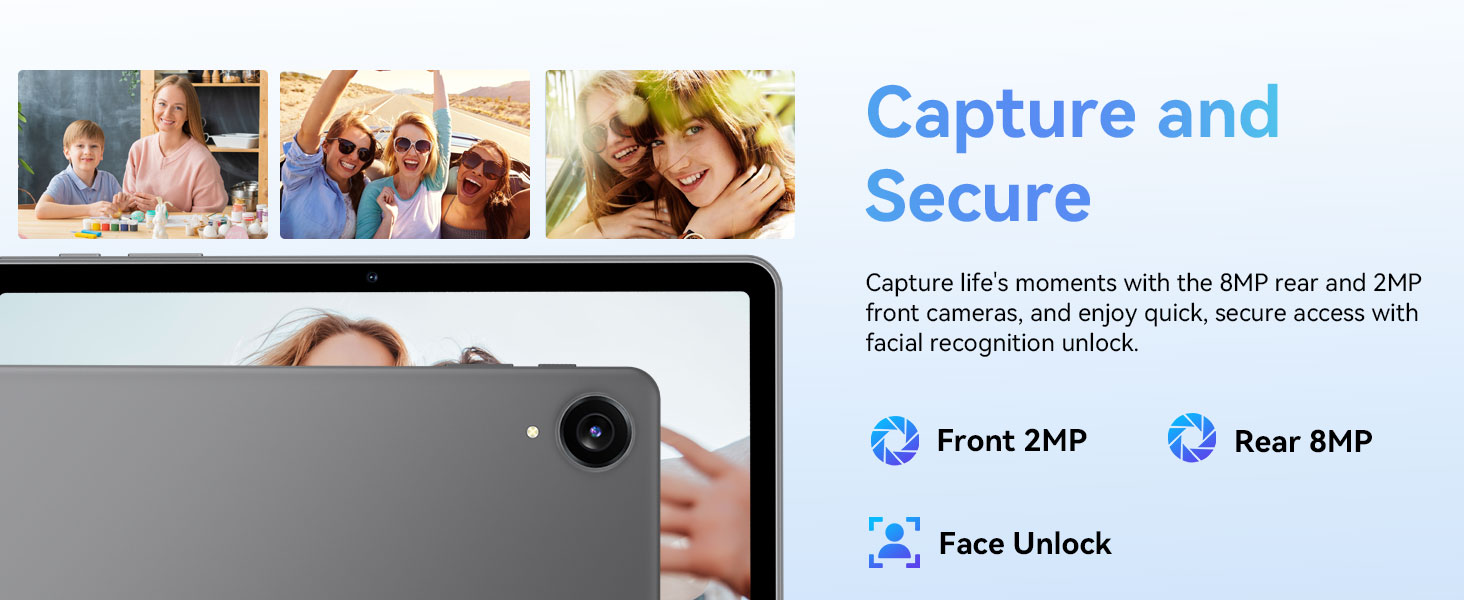
Image: The ECOPAD T30 Tablet highlighting its 2MP front camera, 8MP rear camera, and the Face Unlock security feature.
Maak die oop Kamera app to take photos or record videos. Tap the camera icon to switch between front and rear cameras.
5.6 Security (Face Unlock)
For convenient and secure access, your tablet supports Face Unlock. To set it up, go to Instellings > Sekuriteit en privaatheid > Gesigslot en volg die instruksies op die skerm.
5.7 Multimedia and Streaming
The ECOPAD T30 supports Widevine L1, enabling high-definition streaming from platforms like Netflix, Hulu, YouTube, HBO Max, Prime Video, and Disney+.
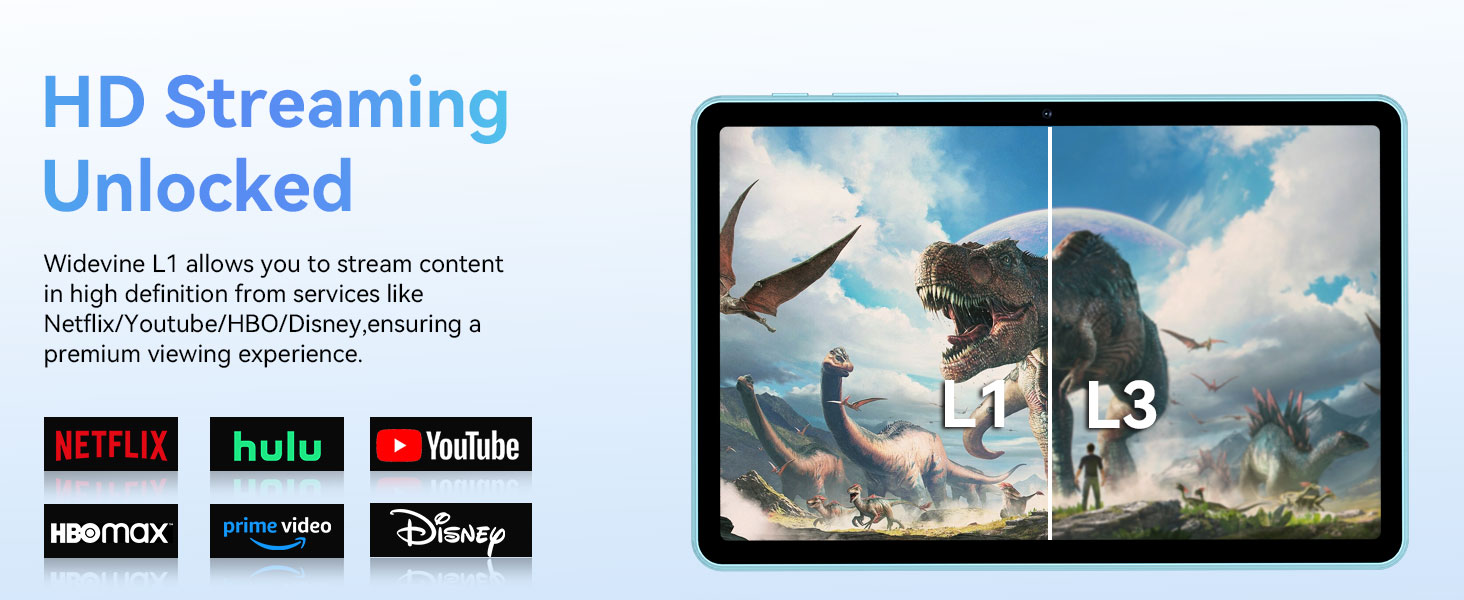
Image: The ECOPAD T30 Tablet demonstrating Widevine L1 support for high-definition streaming, with logos of compatible services like Netflix and Disney+.
6. Onderhoud
6.1 Batterysorg
- Vermy uiterste temperature.
- Moenie die battery gereeld heeltemal laat leegloop nie.
- Use the provided 18W charger for optimal charging.
6.2 Skoonmaak
Gebruik 'n sagte, pluisvrye lap om die skerm en liggaam van die tablet skoon te maak. Vermy harde chemikalieë of skuurmiddels.
6.3 Sagteware-opdaterings
Kontroleer gereeld vir sagteware-opdaterings en installeer dit om te verseker dat jou tablet die nuutste kenmerke, sekuriteitsopdaterings en werkverrigtingverbeterings het. Gaan na Instellings > Stelsel > Stelselopdatering.
7. Probleemoplossing
- Tablet skakel nie aan nie: Maak seker dat die battery gelaai is. Koppel die laaier en probeer weer.
- Skerm gevries: Druk en hou die aan/af-knoppie vir ongeveer 10-15 sekondes in om 'n herbegin te forseer.
- Wi-Fi-verbindingskwessies: Restart your tablet and your Wi-Fi router. Check Wi-Fi settings to ensure the correct network and password are used.
- Programme wat vasval: Maak die kasgeheue van die problematiese toepassing skoon (Instellings > Toepassings > [Programnaam] > Berging en kasgeheue > Vee kas uit). Indien die probleem voortduur, probeer om die toepassing weer te installeer.
- Low audio volume: Check volume settings. Ensure no headphones are connected if you intend to use speakers. Consider connecting a Bluetooth speaker for enhanced audio.
8. Spesifikasies
| Kenmerk | Spesifikasie |
|---|---|
| Model | ECOPAD T30 |
| Bedryfstelsel | Android 15 |
| Verwerker | Unisoc T606 Octa-core (2x Cortex-A75, 6x Cortex-A55) |
| RAM | 12GB (4GB + 8GB Expansion) |
| Interne berging | 128 GB |
| Uitbreidbare berging | Up to 1TB via Micro SD Card |
| Vertoon grootte | 10.1 duim |
| Tipe vertoon | HD IPS Touchscreen |
| Resolusie | 1280 x 800 piksels |
| Aspekverhouding | 16:9 |
| Agterste kamera | 8MP |
| Voorste kamera | 2MP |
| Wi-Fi | Dual-Band Wi-Fi 5 (802.11ax, 2.4GHz/5GHz) |
| Bluetooth | Bluetooth 5.0 |
| Battery kapasiteit | 6000mAh |
| Laai | 18W Fast Charge (USB Type-C) |
| Gemiddelde batterylewe | 8 Hours (typical usage) |
| Afmetings (LxBxH) | 9.5 x 6.5 x 0.3 duim |
| Gewig | 1.83 pond |
| Ander kenmerke | GPS, FM Radio, Dual Speakers, Face Unlock, Widevine L1 |

Image: A detailed diagram illustrating the Unisoc T606 Octa-core processor, highlighting its ARM G57 GPU, core configuration (Cortex-A55 x 6, Cortex-A75 x 2), and 12nm manufacturing process.
9. Waarborg en Ondersteuning
Your ECOPAD T30 Tablet comes with a 2 jaar waarborg from the date of purchase. This warranty covers manufacturing defects and ensures peace of mind regarding your product's quality.
For technical support, warranty claims, or any questions regarding your tablet, please contact ECOPAD customer service through the official channels provided at the time of purchase or on the ECOPAD webwebwerf.
Ask a question about this manual
Ask about setup, troubleshooting, compatibility, parts, safety, or missing instructions. Manuals+ will review the question and use this page’s manual context to help answer it.