
Inleiding
Welcome to the user manual for your new DIALN X65 Unlocked Smartphone. This guide provides essential information to help you set up, operate, maintain, and troubleshoot your device. Please read this manual carefully to ensure optimal performance and longevity of your smartphone.
The DIALN X65 features a 6.5-inch display, runs on Android 13, and offers 32GB of internal storage, expandable via microSD. It is equipped with a 13MP camera and a 4500mAh battery.
Wat is in die boks
Upon unboxing your DIALN X65, verify that all items are present:
- DIALN X65 slimfoon
- Laai kabel
- Gebruikershandleiding (hierdie dokument)
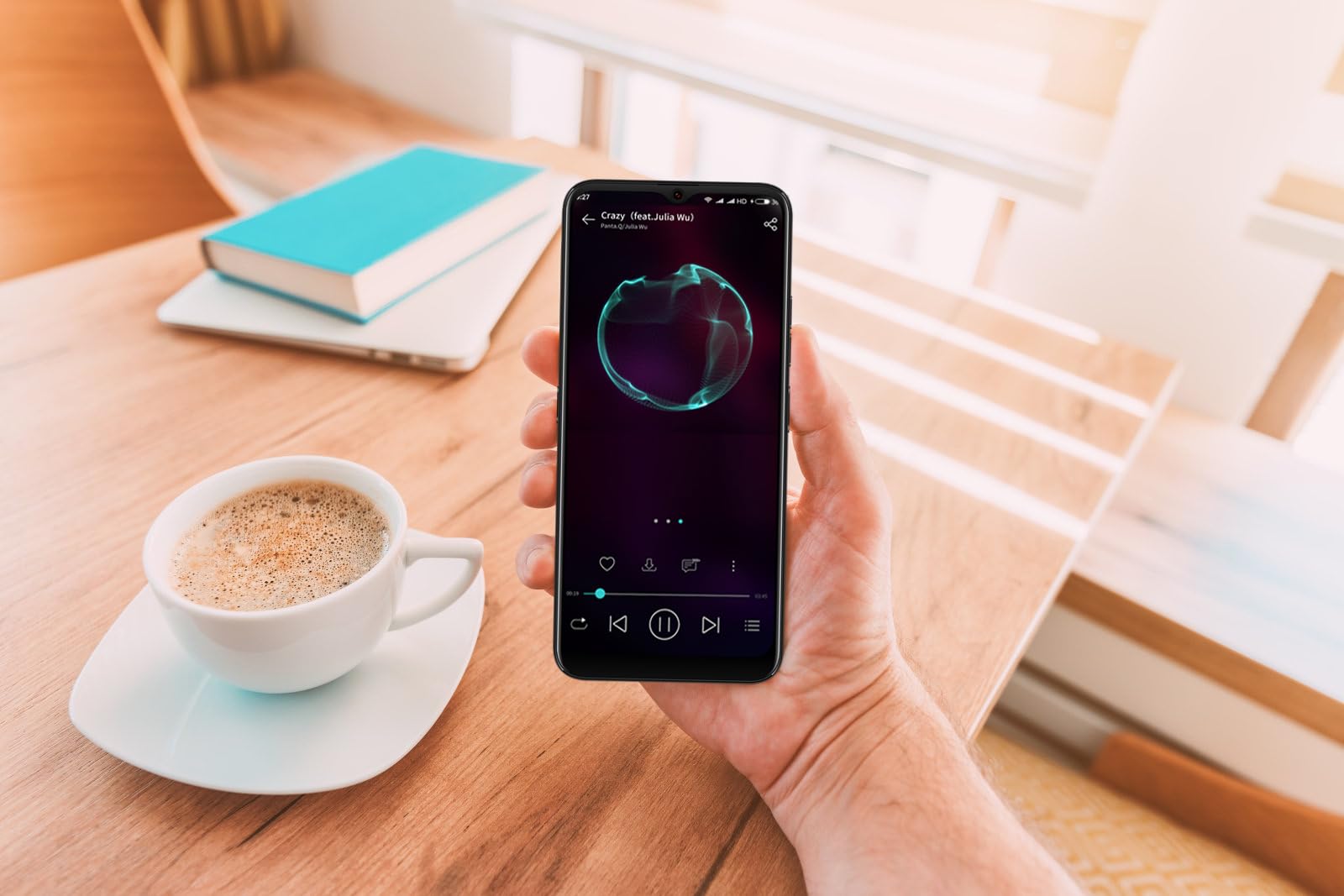
Image: The DIALN X65 smartphone displayed with its charging cable and user manual, as typically found in the product packaging.
Opstelling
1. Insert SIM Card and MicroSD Card (Optional)
- Vind die SIM-kaartlaai aan die kant van jou foon.
- Insert the SIM ejector tool (not included, a paperclip can be used) into the small hole on the tray to open it.
- Plaas jou Nano-SIM-kaart(e) en/of microSD-kaart in die laai met die goue kontakte na onder, en maak seker dat hulle korrek georiënteer is.
- Druk die laai saggies terug in die foon totdat dit in plek klik.
2. Aanvanklike laai
Before first use, it is recommended to fully charge your DIALN X65. Connect the charging cable to the phone's charging port and plug the other end into a power adapter (not included) or a USB port. The battery indicator on the screen will show charging progress. A full charge typically takes approximately 2 hours.
3. Skakel aan/af
- Om aan te skakel: Press and hold the Power button (located on the right side) until the DIALN logo appears on the screen.
- Om af te skakel: Druk en hou die aan/af-knoppie in totdat die kragopsies-kieslys verskyn. Tik op 'Skakel af' en bevestig.
- Om weer te begin: Druk en hou die aan/af-knoppie in totdat die kragopsies-kieslys verskyn. Tik op 'Herbegin' en bevestig.
4. Aanvanklike Opstelling Wizard
The first time you power on your phone, you will be guided through an initial setup process. Follow the on-screen prompts to:
- Kies jou taal.
- Koppel aan 'n Wi-Fi-netwerk.
- Meld aan met jou Google-rekening of skep 'n nuwe een.
- Stel skermslot op (PIN, patroon, wagwoord of Gesigontsluiting).
- Review en aanvaar die bepalings en voorwaardes.
Operating Your DIALN X65
1. Basiese navigasie
- Raak: Tik op 'n ikoon om 'n toepassing oop te maak of 'n item te kies.
- Swiep: Sleep jou vinger oor die skerm om te blaai of tussen skerms te navigeer.
- Knyp: Gebruik twee vingers om in of uit te zoem op foto's en web bladsye.
- Tuisskerm: Die sentrale spilpunt vir jou programme en widgets. Vee links of regs om toegang tot bykomende tuisskerms te kry.
- Kennisgewingpaneel: Vee van die bokant van die skerm af om toegang tot kennisgewings en kitsinstellings te verkry.
2. Oproepe en kontakte
- Maak 'n oproep: Maak die 'Telefoon'-app oop, voer die nommer in en tik op die oproepikoon.
- Beantwoord 'n oproep: Swipe up on the green phone icon when a call comes in.
- Bestuur kontakte: Open the 'Contacts' app to add, edit, or delete contacts.
3. Boodskappe
Open the 'Messages' app to send and receive SMS/MMS messages. Tap the '+' icon to compose a new message, enter the recipient's number or select from contacts, and type your message.
4. Internet en Konnektiwiteit
- Wi-Fi: Go to Settings > Network & internet > Wi-Fi. Turn Wi-Fi on and select your desired network.
- Bluetooth: Go to Settings > Connected devices > Connection preferences > Bluetooth. Turn Bluetooth on to pair with other devices.
- Mobiele data: Go to Settings > Network & internet > Mobile network. Ensure mobile data is enabled for internet access via your SIM card.
5. Kamera
Open the 'Camera' app to capture photos and videos. Tap the shutter button to take a photo. Swipe left or right to switch between photo, video, and other modes. Use the front camera for selfies.
6. Gesigontsluiting
To set up Face Unlock, go to Settings > Security & privacy > Device unlock > Face unlock. Follow the on-screen instructions to register your face. Once set up, you can unlock your phone by looking at the front camera.
7. Bergingbestuur
Your DIALN X65 comes with 32GB of internal storage. You can expand this up to 256GB using a microSD card. To check storage usage, go to Settings > Storage. Regularly clear unnecessary files en programme om optimale werkverrigting te handhaaf.
Onderhoud
1. Skoonmaak van jou toestel
Use a soft, lint-free cloth to clean the screen and body of your phone. Avoid using harsh chemicals or abrasive materials, as these can damage the display and finish. Do not expose the phone to excessive moisture.
2. Sagteware-opdaterings
Regularly check for and install software updates to ensure your phone has the latest features, security patches, and performance improvements. Go to Settings > System > System update to check for available updates.
3. Batteryversorging
- Vermy uiterste temperature, aangesien dit die batterylewe kan verminder.
- Moenie die battery gereeld heeltemal laat leegloop nie.
- Use the provided charging cable or a compatible, certified charger.
- Unplug the charger once the battery is full to prevent overcharging.
4. Storage Optimization
To keep your phone running smoothly, regularly review and delete unused apps, old photos, videos, and downloaded files. Consider moving large media files na 'n microSD-kaart of wolkberging.
Probleemoplossing
Algemene kwessies en oplossings:
- Foon skakel nie aan nie: Maak seker dat die battery gelaai is. Koppel dit vir ten minste 15 minute aan 'n laaier en probeer dan weer om dit aan te skakel.
- Poor Signal/No Network: Check if your SIM card is properly inserted. Ensure mobile data is enabled in settings. Try restarting the phone. If issues persist, contact your network provider.
- Programme wat vasval/vries: Close and reopen the app. Clear the app's cache (Settings > Apps > [App Name] > Storage & cache > Clear cache). If the problem continues, uninstall and reinstall the app.
- Battery dreineer vinnig: Reduce screen brightness, disable unused features like Bluetooth or GPS, close background apps, and check for apps consuming excessive power in battery settings.
- Raakskerm reageer nie: Restart the phone. If the issue persists, a factory reset might be necessary (see below).
Factory Reset (Data Erase)
’n Fabrieksherstel sal alle data van jou foon uitvee en dit na sy oorspronklike fabrieksinstellings herstel. Rugsteun alle belangrike data voordat u voortgaan.
- Gaan na Instellings > Stelsel > Herstelopsies.
- Tap 'Erase all data (factory reset)'.
- Bevestig jou besluit en voer jou PIN/patroon/wagwoord in indien gevra.
- Die foon sal herbegin en die herstelproses begin.
Spesifikasies
| Kenmerk | Spesifikasie |
|---|---|
| Model Naam | X65 |
| Bedryfstelsel | Android 13.0 |
| Vertoon grootte | 6.5 duim |
| Resolusie | 1280 x 720 |
| Verwerker | Quad Core 2.26GHz (MediaTek) |
| RAM | 3 GB |
| Interne berging | 32 GB (Expandable up to 256GB via microSD) |
| Hoofkamera | 13 MP |
| Battery kapasiteit | 4500 mAh |
| Konnektiwiteit | 4G LTE, Wi-Fi, Bluetooth |
| Spesiale kenmerke | Expandable Storage, Face Unlock, Built-in GPS |
| Afmetings | 6.5 x 3 x 6.5 duim |
| Gewig | 6.5 onse |
Waarborg en Ondersteuning
Your DIALN X65 Smartphone is covered by a limited manufacturer's warranty. Please refer to the warranty card included with your product for specific terms and conditions, including warranty period and coverage details. For technical support, service, or further inquiries, please visit the official DIALN website or contact customer service through the contact information provided on the product packaging or official webwebwerf.