
1. Produk verbyview
The SOVMIKU Vicohome 128GB Micro SD Card is designed for high-performance storage in a variety of compatible devices. Featuring UHS-I U3 speed class and A1 application performance, it is suitable for recording 4K video and loading applications quickly. This card provides reliable storage for security cameras, action cameras, drones, dash cameras, gaming consoles, and more.

Image: Two Vicohome Micro SD cards, illustrating the product's appearance and capacity options.
2. Opstelling en installering
Follow these steps to properly install your Micro SD card into a compatible device.
- Skakel toestel af: Before inserting the Micro SD card, ensure your device (e.g., security camera, action camera, smartphone) is completely powered off.
- Vind SD-kaartgleuf: Identify the Micro SD card slot on your device. This is often a small slot, sometimes covered by a protective flap.
- Voeg kaart in: Gently insert the Micro SD card into the slot. The gold contacts on the card should typically face downwards or as indicated by a small diagram near the slot. Apply light pressure until the card clicks into place, indicating it is securely seated.
- Aanskakel toestel: Once the card is inserted, power on your device. The device should recognize the new storage.
- Format (Optional but Recommended): For optimal performance and compatibility, it is often recommended to format the Micro SD card using your device's internal settings. Refer to your device's manual for specific formatting instructions. Note: Formatting will erase all data on the card.

Image: Proper insertion of a Micro SD card into a device.
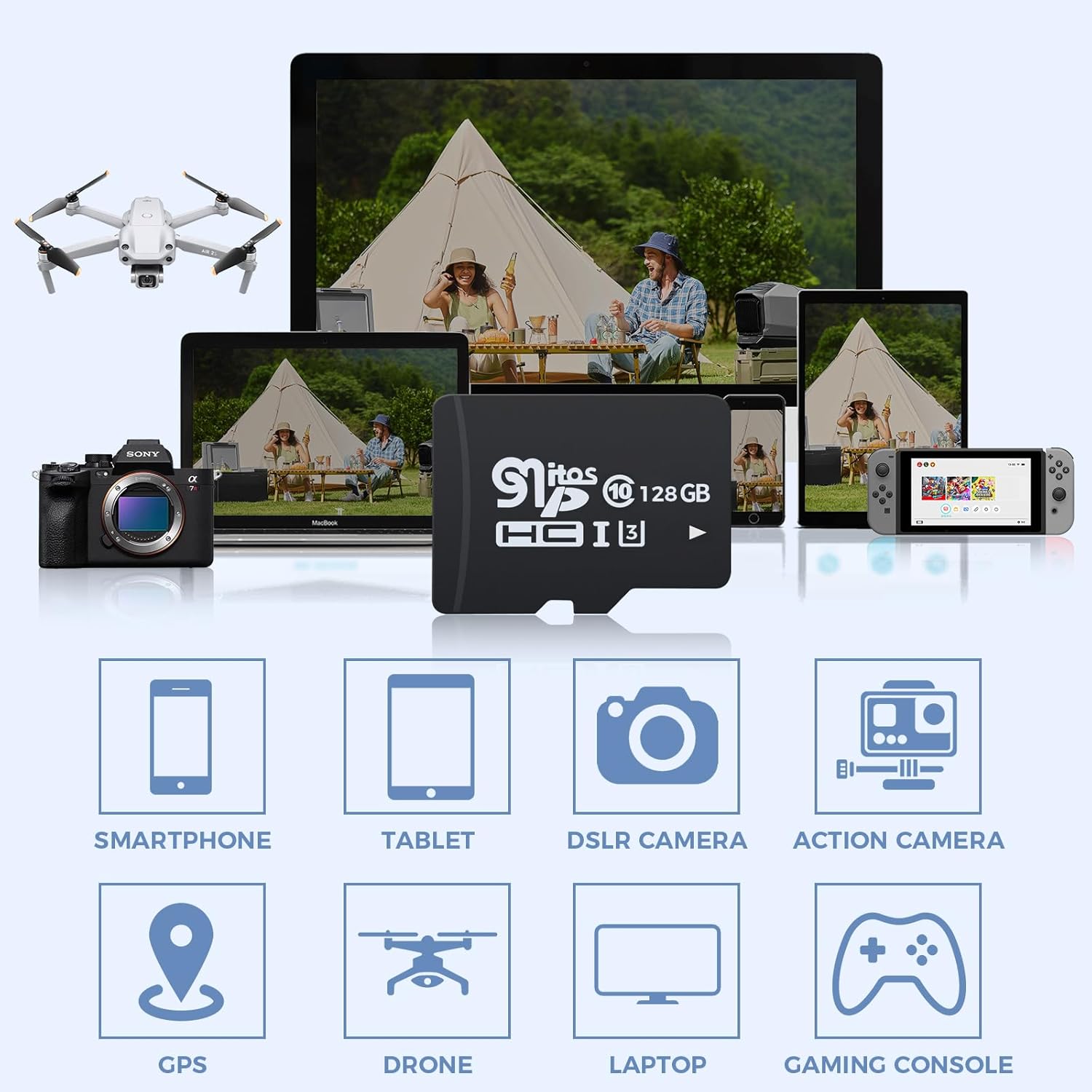
Image: Visual guide for inserting and removing Micro SD cards.
3. Bedryfsinstruksies
The Vicohome 128GB Micro SD Card is designed for seamless operation across a range of devices.
- Databerging: Use the card to store photos, videos (including 4K resolution), applications, and other digital files. The 128GB capacity allows for extended recording times and ample stoorplek.
- Toepassingsprestasie: With A1-rated performance, the card optimizes app loading and execution directly from the card, enhancing the user experience on compatible smartphones and tablets.
- Verenigbaarheid: This Micro SD card is compatible with devices requiring Micro SD, Micro SDHC, or Micro SDXC cards, including security cameras, action cameras, drones, dash cameras, smartphones, tablets, DSLR cameras, GPS devices, laptops, and gaming consoles.
- Data-oordrag: To transfer data to or from the card, connect your device to a computer or use a dedicated Micro SD card reader.
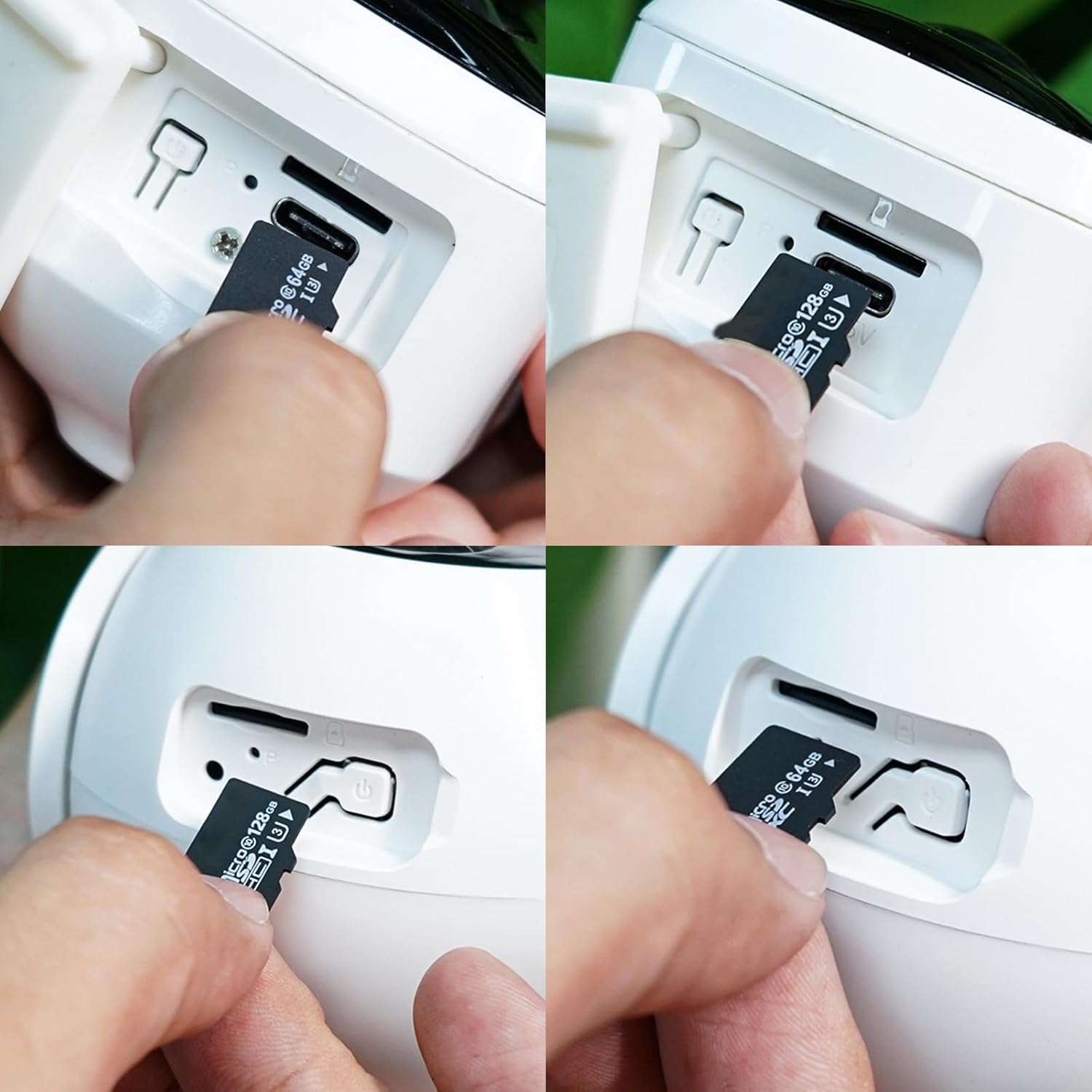
Image: The Micro SD card's compatibility with a wide range of electronic devices.
4. Onderhoud en versorging
Proper care ensures the longevity and reliable performance of your Micro SD card.
- Fisiese beskerming: Avoid bending, dropping, or applying excessive force to the card. Store it in a protective case when not in use to prevent damage to the contacts or card body.
- Temperatuur en omgewing: Do not expose the card to extreme temperatures (hot or cold), high humidity, or direct sunlight for prolonged periods.
- Skoonmaak: If the gold contacts appear dirty, gently wipe them with a soft, dry, lint-free cloth. Do not use liquids or abrasive materials.
- Veilige uitwerping: Gebruik altyd die
Ask a question about this manual
Ask about setup, troubleshooting, compatibility, parts, safety, or missing instructions. Manuals+ will review the question and use this page’s manual context to help answer it.