
1. Produk verbyview
The eufy Omni C20 is an advanced robot vacuum and mop combo designed for comprehensive, hands-free floor cleaning. It features an all-in-one station that automates dust emptying, mop washing, and mop drying, providing convenience and efficiency for various floor types.

Figure 1: eufy Omni C20 Robot Vacuum and Mop Combo with its All-in-One Station.
Sleutel kenmerke:
- Alles-in-een-stasie: Fully automated self-emptying, auto mop washing, and room-temperature air drying. Features transparent water tanks for easy monitoring.
- Mop Master Technology: Dual rotating mops with 180 rotations per minute and 6N downward pressure for effective stain removal.
- Kragtige suiging: 7,000 Pa suction power, combined with a rolling brush and side brush, efficiently cleans dirt, crumbs, and pet hair.
- Ultra-slank ontwerp: At 3.35 inches tall, the robot can access hard-to-reach areas under furniture.
- Slim navigasie: iPath Laser Navigation for efficient cleaning routes and obstacle avoidance.
- App Control & Voice Integration: Manage cleaning modes, schedules, no-go zones, and integrate with Amazon Alexa, Google Assistant, and Siri.
2. Opstelling
2.1 Uitpak en Aanvanklike Plasing
Carefully remove all components from the packaging. Ensure all included components are present: the robot, Omni Station (with dust bag), roller brush, side brush, dust bin, 2 mop pads, and safety document.

Figure 2: The eufy Omni C20 robot and its station, ready for setup.
Place the Omni Station against a wall in an open area with at least 1.5 feet (0.5 meters) of clear space on either side and 5 feet (1.5 meters) in front. Plug the station into a power outlet.
2.2 Voorbereiding van die watertenk
The Omni Station features two transparent water tanks: one for clean water and one for dirty water. Remove the clean water tank, fill it with clean water (and a recommended cleaning solution if desired), and reinsert it into the station.

Figure 3: Transparent water tanks on the Omni Station, showing water levels and indicator lights.
2.3 App-installasie en -verbinding
Download the eufy Clean app from your smartphone's app store. Follow the in-app instructions to connect your Omni C20 to your home Wi-Fi network. Note: The eufy Omni C20 supports only 2.4GHz Wi-Fi. 5GHz Wi-Fi is not supported.
3. Bedryfsinstruksies
3.1 Skoonmaakmodusse en Suigvlakke
The eufy Clean app allows you to select various cleaning modes and customize suction power and water levels:
- Stofsuig en Mop: Gelyktydige stofsuig en mop.
- Slegs stofsuier: For carpets or when mopping is not desired.
- Slegs mop: Vir harde vloere wat slegs gemoei moet word.
Adjust suction power based on cleaning needs:
- Stil modus: Lower noise, suitable for light cleaning.
- Standaardmodus: Balanced cleaning for everyday use.
- Turbo-modus: Increased suction for moderate dirt.
- Maksimum modus: Maximum 7,000 Pa suction for deep cleaning and stubborn debris.

Figure 4: The eufy Omni C20 demonstrating its 7,000 Pa suction power on various debris.
3.2 Navigasie en Kartering
The Omni C20 uses iPath Laser Navigation to create a precise map of your home, enabling efficient cleaning routes. The app allows for:
- Kaartbestuur: View and edit floor plans.
- Multivlakkartering: Store up to 3 maps for multi-floor homes.
- Geskeduleerde skoonmaak: Set specific times for cleaning.
- Custom No-Go Zones: Define areas the robot should avoid (e.g., delicate items, pet bowls).

Figure 5: The eufy Clean app displaying multi-level mapping capabilities for efficient cleaning across different floors.

Figure 6: The eufy Omni C20 navigating around a user-defined No-Go Zone.
3.3 Carpet Detection and Mop Lift
The robot automatically detects carpets and adjusts its cleaning mode. When a carpet is detected, the Omni C20 raises its mop by 0.41 inches to prevent wetting the carpet while continuing to vacuum.
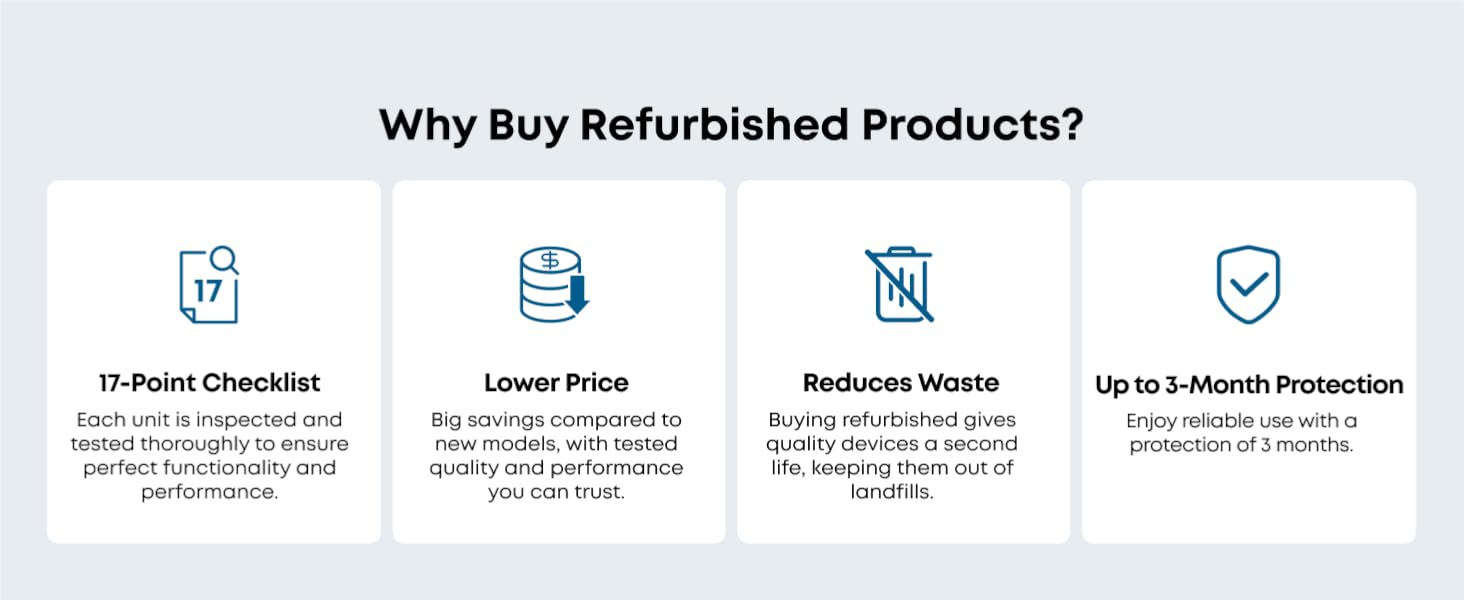
Figure 7: The Omni C20 lifting its mop pads when transitioning from hard floor to carpet.
3.4 Stembeheer
Integrate your Omni C20 with smart home assistants like Amazon Alexa, Google Assistant, and Siri for convenient voice-activated cleaning commands.

Figure 8: Illustration of eufy Omni C20's compatibility with voice assistants for hands-free control.
4. Onderhoud
4.1 All-in-One Station Maintenance
- Outomatiese Leegmaak: The station automatically empties the robot's dustbin into a 3.1L dust bag, providing up to 60 days of hands-free dust disposal. Replace the dust bag when full.
- Outomatiese Mopwas: The station washes the mop pads after each cleaning cycle. The detachable base of the station can be removed for easy cleaning.
- Outomatiese mopdroging: After washing, the mops are dried with room-temperature air to prevent odors and mildew.
- Watertenkbestuur: Regularly refill the clean water tank and empty the dirty water tank. The transparent design and indicator lights make this process simple.

Figure 9: The Omni Station's auto-emptying function, collecting debris into a dust bag.

Figure 10: The Omni Station automatically washing the robot's mop pads.

Figure 11: The Omni Station drying the mop pads with room-temperature air.
4.2 Skoonmaak van robotkomponente
- Rol Borsel: The roller brush features a Pro-Detangle Comb to reduce hair entanglement. Periodically remove and clean the roller brush to maintain optimal performance.
- Syborsel: Check and clean the side brush regularly for tangled hair or debris. Replace if worn.
- Mopblokkies: While the station auto-washes, occasional manual cleaning or replacement of mop pads may be necessary for heavily soiled pads.
- Filters: The robot's filter is washable. Clean it periodically to ensure efficient suction.

Figure 12: Close-up of the robot's roller brush with detangling comb.
5. Probleemoplossing
If you encounter issues with your eufy Omni C20, refer to the following common troubleshooting tips:
- Robot Not Charging/Returning to Station: Ensure the charging pins on both the robot and the station are clean and making proper contact. Verify the station is plugged in and has sufficient clear space around it.
- Error Messages (e.g., Water Tank Error): Check both clean and dirty water tanks for proper seating and sufficient water levels. Inspect for any blockages in the water distribution system.
- Verminderde suigkrag: Clean the dustbin, roller brush, side brush, and filters. Ensure the dust bag in the Omni Station is not full.
- Robot raak gereeld vas: Clear the cleaning area of small objects, wires, and loose items. Define No-Go Zones in the app for problematic areas. Check for debris caught in the wheels or brushes.
- Ongewone geluide: Inspect the roller brush and side brushes for any foreign objects (e.g., hair, string) that might be causing obstruction or damage. Ensure all components are correctly installed.
- Mop Not Cleaning Effectively: Ensure mop pads are clean and properly attached. Verify the clean water tank is filled and the water level setting in the app is appropriate for the floor type.
For persistent issues, consult the eufy Clean app for specific error codes or contact eufy customer support.
6. Spesifikasies
| Kenmerk | Detail |
|---|---|
| Handelsmerk | eufy |
| Model Naam | eufy Renewed C20 Omni |
| Modelnommer | T2280-Renewed |
| Suigkrag | 7,000 Pa |
| Robothoogte | 3.35 duim |
| Batterylewe | 132 minute |
| Battery Tipe | Litiumioon |
| Stofsak kapasiteit | 3.1 liter |
| Beheer metode | App Control, Button Control, Voice Control |
| Versoenbare toestelle | Amazon Alexa, Google Assistent, Siri |
| Oppervlak-aanbeveling | Hard Floor, Wood, Tile, Carpet |
| Geraasvlak | 56 Desibel |
| Wi-Fi Ondersteuning | Slegs 2.4GHz |
| Ingesluit komponente | Battery, Omni Station (with Dust Bag), Robot (includes Roller Brush, Side Brush, Dust Bin, and 2 Mop Pads), Safety Document |
7. Waarborg en ondersteuning
7.1 Vervaardigerwaarborg
The eufy Omni C20 (Renewed) comes with a 90-day limited warranty from the manufacturer. This warranty covers defects in materials and workmanship under normal use.
7.2 Kliëntediens
For technical assistance, warranty claims, or any questions regarding your eufy Omni C20, please contact eufy customer support through their official website or the eufy Clean app. You may also find helpful resources, FAQs, and video tutorials on the eufy support page.


