
Inleiding
Dankie vir die aankoopasing the Intex Thunder 950-S Multimedia Tower Speaker. This speaker system is designed to provide powerful audio with versatile connectivity options, including Bluetooth v5.1, USB/TF, AUX, and FM radio. It also features a wireless karaoke microphone and dynamic RGB lights for an enhanced entertainment experience. Please read this manual carefully before operating the device to ensure proper use and to maximize its performance.
Wat is in die boks
Maak asseblief seker dat al die volgende items teenwoordig is wanneer u dit uitpak:
- Intex Thunder 950-S Tower Speaker
- Draadlose Karaoke-mikrofoon
- Afstandbeheer
- Audio Cable (RCA to RCA)
- Kragkoord
- Gebruikershandleiding (hierdie dokument)

Image: The Intex Thunder 950-S Tower Speaker with its included wireless microphone and remote control.
Sleutel kenmerke
- 95W hoë krag uitset: Delivers powerful sound with rich bass and clear treble.
- Wireless Karaoke Mic: For interactive singing and hosting events.
- RGB-ligte: Dynamic lighting that syncs with music.
- Wooden Cabinet: Enhances acoustics by reducing vibrations for improved audio clarity.
- Meervoudige konnektiwiteit: Bluetooth v5.1 (10m range), USB/TF (up to 32GB), AUX, and FM radio.
- LED skerm: Provides clear information on current mode and settings.
- Full Remote Control: Gerieflike operasie vanaf 'n afstand.

Image: The Intex Thunder 950-S Tower Speaker highlighting its 95W power output.
Opstelgids
- Plasing: Place the tower speaker on a flat, stable surface. Ensure there is adequate space around the speaker for optimal sound dispersion and ventilation.
- Kragverbinding: Connect the power cord to the speaker's power input and then plug it into a standard electrical outlet.
- Aanvanklike krag aan: Press the power button on the speaker or remote control to turn on the device. The LED display will illuminate.
- Koppel oudiobronne:
- Bluetooth: Die luidspreker sal outomaties Bluetooth-paringsmodus ingaan. Soek vir "Intex 950-S" on your device's Bluetooth settings and connect.
- AUX: Connect your audio device (e.g., smartphone, MP3 player) to the AUX input port using the provided audio cable. Select AUX mode on the speaker.
- USB/TF-kaart: Steek 'n USB-skyf of TF-kaart in die toepaslike gleuf. Die luidspreker sal outomaties na USB/TF-modus oorskakel en met terugspeel begin.
- FM Radio: Switch to FM mode. The speaker will automatically scan and save available radio stations.

Image: The Intex Thunder 950-S Tower Speaker displaying its various connectivity ports and LED screen.
Bedryfsinstruksies
Afstandbeheerfunksies
The included remote control allows for convenient operation of all speaker functions. Familiarize yourself with the buttons:
- Krag: Turn the speaker On/Off.
- Modus: Switch between Bluetooth, AUX, USB/TF, and FM modes.
- Volume +/-: Pas die hoofvolume aan.
- Speel/pouse: Speel of onderbreek oudio-terugspeel.
- Vorige volgende: Skip to the previous or next track/station.
- EQ: Blaai deur die voorinstellings van die gelykmaker.
- Demp: Mute or unmute the audio.
- Lig: Control RGB lighting effects.
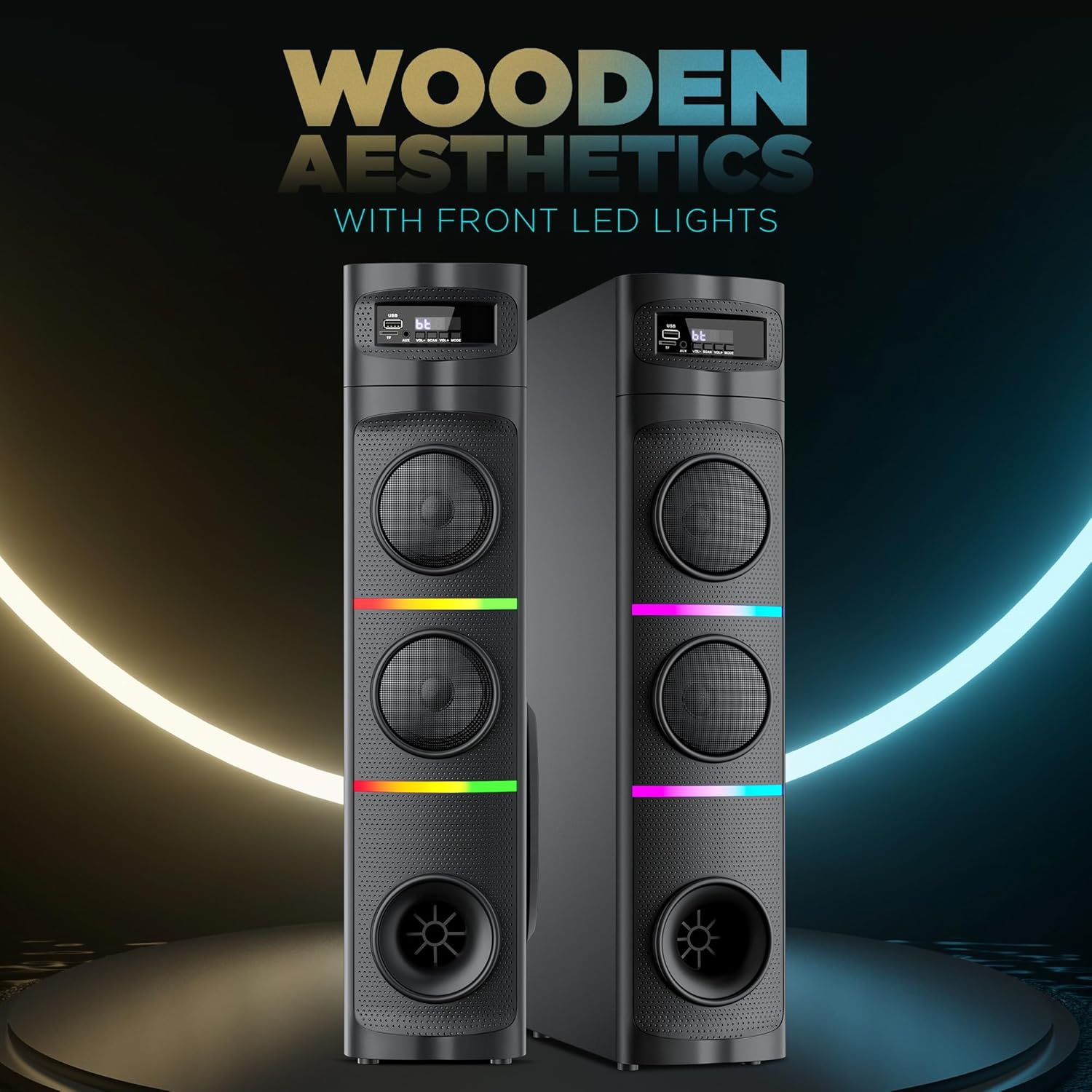
Image: Close-up of the remote control for the Intex Thunder 950-S Tower Speaker.
Using the Wireless Karaoke Mic
- Ensure the microphone has fresh batteries.
- Turn on the microphone. It will automatically pair with the speaker.
- Adjust the microphone volume using the dedicated controls on the speaker or remote, if available.
- Begin singing along to your music.

Image: The Intex Thunder 950-S Tower Speaker shown with its wireless karaoke microphone.
RGB beligting
The speaker features dynamic RGB lights. Use the "Light" button on the remote control to cycle through different lighting modes or turn them off.
Onderhoud
- Skoonmaak: Wipe the speaker's exterior with a soft, dry cloth. Do not use liquid cleaners or abrasive materials.
- Ventilasie: Ensure the speaker's vents are not blocked to prevent overheating.
- Berging: Wanneer dit nie vir lang tye gebruik word nie, bêre die luidspreker op 'n koel, droë plek weg van direkte sonlig en uiterste temperature.
- Waterweerstand: The product is listed as "Water Resistant" but should not be submerged or exposed to heavy splashing. Avoid direct contact with water.
Probleemoplossing
| Probleem | Moontlike oorsaak | Oplossing |
|---|---|---|
| Geen krag nie | Kragkabel nie gekoppel nie; kragaansluiting foutief | Ensure power cord is securely plugged in; Try a different power outlet. |
| Geen klank nie | Volume too low; Incorrect input mode; Audio cable not connected properly | Increase volume; Select correct input mode (Bluetooth, AUX, USB/TF, FM); Check audio cable connections. |
| Bluetooth verbind nie | Luidspreker nie in paringsmodus nie; Toestel te ver; Interferensie | Ensure speaker is in Bluetooth mode; Move device closer (within 10m); Turn off other Bluetooth devices. |
| Mikrofoon werk nie | Microphone off; Low batteries; Not paired | Turn on microphone; Replace batteries; Ensure microphone is paired with the speaker. |
Spesifikasies
| Kenmerk | Detail |
|---|---|
| Handelsmerk | Intex |
| Model Naam | Thunder 950 - 95W |
| Modelnommer | 1113-0000-038 |
| Luidspreker Maksimum uitsetkrag | 95 Watt |
| Frekwensierespons | 20000 KHz |
| Verbindingstegnologie | Bluetooth v5.1, AUX, USB, TF Card, FM Radio |
| Klankuitvoermodus | Omring |
| Montage tipe | Vloer staan |
| Tipe luidspreker | Toring |
| Produk Kenmerke | Wireless karaoke mic, RGB Lights |
| Beheer metode | Afgeleë |
| Waterweerstandvlak | Waterbestand |
| Bluetooth-reeks | 10 meter |
| Aantal oudiokanale | 2.1 |
| Itemafmetings (D x B x H) | 39D x 21.5B x 77H Sentimeter |
| Item gewig | 8 kilogram |
| Kragbron | Elektries met koord |
| Land van oorsprong | Indië |
Waarborg en Ondersteuning
Waarborg beskrywing: 1 Year Warranty on Manufacturing Defect.
For support or warranty claims, please contact Intex Technologies (India) Ltd. customer service.